This is the full developer documentation for Bifrost
# What is Bifrost?
> Bifrost is the open-source, full-stack development platform for MSPs. Build and run workflows, agents, and apps for your own team and all of your customers.
Build workflows, agents, apps, and forms the way you already do with Claude or your own coding agent, then deploy them to Bifrost and run them for your own team and every customer you support.
Bifrost runs everything underneath: hosting, SSO and role-based access, secrets, OAuth connections, MCP, scheduling, logs, and updates. Each customer is its own organization, so you can share something with all of them, or give it to one organization and one role, and they only ever see their own data.
## Start Here
[Section titled “Start Here”](#start-here)

[Install Bifrost](/docs/getting-started/installation/)Run your own instance with Docker Compose.
[Connect your coding agent](/docs/how-to-guides/local-dev/ai-coding/)Claude Code, Codex, Cursor, Copilot, or anything that speaks MCP.
## What You Can Build
[Section titled “What You Can Build”](#what-you-can-build)
Workflows
Write Python functions that run from forms, schedules, events, agents, APIs, or other workflows.
Reusable Integrations
Package common API logic once and use it across customers, solutions, and service lines.
Connections and Secrets
Manage OAuth, encrypted secrets, connection references, and per-organization configuration.
Forms and Apps
Give users safe interfaces for workflows, self-service requests, portals, and internal tools.
Agents
Build AI agents that can call your workflows, use tools, and run with observable guardrails.
Solutions
Bundle apps, workflows, agents, tables, and setup steps into installable packages.
## Why It Exists
[Section titled “Why It Exists”](#why-it-exists)
MSPs have been automating IT work for years. Now AI coding tools make it easy to build real agents and apps, and plenty of MSPs (and their customers) already are. The hard part is everything after the first build: every new thing needs its own hosting, logins, secrets, and patching, and nobody wants to maintain twenty of those.
Bifrost exists so that work can compound. Instead of rebuilding the same tenant handling, secrets, schedules, forms, logging, and deployment patterns for every project, you build on one shared foundation. Each solution can already understand who is calling it, what organization they belong to, what they are allowed to touch, and which connections or secrets apply.
That is how automation expertise becomes reusable software, not just another service ticket or a workflow trapped inside someone else’s platform.
## Built to Stay Yours
[Section titled “Built to Stay Yours”](#built-to-stay-yours)
Bifrost is open source because the foundation under your automation business should be something you can inspect, operate, and improve. Self-host it, read it, fork it, package your work, and keep the option to move.
AI is moving too quickly to weld your work to one vendor’s agents, pricing, or roadmap. Bifrost is designed around open edges: real code, portable packages, model choice, and integrations that can reach the systems your customers already use.
For more on the philosophy behind the project, read [Why This Matters](/docs/about/why-open-source/).
## If You Are Not a Developer
[Section titled “If You Are Not a Developer”](#if-you-are-not-a-developer)
You do not need to become a full-time software engineer to benefit from Bifrost, but Bifrost does assume you want the leverage of real software. AI coding tools, examples, documentation, and community support can help you describe what you need, understand what the code does, and iterate safely.
The platform handles the dangerous repeat work - authentication, secrets, tenant isolation, permissions, execution history, and deployment plumbing - so you can focus on the customer problem. That raises the ceiling: instead of being limited by a low-code canvas, you can build systems that grow with your business.
# Create Dynamic Forms
> Build a form with validation and data providers in 15 minutes
Forms are a way to dynamically configure input for workflows and expose them in a user-friendly way. Think about it this way: You have a script called `offboard_user`. It might need to accept a `user_id` to determine which Microsoft 365 user to offboard. With forms, you can expose the actual list of users to select from instead of typing in a `user_id`.
## What You’ll Build
[Section titled “What You’ll Build”](#what-youll-build)
A form that collects user information and executes a workflow to create the user.
## Prerequisites
[Section titled “Prerequisites”](#prerequisites)
* [Installation complete](/docs/getting-started/installation)
* At least one workflow created (try [First Workflow](/docs/getting-started/first-workflow) first)
## Create the Form
[Section titled “Create the Form”](#create-the-form)
1. Navigate to **Forms** → Click **+** button
2. The **New Form** modal collects everything needed to scaffold the form: Organization, Form Name, Linked Workflow, Description, Access Level, Assigned Roles, and an optional Launch Workflow.
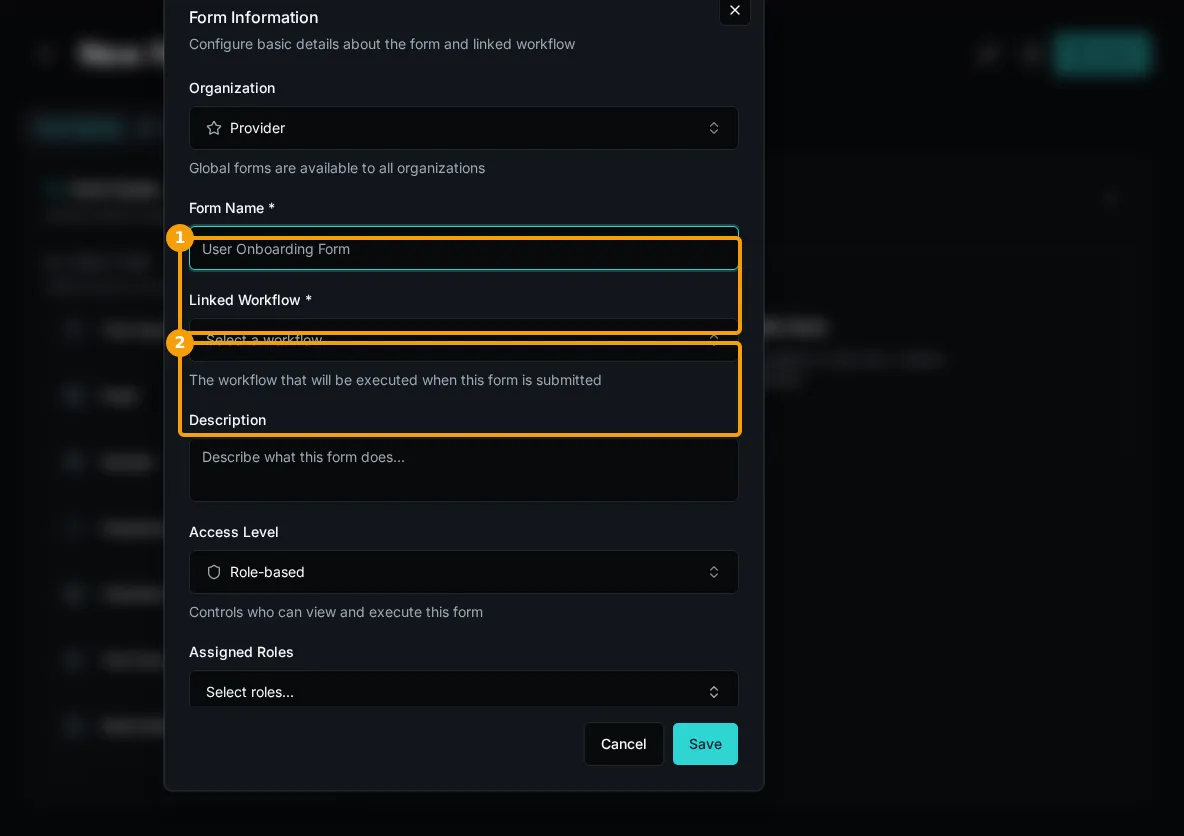
3. Fill in:
* **Name**: “Hello World”
* **Description**: “Hello from Bifrost”
* **Linked Workflow**: Select your workflow (e.g., `hello_world`)
4. Click **Save**
## Add Fields
[Section titled “Add Fields”](#add-fields)
1. **From Workflow Parameters**:
* Drag workflow parameters from the left panel onto the canvas
* Fields marked with a star are required by the workflow
* Fields are auto-configured with correct types
2. **Or use Field Types**:
* Drag field type (Text, Email, Select, etc.)
* Configure manually
3. Arrange fields by dragging
## Configure Field Settings
[Section titled “Configure Field Settings”](#configure-field-settings)
After you drag a field, the Edit Field screen will appear. This is also available from the form.
### Basic Settings
[Section titled “Basic Settings”](#basic-settings)
* **Field Name**: Variable name for the field available to workflows
* **Label**: Display text
* **Placeholder**: Hint text in empty field
* **Help Text**: Additional guidance
* **Required**: Enforce field completion
* **Default Value**: Pre-populated value
You can find more comprehensive documentation in the How-To section under Forms.
## Test the Form
[Section titled “Test the Form”](#test-the-form)
1. Click **Save** in form builder
2. Refresh the Forms list.
3. On your form, click **Launch**.
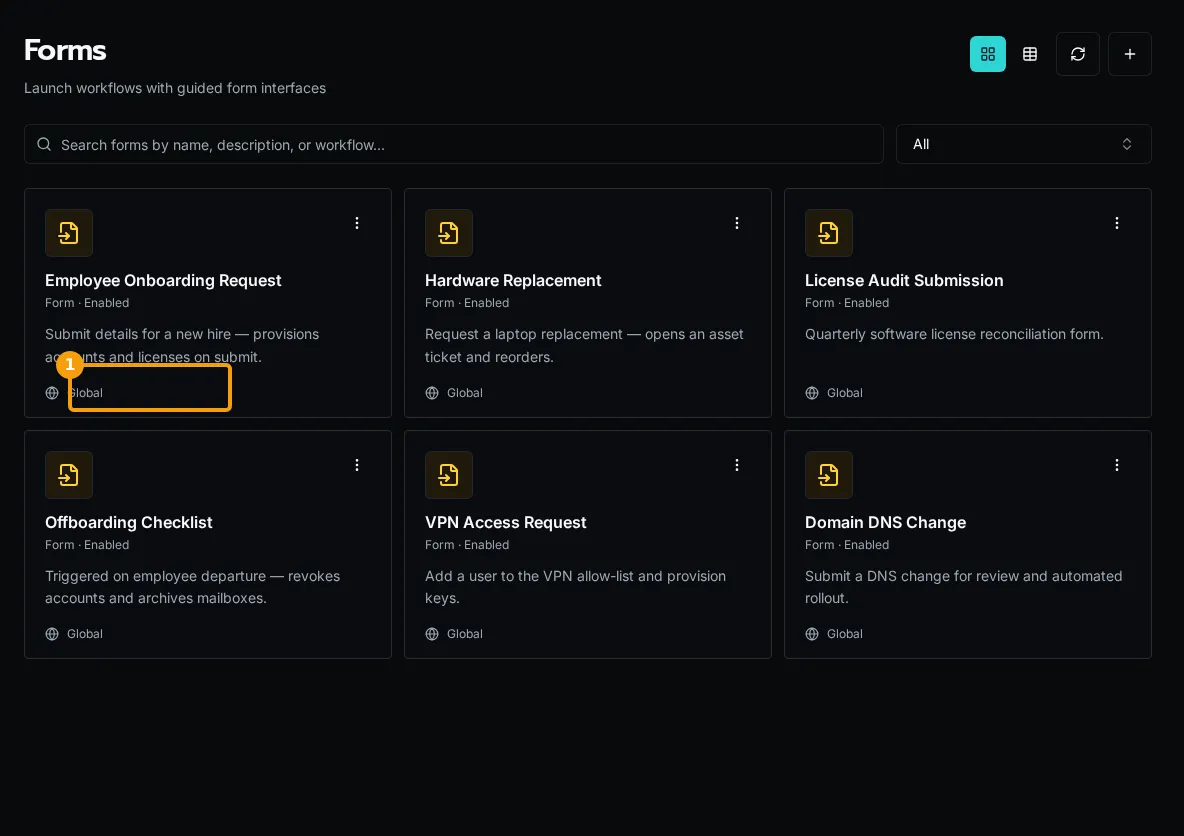
4. Fill out fields and click **Submit**
You’ll see the same execution details page you did when running the workflow directly.
## Visibility Rules
[Section titled “Visibility Rules”](#visibility-rules)
Show/hide fields conditionally:
```javascript
// Show "Manager Email" only if "Is Manager" is checked
context.field.is_manager === true;
// Show "Department" only if "Employee Type" is "full-time"
context.field.employee_type === "full-time";
```
## Use Data Providers
[Section titled “Use Data Providers”](#use-data-providers)
Create dynamic dropdowns with data providers:
1. Create `workspace/data_providers/departments.py`:
```python
from bifrost import data_provider
@data_provider(
name="get_departments",
description="List of departments"
)
async def get_departments():
return [
{"label": "Engineering", "value": "eng"},
{"label": "Sales", "value": "sales"},
{"label": "Support", "value": "support"}
]
```
2. In form builder, select field → **Data Provider** → `get_departments`
3. Save and test - dropdown auto-populates
## Next Steps
[Section titled “Next Steps”](#next-steps)
* [Cascading Dropdowns](/docs/how-to-guides/forms/cascading-dropdowns) - Advanced data provider patterns
* [Visibility Rules](/docs/how-to-guides/forms/visibility-rules) - Complex conditional logic
* [HTML Content](/docs/how-to-guides/forms/html-content) - Add rich text and formatting
# Build Your First Workflow
> Create and execute a workflow in 10 minutes
Learn by building a simple greeting workflow with parameters and validation.
## What You’ll Build
[Section titled “What You’ll Build”](#what-youll-build)
A workflow that accepts a name and returns a personalized greeting.
## Prerequisites
[Section titled “Prerequisites”](#prerequisites)
* [Installation complete](/docs/getting-started/installation)
* Text editor (VS Code recommended)
## Create the Workflow
[Section titled “Create the Workflow”](#create-the-workflow)
1. Open the Code Editor from the header.
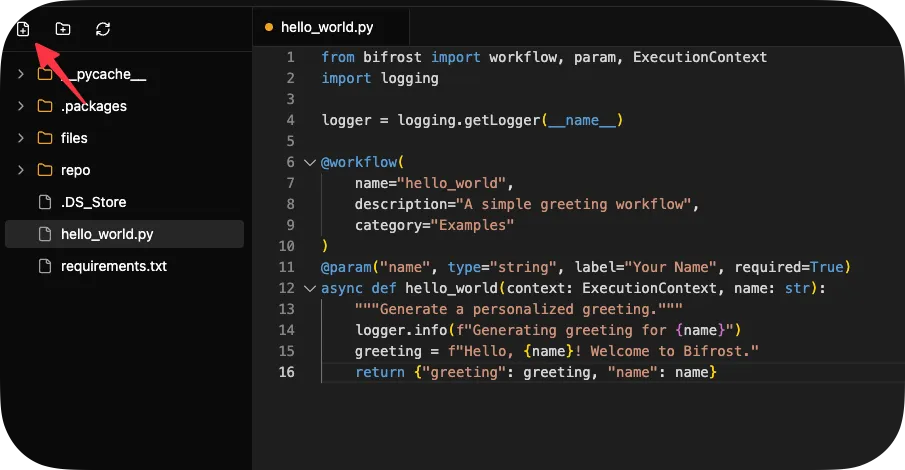
2. Create a new file called `hello_world.py`:
```python
from bifrost import workflow
import logging
logger = logging.getLogger(__name__)
@workflow(category="Examples")
async def hello_world(name: str):
"""A simple greeting workflow."""
logger.info(f"Generating greeting for {name}")
greeting = f"Hello, {name}! Welcome to Bifrost."
return {"greeting": greeting, "name": name}
```
Note how the decorator infers:
* **name**: `"hello_world"` from the function name
* **description**: `"A simple greeting workflow."` from the docstring
* **parameters**: `name` (required string) from the function signature
3. Hit `CTRL/CMD + S` to save.
4. Click **Register** above the `hello_world` function to register it with the platform.
5. Navigate to **Workflows** → **Examples** → **Hello World**
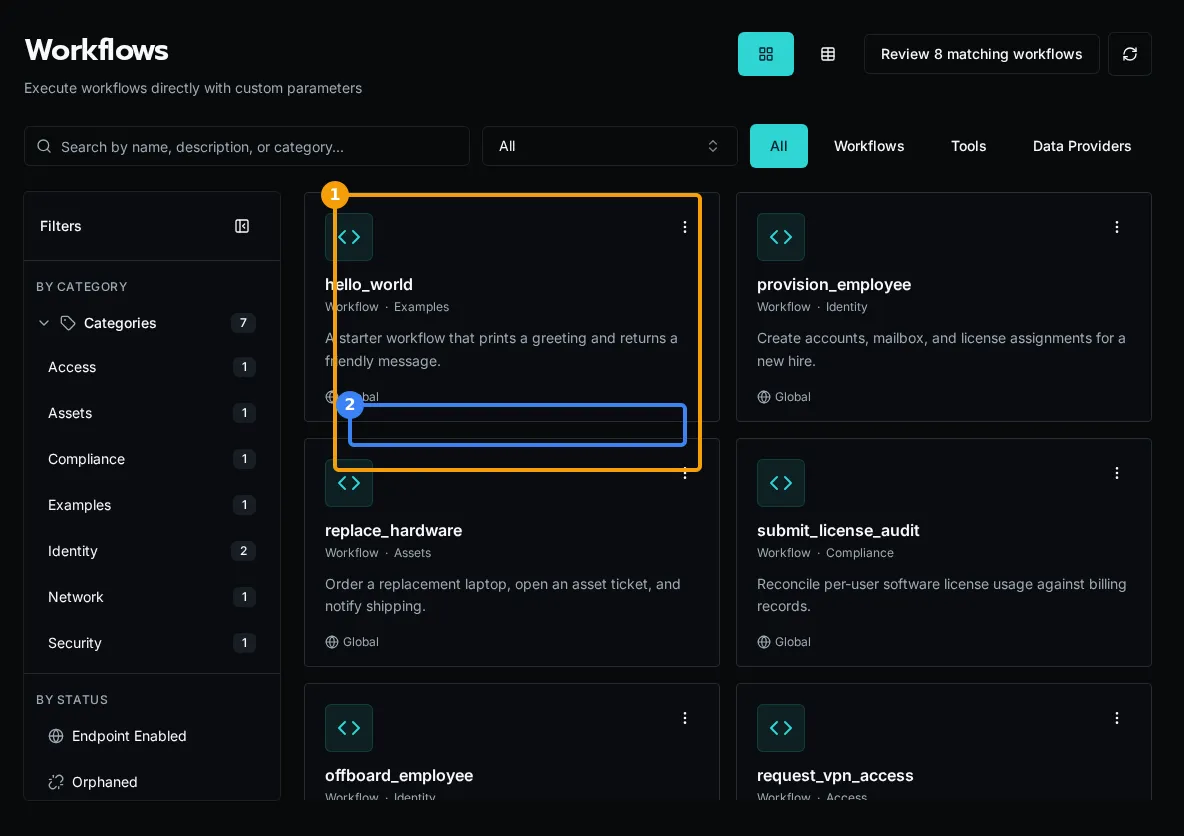
6. Click **Execute Workflow**, enter your name, and click **Run**
## Expected Result
[Section titled “Expected Result”](#expected-result)
The workflow returns:
```json
{
"greeting": "Hello, Alice! Welcome to Bifrost.",
"name": "Alice"
}
```
## View Execution Logs
[Section titled “View Execution Logs”](#view-execution-logs)
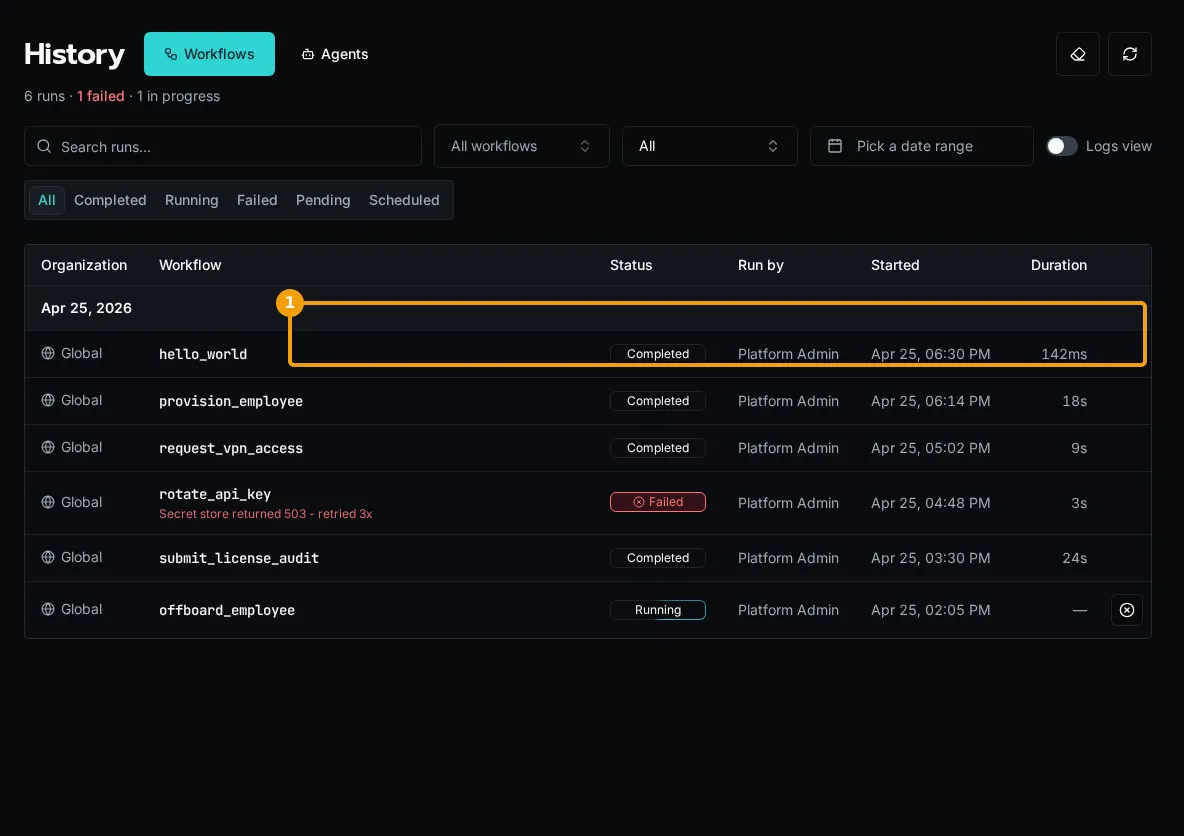
Navigate to **History** in the sidebar to see your past workflow runs. The list is empty until you execute something — runs accumulate here over time with logs and results.
## Next Steps
[Section titled “Next Steps”](#next-steps)
* [Writing Workflows Guide](/docs/how-to-guides/workflows/writing-workflows) - Full workflow reference
* [Using Decorators](/docs/how-to-guides/workflows/using-decorators) - Advanced decorator features
* [Create Dynamic Forms](/docs/getting-started/creating-forms) - Build UI for your workflows
# For the Non-Developer
> How AI coding tools make Bifrost accessible to those without traditional programming backgrounds.
With AI coding tools, proper instructions, a thriving community, and training, it’s never been easier to build powerful automations. Traditional RPA tools still require you to understand programming primitives like loops, variables, and conditional logic - they had their own syntax you needed to learn.
While Bifrost may require a slightly higher initial investment to get started, the combination of AI-assisted development and a platform that abstracts the dangerous complexities (authentication, secrets management, API security) means **the ceiling is dramatically higher**.
Tip
The platform handles the hard parts - OAuth flows, credential encryption, multi-tenant isolation, and API authentication - so you can focus on solving business problems.
## AI Tools Can Help You
[Section titled “AI Tools Can Help You”](#ai-tools-can-help-you)
AI tools like Claude Code, GitHub Copilot, and GPT Codex can help you:
Write Workflows from Descriptions
Describe what you want in plain English, and AI tools can generate the Python code for you.
“Create a workflow that pulls users from Microsoft Graph and creates tickets in HaloPSA”
Debug Errors
When something goes wrong, AI tools can explain the error message and suggest fixes.
They can even identify common mistakes and show you the corrected code.
Suggest Improvements
AI can review your code and suggest better ways to structure it, handle errors, or improve performance.
Generate Boilerplate
Common patterns like pagination, error handling, and API calls can be auto-generated so you don’t have to write them from scratch.
## Traditional RPA vs. Bifrost with AI
[Section titled “Traditional RPA vs. Bifrost with AI”](#traditional-rpa-vs-bifrost-with-ai)
### Traditional RPA Tools
[Section titled “Traditional RPA Tools”](#traditional-rpa-tools)
**Pros:**
* Visual interface (drag and drop)
* Lower initial learning curve
* Quick to get started
**Cons:**
* Proprietary syntax you must learn
* Limited by platform capabilities
* Expensive licensing as you scale
* Can’t keep pace with AI-powered development
* Vendor lock-in
### Bifrost + AI Tools
[Section titled “Bifrost + AI Tools”](#bifrost--ai-tools)
**Pros:**
* Use real Python (more powerful, more flexible)
* AI helps you write code from descriptions
* Modern development tools (VS Code, Git)
* Open source (you control it)
* Scales without per-user licensing costs
* Access to the entire Python ecosystem
**Cons:**
* Slightly steeper initial learning curve
* Need to understand basic programming concepts
* Requires familiarity with command line tools
Note
**The key insight:** Traditional RPA tools still require you to understand loops, variables, and conditional logic - they just use their own syntax. With AI assistance, you can learn real Python while AI helps with the syntax and structure.
## Getting Started as a Non-Developer
[Section titled “Getting Started as a Non-Developer”](#getting-started-as-a-non-developer)
1. **Install the Right Tools**
* VS Code (code editor)
* Claude Code or GitHub Copilot (AI assistant)
* Git (version control)
[See Installation Guide](/docs/getting-started/installation)
2. **Learn Basic Python Concepts**
You don’t need to be an expert, but understanding these basics helps:
* Variables (storing data)
* Functions (reusable code blocks)
* Async/await (handling multiple tasks)
* Error handling (what to do when things fail)
**With AI:** You can ask your AI tool to explain these as you encounter them
3. **Start with Examples**
Bifrost includes example workflows. Copy one, modify it with AI help, and see what happens.
[Build Your First Workflow](/docs/getting-started/first-workflow)
4. **Use AI to Learn**
When you see code you don’t understand:
* Ask AI to explain what it does line by line
* Ask “why is this structured this way?”
* Request alternative approaches
**Example prompts:**
* “Explain what this workflow does in simple terms”
* “How would I modify this to also create a Teams message?”
* “What does the `@workflow` decorator do?”
## Real-World Workflow Development
[Section titled “Real-World Workflow Development”](#real-world-workflow-development)
Here’s how you might build a workflow with AI assistance:
### Example: Onboard New User
[Section titled “Example: Onboard New User”](#example-onboard-new-user)
**Your description to AI:**
> “I need a workflow that creates a new user in Microsoft 365, adds them to specific groups based on their department, creates a mailbox, and sends a welcome email with their credentials.”
**AI generates:**
```python
from bifrost import workflow
@workflow(category="User Management")
async def onboard_user(
email: str,
first_name: str,
last_name: str,
department: str
):
"""Onboard new user to M365 with groups and welcome email."""
# AI generates the implementation
# with proper error handling, logging, etc.
pass
```
The decorator automatically infers name (`"onboard_user"`) and description from the docstring. Parameters are extracted from the function signature with proper types. Data providers for dropdowns (like departments) are configured in the form builder.
**Then you can ask:**
* “Add error handling for when the user already exists”
* “Log each step to the execution logs”
* “How do I test this locally before deploying?”
## What You Can Build
[Section titled “What You Can Build”](#what-you-can-build)
With the right guidance and AI assistance, you can build automations that would have required a full development team just a few years ago:
User Lifecycle Management
Onboarding, offboarding, role changes - all automated across multiple platforms
License Optimization
Monitor usage, reclaim unused licenses, automate assignments based on department
Ticket Automation
Auto-create, update, or close tickets based on events from monitoring tools
Compliance Reporting
Gather data from multiple sources, generate reports, deliver to stakeholders
Custom Integrations
Connect platforms that don’t normally talk to each other
Self-Service Portals
Build forms that let users request services without opening tickets
## The Reality Check
[Section titled “The Reality Check”](#the-reality-check)
**Will you write perfect code on day one?** No.
**Will AI make mistakes?** Sometimes.
**Will you need to learn?** Yes.
**Is it worth it?** Absolutely.
The combination of:
* Real programming power (Python)
* AI assistance (Claude Code, Copilot)
* Platform abstractions (OAuth, secrets, multi-tenancy)
* Open source freedom (no vendor lock-in)
…means **the ceiling is dramatically higher** than traditional RPA tools, and the path to get there is more accessible than ever before.
Start Small, Think Big
Begin with simple workflows (create a user, send an email) and gradually build more complex automations as you learn. AI tools help you bridge the gap between simple and complex.
## Next Steps
[Section titled “Next Steps”](#next-steps)
Ready to dive in?
1. [Install Bifrost](/docs/getting-started/installation) - Get your environment set up
2. [Build Your First Workflow](/docs/getting-started/first-workflow) - Hands-on tutorial
3. [Join the Community](https://github.com/gobifrost/bifrost/discussions) - Ask questions, share ideas
**This is your chance to own the tools you build your business on** - with AI assistance making it more accessible than ever.
# Installation
> Deploy Bifrost using Docker Compose
Prefer to watch first? This walkthrough covers installing Bifrost and a first look around.

## Prerequisites
[Section titled “Prerequisites”](#prerequisites)
* **Git**
* **Docker** and **Docker Compose** installed
* **8 GB of memory** on the host (recommended): the default stack runs two workers with a 2 GB limit each, plus the API, database and storage
Tip
Docker Desktop includes Docker Compose. For Linux servers, install both separately.
Windows 11
On Windows, use `Initialize-Bifrost.ps1` in native PowerShell instead of the Bash `setup.sh` — see [Windows 11 deployment](#windows-11-deployment) below. Docker Desktop must use the WSL2 backend.
## Upgrading an Existing Installation
[Section titled “Upgrading an Existing Installation”](#upgrading-an-existing-installation)
For an existing 1.4.1 deployment, follow [Upgrade From 1.4.1 to 2.0](/docs/how-to-guides/operations/upgrading-to-2). Update the images directly; people may need to sign in again. Supported SDK2 Apps do not require a rebuild. The guide covers API-fleet cutover and optional runtime cleanup.
## Quick Start
[Section titled “Quick Start”](#quick-start)
1. Clone the repository:
```bash
git clone https://github.com/gobifrost/bifrost.git
cd bifrost
```
2. Run the setup script:
```bash
./setup.sh
```
This generates `.env` with secure random secrets for all services.
3. Start all services:
```bash
docker compose up
```
4. Access the application at `http://localhost:3000`
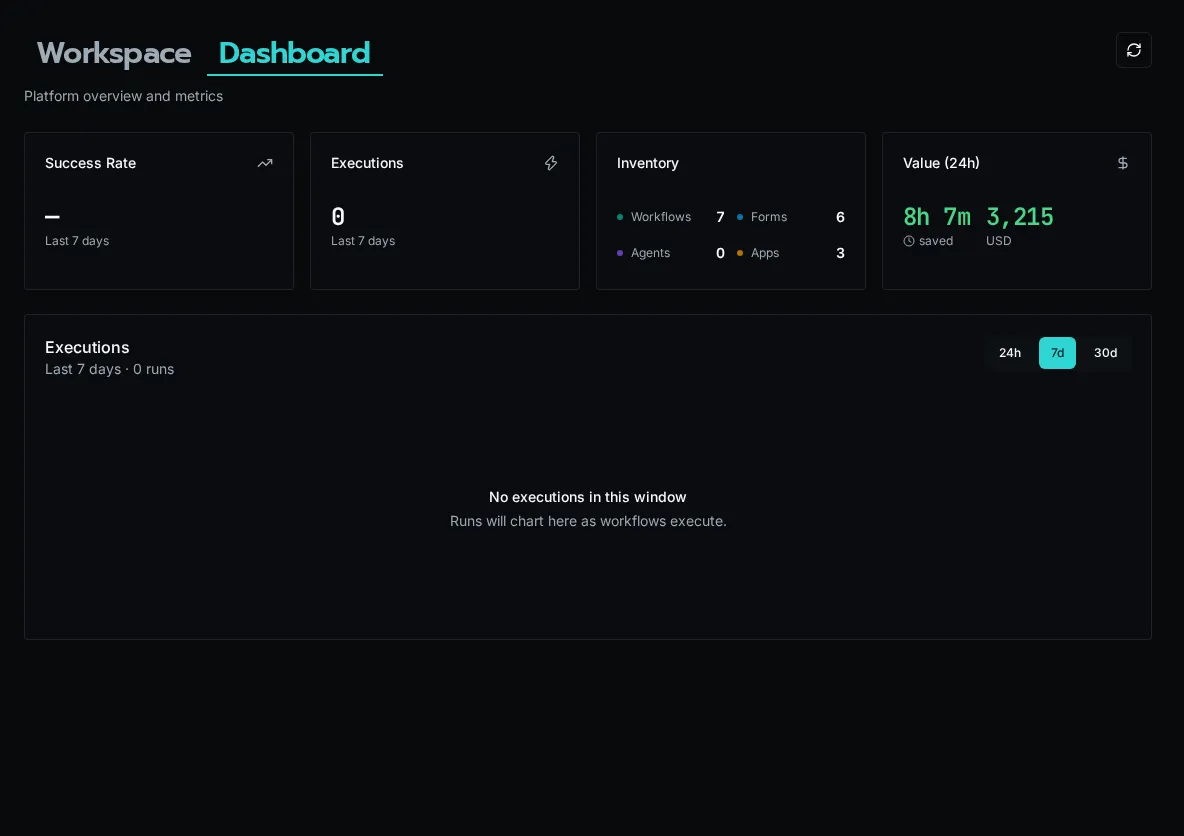
The first user to register becomes the Platform Admin.
### Windows 11 deployment
[Section titled “Windows 11 deployment”](#windows-11-deployment)
To deploy Bifrost on Windows, use native PowerShell — no WSL or Bash required. Install Git for Windows and Docker Desktop (with the **WSL2 backend** enabled), then:
1. Clone and enter the repository:
```powershell
git clone https://github.com/gobifrost/bifrost.git
cd bifrost
```
2. Run the PowerShell setup script:
```powershell
.\Initialize-Bifrost.ps1
```
It prompts for your domain, generates `.env` with secure secrets, runs `docker compose up -d`, and prints the access URL. Pass `-Domain` to skip the prompt; `-NoStart` to generate `.env` without launching.
3. Access the application at the printed URL (`http://localhost:3000` for a localhost deployment).
`Initialize-Bifrost.ps1` is the PowerShell counterpart to `setup.sh`; it generates the same `.env` and needs no `openssl`, `sed`, or Git Bash.
Note
Developing the platform itself (running `./debug.sh` / `./test.sh` against the source) is supported on Linux and macOS. On Windows those Bash scripts run through Git Bash or Ubuntu on WSL2, not native PowerShell. For CLI-only workflow development against an existing instance, see [Local Development Setup](/docs/how-to-guides/local-dev/setup).
If `winget` fails on a fresh Windows image with `0x8a15000f`, set the Windows region, reset winget sources, then retry:
```powershell
Set-WinHomeLocation -GeoId 244
winget source reset --force
winget source update
```
## Architecture Overview
[Section titled “Architecture Overview”](#architecture-overview)
Docker Compose starts these services:
| Service | Purpose |
| ------------- | ----------------------------------------------------------------------------------------- |
| **api** | FastAPI application - handles HTTP requests and runs schedules |
| **client** | React frontend served via nginx |
| **worker** | Runs every kind of work: workflows, agent runs, and platform jobs (2 replicas, 2 GB each) |
| **postgres** | Primary database, and the queue workers claim work from |
| **pgbouncer** | Connection pooler for PostgreSQL |
| **redis** | Sessions, cache, and sync execution results |
| **seaweedfs** | S3-compatible object storage for workspace files |
## Environment Variables
[Section titled “Environment Variables”](#environment-variables)
The `setup.sh` script generates all required secrets automatically. You only need to edit `.env` for optional features.
### Optional Configuration
[Section titled “Optional Configuration”](#optional-configuration)
| Variable | Description |
| ------------------------------- | ----------------------------------------------------------- |
| `BIFROST_DEFAULT_USER_EMAIL` | Skip setup wizard by pre-creating admin |
| `BIFROST_DEFAULT_USER_PASSWORD` | Password for default admin user |
| `BIFROST_CORS_ORIGINS` | Allowed origins for CORS (default: ) |
### Single Sign-On (Optional)
[Section titled “Single Sign-On (Optional)”](#single-sign-on-optional)
SSO providers (Microsoft, Google, OIDC) are configured in the UI, not via environment variables.
See [Configure SSO](/docs/how-to-guides/authentication/sso) for setup instructions.
## Verify Installation
[Section titled “Verify Installation”](#verify-installation)
Check service health:
```bash
# View all container status
docker compose ps
# Check API health
curl http://localhost:3000/api/health
# View logs
docker compose logs -f api
docker compose logs -f worker
```
## Production Considerations
[Section titled “Production Considerations”](#production-considerations)
### Security
[Section titled “Security”](#security)
* Generate cryptographically secure values for `BIFROST_SECRET_KEY` and `POSTGRES_PASSWORD`
* Use a reverse proxy (nginx, Traefik, Caddy) with TLS termination
* Consider using external secret management to populate `.env`
### Scaling Workers
[Section titled “Scaling Workers”](#scaling-workers)
Workers take work by memory, not by a fixed number of slots. Each worker accepts runs that fit within 85% of its memory limit, using the memory each workflow has learned it needs (or the **Memory Request** set in the workflow’s settings). The default `docker-compose.yml` runs two workers limited to 2 GB each, which suits most high-memory jobs and leaves room for agent runs; larger app builds may need more.
Increase worker replicas for higher throughput:
```bash
WORKER_REPLICAS=3 docker compose up
```
Or scale dynamically:
```bash
docker compose up -d --scale worker=3
```
For workflows that need more memory than a worker has, raise the worker’s memory limit in `docker-compose.yml` instead. Work that no worker can hold fails at once rather than waiting.
### Kubernetes
[Section titled “Kubernetes”](#kubernetes)
For Kubernetes deployments:
* See the `k8s/` directory for example manifests. Apply them with `kubectl apply -k k8s/`, which also grants the API the Role it needs to start worker Jobs.
* The API starts worker Jobs as work arrives and stops them when idle. By default it keeps one warm and runs up to six, each with a 512Mi memory request and a 2Gi limit.
* Run two API replicas and two client replicas. The API also runs schedules and starts the workers, and a second replica takes over within about 25 seconds when one is lost.
* Consider managed PostgreSQL, Redis, and S3-compatible storage
Set scaling and isolation in **Settings → Kubernetes → Scaling & Isolation**. Changes apply without a restart:
* **Scaling:** Warm Workers, Max Workers, Worker Memory, Largest Worker (the most memory a worker sized for a large run can get), and Idle Time.
* **Isolated Jobs:** turn on **Isolate Build Jobs** to run build jobs, such as App and Solution deploys, each in its own pod, up to **Max Isolated Pods** at once, and choose which job types are isolated. With isolation off, these jobs run on workers.
Worker Jobs and isolated pods copy the API pod’s namespace, image and configuration, so they usually need no settings of their own. To override that, set the `BIFROST_KUBERNETES_JOB_*` variables (for example `BIFROST_KUBERNETES_JOB_IMAGE` or `BIFROST_KUBERNETES_JOB_SERVICE_ACCOUNT`); the older `BIFROST_KUBERNETES_BUILD_*` names still work, with a startup warning to rename them.
Tip
Workers load workspace code from the shared cache and S3-compatible storage, so they scale without shared volumes.
See the [Kubernetes worker sizing guide](https://github.com/gobifrost/bifrost/blob/main/docs/runbooks/kubernetes-worker-deployment.md#resource-sizing) for measured memory use and draining behavior.
## Upgrading From an Earlier Release
[Section titled “Upgrading From an Earlier Release”](#upgrading-from-an-earlier-release)
Earlier releases ran a separate `scheduler` service alongside the workers and used RabbitMQ (and, on Kubernetes, optionally KEDA) to queue work. Bifrost now runs one kind of worker for every job type, schedules from the API, and queues work in PostgreSQL.
### Docker Compose
[Section titled “Docker Compose”](#docker-compose)
An unchanged compose file keeps working: its `scheduler` service runs the same worker, so it acts as a second worker. To switch to the current layout, take the current `docker-compose.yml` (one `worker` service with two replicas and a 2 GB limit each), then retire the old `scheduler` container:
```bash
docker compose up -d --remove-orphans
```
Keep the `rabbitmq` service and the `BIFROST_RABBITMQ_URL` settings for the first start after upgrading: the API moves any runs an earlier release left queued there into PostgreSQL. Once the API logs `Drained work queued by an earlier release`, delete the `rabbitmq` service, its `depends_on` entries, the `BIFROST_RABBITMQ_URL` lines and the `rabbitmq_data` volume from the compose file, remove `RABBITMQ_PASSWORD` from `.env`, then run:
```bash
docker compose up -d --remove-orphans
docker volume rm bifrost_rabbitmq_data
```
`BIFROST_MAX_CONCURRENCY`, `BIFROST_MAX_WORKERS` and `BIFROST_MAX_SERVICE_WORKERS` are no longer used; remove them if you set them. The API logs a warning at startup naming every variable it no longer reads.
### Kubernetes
[Section titled “Kubernetes”](#kubernetes-1)
Apply the new base manifests with `kubectl apply -k k8s/`. They set the old `bifrost-worker` and `bifrost-scheduler` Deployments to zero replicas, and the API’s worker Jobs take over. Once their pods are gone, delete them:
```bash
kubectl -n bifrost delete deployment bifrost-worker bifrost-scheduler
```
On first start, the API copies the scaling and isolation variables you set (such as `BIFROST_POOL_MIN_WORKERS`, `BIFROST_POOL_MAX_WORKERS`, `BIFROST_KUBERNETES_BUILD_MAX_JOBS` and `BIFROST_PLATFORM_BUILD_BACKEND`) into **Settings → Kubernetes → Scaling & Isolation** once, and each imported value shows the variable it came from. After that, those variables are no longer read; the page lists any that are still set so you can remove them.
Keep RabbitMQ running until the API logs `Drained work queued by an earlier release`, then remove the `rabbitmq` Deployment and Service and any KEDA `ScaledObject` and `TriggerAuthentication` that targeted `bifrost-worker`. See [Removing RabbitMQ and KEDA after upgrading](https://github.com/gobifrost/bifrost/blob/main/docs/runbooks/kubernetes-worker-deployment.md#removing-rabbitmq-and-keda-after-upgrading) for the exact commands.
## Next Steps
[Section titled “Next Steps”](#next-steps)
* [Create your first workflow](/docs/getting-started/first-workflow)
* [Set up local development](/docs/how-to-guides/local-dev/setup)
* [Configure OAuth integration](/docs/getting-started/integrations)
# Set Up OAuth Integration
> Connect to external APIs with OAuth in 20 minutes
Set up a Microsoft Graph integration with OAuth to access user data. This example shows the full pattern for any OAuth-based API.
## What You’ll Build
[Section titled “What You’ll Build”](#what-youll-build)
An integration with Microsoft Graph that reads user information using OAuth.
## Prerequisites
[Section titled “Prerequisites”](#prerequisites)
* [Installation complete](/docs/getting-started/installation)
* Administrator permissions to Entra ID
## Create Entra ID App Registration
[Section titled “Create Entra ID App Registration”](#create-entra-id-app-registration)
1. Go to [Entra ID](https://entra.microsoft.com) → **App registrations**
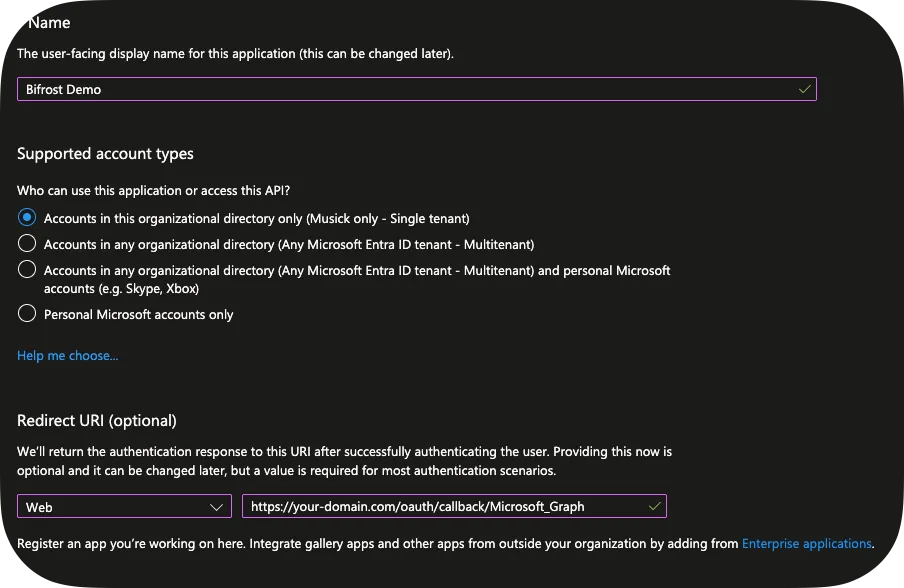
2. Click **+ New registration**:
* **Name**: “Bifrost Demo”
* **Supported account type**: Single Tenant
* **Redirect URI**: `https://your-domain.com/oauth/callback/Microsoft_Graph`
Please note that you’ll change the Redirect URI later as Bifrost will get you the real redirect URL.
3. Copy **Application (client) ID** and **Tenant ID**
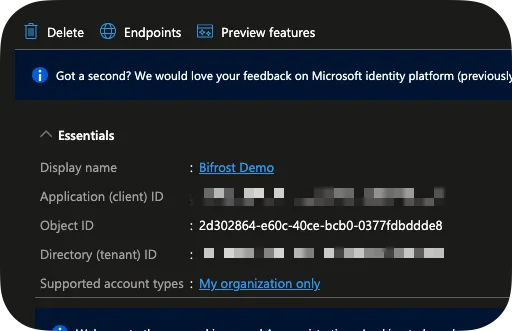
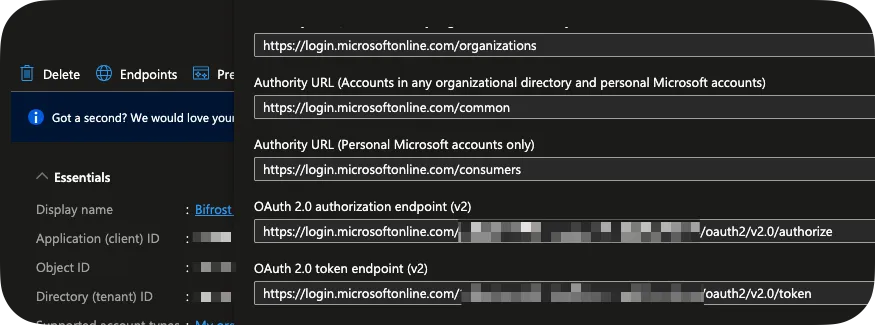
4. Click **Endpoints** and copy your `OAuth 2.0 authorization endpoint (v2)` and `OAuth 2.0 token endpoint (v2)`.
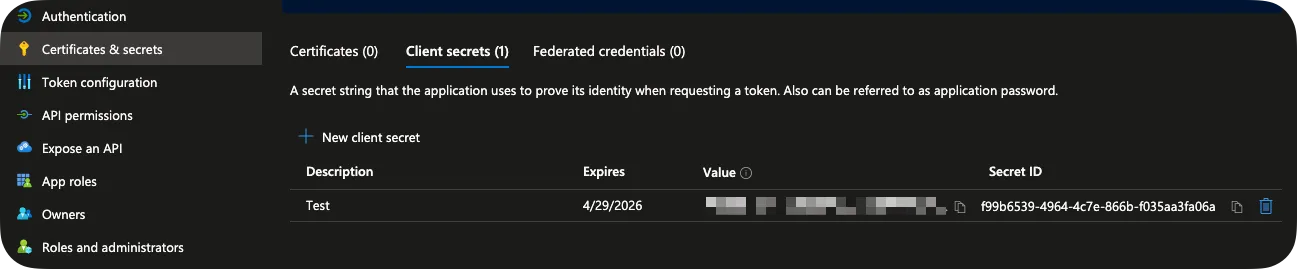
5. Go to **Certificates & secrets** → **+ New client secret**:
* Set expiration to 6 months
* Copy secret value immediately
6. Go to **API permissions**:
* Click **+ Add permission** → **Microsoft Graph** → **Delegated**
* Add `Directory.Read.All`
* Click **Grant admin consent**
Caution
Save your Client ID, Client Secret, and Tenant ID - you’ll need them next.
## Create Integration in Bifrost
[Section titled “Create Integration in Bifrost”](#create-integration-in-bifrost)
1. Click **Integrations** in the sidebar
2. Click the **+** button
3. Fill in details:
* **Organization**: Global, or scoped to a specific organization
* **Name**: Microsoft\_Graph
* **Description**: Microsoft Graph API connection
You can skip Entity Data Provider for now. For Default Entity ID, you can use `common`.
4. Configure OAuth:
* **OAuth Flow Type**: Authorization Code (Interactive)
* **Client ID**: The Client ID you copied earlier
* **Client Secret**: The Client Secret you copied earlier
* **Authorization URL**: The OAuth 2.0 authorization endpoint (v2)
Our token and authorization URL incldue `{entity_id}` to demonstrate the templating engine. This will be replaced with `common`, but you can also just use `common` directly here and not specify a Default Entity ID.
* **Token URL**: The OAuth 2.0 token endpoint (v2)
* **Scope**: offline\_access Directory.Read.All
Tip
`offline_access` requests a refresh token for continuous access without re-authentication.
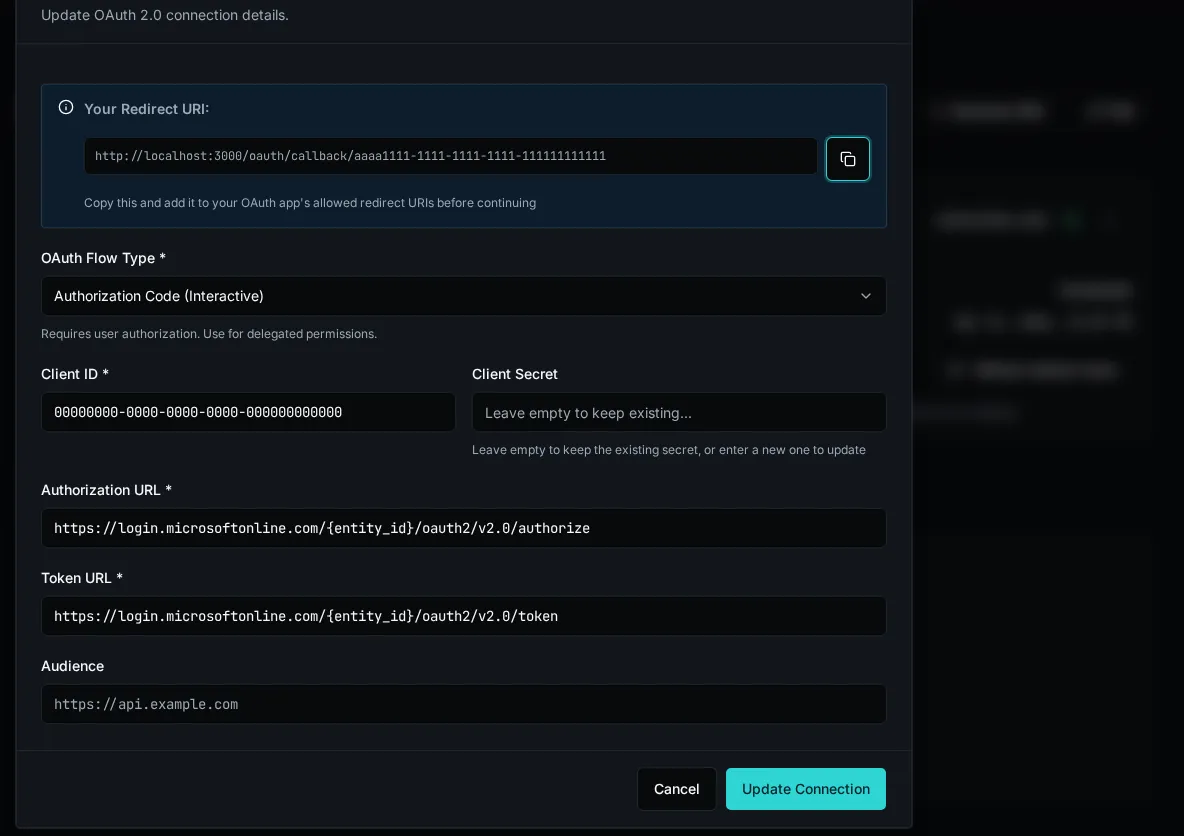
5. Click **Save**
6. Copy the Redirect URI at the top and update your App Registration.
## Authorize the Connection
[Section titled “Authorize the Connection”](#authorize-the-connection)
1. Click **Connect** on your integration
2. Sign in with Microsoft and consent to permissions
3. You’ll be redirected back to Bifrost
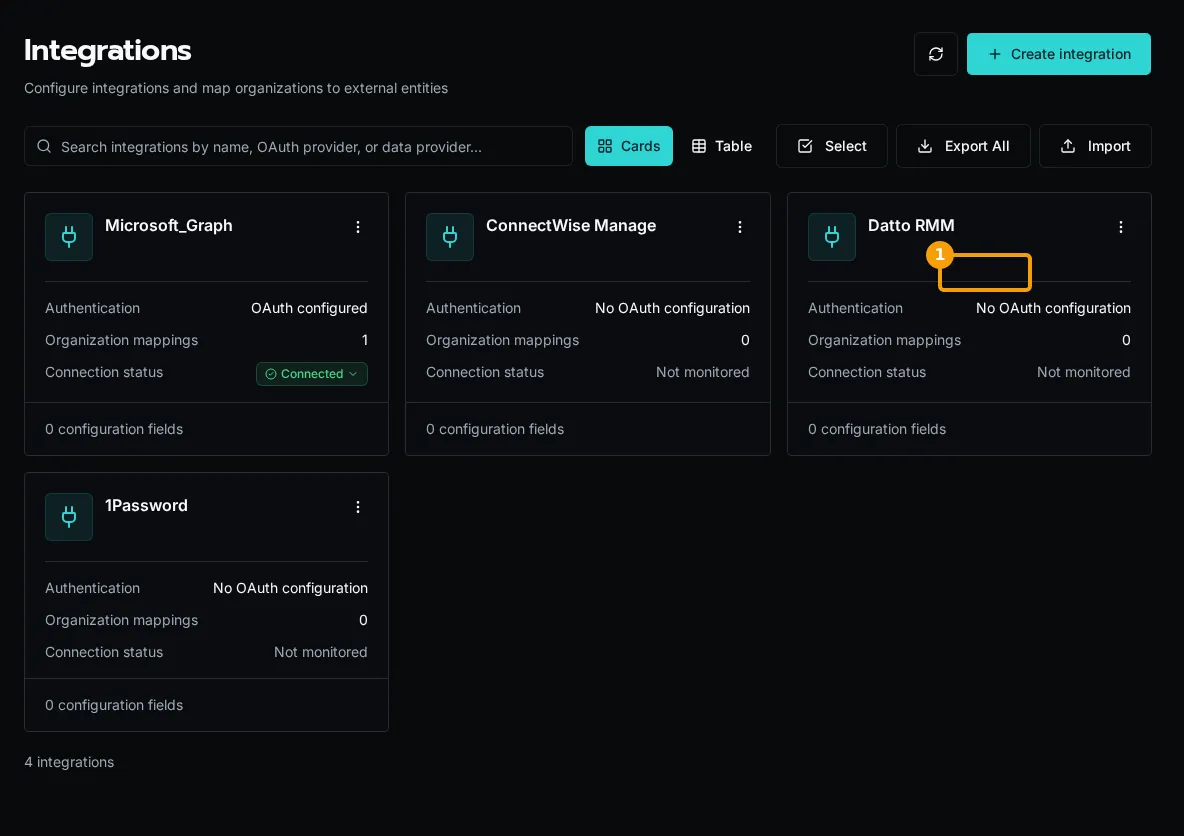
4. Connection status changes to **Connected**
## Use Integration in Workflow
[Section titled “Use Integration in Workflow”](#use-integration-in-workflow)
1. In the Code Editor, create a new workflow called `list_users.py`
```python
from bifrost import workflow, integrations
import httpx
import logging
logger = logging.getLogger(__name__)
@workflow(
name="list_users",
description="List users from Microsoft Graph"
)
async def list_users():
"""Fetch user information from Microsoft Graph."""
# Get integration with OAuth credentials
integration = await integrations.get("Microsoft_Graph")
if not integration or not integration.oauth:
return {"error": "Microsoft Graph not configured"}
logger.info("Retrieved Microsoft Graph integration")
async with httpx.AsyncClient() as client:
response = await client.get(
"https://graph.microsoft.com/v1.0/users",
headers={"Authorization": f"Bearer {integration.oauth.access_token}"}
)
response.raise_for_status()
users = response.json()["value"]
return users
```
2. Use `CTRL/CMD + S` to save.
3. On the Workflows screen, click **Execute Workflow** on your `list_users` workflow.
## Token Refresh
[Section titled “Token Refresh”](#token-refresh)
Bifrost automatically refreshes expired tokens when your connection has a refresh token. If refresh fails (e.g., password changed), you’ll see the error on the Integrations screen.
The integrations list summarizes the default connection and organization overrides:
* **Connected** — every connection is healthy
* **Degraded** — some connections are healthy and some have failed
* **Failed** — every connection has failed
* **None** — no OAuth connection exists yet
Click a status to see how many connections are connected, failed, or in another state.
## Multiple Organizations
[Section titled “Multiple Organizations”](#multiple-organizations)
Integrations support per-organization OAuth tokens:
* Each org can have its own Microsoft Graph connection
* Workflows automatically use the executing org’s credentials
* Falls back to integration-level defaults if no org-specific token
```python
# Automatically uses the right token for the current org
integration = await integrations.get("Microsoft_Graph")
token = integration.oauth.access_token
```
You can also specify the organization:
```python
# Access a specific organization's integration
integration = await integrations.get("Microsoft_Graph", org_id="org-123")
# Access platform-level integration defaults (no org mapping)
integration = await integrations.get("Microsoft_Graph", scope=None)
```
## Next Steps
[Section titled “Next Steps”](#next-steps)
* [Creating Integrations](/docs/how-to-guides/integrations/creating-integrations) - Full integration setup
* [SDK Generation](/docs/how-to-guides/integrations/sdk-generation) - Generate API clients
* [Secrets Management](/docs/how-to-guides/integrations/secrets-management) - Secure credential storage
# License (AGPL-3.0)
> Understanding the AGPL license and what it means for using and contributing to Bifrost.
Bifrost is licensed under the **GNU Affero General Public License v3.0 (AGPL-3.0)**.
## What is AGPL?
[Section titled “What is AGPL?”](#what-is-agpl)
The AGPL is a strong copyleft license that ensures the software remains open source and available to everyone. It’s similar to the GPL license, but with one critical addition: it requires source code disclosure even when the software is offered as a network service.
Why AGPL?
To ensure this platform remains open and available to everyone. If you modify and deploy Bifrost, you must share those modifications with the community. This prevents proprietary forks and ensures improvements benefit everyone.
## What You Can Do
[Section titled “What You Can Do”](#what-you-can-do)
Use Commercially
You can use Bifrost to run your Integration Services business, charge customers, and make money. The license doesn’t restrict commercial use.
Modify and Customize
You can modify the code to fit your needs, add features, fix bugs, and customize the platform however you want.
Deploy Anywhere
You can deploy Bifrost on your own infrastructure, in your cloud, on-premises, or anywhere else you choose.
Redistribute
You can redistribute the software to others, as long as you maintain the same license terms.
## What You Must Do
[Section titled “What You Must Do”](#what-you-must-do)
If you deploy a modified version of Bifrost (including running it as a service for yourself or others), you must:
1. **Share Your Modifications**
* Make your modified source code available to users
* Include the same AGPL license
* Document your changes
2. **Preserve Copyright Notices**
* Keep all existing copyright and license notices
* Add your own copyright for your modifications
3. **Provide Access to Source**
* Make it clear how users can access the source code
* Include build and installation instructions
Network Use Triggers Disclosure
The key difference between GPL and AGPL: **if users interact with your modified version over a network** (like a web app or API), you must offer them access to the modified source code. This prevents “SaaS loopholes” where companies modify open source software but never distribute it.
## Common Scenarios
[Section titled “Common Scenarios”](#common-scenarios)
### Scenario 1: Using Bifrost As-Is
[Section titled “Scenario 1: Using Bifrost As-Is”](#scenario-1-using-bifrost-as-is)
**You deploy Bifrost without modifications and use it for your Integration Services business.**
* ✅ This is perfectly fine
* ✅ You don’t need to share anything (you haven’t modified it)
* ✅ You can charge your customers for your services
### Scenario 2: Modifying for Internal Use
[Section titled “Scenario 2: Modifying for Internal Use”](#scenario-2-modifying-for-internal-use)
**You modify Bifrost and deploy it for your own company’s use.**
* ✅ You must make your modifications available
* ✅ Users who access your deployment must be able to get the source
* ✅ You can still charge for your Integration Services
### Scenario 3: Creating a Custom Feature
[Section titled “Scenario 3: Creating a Custom Feature”](#scenario-3-creating-a-custom-feature)
**You build a new workflow type or integration and deploy it.**
* ✅ You must share the modified platform code
* ⚠️ Your workflows themselves are yours (they’re not part of the platform)
* ✅ You can keep proprietary workflows private if you want
### Scenario 4: Offering Bifrost as a Service
[Section titled “Scenario 4: Offering Bifrost as a Service”](#scenario-4-offering-bifrost-as-a-service)
**You offer a hosted version of Bifrost to other MSPs.**
* ✅ You must provide your modified source code to users
* ✅ You can charge for hosting, support, and services
* ❌ You cannot create a proprietary fork and hide your changes
## What’s NOT Covered by AGPL
[Section titled “What’s NOT Covered by AGPL”](#whats-not-covered-by-agpl)
Your Workflows
The workflows you create using Bifrost are yours. They’re not derivative works of the platform. You can keep them private, sell them, or do whatever you want with them.
Your Integrations
Custom integrations you build for specific APIs or services are yours. You don’t have to share them unless they modify the core platform.
Your Data
All data you process through Bifrost belongs to you and your customers. The license only applies to the code, not your data.
## Why This License Protects You
[Section titled “Why This License Protects You”](#why-this-license-protects-you)
The AGPL ensures that:
1. **You can’t be locked out** - If the original maintainers abandon the project, you have the code
2. **Improvements are shared** - Everyone benefits from enhancements, not just one company
3. **No proprietary forks** - A big company can’t take Bifrost, modify it, and lock everyone out
4. **Community stays strong** - All contributors know their work will remain open
## Questions?
[Section titled “Questions?”](#questions)
If you have questions about how the license applies to your specific use case:
* Review the [full AGPL-3.0 license text](https://www.gnu.org/licenses/agpl-3.0.en.html)
* Check the [GNU AGPL FAQ](https://www.gnu.org/licenses/gpl-faq.html#AGPLv3)
* Open a discussion in the [GitHub repository](https://github.com/gobifrost/bifrost/discussions)
* Consult with a lawyer for legal advice (we’re not lawyers!)
Note
**Note**: This page provides a general overview of the AGPL license as applied to Bifrost. It is not legal advice. For definitive guidance, refer to the full license text or consult with a legal professional.
# Versions and Compatibility
> How Bifrost reports its version, how the CLI verifies it's compatible with the API, and what to do when the CLI is too old.
Bifrost ships as three coordinated artifacts — the **API server**, the **bifrost CLI**, and the **web client** — and they need to stay roughly in step. This page documents how versions are surfaced and how the CLI guards against running against an API it doesn’t understand.
## Release channels
[Section titled “Release channels”](#release-channels)
| Channel | Tag or image | Intended use |
| ----------------- | ---------------------- | -------------------------------------------------------------------------------------------------------------------------------------------- |
| Development | `:dev` | Bleeding-edge builds from `main`. Expect bugs; the maintainer runs this channel first to find them before a release. |
| Release candidate | `vX.Y.Z-rc.N` | Signed, versioned builds for operators who want changes sooner without tracking every development build. Candidates do not update `:latest`. |
| Full release | `vX.Y.Z` and `:latest` | The stable production channel. Full releases are planned roughly monthly, with release candidates between them. |
Pin an exact version in production when you control rollout timing. Use `:latest` when you want each final release, and use `:dev` only when you accept continuous change.
## Where the version lives
[Section titled “Where the version lives”](#where-the-version-lives)
### API server (`BIFROST_VERSION` env var)
[Section titled “API server (BIFROST\_VERSION env var)”](#api-server-bifrost_version-env-var)
The API container is built with a `BIFROST_VERSION` environment variable (for example, `1.3.0`). At runtime, the API returns it from `GET /api/version`:
```bash
curl https://your-bifrost.example.com/api/version
```
```json
{
"version": "1.3.0",
"min_cli_version": "1.2.3"
}
```
If `BIFROST_VERSION` isn’t set (typical for local development), the API falls back to `git describe --tags --always --dirty` from the repo working tree. If neither is available the version reports as `unknown`.
### CLI (`--version` / `-V`)
[Section titled “CLI (--version / -V)”](#cli---version---v)
```bash
bifrost --version
# bifrost 1.3.0
```
The flag short-circuits before any other CLI logic, so it works even when the CLI can’t reach an API.
### Web Client Help Menu
[Section titled “Web Client Help Menu”](#web-client-help-menu)
Open **Help** in the top-right of the app to see the installed version. Select the version entry to copy it when filing a bug report.
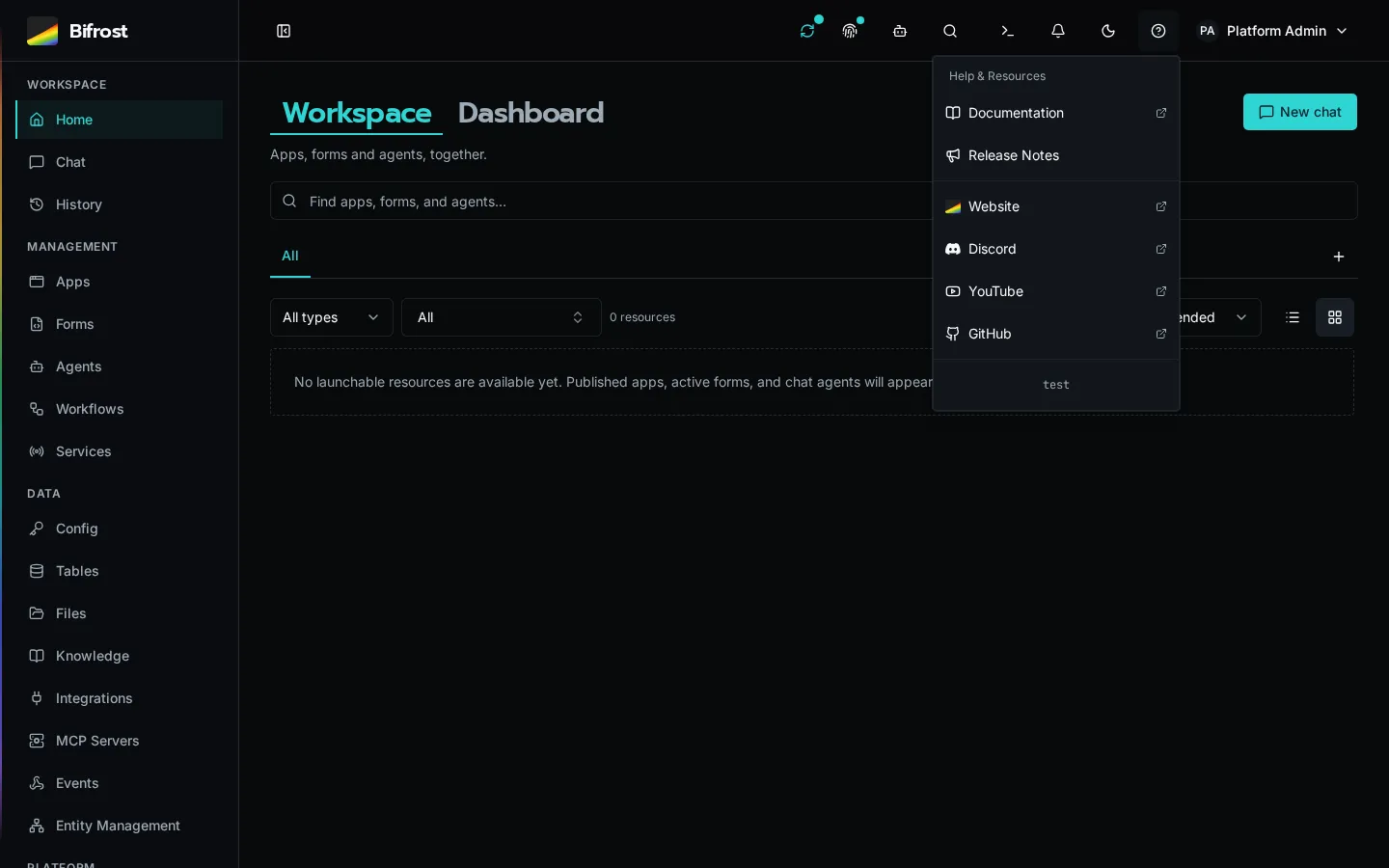
The client reads its version from `VITE_BIFROST_VERSION` at build time. If that env var isn’t set during the Vite build, the menu displays `unknown`.
## CLI ↔ API compatibility check
[Section titled “CLI ↔ API compatibility check”](#cli--api-compatibility-check)
Every CLI invocation issues a fast `GET /api/version` against the selected API and compares the response’s `min_cli_version` to its installed version. A CLI below that minimum exits before dispatching the command and prints an API-matched upgrade command:
```plaintext
Your Bifrost CLI 1.2.2 is below this server's minimum supported version 1.2.3. You must upgrade:
pipx install --force https://your-bifrost.example.com/api/cli/download/bifrost-cli.tar.gz
```
This minimum-version check is a hard compatibility gate. It prevents an older client from sending a request whose meaning or response contract changed.
Build drift above the minimum remains a soft notice: a compatible CLI may continue when the server is newer. If the server is unreachable or returns an unreadable version document, the CLI prints a warning and continues because it cannot establish incompatibility.
### Upgrading the CLI
[Section titled “Upgrading the CLI”](#upgrading-the-cli)
```bash
bifrost update
```
Pass `--url` when you need to update from a specific instance:
```bash
bifrost update --url https://your-bifrost.example.com
```
After the upgrade, re-run with `--version` to confirm:
```bash
bifrost --version
# bifrost 1.3.0
```
Tip
The CLI is independent from the SDK package you `import bifrost` from inside workflows. Workflow runtimes use whatever `bifrost` package is installed in the API container — they don’t read your local CLI version.
## Pinning versions in production
[Section titled “Pinning versions in production”](#pinning-versions-in-production)
For self-hosted deployments, pin the **same version tag** across all three artifacts:
* API container: `ghcr.io/gobifrost/bifrost-api:1.3.0` (sets `BIFROST_VERSION=1.3.0`)
* Worker container: same tag as API
* Web client: `ghcr.io/gobifrost/bifrost-client:1.3.0`
* Operator CLI: update from that API with `bifrost update --url https://your-bifrost.example.com`
Mismatched API and worker tags will land you with workflows that compile but fail at runtime when the worker can’t find a method the API serialized. Always upgrade them together.
## The `GET /api/version` endpoint
[Section titled “The GET /api/version endpoint”](#the-get-apiversion-endpoint)
This endpoint is unauthenticated by design — health checks, the CLI compatibility probe, and external monitoring all need to read it without credentials.
| Field | Meaning |
| ----------------- | --------------------------------------------------------------------------------------------------------------- |
| `version` | Current API version (the value of `BIFROST_VERSION`, or `git describe`, or `unknown`). |
| `min_cli_version` | The lowest CLI version the API accepts. Commands from older released CLIs are blocked until the CLI is updated. |
`min_cli_version` is **a hard-coded constant** in the API source — it’s not configurable per deployment. To bump the floor, the platform release ships an API where the constant has been raised; downstream installs pick it up by upgrading the API container.
## Troubleshooting
[Section titled “Troubleshooting”](#troubleshooting)
**`bifrost --version` prints `unknown`.** You’re on a CLI installed from a development checkout where version metadata was not baked in. Reinstall from the selected instance with `bifrost update --url https://your-bifrost.example.com`.
**API reports `version: "unknown"`.** `BIFROST_VERSION` wasn’t set in the container env and the working tree isn’t a git checkout (typical for production images). Check your Helm values / Compose file for the missing env var.
**CLI keeps reporting that it is too old after an update.** Two `bifrost` binaries may be on your `PATH`, with the older one winning. Check `which bifrost`, `bifrost --version`, and your `pipx list` or environment-specific package list.
## See also
[Section titled “See also”](#see-also)
* [Installation Guide](/docs/getting-started/installation/) — initial setup of CLI + API
* [Local Development setup](/docs/how-to-guides/local-dev/setup/) — running the dev stack with hot reload
# Why This Matters
> Understanding why Bifrost is open source and why community ownership matters for the future of Integration Services.
In my opinion, the MSP industry is at a critical juncture. We’ve all watched as venture capital transformed software markets and tools we use and love (loved?) - not always for the better. I believe the next frontier for MSP is in the Integration Services industry where we focus on using the automation skills we’ve developed over the last couple of decades and build value for new and existing customers.
**This is our chance to own the tools we build our businesses on.**
## The Problem with Vendor Lock-In
[Section titled “The Problem with Vendor Lock-In”](#the-problem-with-vendor-lock-in)
The Integration Services industry is at a critical juncture. We’ve all watched as venture capital transformed software markets - not always for the better. Traditional RPA platforms may start with reasonable pricing, but as they grow and seek returns for investors, the focus shifts from value creation to value extraction.
This creates several problems:
* **Escalating costs** as platforms gain market dominance
* **Feature development** driven by investor returns, not user needs
* **Lock-in mechanisms** that make it difficult to switch providers
* **Proprietary limitations** that constrain what you can build
## Why Open Source?
[Section titled “Why Open Source?”](#why-open-source)
Bifrost is built on the principle that **the community should own the tools we build our businesses on**. By making the platform open source under the AGPL license, we ensure:
AGPL Protection
The AGPL license requires that anyone who modifies and deploys Bifrost must share those modifications with the community. This prevents proprietary forks and ensures improvements benefit everyone.
### Community Ownership
[Section titled “Community Ownership”](#community-ownership)
When the platform is open source, you’re not at the mercy of a single vendor’s pricing decisions or feature roadmap. The community collectively owns and guides the direction of the platform.
### Transparency and Trust
[Section titled “Transparency and Trust”](#transparency-and-trust)
You can inspect the code, verify security practices, and understand exactly how your workflows and data are handled. There are no black boxes or hidden mechanisms.
### Freedom to Customize
[Section titled “Freedom to Customize”](#freedom-to-customize)
Need a feature that doesn’t exist? Build it yourself. Want to deploy on-premises or in your own cloud? Go ahead. The platform doesn’t restrict your choices.
### Sustainable Economics
[Section titled “Sustainable Economics”](#sustainable-economics)
Without the pressure to deliver venture capital returns, the platform can focus on sustainable growth and long-term value for users rather than short-term extraction for investors.
## The Integration Services Opportunity
[Section titled “The Integration Services Opportunity”](#the-integration-services-opportunity)
Just as early PSA and RMM tools transformed Managed Services, the Integration Services industry needs purpose-built tooling that truly scales automation. But this time, we have the chance to do it right - to build tools that serve the community rather than extract from it.
### What Makes This Different
[Section titled “What Makes This Different”](#what-makes-this-different)
This isn’t about recreating another RPA platform with slightly different features. It’s about fundamentally rethinking how automation platforms should work:
* **Real programming languages** instead of proprietary syntax
* **Modern development tools** (VS Code, Git, AI assistants)
* **Multi-tenancy by design** rather than bolted on later
* **Community-driven development** instead of VC-driven feature churn
## Join the Movement
[Section titled “Join the Movement”](#join-the-movement)
This platform exists to give the community the tools we need to build sustainable, scalable automation businesses without being beholden to extractive pricing or vendor lock-in.
Whether you contribute code, documentation, community support, or simply use the platform to build great solutions for your customers - you’re part of ensuring the next chapter of Integration Services doesn’t get ravaged by venture capitalists who prioritize extraction over value creation.
**This is our chance. Let’s build the future we want to work in.**
# Common Setups
> Reusable, discovery-first runbooks for connecting Bifrost to common provider systems
Common Setups are end-to-end runbooks for systems that span Bifrost, a provider account, and customer environments. Each setup begins with read-only discovery so you can reuse what is healthy, repair what is incomplete, and create only what is missing.
Microsoft for MSPs
Map customer tenants for Graph and a shared Teams bot. Add optional CSP workspace automation for Partner Center and GDAP.
[Start with the Microsoft architecture →](/docs/how-to-guides/integrations/microsoft/architecture/)
## How Common Setups Work
[Section titled “How Common Setups Work”](#how-common-setups-work)
1. Choose the capabilities you want, not a copied permission list.
2. Authorize a read-only inventory of the provider, Bifrost, and a development customer.
3. Review a `reuse`, `repair`, or `create` recommendation for every component.
4. Approve writes in small phases, with a verification check after each phase.
5. Complete the few human-only steps such as MFA, tenant-wide consent, and customer approval.
6. Keep the resulting IDs, mappings, grants, and acceptance results as the operating record.
The runbooks prefer supported APIs and Bifrost workflows over portal screenshots. Microsoft portals remain necessary where Microsoft does not expose an equivalent application-only API.
# Agents
> AI-powered automation surfaces that plan, call tools, and run autonomously against your workflows.
Agents are AI-powered surfaces in Bifrost that plan multi-step work, call tools you expose as workflows, and produce auditable runs. Each agent has a system prompt, a tool list, and a budget that bounds how much work it can do per run.
Agents can be invoked interactively from Chat, triggered autonomously on a schedule or event, or delegated to from another agent. Their runs are stored alongside workflow executions for review, tuning, and ROI analysis.
## Where to learn more
[Section titled “Where to learn more”](#where-to-learn-more)
[Agents and Chat](/docs/how-to-guides/ai/agents-and-chat/)Configure agents, expose workflows as tools, and run autonomous tasks with budgets.
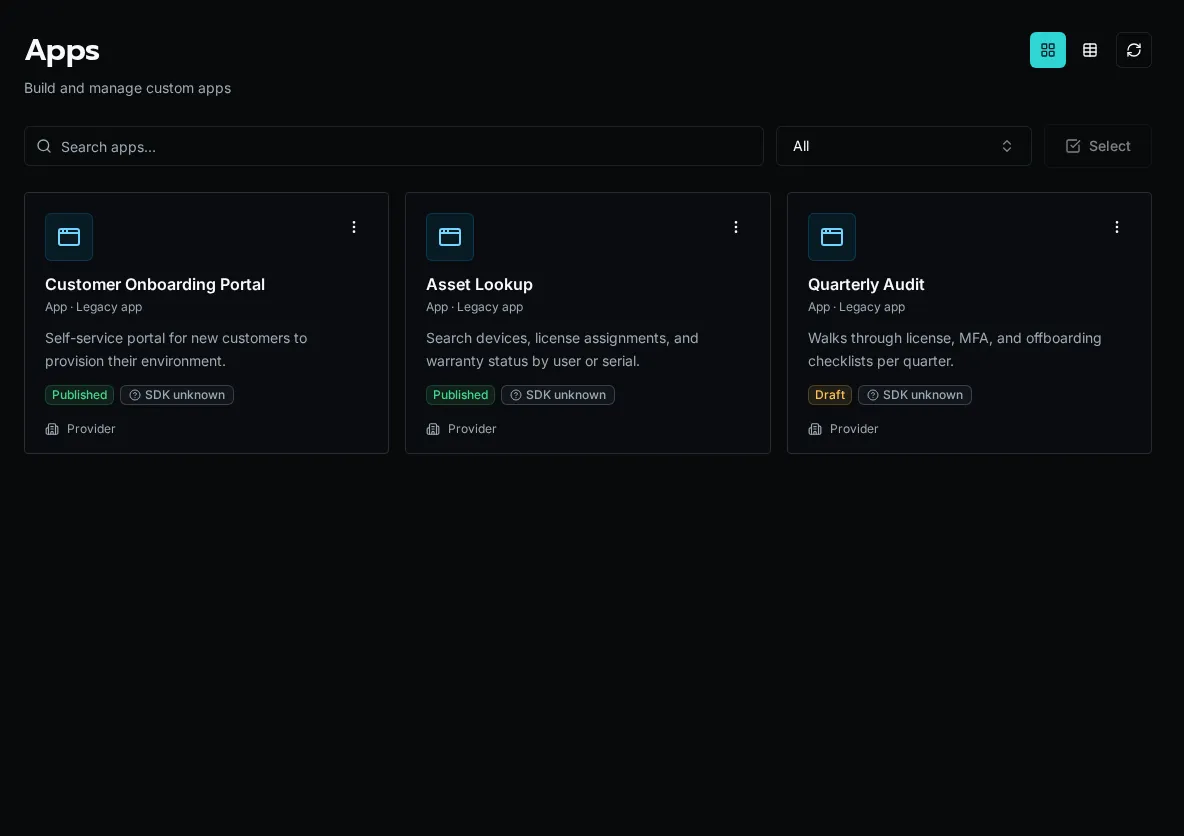
# Apps
> Build V2 React Apps independently or as part of a Solution, with the legacy inline runtime retained for existing Apps.
## What is App Builder?
[Section titled “What is App Builder?”](#what-is-app-builder)
App Builder lets you ship custom web applications backed by Bifrost workflows, tables, and auth. An app is a React + TypeScript project that mounts at `/apps/{slug}` and talks to the platform through the `bifrost` SDK.
There are two App runtimes. **New Apps use V2.** V2 has two ownership models: an independent App repository or a Solution-owned App.
| | **V2** (current default) | **V1** (legacy) |
| -------------------- | --------------------------------------------------------------- | ------------------------------------------------------- |
| What it is | A real, self-contained React project | An inline bundle rendered by the platform |
| Rendering | Owns its own `createRoot` + `` | Platform renders your pages inline |
| SDK access | `import … from "bifrost"` (a real npm package) | Everything injected via `globalThis.__bifrost_platform` |
| Where deps come from | Normal `package.json` (Vite, React, shadcn, lucide) | A single `"bifrost"` import + up to 20 esm.sh packages |
| How it ships | Independently with `bifrost app deploy`, or with a **Solution** | `_repo` source with draft and publish |
## V2 React Apps
[Section titled “V2 React Apps”](#v2-react-apps)
A V2 App is an ordinary React project. It owns its root and router and imports the Bifrost SDK as a package served by the selected Bifrost instance.
### Choose ownership
[Section titled “Choose ownership”](#choose-ownership)
| | Independent App | Solution App |
| ----------------- | -------------------------------------------------------------------- | ---------------------------------------------------------------------------------------------------- |
| Choose it when | One frontend should have its own repository and deployment lifecycle | The App and its workflows, tables, configs, or other definitions must install and reconcile together |
| Source | Normal repository; no YAML and no `_repo` App source | `apps/` plus Solution descriptor and manifests |
| Local development | `bifrost app start` against live registered workflows and data | `bifrost solution start` with local Solution workflows and the install’s live data |
| Deploy | `bifrost app deploy` changes only the compiled App artifact | `bifrost solution deploy` full-replaces the install’s managed definitions |
| Binding | Gitignored `.env` with `BIFROST_API_URL` and `BIFROST_APP_ID` | Gitignored `.env` selects the Solution install |
Independent App source is never stored in `_repo` or a platform manifest. Deploy uploads source only for a durable server-side build, atomically activates the immutable compiled artifact, and discards the upload. A failed build leaves the previous deployment active.
### Independent lifecycle
[Section titled “Independent lifecycle”](#independent-lifecycle)
```bash
bifrost app create operations --name "Operations"
cd operations
npm install
bifrost app start
bifrost app deploy
```
`app start` uses the current viewer’s selected organization by default. An authorized provider/admin can troubleshoot another organization with `bifrost app start --org `. App identity and runtime organization scope stay separate; the override does not bypass roles or resource policies.
Clone the repository anywhere and restore only its local binding:
```bash
bifrost app bind . --url https://bifrost.example.com
```
### Solution lifecycle
[Section titled “Solution lifecycle”](#solution-lifecycle)
```bash
bifrost solution scaffold-app operations
bifrost solution start operations
bifrost solution deploy
```
Use this path when the App and its backing definitions are one portable product.
### Project structure
[Section titled “Project structure”](#project-structure)
```plaintext
my-app/ # repository root, or apps/my-app in a Solution
package.json # Vite + React + your dependencies
vite.config.ts
index.html
src/
main.tsx # createRoot + BifrostProvider — keep as scaffolded
App.tsx # BrowserRouter + Routes
components/
pages/
```
Caution
Keep the `main.tsx` that the scaffold writes. It reads a per-viewer bootstrap (base URL, token, org scope, App ID, theme) that the platform injects at runtime and registers an unmount handler. Hand-rolling it breaks remounting and theming.
### Imports — where things come from
[Section titled “Imports — where things come from”](#imports--where-things-come-from)
In a v2 app, **only the SDK hooks and providers come from `"bifrost"`**. Everything else has its real home:
```tsx
import { BifrostProvider, BifrostHeader, useWorkflowQuery, useWorkflowMutation, useTable, tables } from "bifrost";
import { Button } from "@/components/ui/button"; // shadcn — NOT from "bifrost"
import { useState } from "react"; // React — NOT from "bifrost"
import { Link, useNavigate } from "react-router-dom"; // router — NOT from "bifrost"
import { Phone } from "lucide-react"; // icons
```
Note
**The #1 v1→v2 confusion.** The legacy v1 model injected \~40 shadcn components plus React, react-router, and lucide all under one `from "bifrost"` import. v2 does **not** do that — `"bifrost"` is only the SDK. See the [Web SDK v2 reference](/docs/sdk-reference/) for the full export list.
### Workflow hooks
[Section titled “Workflow hooks”](#workflow-hooks)
Run workflows by portable `path::function` ref (or UUID — bare names aren’t unique):
```tsx
import { useWorkflowQuery, useWorkflowMutation } from "bifrost";
const { data, isLoading, refetch } = useWorkflowQuery("functions/list_clients.py::main");
const { execute, isLoading: saving } = useWorkflowMutation("functions/save.py::main");
await execute({ customer_id: "123" });
```
## V1 legacy inline Apps
[Section titled “V1 legacy inline Apps”](#v1-legacy-inline-apps)
The V1 model predates V2. The platform renders pages inline and injects React, shadcn components, react-router, and workflow hooks through `globalThis.__bifrost_platform`, so a V1 App imports everything from one `"bifrost"` specifier.
Caution
V1 is **legacy**. Use it only to maintain an existing inline App. Create new independent Apps with `bifrost app create`; create Solution Apps with `bifrost solution scaffold-app`.
A v1 app is a set of files edited in place:
```plaintext
app.yaml # metadata (name, description, esm.sh dependencies)
_layout.tsx # root layout — must use , not {children}
pages/
index.tsx # /
clients/[id].tsx # /clients/:id
components/
```
Everything imports from `"bifrost"`:
```tsx
import { Button, Card, useState, useWorkflowQuery, Outlet, cn, toast } from "bifrost";
```
Two rules that bite v1 authors: use workflow **UUIDs** (not names), and layouts must use **``** (not `{children}`).
## Permissions
[Section titled “Permissions”](#permissions)
Control who can open an app with `access_level`:
* `everyone` — any signed-in user, including external/portal users
* `authenticated` — signed-in users except external users
* `role_based` — specific roles only (set `role_ids`)
Inside an app, gate UI on the current user’s roles with `useUser()` / `hasRole()` (and `RequireRole` in v1). See the [SDK reference](/docs/sdk-reference/) for the exact shapes.
## Next Steps
[Section titled “Next Steps”](#next-steps)
* [Develop and deploy an independent App](/docs/how-to-guides/apps/independent-apps/)
* [Solutions](/docs/core-concepts/solutions/) — how v2 apps are packaged, deployed, and updated
* [Run a Solution Locally](/docs/how-to-guides/solutions/local-dev/) — `bifrost solution start` for app + workflow dev
# Chat
> Conversational interface for talking to agents and running workflows from natural language.
Chat is Bifrost’s conversational entry point. Users talk to an agent or the default assistant, the model calls the workflows you exposed, and each turn is saved as a durable run you can audit, resume, or cancel later.
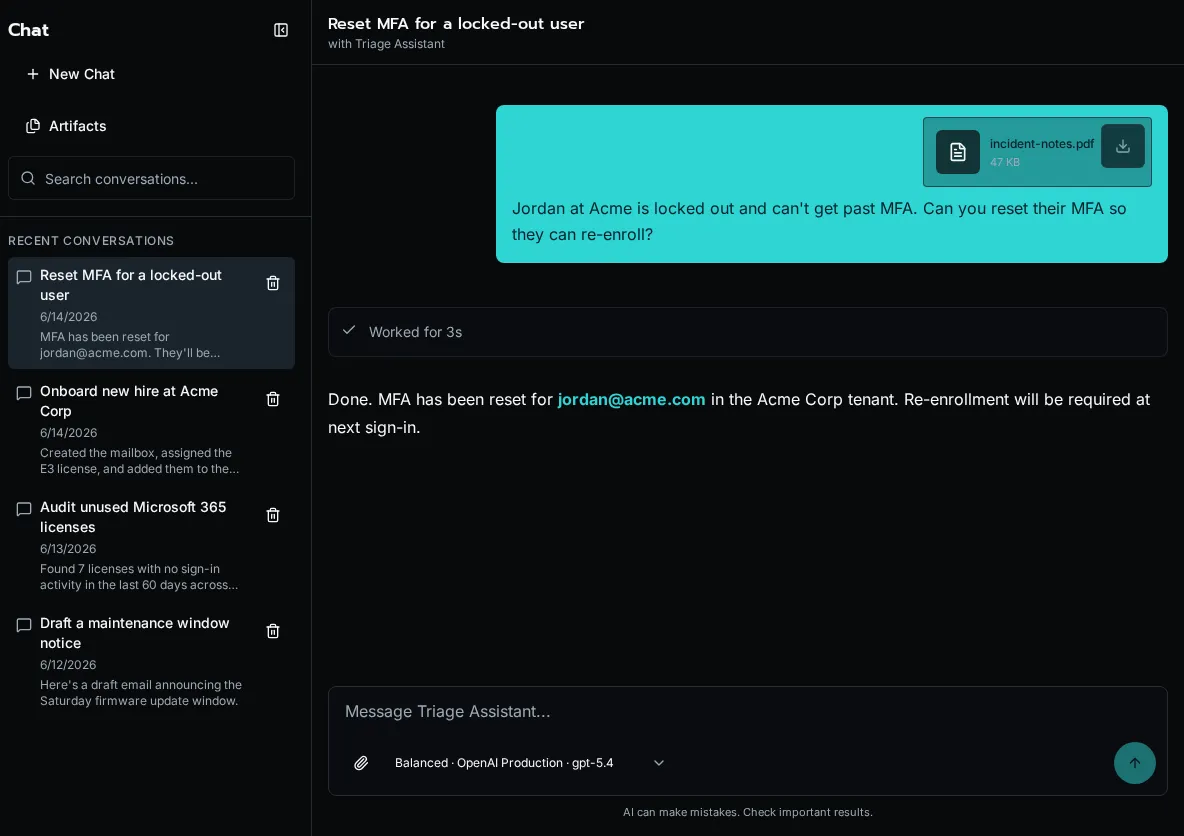
Each conversation belongs to one user, and its full history is preserved across turns. A conversation can be driven by a specific agent - the same agent that powers an autonomous run - or be agentless, where the assistant draws on the tools and model profile you made available. The sidebar lists recent conversations; selecting one reopens its transcript and the current run state.
Tool calls render inline as the assistant makes them, so you can see exactly which workflow ran, with what arguments, and what it returned. Generated files show up as durable artifacts on the conversation, and platform admins also see per-conversation token counts and an estimated cost in the header.
## Governed model choices
[Section titled “Governed model choices”](#governed-model-choices)
Chat exposes reusable profiles instead of raw provider credentials. Platform admins create provider connections and model profiles under **Settings → AI → Models**, enable the profiles that should appear in Chat, and assign the default Chat profile. Users can then choose among the approved profile names without handling API keys or endpoint details.
## File attachments
[Section titled “File attachments”](#file-attachments)
Attach up to five images, PDFs, CSVs, JSON/YAML documents, Markdown files, or other text files to a message. Each file can be up to 25 MB, and a conversation can hold up to 500 MB. You can also paste or drag files into the composer.
Bifrost sends images and PDFs to models that support binary input. Text files are extracted into bounded text context; CSV previews include the first rows so a large export does not consume the entire context window. Attachments stay bound to their conversation and can be previewed or downloaded from the message.
## Chat artifacts
[Section titled “Chat artifacts”](#chat-artifacts)
When a workflow or assistant creates a file, Bifrost stores it as an artifact rather than inline message text. Users can reopen artifact files from the conversation and manage their files from the Chat artifact library.
See [Chat artifacts and custom workflow tools](/docs/how-to-guides/ai/chat-artifacts/) for the file types, SDK helpers, and storage rules.
## Private memory
[Section titled “Private memory”](#private-memory)
When an administrator enables memory and a user opts in, Bifrost-connected assistants can retrieve durable context saved for that user. Memories are private to the account and remain reviewable and removable under **User Settings → Preferences**. See [Manage AI memory and instructions](/docs/how-to-guides/ai/memory-and-instructions/) for the controls and instruction order.
## Where to learn more
[Section titled “Where to learn more”](#where-to-learn-more)
[Agents and Chat](/docs/how-to-guides/ai/agents-and-chat/)Build agents that respond in Chat and call your workflows as tools.
# Configuration
> Named key-value settings that workflows read at runtime — base URLs, API keys, feature flags, and secrets — scoped to a single organization or shared globally.
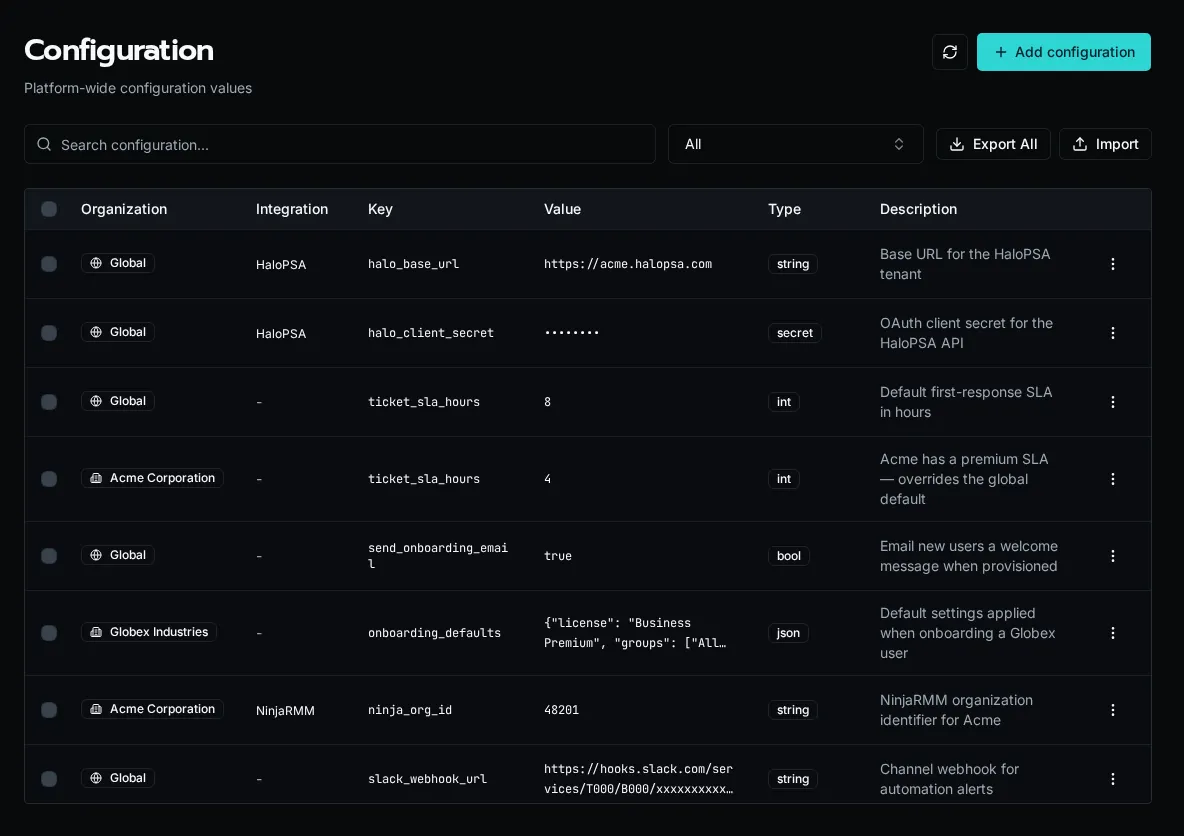
Configuration is how you keep environment-specific values out of workflow code. Instead of hard-coding a HaloPSA URL or an SLA threshold, a workflow reads a named config key at runtime, and the value resolves against the organization the workflow is running for. The same workflow then behaves differently per customer without a code change.
## Config types
[Section titled “Config types”](#config-types)
Each entry has a type that controls how the value is stored and rendered:
* **string** — plain text, such as a base URL or an identifier.
* **int** — a whole number, such as an SLA threshold in hours.
* **bool** — `true` or `false`, for feature flags.
* **json** — a structured object or array, for grouped defaults.
* **secret** — an encrypted value (API keys, client secrets). Secret values are masked in the table and returned as `[SECRET]` in list responses; only workflow execution decrypts them.
## Global vs organization scope
[Section titled “Global vs organization scope”](#global-vs-organization-scope)
A config is either **Global** (shared across every organization) or **org-scoped** (belongs to one organization). When a workflow runs, an org-scoped value of the same key overrides the global one. This is the same cascade every scoped resource follows — see [Scopes: Global vs Organization](/docs/core-concepts/scopes/) for how resolution works in workflow code.
In the example above, `ticket_sla_hours` is `8` globally but `4` for Acme — Acme’s workflows see `4`, everyone else sees `8`.
Note
Platform admins see all organizations’ configs and can filter by organization. Members of a single organization see only that organization’s configs plus the global defaults.
## Integration-managed configs
[Section titled “Integration-managed configs”](#integration-managed-configs)
Configs tied to an integration show the integration name in a badge. These keys are defined by the integration’s config schema rather than created by hand, and editing them updates the values the integration uses. Deleting the integration’s schema removes the associated values, so manage them through the integration rather than the config table.
## Orphaned configs
[Section titled “Orphaned configs”](#orphaned-configs)
When a [Solution](/docs/core-concepts/solutions/) is uninstalled, the config values it created are left behind rather than deleted, so you do not lose data the rest of your automations may still depend on. These appear with an **Orphaned** badge noting the solution they came from. They are hidden by default — toggle **Show orphaned** to review and clean them up.
## Reading config in a workflow
[Section titled “Reading config in a workflow”](#reading-config-in-a-workflow)
Workflows read config by key. The active organization context determines which value resolves:
```python
base_url = await config.get("halo_base_url")
sla_hours = int(await config.get("ticket_sla_hours"))
```
Before deleting a key, search your workspace for its usage — a workflow that reads a missing key fails at runtime:
```bash
rg -n "config.get\(.halo_base_url.\)" workflows/
```
## Managing configuration
[Section titled “Managing configuration”](#managing-configuration)
Create, edit, and delete entries from the **Configuration** page, or script the same operations with the CLI:
```bash
bifrost config set halo_base_url --value "https://acme.halopsa.com" --type string --global
bifrost config set ticket_sla_hours --value 4 --type int --org
bifrost config list
```
Platform admins can also **Export** selected keys and **Import** them into another environment from the same page.
# Workflow Registration
> How to register workflows and data providers with the Bifrost platform
Bifrost uses a two-step process for workflows and data providers: **write your code**, then **register it**. Registration tells the platform to index the function’s metadata (name, description, parameters) so it appears in the UI and becomes executable.
## How It Works
[Section titled “How It Works”](#how-it-works)
1. **Write your code** — Create a Python file with a `@workflow` or `@data_provider` decorator
2. **Register the function** — Tell the platform which function to index
3. **Platform indexes metadata** — Name, description, parameters, and category are extracted from the decorator and function signature
4. **Workflow appears** — Shows up in the Workflows page, can be tied to forms, scheduled, or called via API
Tip
Registration only needs to happen once per function. After that, saving changes to the file automatically updates the indexed metadata.
## Registration Methods
[Section titled “Registration Methods”](#registration-methods)
### CodeLens in the Code Editor (Recommended)
[Section titled “CodeLens in the Code Editor (Recommended)”](#codelens-in-the-code-editor-recommended)
The built-in Code Editor uses **CodeLens** — inline annotations that appear directly above each decorated function. When you open a Python file containing `@workflow`, `@tool`, or `@data_provider` decorators, the editor automatically detects them and shows a clickable CodeLens above each one:
* **Unregistered functions** show a **Register workflow** (or **Register tool** / **Register data provider**) action. Click it to open a dialog where you select the target organization (or register globally), then confirm.
* **Registered functions** show a **Registered** badge with scope information (e.g. “Org-scoped” or “Global”).
After registering, the CodeLens updates immediately to reflect the new status — no page refresh needed.
Tip
CodeLens registration also handles **reactivation**. If you previously deleted a workflow and re-register the same function, the platform reuses the original UUID so that any references (event subscriptions, form bindings) still work.
### API
[Section titled “API”](#api)
Send a POST request to register a function by file path and function name:
```bash
POST /api/workflows/register
Content-Type: application/json
{
"file_path": "create_user.py",
"function_name": "create_user"
}
```
### CLI
[Section titled “CLI”](#cli)
Register a local function by its workspace path and Python function name:
```bash
bifrost workflows register --path workflows/create_user.py --function-name create_user
```
### MCP
[Section titled “MCP”](#mcp)
From the root `/mcp` endpoint, find and load an agent that can manage workflows, inspect its registration tool schema, then execute it through the gateway:
```plaintext
bifrost_find_agents(query="register the create_user workflow")
bifrost_get_agent(agent_id="...")
bifrost_get_tool_schema(agent_id="...", tool_ref="...")
bifrost_execute_tool(agent_id="...", tool_ref="...", arguments={...})
```
## Preflight Validation
[Section titled “Preflight Validation”](#preflight-validation)
The platform provides a preflight check that scans your workspace for decorated functions that haven’t been registered yet. This helps catch functions you may have forgotten to register.
Access it via `POST /api/maintenance/preflight` or through the Code Editor’s diagnostics.
## Writing Discoverable Code
[Section titled “Writing Discoverable Code”](#writing-discoverable-code)
### Use the `@workflow` decorator
[Section titled “Use the @workflow decorator”](#use-the-workflow-decorator)
```python
from bifrost import workflow
@workflow(category="communications")
async def send_email(recipient: str, subject: str, body: str = ""):
"""Send email notification to a user."""
# Your code here
return {"sent": True}
```
The decorator automatically infers:
* **name**: `"send_email"` from the function name
* **description**: `"Send email notification to a user."` from the docstring
* **parameters**: from the function signature (types and defaults)
### Data providers work the same way
[Section titled “Data providers work the same way”](#data-providers-work-the-same-way)
```python
from bifrost import data_provider, context
@data_provider(
name="get_licenses",
description="Available M365 licenses"
)
async def get_licenses():
org_id = context.org_id
return [
{"label": "Microsoft 365 E3", "value": "SPE_E3"},
{"label": "Microsoft 365 E5", "value": "SPE_E5"}
]
```
Use it in form dropdowns by referencing the data provider name.
## Rules for Registration
[Section titled “Rules for Registration”](#rules-for-registration)
Your files must follow these rules:
1. **Use the `.py` extension** — Only Python files are scanned
2. **Don’t start filenames with `_`** — Files like `_helpers.py` are skipped
3. **Use the `@workflow` or `@data_provider` decorator** — Undecorated functions won’t be recognized
4. **Import from `bifrost`** — Use `from bifrost import workflow`
5. **Register the function** — Writing the file is not enough; you must register it
## Workspace Storage
[Section titled “Workspace Storage”](#workspace-storage)
Workspace files are stored in S3-compatible storage (MinIO locally, AWS S3 in production):
* **Object storage** is the source of truth for every workspace file
* **Python modules** are cached in Redis as they are saved, so every worker runs the latest code
* **Horizontal scaling** enabled — workers load modules from the cache, falling back to object storage
This architecture allows you to scale workers independently without shared filesystem requirements.
## Common Issues
[Section titled “Common Issues”](#common-issues)
### My workflow isn’t appearing
[Section titled “My workflow isn’t appearing”](#my-workflow-isnt-appearing)
1. **Did you register it?** — Writing the file is only step one. You must also register the function via the Code Editor, API, or MCP
2. **Check your decorator** — Make sure you have `@workflow` above your function
3. **Check your imports** — Use `from bifrost import workflow`
4. **Check your filename** — Files starting with `_` are ignored (like `_helpers.py`)
5. **Check for errors** — Look at the application logs for import errors
### My parameters aren’t showing in forms
[Section titled “My parameters aren’t showing in forms”](#my-parameters-arent-showing-in-forms)
1. **Use type hints** — Parameters are extracted from the function signature
```python
@workflow
async def test(name: str, count: int = 1):
"""Example workflow."""
pass
```
2. **Make sure types are valid** — Use `str`, `int`, `float`, `bool`, `list`, or `dict`
# Entity Management
> A single board for reassigning the organization and access scope of every workflow, form, agent, and app — drag entities onto an organization or access level to rescope them in bulk.
Entity Management is one board for the scope settings that otherwise live on four separate pages. Every workflow, form, agent, and app appears in a single searchable list, and you reassign its organization or access level by dragging it onto a target. It answers the questions that span entity types: what does this customer actually have, what is shared globally, and what is unused.
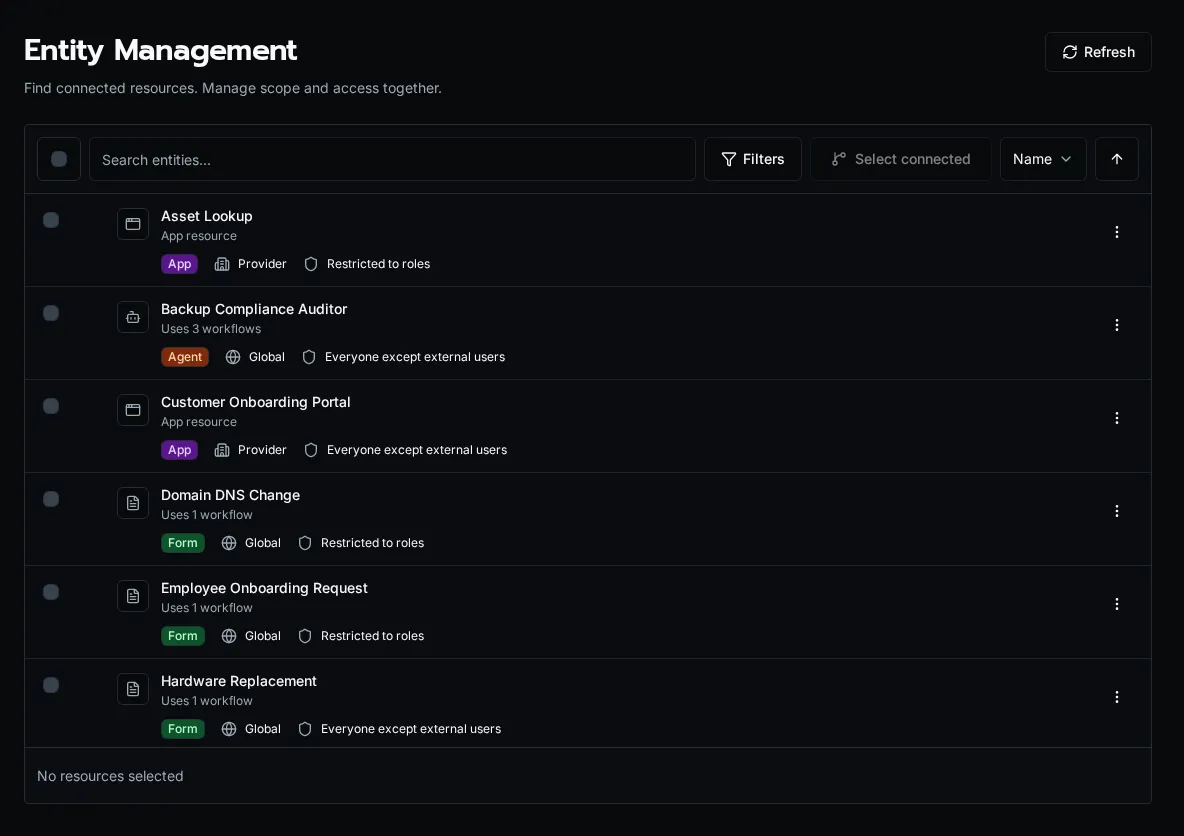
## Why a unified board
[Section titled “Why a unified board”](#why-a-unified-board)
Scope is a cross-cutting property. A new customer needs a handful of forms, an agent, and an app all moved into their organization at once; an offboarding sweep needs the inverse. Editing each entity on its own page is slow and easy to get half-done. The board collapses that into one drag — select many entities, drop them on an organization, and every one is rescoped in a single pass.
## The two columns
[Section titled “The two columns”](#the-two-columns)
The left column is the entity list. The right column is the set of drop targets, split into two sections:
* **Organizations** — every organization plus a **Global** target. Dropping entities here sets their `organization_id`, moving them between a customer’s private scope and the shared global scope.
* **Access Levels** — **Authenticated** (any signed-in user), **Clear Roles** (strip role assignments), and one target per role. Dropping entities here sets their access level or role-based grants.
Note
Dropping onto **Global** clears `organization_id`, making the entity a shared default visible to every organization. See [Scopes](/docs/core-concepts/scopes/) for how the cascade resolves global versus organization-scoped resources at execution time.
## Filtering and search
[Section titled “Filtering and search”](#filtering-and-search)
The list combines four entity types, so filters keep it legible:
* **Type** — workflow, form, agent, or app.
* **Organization** — a specific customer, or **Global** for shared entities.
* **Access** — authenticated versus role-based.
* **Usage** — **In use** versus **Unused**, computed from each entity’s dependency count.
The **Unused** filter is the fastest way to find dead entities before a cleanup. Combine it with a type filter to audit, for example, every form no other entity depends on.
## Relationship view
[Section titled “Relationship view”](#relationship-view)
Select an entity’s relationship action to filter the list down to everything connected to it — the workflows a form calls, the tools an agent uses, the entities an app renders. The same data drives a dependency graph dialog so you can see the chain before you delete or rescope a node. This is the safe way to check what breaks before removing a shared workflow.
## Bulk delete
[Section titled “Bulk delete”](#bulk-delete)
Selecting entities also enables bulk delete. Forms, agents, and apps are removed directly. Workflows route through the deactivation flow: if a workflow is still referenced, Bifrost surfaces the dependents and offers replacements rather than silently breaking them. Delete is destructive — the relationship view exists so you can confirm the blast radius first.
## Who can use it
[Section titled “Who can use it”](#who-can-use-it)
Entity Management is a platform-admin surface. It reassigns scope and access across every organization, so it is gated to administrators rather than per-organization members.
# Error Handling
> Understanding error handling and execution statuses in Bifrost
## Execution Statuses
[Section titled “Execution Statuses”](#execution-statuses)
Every workflow and script execution goes through various states and can complete with different statuses:
### Status Types
[Section titled “Status Types”](#status-types)
* **SUCCESS**: Execution completed successfully with no errors
* **FAILED**: Execution encountered an exception and could not complete
* **COMPLETED\_WITH\_ERRORS**: Execution completed but returned explicit failure result
* **TIMEOUT**: Execution exceeded the configured timeout limit
* **CANCELLED**: Execution was manually cancelled by the user
* **PENDING**: Queued for async execution (not yet started)
* **RUNNING**: Currently executing
### How Status is Determined
[Section titled “How Status is Determined”](#how-status-is-determined)
**SUCCESS**:
* No exceptions raised
* Workflow/script completes normally
* Returns any value (or no return)
**FAILED**:
* Any uncaught exception is raised
* Execution terminates due to error
* Includes both technical errors and user-facing errors
**COMPLETED\_WITH\_ERRORS**:
* Workflow explicitly returns `{"success": False, ...}`
* Use this when you want to indicate failure without raising an exception
```python
@workflow(name="process_customer")
async def process_customer(context: ExecutionContext, customer_id: str):
customer = await get_customer(customer_id)
if not customer:
# Explicit failure result
return {"success": False, "error": "Customer not found"}
# Process customer...
return {"success": True, "customer": customer}
```
## Error Types
[Section titled “Error Types”](#error-types)
Bifrost provides different exception types for different error scenarios:
### UserError
[Section titled “UserError”](#usererror)
**Purpose**: Errors that should be displayed to end users.
Use `UserError` when you want to show a specific error message to users (not just platform admins). These are validation errors, business logic failures, or any error that users should see and understand.
```python
from bifrost import UserError, workflow, ExecutionContext
@workflow(name="create_license")
async def create_license(context: ExecutionContext, license_key: str):
if not license_key:
raise UserError("License key is required")
if not is_valid_format(license_key):
raise UserError("Invalid license key format. Expected: XXXX-XXXX-XXXX")
customer = await get_customer_by_license(license_key)
if not customer:
raise UserError(f"No customer found with license key: {license_key}")
# Continue processing...
```
**What users see**:
* **Regular users**: See your error message exactly as written
* **Platform admins**: See your error message plus full technical details
### Standard Python Exceptions
[Section titled “Standard Python Exceptions”](#standard-python-exceptions)
**Purpose**: Technical/internal errors that should be hidden from regular users.
Use standard Python exceptions (ValueError, RuntimeError, etc.) for technical errors, bugs, or unexpected failures that users shouldn’t see.
```python
@workflow(name="sync_data")
async def sync_data(context: ExecutionContext, api_endpoint: str):
# Technical error - hidden from regular users
if not api_endpoint.startswith('https://'):
raise ValueError("API endpoint must use HTTPS")
response = await call_external_api(api_endpoint)
if response.status_code == 500:
# Internal server error - hide details from users
raise RuntimeError(f"API returned 500: {response.text}")
return response.data
```
**What users see**:
* **Regular users**: Generic message: “An error occurred during execution”
* **Platform admins**: Full exception details including traceback
### WorkflowError Variants
[Section titled “WorkflowError Variants”](#workflowerror-variants)
These are specialized exceptions for internal Bifrost operations:
```python
from bifrost import ValidationError, IntegrationError, ConfigurationError
# Validation failures
raise ValidationError("Invalid parameter configuration")
# External integration failures
raise IntegrationError("Failed to connect to Microsoft Graph API")
# Configuration issues
raise ConfigurationError("Missing required configuration: api_key")
```
## Logging vs Exceptions
[Section titled “Logging vs Exceptions”](#logging-vs-exceptions)
### Using logger.error()
[Section titled “Using logger.error()”](#using-loggererror)
Logger messages are for informational purposes and don’t change execution status:
```python
import logging
from bifrost import workflow, ExecutionContext
logger = logging.getLogger(__name__)
@workflow(name="bulk_process")
async def bulk_process(context: ExecutionContext, items: list[str]):
results = []
for item in items:
try:
result = await process_item(item)
results.append(result)
except Exception as e:
# Log the error but continue processing
logger.error(f"Failed to process item {item}: {e}")
continue
# Execution still completes with SUCCESS
return {"processed": len(results), "results": results}
```
* Execution status: **SUCCESS** (no exceptions raised)
* User sees: All log messages including errors
* Use when: Errors are recoverable or partial failures are acceptable
### Raising Exceptions
[Section titled “Raising Exceptions”](#raising-exceptions)
Exceptions terminate execution with FAILED status:
```python
@workflow(name="critical_process")
async def critical_process(context: ExecutionContext, customer_id: str):
customer = await get_customer(customer_id)
if not customer:
# This terminates execution immediately
raise UserError(f"Customer {customer_id} not found")
# This code never runs if customer is not found
return await process_customer(customer)
```
* Execution status: **FAILED**
* Remaining code: Does not execute
* Use when: Error is fatal and execution cannot continue
## Best Practices
[Section titled “Best Practices”](#best-practices)
### 1. Choose the Right Error Type
[Section titled “1. Choose the Right Error Type”](#1-choose-the-right-error-type)
```python
# ✅ User-facing validation error
if not email_is_valid(email):
raise UserError("Please provide a valid email address")
# ✅ Technical error (hidden from users)
if api_response.status_code >= 500:
raise RuntimeError(f"Upstream API error: {api_response.status_code}")
# ✅ Recoverable error (log and continue)
try:
send_notification(user)
except Exception as e:
logger.error(f"Failed to send notification: {e}")
# Continue execution
```
### 2. Provide Helpful Error Messages
[Section titled “2. Provide Helpful Error Messages”](#2-provide-helpful-error-messages)
```python
# ❌ Vague
raise UserError("Invalid input")
# ✅ Specific and actionable
raise UserError("License key must be 19 characters in format: XXXXX-XXXXX-XXXXX-XXXX")
```
### 3. Use logger.error() for Non-Fatal Issues
[Section titled “3. Use logger.error() for Non-Fatal Issues”](#3-use-loggererror-for-non-fatal-issues)
```python
@workflow(name="sync_all_customers")
async def sync_all_customers(context: ExecutionContext):
customers = await get_customers()
failed = []
for customer in customers:
try:
await sync_customer(customer)
except Exception as e:
logger.error(f"Failed to sync customer {customer.id}: {e}")
failed.append(customer.id)
if failed:
# Return with explicit error status but don't crash
return {
"success": False,
"message": f"Failed to sync {len(failed)} customers",
"failed_ids": failed
}
return {"success": True, "synced": len(customers)}
```
### 4. Add Context to Errors
[Section titled “4. Add Context to Errors”](#4-add-context-to-errors)
```python
try:
result = await complex_operation(data)
except ValueError as e:
# Add context about what was being done
raise RuntimeError(f"Failed to process customer data for {customer.id}: {e}") from e
```
## Debugging Errors
[Section titled “Debugging Errors”](#debugging-errors)
### For Platform Admins
[Section titled “For Platform Admins”](#for-platform-admins)
When viewing execution results as a platform admin, you’ll see:
* Full error messages and exception types
* Complete stack traces in the logs
* All captured variables at the time of failure
* Integration call history
### For Regular Users
[Section titled “For Regular Users”](#for-regular-users)
Regular users see:
* UserError messages (exactly as written)
* Generic message for other exceptions: “An error occurred during execution”
* Logger output (info, warning, error messages)
* Filtered logs without technical stack traces
## Error Visibility Summary
[Section titled “Error Visibility Summary”](#error-visibility-summary)
| Error Type | Regular Users | Platform Admins |
| ---------------------------------- | ------------------------------------ | ---------------------------- |
| `UserError` | See full message | See full message + traceback |
| `ValueError`, `RuntimeError`, etc. | “An error occurred during execution” | See full message + traceback |
| `WorkflowError` variants | “An error occurred during execution” | See full message + traceback |
| `logger.error()` | See message | See message |
| `logger.warning()` | See message | See message |
| `logger.info()` | See message | See message |
## Example: Comprehensive Error Handling
[Section titled “Example: Comprehensive Error Handling”](#example-comprehensive-error-handling)
```python
import logging
from bifrost import UserError, workflow, ExecutionContext
logger = logging.getLogger(__name__)
@workflow(
name="create_customer_license",
description="Create a new customer and provision license"
)
async def create_customer_license(
context: ExecutionContext,
customer_name: str,
email: str,
license_type: str
):
# Validate inputs - show validation errors to users
if not customer_name or len(customer_name) < 2:
raise UserError("Customer name must be at least 2 characters")
if not '@' in email:
raise UserError("Invalid email address format")
if license_type not in ['standard', 'premium', 'enterprise']:
raise UserError(f"Invalid license type: {license_type}. Choose: standard, premium, enterprise")
try:
# Check for existing customer
existing = await find_customer_by_email(email)
if existing:
raise UserError(f"Customer with email {email} already exists")
# Create customer
logger.info(f"Creating customer: {customer_name}")
customer = await create_customer(customer_name, email)
logger.info(f"Customer created with ID: {customer.id}")
# Provision license
logger.info(f"Provisioning {license_type} license...")
license = await provision_license(customer.id, license_type)
logger.info(f"License provisioned: {license.key}")
# Send welcome email (non-fatal if fails)
try:
await send_welcome_email(email, license.key)
logger.info("Welcome email sent")
except Exception as e:
logger.error(f"Failed to send welcome email: {e}")
# Continue execution - email failure isn't fatal
return {
"success": True,
"customer_id": customer.id,
"license_key": license.key,
"message": f"Customer {customer_name} created successfully"
}
except UserError:
# Re-raise UserErrors as-is
raise
except Exception as e:
# Unexpected technical error - log details and show generic message to users
logger.error(f"Unexpected error creating customer: {e}", exc_info=True)
raise RuntimeError(f"Failed to create customer: {type(e).__name__}") from e
```
# Events
> Event sources, subscriptions, and webhooks that trigger workflows from external systems.
Events let external systems and the platform itself trigger Bifrost workflows. You define an **event source**, then attach **subscriptions** that route incoming events to specific workflows or agents.
Each subscription is org-scoped and can transform the inbound payload into workflow context. Sources can be global (available to every organization) or scoped to a single org. Subscriptions can also add an event-type gate and a payload filter, and both are enforced before a delivery is queued.
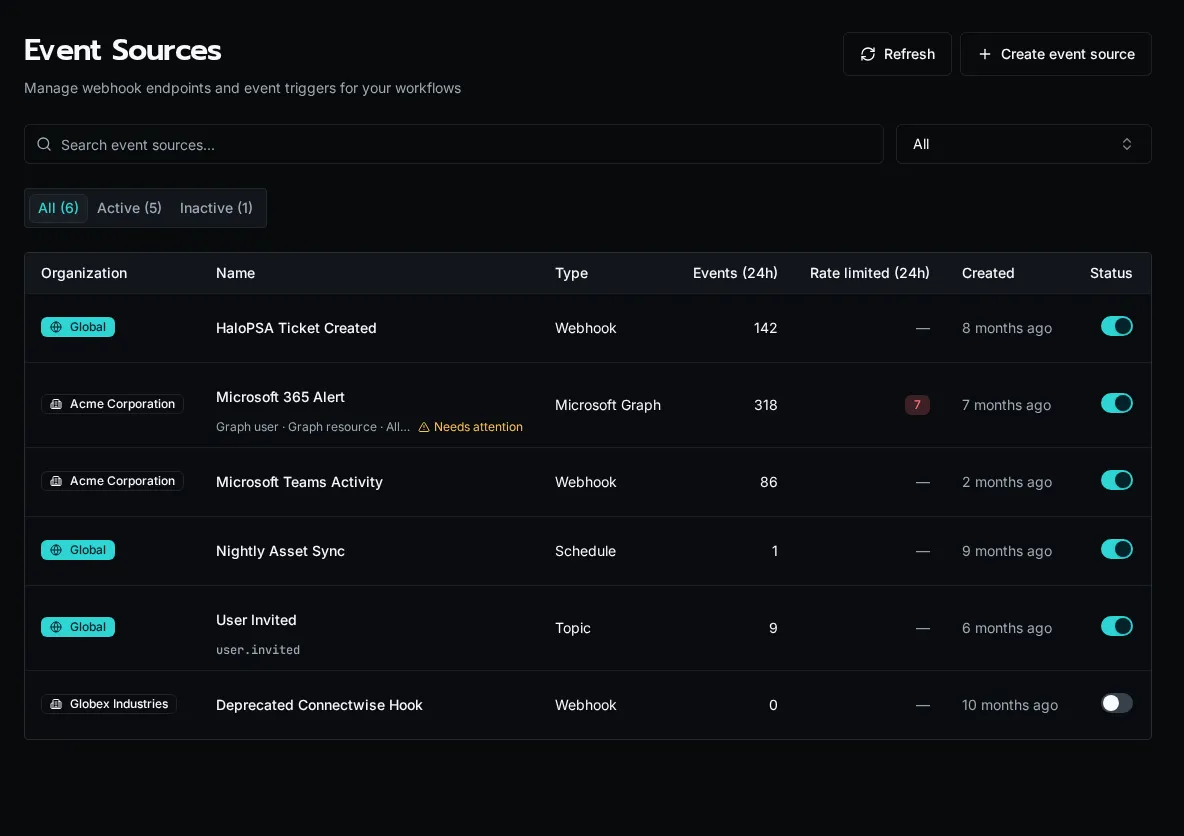
## Source types
[Section titled “Source types”](#source-types)
Every event source is one of three types, shown on the **Event Sources** page (`/event-sources`):
* **Webhook** — an HTTP endpoint that an external system (HaloPSA, Microsoft 365, a generic provider) calls. Each webhook gets a unique callback URL and a per-source rate limit; rejections in the last 24 hours surface in the **Rate limited** column.
* **Schedule** — a cron expression that fires on a recurring timer, with a timezone and an overlap policy that decides what happens when a run is still active at the next tick.
* **Topic** — a platform-emitted event identified by a topic string such as `user.invited`. Topics let one part of the platform broadcast a named event that any subscription can react to, without an external caller.
The page lists every source with its 24-hour event volume, status toggle, and edit controls. The status tabs (All / Active / Inactive) and the organization filter narrow the list; platform admins see and manage sources across every org.
## Microsoft sources
[Section titled “Microsoft sources”](#microsoft-sources)
Microsoft-specific sources use the webhook adapter layer. See [Microsoft event sources](/docs/how-to-guides/events/microsoft-event-sources/) for the Graph and Teams lifecycle details.
## Built-in topics
[Section titled “Built-in topics”](#built-in-topics)
Bifrost ships a curated registry of topic strings (for example `user.invited`) alongside any topics already in use. When you create a topic source, the picker draws from this registry so subscriptions stay consistent across the platform. A topic source carries its `event_type` string under its name in the list, making the broadcast it listens for explicit.
## Where to learn more
[Section titled “Where to learn more”](#where-to-learn-more)
[Webhook and Event Variables](/docs/how-to-guides/events/webhook-variables/)Reference inbound event data from a workflow and map payload fields into context.
# Forms Concept
> Understanding forms in Bifrost
## What Are Forms?
[Section titled “What Are Forms?”](#what-are-forms)
Forms provide a user-friendly interface for executing workflows. The Forms page lists all available forms that users can access based on their permissions.
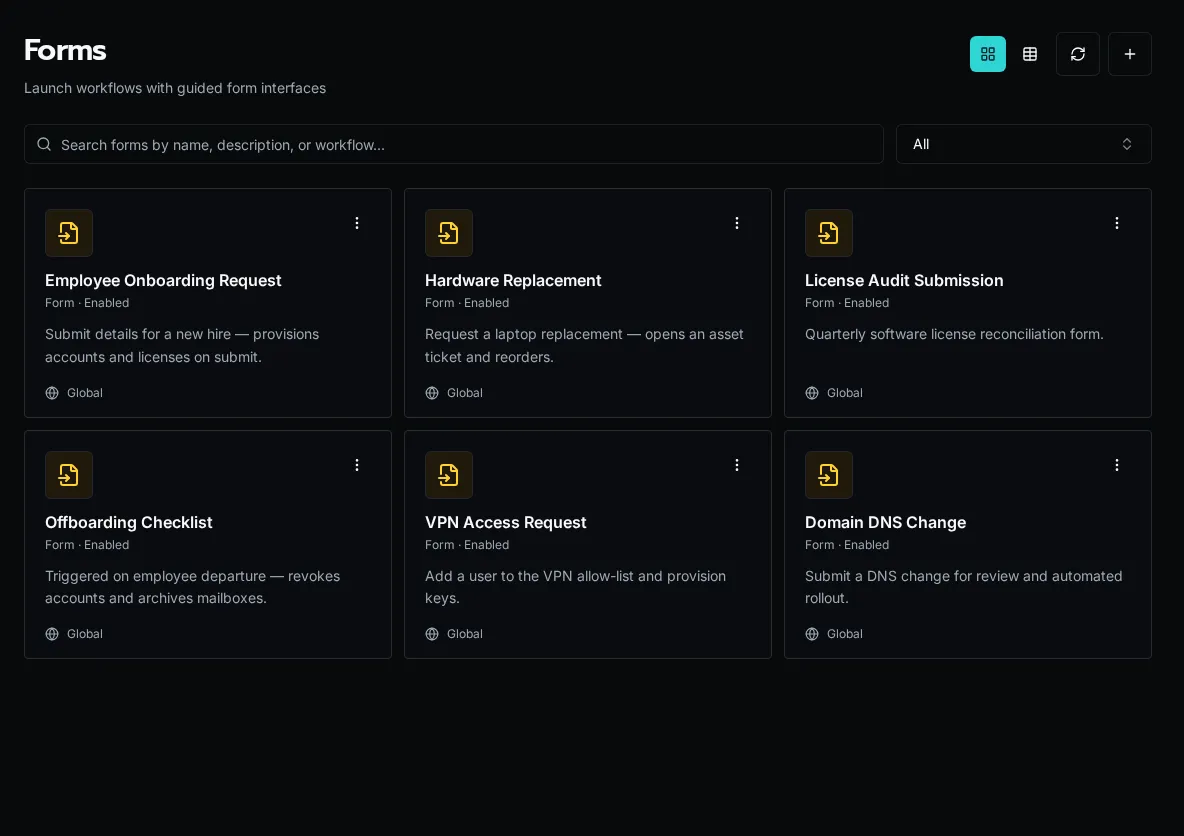
Forms allow you to:
Forms provide a user-friendly interface for executing workflows. They:
* Collect user input with validation
* Display dynamic dropdown options
* Show/hide fields conditionally
* Execute workflows on submission
* Display results
## How They Work
[Section titled “How They Work”](#how-they-work)
```plaintext
User fills form → Form validates input → Workflow executes → Results displayed
```
**Form lifecycle**:
1. User navigates to form
2. Form loads with fields
3. Data providers populate dropdowns
4. User fills fields
5. Form validates input
6. Form submits to workflow
7. Workflow executes
8. Results shown to user
## Form Builder
[Section titled “Form Builder”](#form-builder)
Click **+ New Form** to open the Form Information modal. It collects the form’s organization scope, name, linked workflow, description, access level, assigned roles, and an optional launch workflow. Once saved, the builder opens the canvas where you drag fields from the left palette and configure each one.
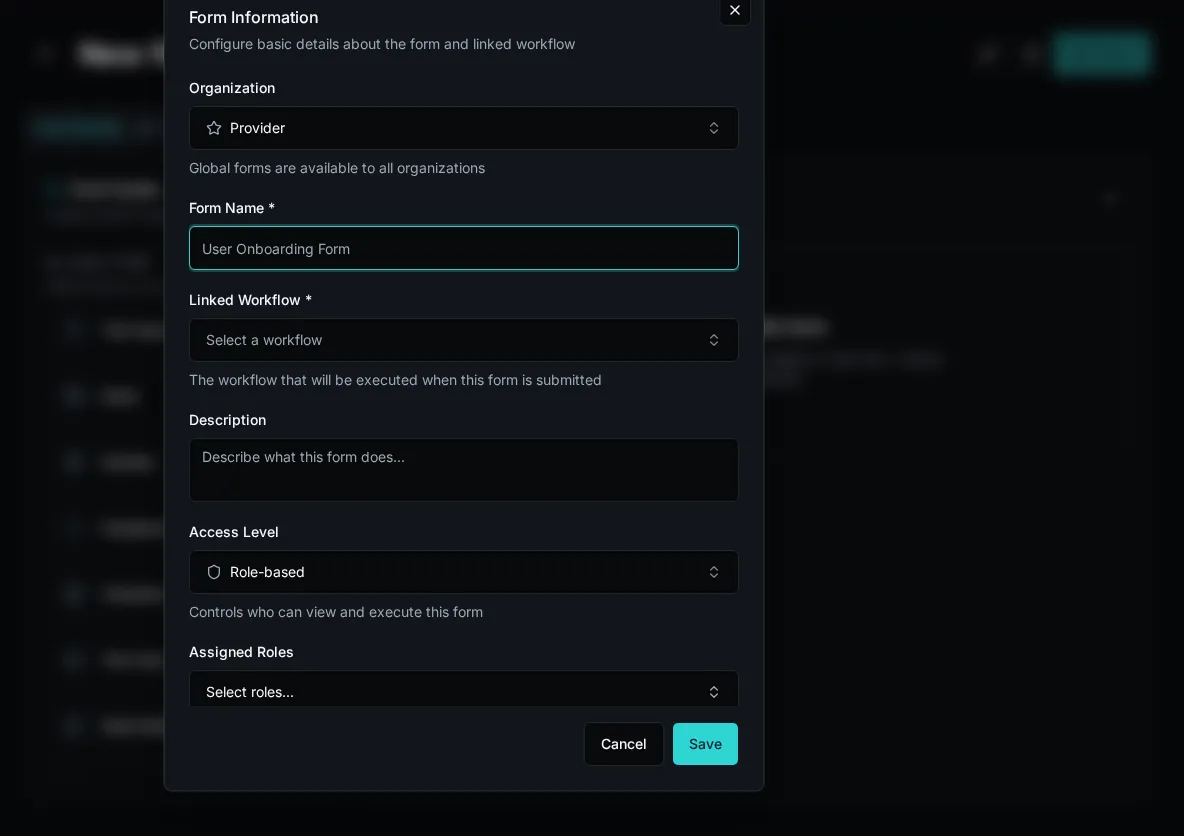
## Key Components
[Section titled “Key Components”](#key-components)
### Fields
[Section titled “Fields”](#fields)
Form fields collect different types of input:
* **Text**: Short text input
* **Textarea**: Long text
* **Email**: Email with validation
* **Number**: Integer or decimal
* **Checkbox**: Boolean true/false
* **Select**: Single choice dropdown
* **Multi-select**: Multiple choice
* **Date**: Date picker
* **File Upload**: Attach files
Each field has:
* Label (display text)
* Validation rules
* Help text
* Default value
### Data Providers
[Section titled “Data Providers”](#data-providers)
Populate dropdowns dynamically:
```python
@data_provider(name="get_departments")
async def get_departments(context):
return [
{"label": "Engineering", "value": "eng"},
{"label": "Sales", "value": "sales"}
]
```
Used in form builder:
1. Add select field
2. Choose data provider
3. Dropdown populates automatically
### Visibility Rules
[Section titled “Visibility Rules”](#visibility-rules)
Show/hide fields based on other values:
```javascript
// Show only if checkbox checked
context.field.is_manager === true;
// Show for specific role
context.field.role === "admin";
// Multiple conditions
context.field.role === "admin" && context.field.department === "engineering";
```
### Linked Workflow
[Section titled “Linked Workflow”](#linked-workflow)
Every form executes a workflow:
* Form collects parameters
* Submits to workflow
* Displays workflow result
```python
# Form submits to this workflow
@workflow(name="create_user", description="Create user")
async def create_user(email: str, name: str):
"""Create a new user."""
return {"user_id": "123"}
```
## Field Mapping
[Section titled “Field Mapping”](#field-mapping)
Form fields → Workflow parameters:
**Form**:
```json
{
"fields": [
{ "name": "email", "type": "email" },
{ "name": "department", "type": "select" }
]
}
```
**Workflow**:
```python
@workflow(name="create_user")
async def create_user(email: str, department: str):
"""Create a new user."""
return {"user_id": "123"}
```
Field names must match parameter names.
## Dynamic Behavior
[Section titled “Dynamic Behavior”](#dynamic-behavior)
### Dependent Dropdowns
[Section titled “Dependent Dropdowns”](#dependent-dropdowns)
Cascade selections:
```python
# First dropdown
@data_provider(name="get_departments")
async def get_departments(context):
return [{"label": "Sales", "value": "sales"}]
# Second dropdown depends on first - receives department from form field
@data_provider(name="get_users_by_dept", description="Get users by department")
async def get_users_by_dept(department: str):
users = await fetch_users(department)
return [{"label": u.name, "value": u.id} for u in users]
```
User selects department -> User dropdown updates.
### Conditional Required
[Section titled “Conditional Required”](#conditional-required)
To do this, you would have a required field, but only show it under certain conditions. There’s currently now way to always show a field but sometimes make it required.
### Real-Time Feedback
[Section titled “Real-Time Feedback”](#real-time-feedback)
Forms validate as user types:
* Email format
* String length
* Number ranges
* Custom patterns
## Security TL;DR
[Section titled “Security TL;DR”](#security-tldr)
* Forms can be scoped globally or to an organization
* Forms can be assigned to roles or be available to any authenticated user
For example, if you have a global form, you could assign it to no one and then only your Platform Admins would have access. You could also assign it to “Human Resources” and then only your Human Resource users in your tenants.
## Programmatic Creation
[Section titled “Programmatic Creation”](#programmatic-creation)
Forms can be created programmatically using the `create_form` MCP tool. This tool:
* Validates the form schema automatically
* Returns detailed error messages for any validation issues
* Creates the form only if validation passes
This enables AI coding assistants to create forms reliably with immediate feedback on any schema issues.
## Best Practices
[Section titled “Best Practices”](#best-practices)
1. **Keep Simple**: Minimize fields, max clarity
2. **Use Data Providers**: Dynamic options allow you create one form and customize options per tenant
3. **Add Help Text**: Guide users with tooltips
4. **Validate Early**: Use field validation + workflow validation
5. **Test Flow**: Verify all visibility rules work
## Next Steps
[Section titled “Next Steps”](#next-steps)
* [Create Your First Form](/docs/getting-started/creating-forms) - Hands-on tutorial
* [Data Providers Guide](/docs/how-to-guides/forms/creating-forms/#data-providers) - Dynamic dropdowns
* [Visibility Rules Guide](/docs/how-to-guides/forms/visibility-rules) - Conditional fields
# Integrations
> Connect to external APIs with OAuth and configuration management
Integrations are the bridge between Bifrost and external APIs. They combine OAuth credentials, configuration, and organization-specific settings into a unified system.
Integrations vs Configs — when to use which
**Integrations are the preferred way to manage external connections — even for non-OAuth services.** The integration entity gives you a clear “here are my external connections” surface and supports per-org overrides via `IntegrationMapping`.
**Configs are for arbitrary org-scoped or global key-value pairs that don’t represent a connection** — feature flags, default labels, retry counts, anything that isn’t an outgoing connection identity.
**Per-org override pattern:** link an integration to a Bifrost organization-list data provider in your form (a workflow you author with `@data_provider` that returns `[{ "label": org.name, "value": org.id }]` from `bifrost.organizations.list()`). The form’s selected org becomes the workflow’s org context, and `integrations.get()` then returns that org’s mapping and entity\_id automatically. This is the canonical way to scope an integration call to an arbitrary org from a form.
## What Are Integrations?
[Section titled “What Are Integrations?”](#what-are-integrations)
An integration represents a connection to an external service like Microsoft Graph, HaloPSA, or any REST API. Each integration can have:
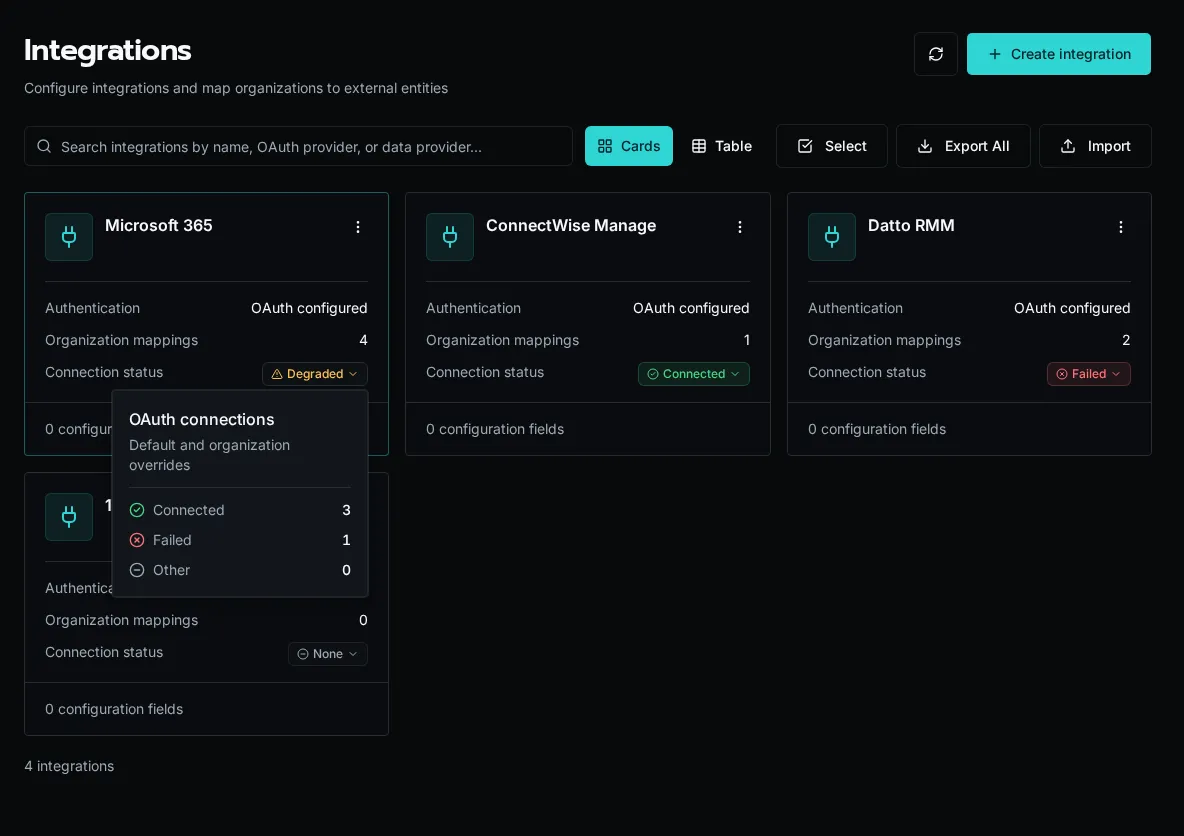
For OAuth integrations, the list rolls the default connection and organization overrides into one status. **Connected** means every connection is healthy, **Degraded** means the integration has both healthy and failed connections, **Failed** means every connection failed, and **None** means no connection exists. Select the status to open the connection-count breakdown.
Integrations provide:
* **OAuth credentials** - Access tokens managed by Bifrost
* **Configuration** - API keys, base URLs, timeouts
* **Entity mapping** - Organization-specific tenant IDs or company IDs
* **Generated SDK** - Auto-generated Python client from OpenAPI spec
## Two-Level Configuration
[Section titled “Two-Level Configuration”](#two-level-configuration)
Integrations support configuration at two levels:
| Level | Scope | Use Case |
| -------------------------- | ------------------- | ------------------------------------- |
| **Integration defaults** | All organizations | Base URLs, default settings |
| **Organization overrides** | Single organization | Tenant-specific IDs, custom endpoints |
When your workflow requests an integration, Bifrost merges defaults with org-specific overrides:
```python
from bifrost import integrations
# Get merged configuration
integration = await integrations.get("HaloPSA")
base_url = integration.config.get("base_url") # Merged from defaults + org
tenant_id = integration.entity_id # Org-specific
```
## OAuth Management
[Section titled “OAuth Management”](#oauth-management)
Integrations replace the legacy `oauth` module with better organization:
```python
# Old approach (deprecated)
# from bifrost import oauth
# conn = await oauth.get("Microsoft_Graph")
# New approach
from bifrost import integrations
integration = await integrations.get("Microsoft_Graph")
if integration and integration.oauth:
token = integration.oauth.access_token
```
Note
OAuth tokens are automatically refreshed by Bifrost. You always get valid credentials.
## Entity Mapping
[Section titled “Entity Mapping”](#entity-mapping)
For multi-tenant APIs, integrations track external entity IDs per organization:
| Field | Description |
| ------------- | ----------------------------------------- |
| `entity_id` | The external ID (tenant\_id, company\_id) |
| `entity_name` | Display name for the entity |
### Why `entity_id` matters
[Section titled “Why entity\_id matters”](#why-entity_id-matters)
`entity_id` is the **routing key** for org-scoped OAuth and API calls. Each `IntegrationMapping` is a `(org_id, integration_id, entity_id)` triple, and the `entity_id` becomes the connection identity downstream API calls use to address the right tenant or customer record:
* **Microsoft Graph** → `entity_id` is the Entra ID `tenant_id`
* **HaloPSA** → `entity_id` is the HaloPSA `company_id`
* **ConnectWise / Autotask** → `entity_id` is the customer/company key
A single integration can serve many Bifrost organizations because each one carries its own `entity_id` in its mapping. Without that mapping, every org would share one set of credentials and target one external tenant — defeating the per-customer scoping that MSPs need.
```plaintext
Bifrost Org
│
▼
IntegrationMapping(entity_id, oauth_token)
│
▼
External API call (scoped to entity_id)
```
This enables one integration to serve multiple tenants:
```python
# Each org has its own HaloPSA tenant
integration = await integrations.get("HaloPSA")
tenant_id = integration.entity_id # "customer-123" for this org
```
## Config Schema
[Section titled “Config Schema”](#config-schema)
Integrations define a schema for configuration values:
```python
# Example schema
[
{"key": "base_url", "type": "string", "required": True},
{"key": "api_key", "type": "secret", "required": True},
{"key": "timeout", "type": "int", "required": False}
]
```
Supported types:
* `string` - Text values
* `int` - Integer values
* `bool` - Boolean flags
* `json` - Complex JSON objects
* `secret` - Encrypted sensitive data
## SDK Generation
[Section titled “SDK Generation”](#sdk-generation)
Integrations can auto-generate Python SDKs from OpenAPI specs:
1. Provide an OpenAPI spec URL
2. Select authentication method (OAuth, API key, etc.)
3. Bifrost generates a typed Python client
4. Use the client in workflows with zero-config auth
```python
# Generated SDK auto-authenticates via integration
from modules import example_api
result = await example_api.list_resources() # Auth handled automatically
```
## Access in Workflows
[Section titled “Access in Workflows”](#access-in-workflows)
```python
from bifrost import workflow, integrations
import httpx
@workflow
async def sync_data():
# Get integration with merged config and OAuth
integration = await integrations.get("ExternalAPI")
if not integration:
return {"error": "Integration not configured"}
# Use OAuth token
headers = {}
if integration.oauth:
headers["Authorization"] = f"Bearer {integration.oauth.access_token}"
# Use config values
base_url = integration.config.get("base_url")
async with httpx.AsyncClient() as client:
response = await client.get(f"{base_url}/data", headers=headers)
return response.json()
```
## Next Steps
[Section titled “Next Steps”](#next-steps)
* [Creating Integrations](/docs/how-to-guides/integrations/creating-integrations) - Setup guide
* [SDK Generation](/docs/how-to-guides/integrations/sdk-generation) - Generate API clients
* [Integrations Module](/docs/sdk-reference/sdk/integrations-module) - SDK reference
# Knowledge
> Hybrid knowledge retrieval that workflows and agents query for grounded context.
Knowledge bases are collections of documents that Bifrost chunks, embeds, and indexes for semantic and full-text search. Bifrost fuses both rankings, so workflows and agents can recover conceptually related passages as well as exact names, codes, and product terms.
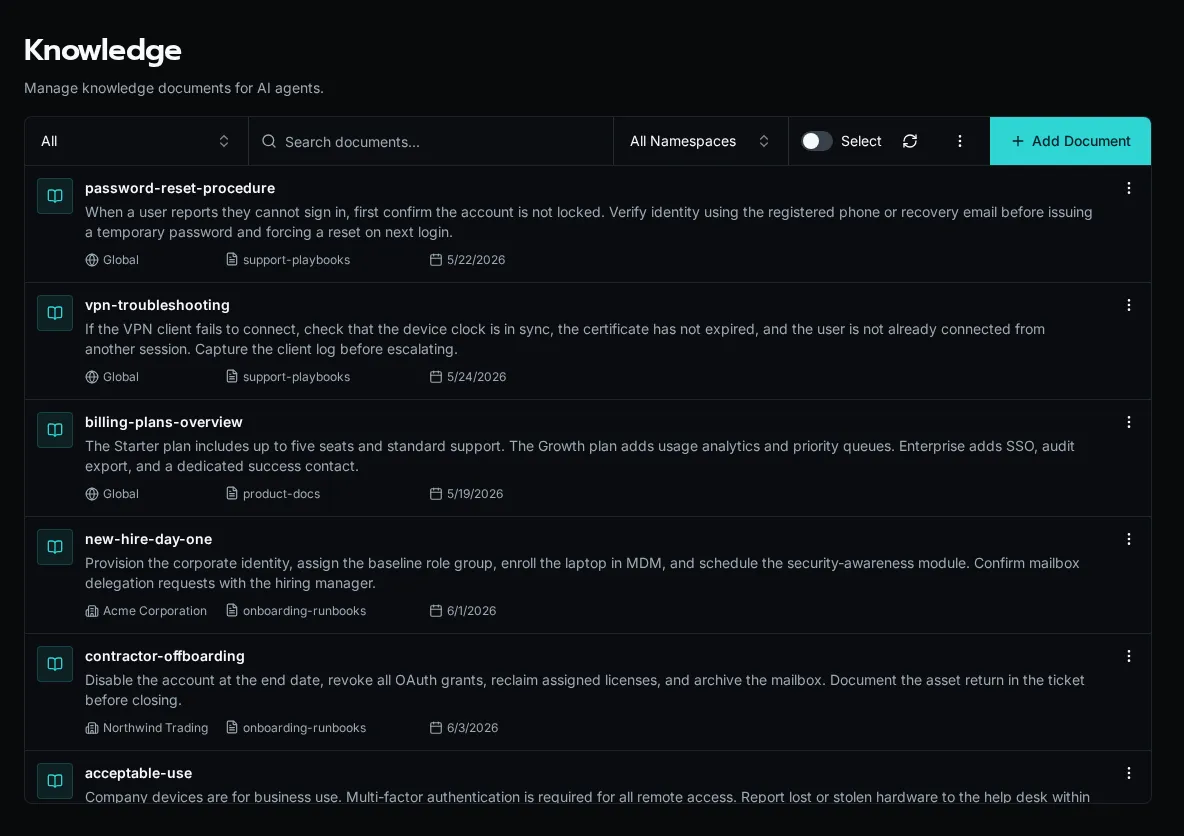
Documents are grouped into **namespaces** — named buckets like `support-playbooks` or `product-docs` that an agent or workflow targets when it searches. A query against one namespace never bleeds into another, so you can keep unrelated corpora isolated.
Each document also carries a **scope**. A *global* document is visible to every organization; an org-scoped document is visible only to that organization (and overrides a global document with the same key). This mirrors the cascade Bifrost uses everywhere else: org-specific content layers on top of shared defaults without duplicating it.
You manage knowledge through the platform UI and the SDK. Sources can be uploaded files, scraped pages, or programmatic ingestion from a workflow.
## Where to learn more
[Section titled “Where to learn more”](#where-to-learn-more)
[Knowledge Module (SDK reference)](/docs/sdk-reference/sdk/knowledge-module/)Query and manage knowledge bases from workflows using the bifrost.knowledge SDK.
# MCP (Model Context Protocol)
> Bifrost is symmetric on MCP — it exposes its own tools as an MCP server and consumes external MCP servers as a client.
[Model Context Protocol](https://modelcontextprotocol.io) is the protocol AI clients use to discover and call tools on a remote server. Bifrost speaks both sides:
* **As a server** — Bifrost exposes its workflows, knowledge, and platform actions as MCP tools that Claude Desktop, Copilot, Cursor, and other MCP-aware clients can call.
* **As a client** — Bifrost connects to remote MCP servers (Microsoft 365 Copilot Graph, a self-hosted HaloPSA bridge, anything that speaks streamable HTTP) and surfaces their tools to Bifrost agents and chat.
The two sides are independent. You can enable either, both, or neither.
## When to use which
[Section titled “When to use which”](#when-to-use-which)
* Your AI client (Claude, Copilot, Cursor) needs to read or write data in Bifrost → **server side**. See [Server Setup](/docs/how-to-guides/mcp/server-setup/).
* A Bifrost agent needs to call tools that live outside Bifrost (M365 Graph, internal company APIs wrapped in an MCP server) → **client side**. See [Connecting external MCP servers](/docs/how-to-guides/mcp/external-servers/).
## How the client side fits together
[Section titled “How the client side fits together”](#how-the-client-side-fits-together)
Three concepts:
* **Server template** (platform-level) — the URL, OAuth provider, and discovery snapshot for an external MCP server. Defined once, shared across organizations.
* **Connection** (per-organization) — an organization’s binding to a server template, including the OAuth client credentials and two visibility flags (Chat / Autonomous).
* **Per-agent grants** — which connections each agent is allowed to use. Default-deny: a new connection is invisible to agents until you grant it on each agent’s settings page.
This three-layer split lets a platform admin register a server once, hand out connections to organizations, and then have org admins decide which agents see which tools.
## Auth resolution
[Section titled “Auth resolution”](#auth-resolution)
When an agent invokes an external MCP tool, Bifrost picks the right token using these rules in order:
1. The user has a personal connection (delegated identity) → use the user’s token. Vendor sees the user.
2. No personal connection but the connection has **Available in user chat** on and a healthy service token → use the shared service token.
3. No personal connection, no fallback → chat surfaces an inline **Connect** card. Autonomous runs raise an error.
4. Autonomous run, **Available to autonomous agents** is on, healthy service token → use the service token.
5. Autonomous run, flag off → the tool is filtered out at planning time and never invoked.
For service-to-service `client_credentials` flows, paths 1 and 3 don’t apply — there is no user identity to delegate. Bifrost only attempts paths 2/4/5.
## Where to learn more
[Section titled “Where to learn more”](#where-to-learn-more)
[Connecting external MCP servers](/docs/how-to-guides/mcp/external-servers/)Register a server template, set up OAuth, and grant connections to agents.
[Connecting your personal MCP identity](/docs/how-to-guides/mcp/per-user-mcp-credentials/)End-user guide to connecting a personal token so vendors see your identity, not the service account.
[Configuring Bifrost's MCP server](/docs/how-to-guides/mcp/server-setup/)The other direction — let Claude, Copilot, and other AI clients reach Bifrost.
# Organizations
> The tenant boundary in Bifrost — every config, connection, table row, and automation is scoped to an organization or shared globally across all of them.
An organization is the tenant boundary in Bifrost. As an MSP, you run one platform and represent each customer as an organization. Configs, OAuth connections, table rows, forms, and automations either belong to a single organization or are shared globally across all of them.
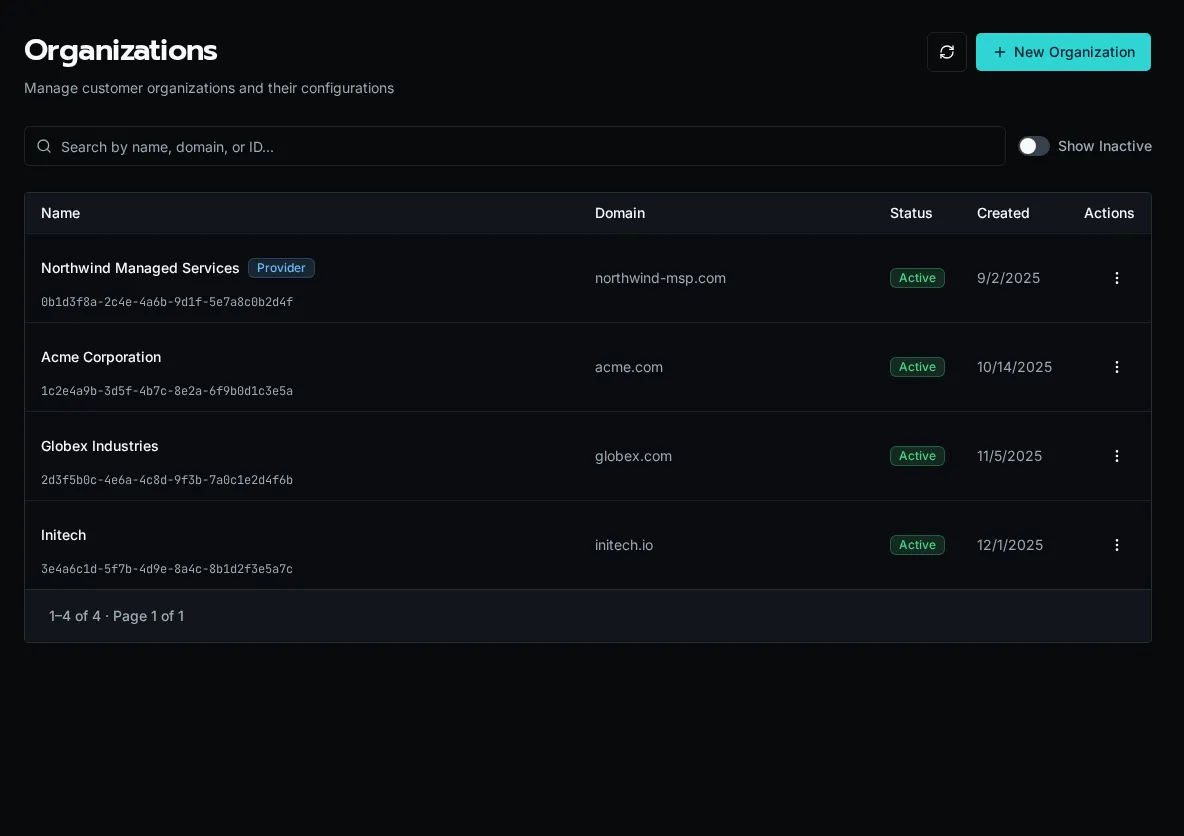
## The provider organization
[Section titled “The provider organization”](#the-provider-organization)
One organization is marked as the **provider** — your own MSP. It is created automatically, cannot be disabled or deleted, and is highlighted with a star. Members of the provider organization can resolve and manage resources across every customer organization, which is how platform-wide automations and shared integrations work.
Note
The provider flag is immutable. Everything else about an organization — name, domain, active status — can be edited after creation.
## Scope cascade
[Section titled “Scope cascade”](#scope-cascade)
Every scoped resource resolves against the active organization first, then falls back to the global scope:
* **Organization** (`organization_id = UUID`) — visible only inside that one organization.
* **Global** (`organization_id = None`) — visible to every organization as a shared default.
A customer-specific OAuth connection or config overrides the global one of the same name when a workflow runs in that organization’s context. See [Scopes: Global vs Organization](/docs/core-concepts/scopes/) for how this resolution works in workflow code.
## Email-domain auto-provisioning
[Section titled “Email-domain auto-provisioning”](#email-domain-auto-provisioning)
Set an organization’s **email domain** (for example `acme.com`) and any new user who signs in with a matching address is automatically placed in that organization. This removes manual user assignment for customers who use SSO.
## Active vs inactive
[Section titled “Active vs inactive”](#active-vs-inactive)
Disabling an organization keeps its data intact but takes it out of active rotation. Use the row menu to disable an offboarded customer, turn on **Show inactive** to find it later, and choose **Enable** to restore it. The provider organization cannot be disabled.
## Required AI instructions
[Section titled “Required AI instructions”](#required-ai-instructions)
Each organization can add instructions for work performed through the default Bifrost MCP endpoint. Open the organization’s row menu, choose **Manage**, then select **Instructions**. Organization instructions are applied after the platform-wide instructions from **Settings → AI → Default MCP Instructions**.
Use this layer for durable customer context such as naming conventions, escalation rules, or approved operating boundaries. Do not put secrets in instructions.
## Managing organizations
[Section titled “Managing organizations”](#managing-organizations)
Create, edit, enable, and disable organizations from the **Organizations** page, or script the same operations with the CLI:
```bash
bifrost orgs create --name "Acme Corporation" --domain acme.com
bifrost orgs list
```
The CLI’s `delete` command performs the same soft-delete as **Disable** in the UI; it does not erase the organization’s data.
# Permissions & Roles
> How roles, organization reach, run identities, and workflow permissions work together.
Bifrost checks both who may launch something and what its automation may do. Access to an app, form, or agent does not grant unrestricted access to tables, files, secrets, or integrations.
## Roles and Organization Reach
[Section titled “Roles and Organization Reach”](#roles-and-organization-reach)
Roles grant named permissions. Their organization or platform boundaries determine where those permissions apply. People and custom identities have a base role and may have additional role assignments. Built-in roles are read-only; custom roles let you define permissions for your own responsibilities.
Manage roles from **Roles** and assignments from **Users**. A provisioning default chooses the base role for new accounts; changing that default does not rewrite existing assignments. See [Base Role Defaults](/docs/how-to-guides/operations/base-role-defaults).
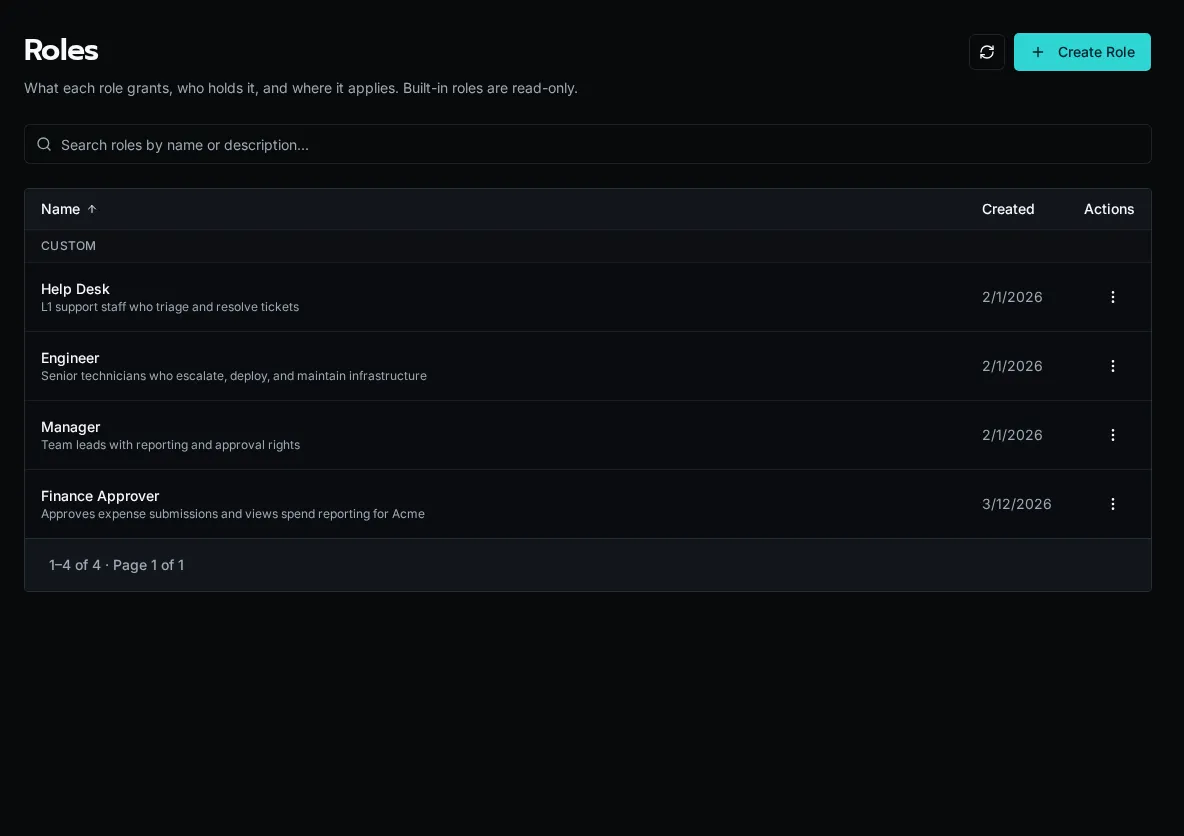
## Discovering and Launching Resources
[Section titled “Discovering and Launching Resources”](#discovering-and-launching-resources)
An entity’s access level, role bindings, and organization scope determine who can see or launch it. Configure these on the form, workflow, agent, or app rather than relying on a hidden button in a frontend.

Chat has its own permission. Access to an agent alone does not grant access to the Chat surface. An app or form calling a workflow also passes through the workflow’s execution checks.
Set an agent’s launch visibility and role bindings in its access settings. Tool calls still use the underlying workflows’ execution permissions.
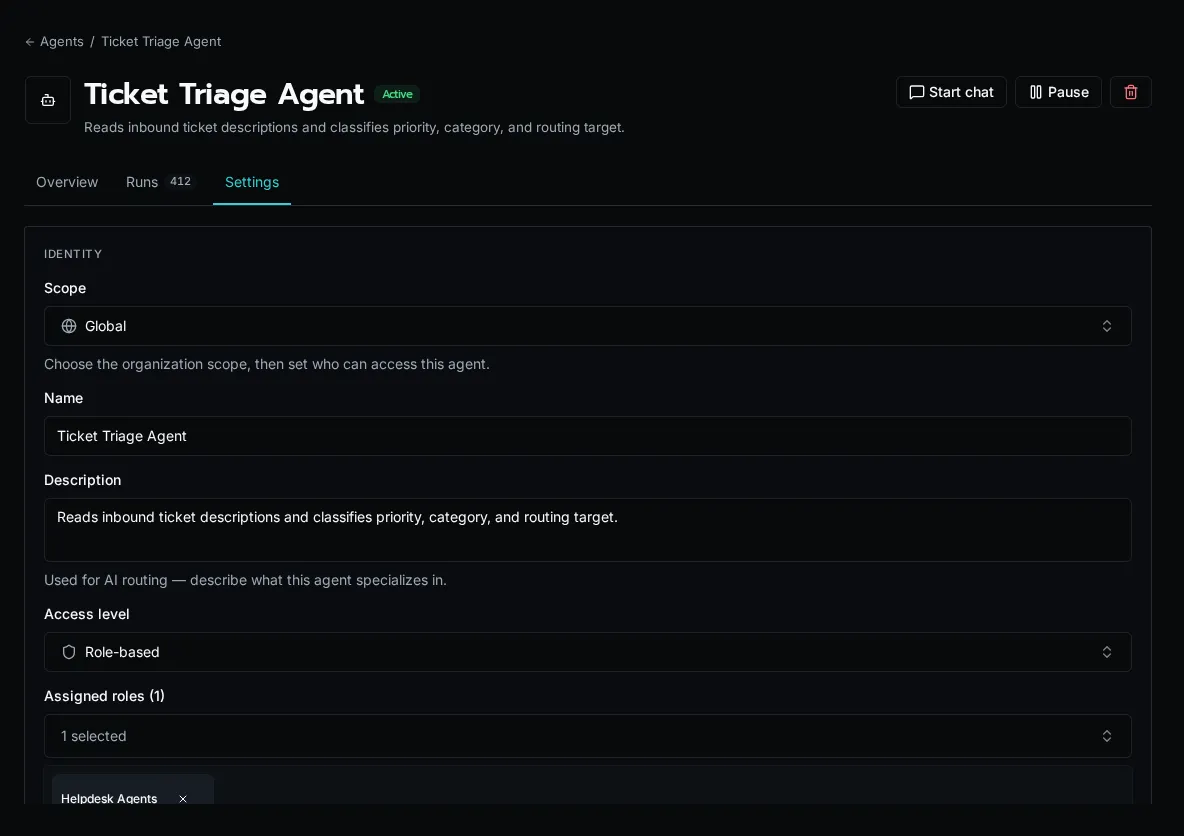
App access controls entry to the app; platform checks still apply to the operations it invokes.
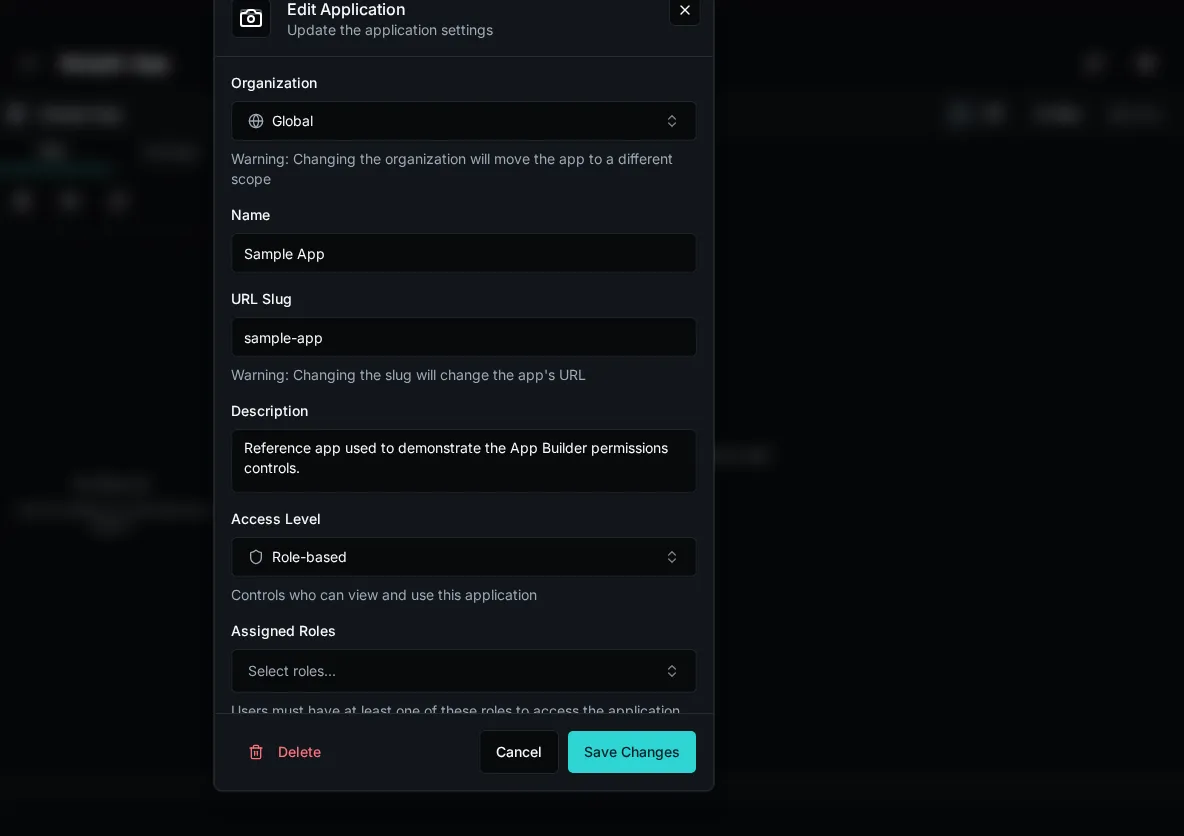
## Run Users and Acting Identities
[Section titled “Run Users and Acting Identities”](#run-users-and-acting-identities)
A run records its original user separately from its acting identity. **Run As** changes who performs the action and receives its attribution; the original run user’s current roles and organization reach still decide whether it is allowed. An acting identity cannot enlarge that reach.
Unattended workflows, agents, and services need a selected identity. Manage reusable custom identities under **Users → Identities**, then select the appropriate identity for the automation. A person’s platform-admin status is not a substitute for the run’s permission checks.
## Workflow Access Modes
[Section titled “Workflow Access Modes”](#workflow-access-modes)
The workflow **Access** panel shows its effective mode:
| Mode | Permissions added to the run user’s roles |
| ------------------------ | ------------------------------------------------------------------------------------ |
| **Full Access** | Every named permission, including Secrets, within the run user’s organization reach. |
| **Declared Permissions** | Only the workflow’s configured permissions, within the same reach. |
Full Access remains the platform default. Upgrading to 2.0 does not automatically convert existing workflows to Declared Permissions.
Table and file policies still apply in either mode. Role conditions use the original run user’s own membership. Agents and inline scripts add no workflow permissions. Solution outbound-access settings separately control network access.
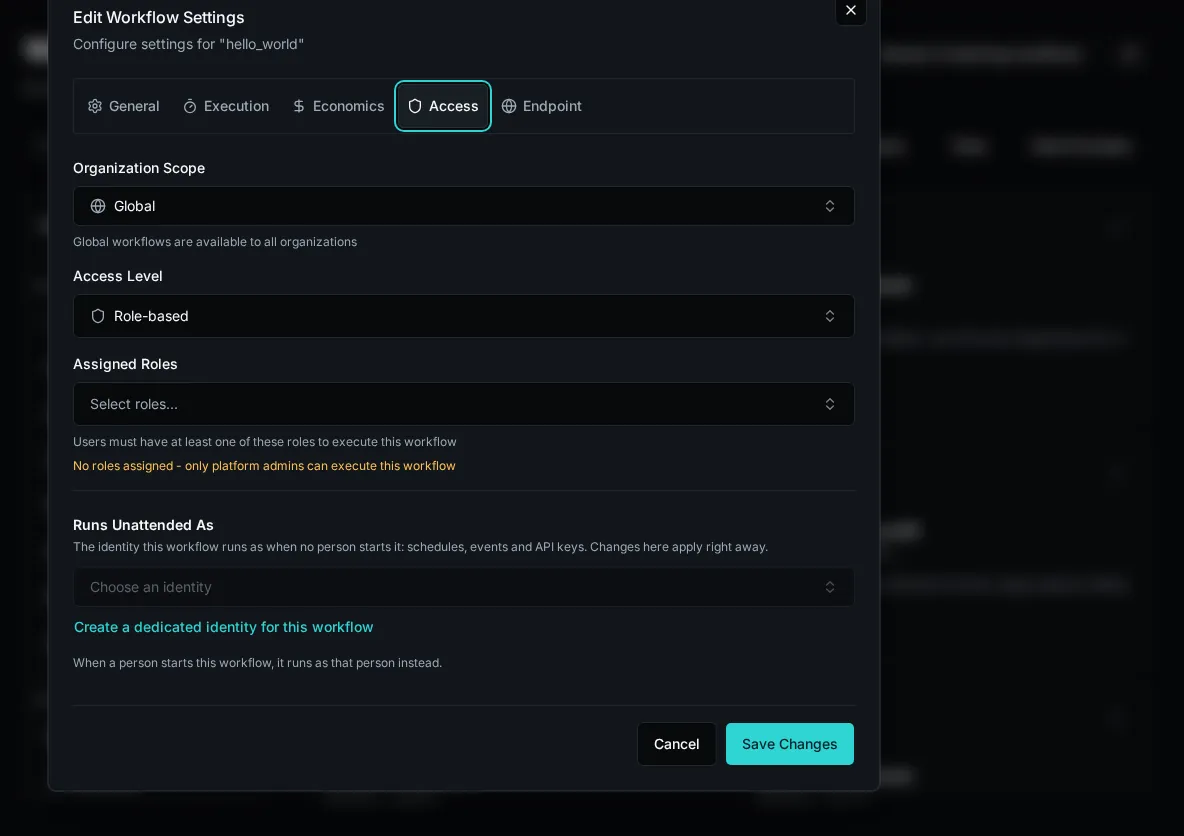
The [workflow conversion tool](/docs/how-to-guides/workflows/converting-permissions) can suggest declared permissions from code and recorded usage. Review uncertainties and test normal execution paths before applying a narrower declaration. Its analysis does not run workflows or prove their business behavior.
## Solution Permission Requests
[Section titled “Solution Permission Requests”](#solution-permission-requests)
A Solution declares each workflow’s requested access mode and permission capabilities. An administrator approves the request for that installation. Changed requests require approval again; revoked or stale approvals add no capabilities. Explicit Declared Permissions requests cannot inherit Full Access from the platform default.
These capabilities add no organizations to the run user’s reach. Existing Full Access installs retain their mode until explicitly restricted.
## Checking Access
[Section titled “Checking Access”](#checking-access)
Use **Auditing → Access Checks** to inspect refusals and selected policy and secret decisions. Successful named-permission checks are omitted, so this log is evidence rather than a complete inventory of a workflow’s needs.
Configure roles, reach, entity access, and workflow permissions together. Frontend visibility and in-body checks can improve the experience, while platform checks remain the authorization boundary.
# Platform Overview
> Understanding Bifrost's architecture and core concepts
Bifrost is an open-source automation platform designed to democratize best-in-class tooling for the emerging Integration Services industry - before venture capital gets the chance to own something we’re all incredibly passionate about: solving problems with automation.
## What Bifrost Solves
[Section titled “What Bifrost Solves”](#what-bifrost-solves)
Existing RPA platforms are great for rapid development and provide helpful abstractions for things like OAuth, but **they cannot and will not keep pace with AI-powered development** and have always been constrained by limitations that traditional programming languages do not have.
Bifrost removes those limitations by creating a light management layer with the features that make RPA’s uniquely valuable and letting Python do what it’s good at. It’s architected with multi-tenancy at its core, enabling you to scale your Integration Services business without duplicating work across customers. **This is not another RPA tool trying to be everything to everyone**; it’s a platform designed specifically to help you build scalable automation businesses the right way, without vendor lock-in, and without the limitations of RPA.
Tip
Want to understand the “why” behind Bifrost? Check out [Why This Matters](/docs/about/why-open-source) to learn about our mission.
## Home workspace
[Section titled “Home workspace”](#home-workspace)
Home is the launcher for the apps, forms, and chat agents each signed-in user can access. Search and filters narrow the catalog without changing permissions; favorites, recent work, and collections keep frequently used resources close at hand.
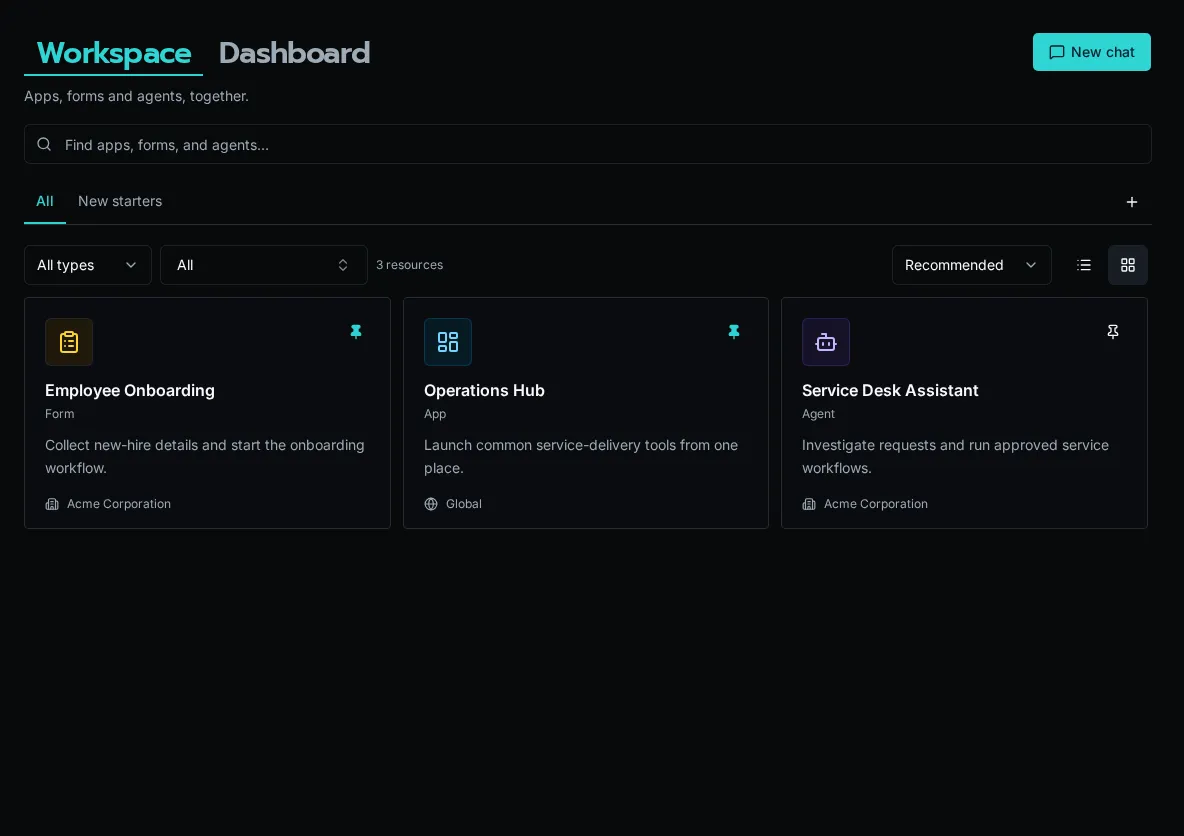
Platform administrators can open **Dashboard** from Home to inspect operational metrics.
## Dashboard
[Section titled “Dashboard”](#dashboard)
The Dashboard provides a high-level overview of the platform, including workflow counts, form statistics, execution metrics, and recent failures. It is available to platform administrators at `/dashboard`.

## What You Can Do with Bifrost
[Section titled “What You Can Do with Bifrost”](#what-you-can-do-with-bifrost)
Develop with Your Favorite Tools
* Use VS Code, Claude Code, and Git for version control
* Build with Python and modern development workflows
* Test locally before deploying to production
Build Reusable Integrations
* Create integration modules for common platforms (NinjaOne, HaloPSA, Pax8, Microsoft CSP) - Abstract authentication, pagination, and API complexity - Share functionality across all your workflows
Centralized Connection Management
* Automated OAuth refresh flows - Key/value configuration storage per organization - Encrypted secrets storage
Dynamic Forms and Workflows
* Create flexible forms for you and your customers - Build context-aware workflows that adapt based on organization and user - Generate form inputs programmatically from data providers
Multi-Tenant Architecture
* Scope functionality globally or to specific organizations - Deliver value to customers without code duplication or redeployment - Complete data isolation between tenants
AI Agents
* Conversational agents with tool-calling workflows
* Autonomous agent runs triggered by events or schedules
* Budget controls for iteration and token limits
* Full observability with step-by-step run tracking
AI-Assisted Development
* Built for modern AI coding workflows
* Use Claude Code, GitHub Copilot, and other AI tools
* Write workflows from natural language descriptions
## Core Architecture
[Section titled “Core Architecture”](#core-architecture)
```plaintext
┌─────────────────────────────────────────┐
│ Client (React) │
│ Forms | Workflows | Admin │
└────────────────┬────────────────────────┘
│ REST API / WebSocket
▼
┌─────────────────────────────────────────┐
│ API (FastAPI) │
│ HTTP Handlers | Auth | Schedules │
└────────────────┬────────────────────────┘
│
┌───────┴───────┐
▼ ▼
┌─────────┐ ┌────────┐
│ Workers │ │ MinIO │
│ (jobs) │ │ (S3) │
└─────────┘ └────────┘
│ │
└───────┬───────┘
▼
┌─────────────────────────────────────────┐
│ PostgreSQL | Redis │
└─────────────────────────────────────────┘
```
| Component | Purpose |
| -------------- | ----------------------------------------------------------------------------------------- |
| **API** | HTTP endpoints, authentication, schedules and triggers; on Kubernetes, starts worker Jobs |
| **Worker** | Runs every kind of work: workflows, agent runs, and platform jobs (scalable) |
| **MinIO/S3** | Object storage for workspace files |
| **PostgreSQL** | Primary database for all data, and the queue workers claim work from |
| **Redis** | Sessions, cache, workflow code cache, sync execution results |
Workers take work by memory rather than by a fixed number of slots: each worker accepts runs that fit its memory, using the memory each workflow has learned it needs or the **Memory Request** set in its settings.
## Core Concepts
[Section titled “Core Concepts”](#core-concepts)
### Workflows
[Section titled “Workflows”](#workflows)
Python async functions decorated with `@workflow`:
```python
@workflow
async def create_user(email: str, name: str):
"""Create a new user in the system."""
return {"user_id": "123"}
```
The decorator auto-infers name, description, and parameters from your function. After writing your code, you register the function to make it available in the UI, forms, scheduled jobs, and webhooks.
### Forms
[Section titled “Forms”](#forms)
UI for workflows with:
* Multiple field types
* Data provider integration for dynamic lists
* Visibility rules
* Real-time validation
### Data Providers
[Section titled “Data Providers”](#data-providers)
Dynamic options for dropdowns:
```python
from bifrost import data_provider, context
@data_provider(name="get_departments")
async def get_departments():
org_id = context.org_id # Access via proxy if needed
return [
{"label": "Engineering", "value": "eng"},
{"label": "Sales", "value": "sales"}
]
```
### Agents
[Section titled “Agents”](#agents)
AI agents that use workflows as tools:
* **Chat mode**: Interactive conversations via web, Teams, or Slack
* **Autonomous mode**: Headless execution triggered by events, schedules, or SDK calls
* Budget controls (`max_iterations`, `max_token_budget`) bound resource usage
### Workflow Registration
[Section titled “Workflow Registration”](#workflow-registration)
Workflows are registered explicitly after you write the code:
1. Developer creates a Python file with `@workflow` or `@data_provider` decorators
2. Developer registers the function via Code Editor, API, or MCP
3. Platform indexes metadata (name, description, parameters) in the database
4. Workflow is exposed via REST API and appears in the UI
When you edit files in the UI editor, the workflow code cache is updated as the file is saved, so every worker runs the new code. This enables you to organize your code by feature, customer, or whatever you find most useful.
## Multi-Tenancy
[Section titled “Multi-Tenancy”](#multi-tenancy)
* **Organization Isolation**: Context provides information about who the caller is so you can make decisions in your code
* **Org-Scoped Secrets**: Stored as configurations, configs and secrets will default to the caller’s organization first and call back to global secrets with the same name.
* **Forms**: Forms expose workflows in a user-friendly way and can be scoped to an organization. Form configuration is designed in the UI and stored in the database.
## Security
[Section titled “Security”](#security)
* **Authentication**: Local auth, Microsoft, Google, or any OIDC provider
* **Authorization**: Role-based access control (RBAC) to forms
* **Secret Management**: Encrypted secrets stored in PostgreSQL
* **Audit Logging**: Most actions logged with user context
* **OAuth Flow**: Secure OAuth 2.0 token management with automatic refresh
## Use Cases
[Section titled “Use Cases”](#use-cases)
### MSP/IT Service Providers
[Section titled “MSP/IT Service Providers”](#mspit-service-providers)
* User onboarding/offboarding
* License management
* Ticket automation
* Service request forms
* Compliance reporting
### Enterprise IT
[Section titled “Enterprise IT”](#enterprise-it)
* Multi-system user provisioning
* Self-service capabilities
* Bulk operations via forms
* Line-of-business app integration
### Integration Services
[Section titled “Integration Services”](#integration-services)
* Data synchronization
* Event-driven workflows
* API orchestration
* Custom business logic
## Open Source
[Section titled “Open Source”](#open-source)
* **License**: AGPL
* **Repository**: [github.com/gobifrost/bifrost](https://github.com/gobifrost/bifrost)
## Next Steps
[Section titled “Next Steps”](#next-steps)
* [Installation Guide](/docs/getting-started/installation) - Deploy with Docker Compose
* [First Workflow Tutorial](/docs/getting-started/first-workflow) - Build your first workflow
* [Create Forms](/docs/getting-started/creating-forms) - Build dynamic forms
* [OAuth Integration](/docs/getting-started/integrations) - Connect external APIs
# Scopes: Global vs Organization
> Understanding scope in Bifrost: what makes data global vs organization-specific
Scope determines whether a resource is shared across the entire platform (global) or belongs to a specific organization.
Configs marked `secret` are encrypted at rest but follow the same scope cascade as any other config — see [Storing Sensitive Config Values](/docs/how-to-guides/integrations/secrets-management/) for usage details.
## Understanding Scope
[Section titled “Understanding Scope”](#understanding-scope)
Resources in Bifrost exist at two levels:
* **Global** (`organization_id = None`) - Available to all organizations on the platform
* **Organization** (`organization_id = UUID`) - Specific to one organization, isolated from others
Tip
Most resources you work with will be globally scoped so you can maximize reusability. Scope things to organizations that are truly specific to that organization, like automations or forms you’re developing specifically for them.
### OAuth Connections
[Section titled “OAuth Connections”](#oauth-connections)
Each organization can have its own OAuth connections with its own credentials:
```python
# Your organization's Microsoft Graph connection
# Uses YOUR Entra ID app credentials
# Not visible to other organizations
integration = await integrations.get("microsoft-graph")
if integration and integration.oauth:
access_token = integration.oauth.access_token
```
### Configuration
[Section titled “Configuration”](#configuration)
Organization-specific settings:
```python
# Your organization's configuration
timezone = await config.get("timezone") # e.g., "America/Denver"
department = await config.get("default_department")
```
### When Global Scope is Used
[Section titled “When Global Scope is Used”](#when-global-scope-is-used)
1. **Shared platform services** - Services managed centrally by the platform
2. **Default configurations** - Fallback settings when organization doesn’t have its own
3. **Platform-wide integrations** - Connections managed by platform admins
## How Scope Works in Your Workflows
[Section titled “How Scope Works in Your Workflows”](#how-scope-works-in-your-workflows)
When you access resources in a workflow, Bifrost automatically uses your organization’s context:
```python
from bifrost import workflow, integrations, config
@workflow(name="example")
async def example():
# Uses YOUR organization's OAuth connection
integration = await integrations.get("microsoft-graph")
if integration and integration.oauth:
access_token = integration.oauth.access_token
# Gets YOUR organization's config
timezone = await config.get("timezone")
```
1. **Your workflow executes** in the caller’s context
2. **All resources are automatically scoped** to their organization
3. **Data is isolated** - your workflow ultimately decides what to do based on this information
### Scope Resolution (Cascade)
[Section titled “Scope Resolution (Cascade)”](#scope-resolution-cascade)
When the SDK resolves a resource (config, table, integration mapping, etc.), it walks the cascade in this order:
```text
SDK call (e.g. config.get("smtp_server"))
│
▼
┌──────────────────────────────────┐
│ 1. Org lookup │
│ Does my org have this name? │
└──────────────────────────────────┘
│
┌───────────┴───────────┐
yes no
│ │
▼ ▼
use org-scoped ┌──────────────────────────┐
value │ 2. Global lookup │
│ Does a global exist? │
└──────────────────────────┘
│
┌───────────┴───────────┐
yes no
│ │
▼ ▼
use global value 3. None / default
```
In short:
1. **Organization-level** — Your organization’s specific resource
2. **Global-level** — Platform-wide fallback (if exists)
3. **Not found** — Returns `None` or default value
If your org has a resource with the same name as a global one, **your org’s version takes precedence** and the global one is shadowed. Other orgs still see the global version.
This cascade applies identically for both **reads and writes**. If your org doesn’t have a table called “Users” but a global one exists, reading from and writing to “Users” both target the global table. If your org has its own “Users” table, all operations target the org-scoped one instead.
**Example:**
```python
# Looking for config value "smtp_server"
smtp = await config.get("smtp_server")
# 1. Check: Does my org have "smtp_server"? -> Yes, use it
# 2. (If not found) Check: Is there a global "smtp_server"? -> Use it as fallback
# 3. (If still not found) Return None or default value
```
This cascade applies uniformly to workflows, forms, agents, apps, tables, integration mappings, knowledge entries, and data providers.
## The `scope` Parameter
[Section titled “The scope Parameter”](#the-scope-parameter)
Most SDK methods accept an optional `scope` parameter. In practice, **you rarely need it** — the cascade handles everything automatically.
### Default behavior (omit `scope`)
[Section titled “Default behavior (omit scope)”](#default-behavior-omit-scope)
```python
# These all use your execution context's org, with global fallback
data = await tables.query("customers")
cfg = await config.get("api_key")
integration = await integrations.get("HaloPSA")
```
### Scope overrides
[Section titled “Scope overrides”](#scope-overrides)
The `scope` parameter accepts an **org UUID** or **`None`**:
| Value | Meaning |
| ------------ | ---------------------------------------------------- |
| *(omitted)* | Use execution context org + global cascade (default) |
| `None` | Target global scope directly (no org) |
| `"org-uuid"` | Target a specific org (provider orgs only) |
Caution
**There is no `scope="global"` string.** Global scope is represented by `None`. Passing `scope="global"` will raise a `PermissionError`.
```python
# Target global scope directly (bypasses cascade)
await tables.create("shared_lookups", scope=None)
# Target a specific org (provider orgs only)
await config.get("timezone", scope="org-uuid-here")
```
## Cross-Organization Access (Provider Orgs)
[Section titled “Cross-Organization Access (Provider Orgs)”](#cross-organization-access-provider-orgs)
Provider organizations can access other organizations’ scoped resources using `context.set_scope()`. This is useful for admin workflows that manage multiple tenants.
```python
from bifrost import workflow, context, integrations
@workflow(name="sync_all_tenants")
async def sync_all_tenants():
mappings = await integrations.list_mappings("Microsoft Graph")
for mapping in mappings:
# Switch to the managed org's scope
context.set_scope(mapping.organization_id)
# All SDK calls now target that org
graph = await integrations.get("Microsoft Graph")
# ... sync data for this org
# Reset to original scope
context.set_scope(None)
```
Caution
Managed (non-provider) organizations are locked to their own scope and cannot use `set_scope()` to target other orgs. This prevents tenants from accessing each other’s data.
## TL;DR
[Section titled “TL;DR”](#tldr)
* Put resources like configs, forms and OAUTH connections in global or a specific organization
* The Bifrost SDK will automatically pull organization-specific things like configs first and fallback on global — for both reads and writes
* You almost never need the `scope` parameter — cascade handles it. When you do need it, use `None` for global or an org UUID for a specific org
* It’s on you as the workflow developer to decide HOW to use context in the workflow, but the SDK will scope resources appropriately for you if you put them in the right place
# Solutions
> Why Solutions exist and what they are — an installable, deploy-owned, read-only, lifecycle-aware package of apps, workflows, forms, agents, tables, and configs.
A **Solution** is a packaged unit of Bifrost work — apps, workflows, forms, agents, tables, and config declarations — bundled behind a single identity so it can be installed into an org, updated over time, and removed cleanly. It is the answer to a recurring question: “I built this thing in one environment; how do I ship it to ten others and keep them in sync?”
To install a package from the UI, choose **Install Solution**, then **Import as a Solution**. Next choose **From a repository** or **From a zip**. **Import into workspace** instead brings definitions into a workspace without creating a lifecycle-managed installation.
Solutions replace the older `bifrost export --portable` / `bifrost import` flow. Those commands were removed. The portable-bundle approach moved files between environments but had no notion of *ownership*, *scope*, or *lifecycle* — once a bundle landed, the target environment couldn’t tell which entities came from the bundle, couldn’t protect them from drift, and couldn’t update them as a set. Solutions close those gaps by treating the package as a first-class, server-tracked install.
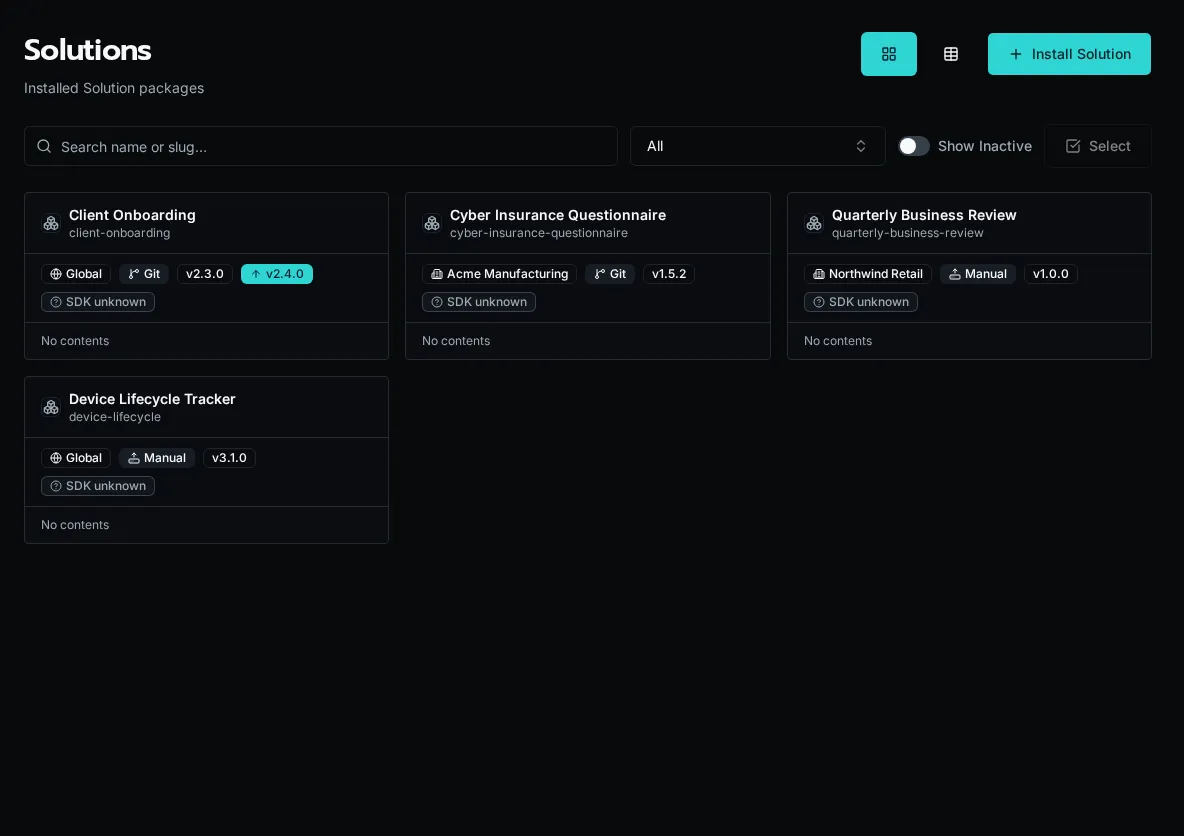
## Why Solutions exist
[Section titled “Why Solutions exist”](#why-solutions-exist)
Authoring a workflow or an app gives you one running thing in one place. Distributing it is a different problem. You want the same HR portal running for three customers, each with its own data and its own connection credentials, all built from one codebase — and you want a way to push a fix to all three without hand-editing entities in each environment.
A raw entity copy can’t do this. It carries org IDs, role UUIDs, and OAuth tokens that are meaningless in another environment, and it leaves no trace of which entities belong together. Solutions solve the distribution problem by making the package the unit of management: identity, scope, ownership, and lifecycle all attach to the install, not to the loose entities underneath it.
## One definition, many installs
[Section titled “One definition, many installs”](#one-definition-many-installs)
A Solution has two halves. The **definition** is the source workspace — Python source, app source, and the entity content in `.bifrost/*.yaml`, all keyed by a `slug` in the `bifrost.solution.yaml` descriptor. The **install** is what the server mints when you deploy: a `Solution` record with its own id, stamped onto every entity row the deploy writes.
The `slug` is the identity. One definition can produce many independent installs — deploy the same workspace into three different orgs and each gets its own install with its own id, its own config values, and its own entity rows, all built from the same source. Deploy refuses to let one org’s install clobber another org’s install of the same slug; each is resolved by matching `(slug, org)` and is updated independently.
Instance vs fork — the slug is the dividing line
Need the *same* solution for another customer (same code, different data)? Keep one repo and one slug, and deploy it per org: `bifrost solution deploy --org "Customer Org"`. Each org gets an independent install of the same definition.
Need a customer’s solution to genuinely *diverge* (different features, not just different data)? Fork the repo and give it a **new slug**. A different slug is a different definition — a separate solution, not another instance of the first. There is no per-customer stamping in the repo; forking is the mechanism.
## Deploy owns what it installs
[Section titled “Deploy owns what it installs”](#deploy-owns-what-it-installs)
Every entity a Solution installs — app, workflow, form, agent, table, config declaration — is **deploy-owned**. The platform writes these records at install or deploy time and treats them as read-only afterward. Editing a solution-managed entity through the live create/update verbs returns a `409`: deploy owns that record, and a stray live edit would silently diverge from the source the next deploy reconciles against.
Updates flow through the package, not the entity. You change the source workspace and run `bifrost solution deploy` (a full replace — the server upserts everything in the bundle and deletes managed entities no longer present). For git-connected installs the same update can arrive by auto-pull from the repo. The lifecycle is deliberate: the definition is the source of truth, and the install is a faithful, replaceable projection of it.
Why read-only matters
Because deploy is a full replace, a live edit to a managed entity isn’t just unsupported — it’s actively unsafe. The next deploy reconciles the install against the source bundle and would overwrite the edit. The `409` is the platform refusing to let you create that kind of silent drift. To change a managed entity, edit its content in the source workspace (`.bifrost/*.yaml` or the app/workflow source) and redeploy.
Capturing existing loose entities into an install is the one path that adds managed entities outside a normal deploy (`bifrost solution capture`). Even then, ownership is server-tracked: once captured, the entity is solution-managed and read-only like everything else the install owns.
## Three lifecycle modes
[Section titled “Three lifecycle modes”](#three-lifecycle-modes)
A Solution moves between environments three ways, depending on where the package lives and what you’re doing with it.
**Install from a package.** An operator installs a finished Solution into their environment — from a workspace zip (`bifrost solution install `, the drag-and-drop equivalent) or from a GitHub repo. The server unzips or clones, resolves-or-creates the install for the chosen org, deploys the bundle atomically, and applies any config values supplied at install time. A source picker in the UI lets an operator install from a connected repo (including an omni-repo subfolder via `repo_subpath`).
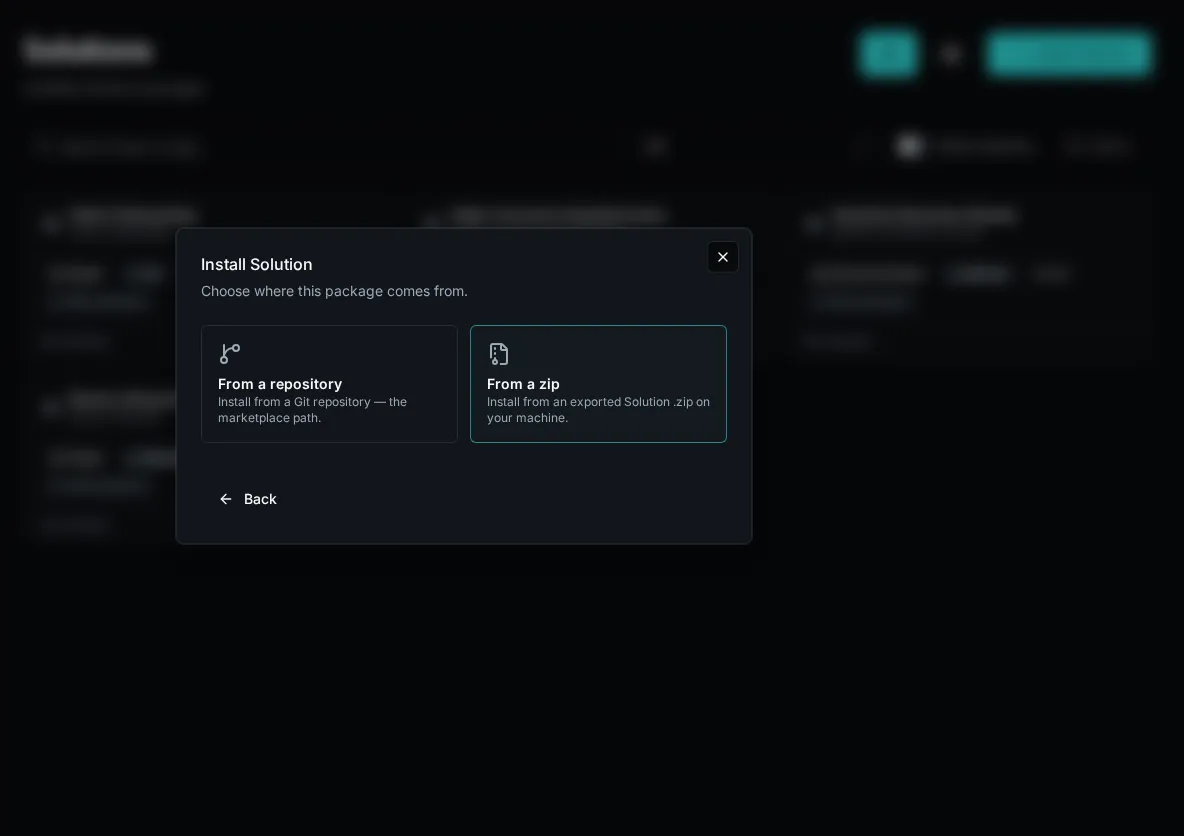
**Deploy from a workspace.** An author ships their own source. `bifrost solution create` writes the descriptor, creates an empty remote install, and binds the workspace in `.env`; `bifrost solution bind --solution ` attaches a cloned workspace to an existing install. From that bound workspace, `bifrost solution deploy` (alias: `bifrost deploy`) bundles the Python source, workflow manifest, apps, forms, agents, tables, and config declarations, then POSTs them to the install. Deploy is non-interactive and always applies the full bundle, so the whole create → deploy → run loop runs headless.
**Local dev with `start`.** While building, `bifrost solution start` runs the app’s Vite dev server and your local workflow functions behind a single origin (Firebase/SWA style). The app’s first-run button works against locally-resolved functions with no deploy at all, and nothing ships to the server until you choose to deploy. It requires the workspace’s `.env` binding so local runs read the install’s own data plane (tables, configs) rather than the shared `_repo/` cascade.
## Scope: org or global
[Section titled “Scope: org or global”](#scope-org-or-global)
A Solution install is either scoped to one org or installed globally — and that scope is *not* a property of the definition. The `bifrost.solution.yaml` descriptor carries no scope. Install kind is the operator’s deploy-time choice, set through the unified `--org` / `--global` standard, and the server derives scope from the install’s `organization_id`: a concrete org id means an org-scoped install, `NULL` means global.
This keeps the package portable. The same source deploys org-scoped for one customer and globally for a shared library, with no per-environment edits to the descriptor. (Scope is independent of `global_repo_access`, a separate descriptor flag that controls whether the Solution’s code may import shared modules from `_repo/` at runtime.)
## Connection references and setup
[Section titled “Connection references and setup”](#connection-references-and-setup)
A Solution rarely runs in a vacuum — its workflows call integrations. A Solution **declares** the integrations it needs as connection references in its bundle. At install time the server pre-creates an empty integration shell for each declared connection and records it, so the operator can see exactly what the Solution needs before it will work.
Install surfaces unmet connection needs rather than failing silently mid-run, and a **Setup** wizard plus a required-config checklist guides the operator through supplying credentials and config values. The setup-status endpoint pairs every config declaration with whether a matching value exists in the install’s scope; setup is complete only when every required declaration is satisfied.
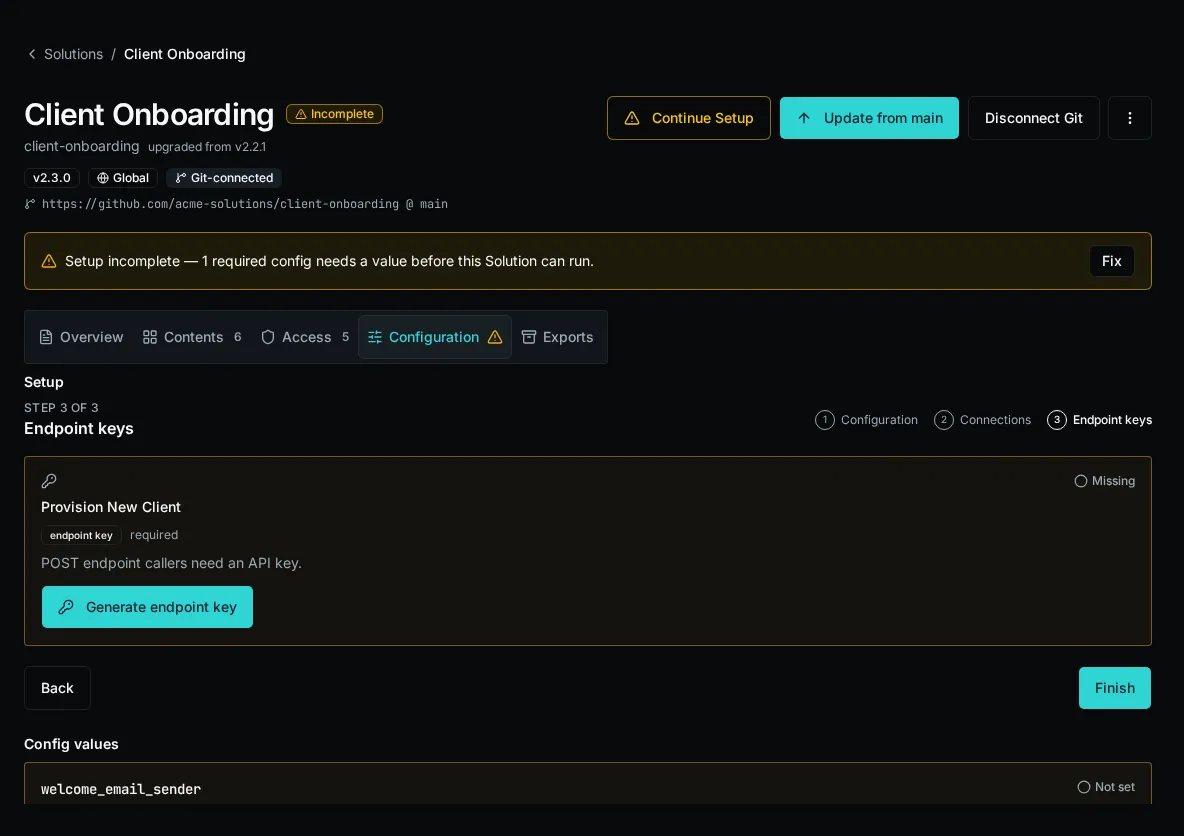
Roles a Solution’s entities bind to are auto-created on install or deploy if they don’t exist in the target environment (empty, so an admin assigns members to grant access).
## The descriptor
[Section titled “The descriptor”](#the-descriptor)
`bifrost.solution.yaml` is the root marker that switches tooling into Solution mode and carries the definition’s identity. It is stateless — no install id, no scope — and deliberately so: identity is minted server-side at deploy time and stamped onto entity rows, never stored in the repo.
```yaml
slug: hr-portal # definition identity — the dividing line between instance and fork
name: HR Portal # display name
version: 1.2.0 # bundle version recorded on the install at deploy time
global_repo_access: false # may the code import shared _repo/ modules at runtime?
# git source (optional — for repo-installed / auto-pulled installs):
git_connected: false
git_repo_url: null
repo_subpath: null # subfolder of an omni-repo holding this descriptor
git_ref: null # branch/tag the install tracks
logo: null # path to an icon shown on the /solutions catalog
```
The descriptor *indexes* the per-entity content that still lives in the split `.bifrost/*.yaml` manifests; it does not replace them. A Solution workspace is the descriptor plus those manifests plus Python source plus app source.
### The version field and update-available
[Section titled “The version field and update-available”](#the-version-field-and-update-available)
The declared `version` is recorded on the install at deploy time. Bifrost compares the bundle’s version against the installed version to surface an **update-available** signal — the signal is descriptor-version based, not git-tag based, so an install knows a newer bundle exists without needing a release tag. The server’s downgrade gate blocks a deploy whose version is older than what’s installed unless you pass `--force`; versions it can’t order never block.

## Exporting an install
[Section titled “Exporting an install”](#exporting-an-install)
An install can be exported back to a redistributable package with `bifrost solution export`. Two modes exist. **Shareable** (the default) rebuilds the workspace bundle live from the entities the install currently owns — code and schema, no secret values — and is directly re-installable. **Full** additionally carries an encrypted backup of the install’s config values (and optionally table data) using Fernet encryption protected by a password; installing a full-backup zip requires that password to decrypt the secrets blob.
Because shareable export rebuilds *live* from current ownership, it always reflects the install’s present state rather than the last deploy — which is also how `bifrost solution pull` materializes captured entities back into a source workspace.
## Where to go next
[Section titled “Where to go next”](#where-to-go-next)
* [App Builder](/docs/core-concepts/apps/) — the apps a Solution packages and ships.
* Build a Solution end to end with the `bifrost solution` CLI: `create` (or `init` alias), `bind`, `scaffold-app`, `start`, `deploy`, `install`, `export`.
# Tables
> Structured, queryable data storage that workflows and apps read and write — gated by row-level policies.
Tables are Bifrost’s built-in structured data store. Workflows, agents, and apps read and write rows through the SDK, giving you persistent state without having to spin up an external database.
Each table has a defined schema and is scoped to your platform. Rows are addressable by primary key and can be filtered, paginated, and updated from any workflow execution.
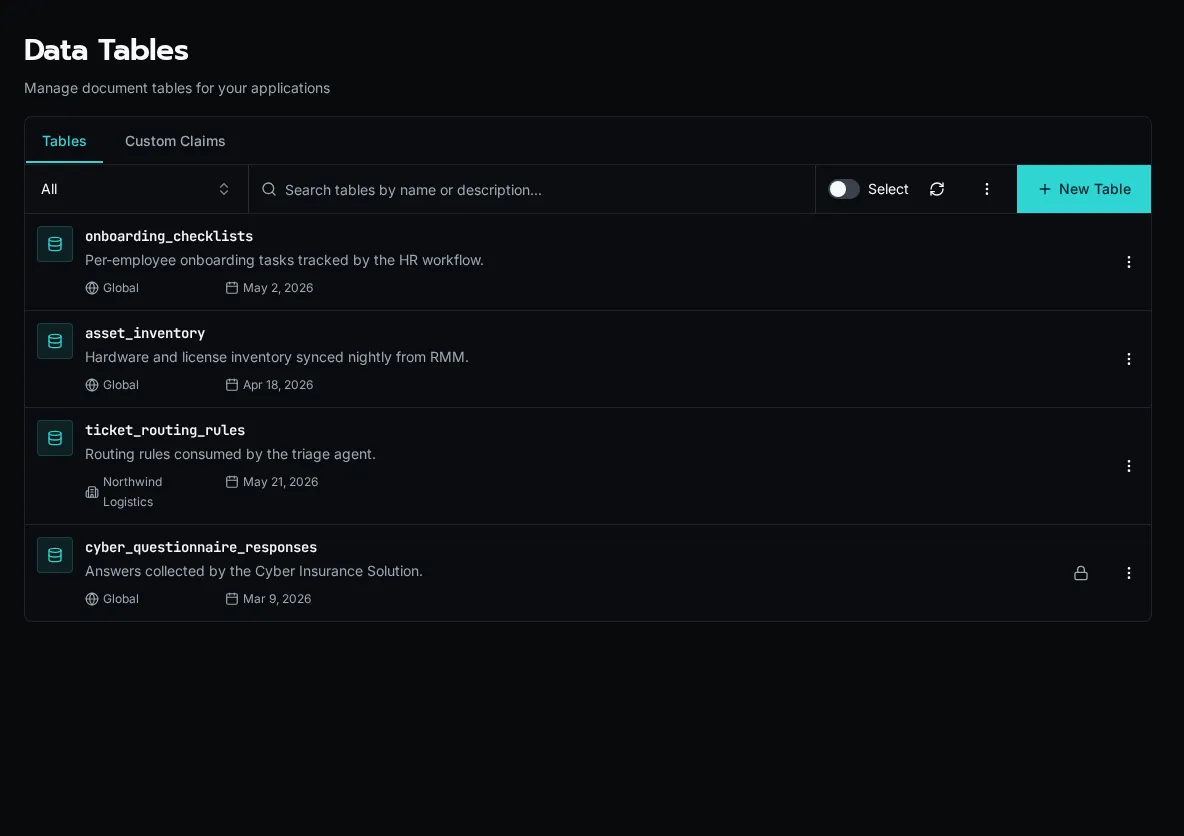
## Row-level policies
[Section titled “Row-level policies”](#row-level-policies)
Every table carries a list of **policies** that gate read and write access on a per-row basis. A policy is a small rule that says “this user, on this row, may do this action.” If no policy grants the action, the request is denied.
Policies live on the table itself (in the `access` column, surfaced as the `policies` field in the manifest and CLI). The same rules are enforced from REST, the workflow SDK, batch endpoints, and the live websocket fan-out — there is no surface where a row escapes the gate.
### Default-deny + the seeded `admin_bypass` rule
[Section titled “Default-deny + the seeded admin\_bypass rule”](#default-deny--the-seeded-admin_bypass-rule)
A freshly-created table is **deny-by-default**: nobody can do anything until at least one rule says so. To keep platform admins from locking themselves out, every new table is seeded with a single rule:
```yaml
policies:
- name: admin_bypass
description: Platform admins bypass all checks. Edit or delete to enforce stricter audit.
actions: [read, create, update, delete]
when:
user: is_platform_admin
```
This rule is fully editable. You can remove it for tables that need stricter audit (e.g. customer financial data where even platform admins must satisfy a real rule), or leave it alone and add other rules alongside.
### The four actions are gated independently
[Section titled “The four actions are gated independently”](#the-four-actions-are-gated-independently)
Each row operation maps to one action:
| Action | Triggered by |
| -------- | --------------------------------------------------- |
| `read` | List/query, single-row GET, count, websocket events |
| `create` | Insert (single or batch) |
| `update` | PATCH, upsert of an existing row |
| `delete` | DELETE (single or batch) |
Listing `[read, update]` on a rule does **not** imply `delete`. Each action is checked against the rules that name it explicitly.
### Multiple rules compose with OR
[Section titled “Multiple rules compose with OR”](#multiple-rules-compose-with-or)
When several rules apply to the same action, they compose **additively** — if **any** rule grants the action, it’s allowed. This is the pattern you’ll use most often:
```yaml
policies:
- name: own_row_read
actions: [read]
when:
eq: [{ row: created_by }, { user: user_id }]
- name: support_team_read
actions: [read]
when:
call: has_role
args: [support]
```
A user who created the row OR who has the `support` role can read it. There is no way to “subtract” — to remove access, remove or narrow the rule that granted it.
### Update and delete check the OLD row
[Section titled “Update and delete check the OLD row”](#update-and-delete-check-the-old-row)
When a row is updated or deleted, the policy is evaluated against the **pre-image** — the state of the row before the change. The post-image is not re-checked.
This has two consequences:
* **You cannot mutate a row to grant yourself read access to it.** A user who can’t read a row also can’t `update` it (the pre-image fails the check), so write-via-update exfiltration is blocked.
* **A user can mutate a row out of their own visibility.** If a rule says “read rows where `status = open`,” a user with update can flip status to `closed` and lose visibility on their own row. The update was authorized at the moment it ran; the new state isn’t re-evaluated for read.
If you want to prevent a row from being changed past a certain state, gate the `update` action itself on the pre-image:
```yaml
- name: only_open_can_be_edited
actions: [update]
when:
neq: [{ row: status }, "closed"]
```
### List, GET, and websocket all use the same gate
[Section titled “List, GET, and websocket all use the same gate”](#list-get-and-websocket-all-use-the-same-gate)
A row that’s filtered out of a list query is also unreachable via direct `GET /api/tables/{id}/documents/{row_id}` — the single-row endpoint runs the same `read` check against the row it loads, and returns 403 on deny. There is no enumeration sidechannel where a guessed ID returns a row that the list query hides.
The same is true for the live websocket fan-out: `useTable` and `tables.subscribe` only deliver events for rows that the user could read via the REST endpoint. If a row becomes visible to the user later (e.g. an admin re-assigns it), the user receives an `insert` event with no extra work on your side.
### Cross-org isolation is policy-driven
[Section titled “Cross-org isolation is policy-driven”](#cross-org-isolation-is-policy-driven)
For **global** tables (no `organization_id` set on the table itself), there is **no implicit org filter** on the rows. A row’s organization is whatever you put in the row’s data. Cross-org isolation, when you want it, comes from a policy clause:
```yaml
- name: own_org_read
actions: [read]
when:
eq: [{ row: organization_id }, { user: organization_id }]
```
This is a single line of defence — if the rule is missing or wrong, both users see both orgs’ rows. Org-scoped tables (where `organization_id` is set on the table) get an implicit table-level scope, but the row-level rule is still recommended for defence in depth.
Note
Policy denials write a `policy.deny` row to the audit log so you can trace “why can’t user X read row Y?” without leaking row data into the response. See [Audit Log](/docs/how-to-guides/operations/audit-log/).
## Custom Claims
[Section titled “Custom Claims”](#custom-claims)
A **custom claim** is a named, query-resolved fact about the caller that you can reference from any table policy with `{claims: name}`. Instead of repeating the same subquery in rule after rule, you define the lookup once and reuse it.
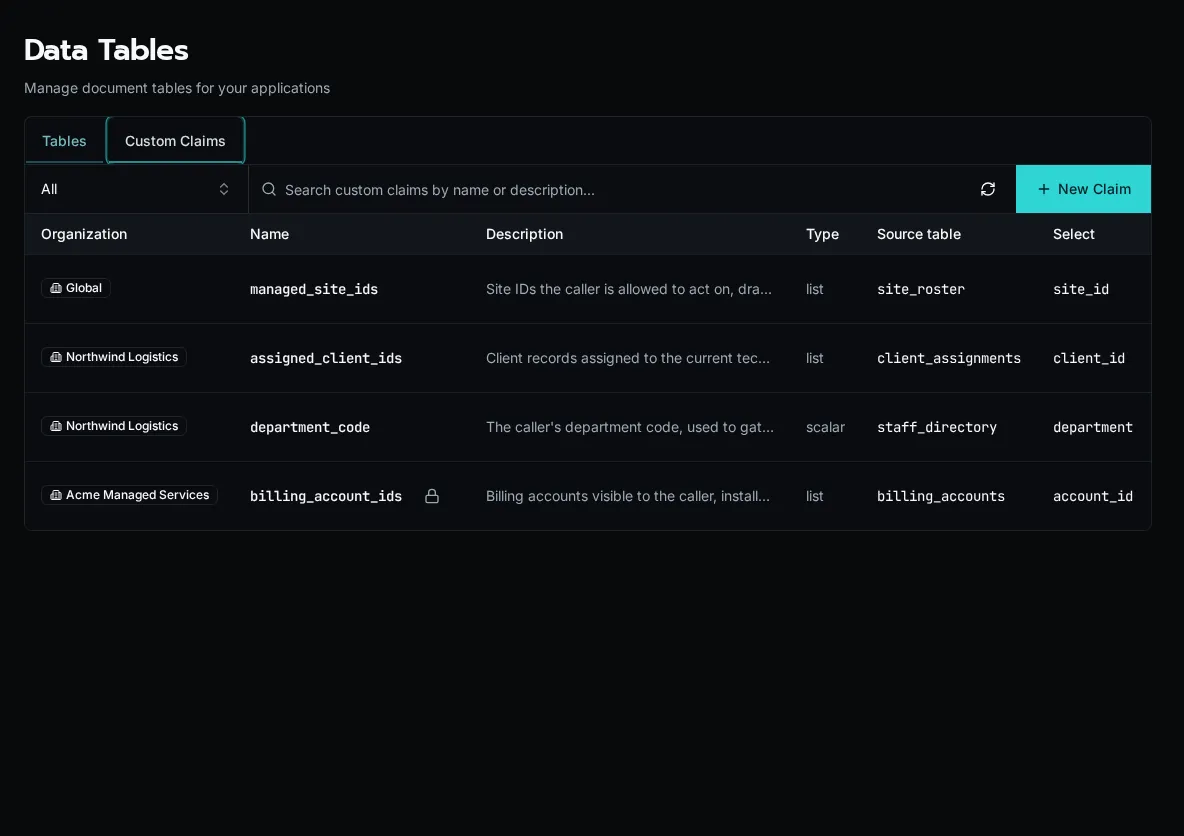
Each claim runs a lookup against a **source table** when the policy engine evaluates a rule, producing either a `list` (a set of values) or a `scalar` (a single value) for the current user. The query is the same `table` / `where` / `select` shape that policies use, so `{user: email}` and other principal fields are available inside the claim’s filter.
Define the claim once — here `assigned_client_ids` selects every `client_id` from a `client_assignments` table where the assignment’s `technician_email` matches the calling user:
```yaml
name: assigned_client_ids
description: Client IDs assigned to the calling technician
type: list
query:
table: client_assignments
where:
eq: [{ row: technician_email }, { user: email }]
select: client_id
```
Then reference it from any policy with `{claims: assigned_client_ids}`. The policy stays a single line and the membership logic lives in one place:
```yaml
policies:
- name: own_client_rows
actions: [read]
when:
in: [{ row: client_id }, { claims: assigned_client_ids }]
```
Claim resolution still obeys the source table’s `read` policy. If an assignment table uses `row.user_id = user.user_id`, each caller’s claim contains only their own assignment rows; a matching `user_id` field on any other table has no effect because policies belong to individual tables.
For access involving two dimensions, keep their pairing in one scalar key. A grant for site A/category X plus site B/category Y should produce keys `A:X` and `B:Y`, not independent lists that could also authorize `A:Y` and `B:X`:
```yaml
policies:
- name: read_granted_documents
actions: [read]
when:
in: [{ row: access_key }, { claims: allowed_document_access_keys }]
```
Build keys from immutable UUIDs. Keep the component UUIDs on each grant row too: component claims can filter reference tables for navigation, while the composite claim remains the protected-document boundary.
### Org-scoped vs global
[Section titled “Org-scoped vs global”](#org-scoped-vs-global)
Claims follow the same cascade as tables and configs:
* A claim with an **organization** set resolves only for callers in that org.
* A claim with **no organization (Global)** is visible to every org and can be overridden by an org-scoped claim of the same name — the org-specific definition wins for that org.
A `{claims: name}` reference in a policy resolves against whichever claim wins for the calling user’s scope, so the same policy can mean different things per org without branching.
### Solution-managed claims
[Section titled “Solution-managed claims”](#solution-managed-claims)
Claims installed as part of a [Solution](/docs/core-concepts/solutions/) carry a solution badge and are read-only in the UI — their lifecycle is owned by the install. Deleting a claim that a policy still references doesn’t rewrite the policy: the next policy save that mentions the missing claim is rejected, so a dangling reference fails loudly rather than silently granting or denying.
## Where to learn more
[Section titled “Where to learn more”](#where-to-learn-more)
[Writing table policies](/docs/how-to-guides/tables/writing-policies/)Recipes for own-row, role-gated, org-isolated, and state-locked rules.
[Reading tables from an app](/docs/how-to-guides/tables/reading-from-apps/)Use the useTable hook for live-updating UI in custom apps.
[Tables Module (SDK reference)](/docs/sdk-reference/sdk/tables-module/)Read and write rows from workflows using the bifrost.tables SDK.
# Workflows
> Understanding workflows in Bifrost
## What Are Workflows?
[Section titled “What Are Workflows?”](#what-are-workflows)
Workflows are Python functions whose decorators describe their functionality to the platform. The Workflows page shows all available workflows organized by category.
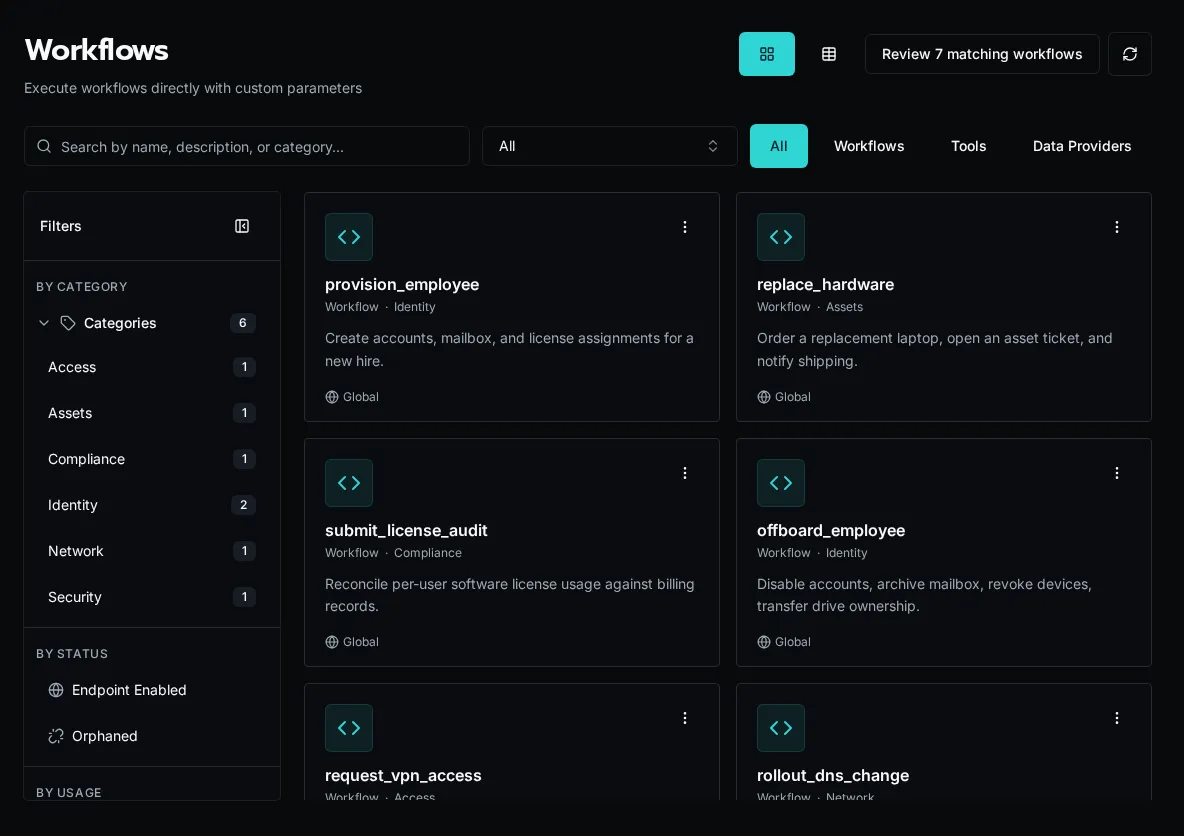
Workflows allow you to:
* Define and accept parameters that can be exposed through forms or API calls
* Execute business logic
* Return results
* Are registered explicitly via Code Editor, CLI, API, or an MCP agent
## How They Work
[Section titled “How They Work”](#how-they-work)
```python
from bifrost import workflow
@workflow
async def create_user(email: str, name: str):
"""Create a new user in the system."""
# Business logic here
return {"user_id": "123"}
```
The decorator automatically infers:
* **name**: from the function name (`create_user`)
* **description**: from the docstring
* **parameters**: from the function signature (type hints determine field types)
Any runtime controls such as timeouts, endpoint exposure, and recurring schedules are configured on the workflow record or via event sources after registration.
**Workflow lifecycle**:
1. Developer writes Python function with `@workflow` decorator
2. Developer registers the function via Code Editor, CLI, API, or an MCP agent
3. Workflow appears in the UI
4. Admins will usually create forms and tie them to workflows for execution
5. Users execute via forms
6. Results logged and displayed in realtime
## Key Concepts
[Section titled “Key Concepts”](#key-concepts)
### Registration
[Section titled “Registration”](#registration)
Workflows require explicit registration after creating the file. Write your code, then register the function using the Code Editor, `bifrost workflows register`, the `POST /api/workflows/register` endpoint, or an accessible MCP agent’s workflow-registration tool.
Workflow files live in the `_repo/` workspace in object storage. Bifrost indexes registered metadata in the database and caches executable Python modules for workers; object storage remains the source of truth.
```text
_repo/
├── user_management.py
├── license_automation.py
└── reporting.py
```
See [Workflow Registration](/docs/core-concepts/discovery-system) for details on the registration process.
### Parameters
[Section titled “Parameters”](#parameters)
Parameters are automatically extracted from your function signature:
```python
@workflow
async def create_user(
email: str, # Required string
name: str, # Required string
department: str = "IT", # Optional with default
active: bool = True # Optional boolean
):
"""Create a new user."""
pass
```
To use a data provider for a parameter, configure it in the form builder by selecting the data provider for the field. The form will populate the dropdown dynamically while the workflow receives the selected value:
```python
@workflow
async def create_user(email: str, department: str):
"""Create a new user."""
pass
```
### Execution Context
[Section titled “Execution Context”](#execution-context)
Every workflow receives `ExecutionContext`:
* Current user info
* Organization context
### Invocation surfaces
[Section titled “Invocation surfaces”](#invocation-surfaces)
Workflows can be triggered from several places:
* Forms
* API calls
* HTTP endpoints, when enabled in workflow settings
* Event sources, including recurring schedule sources
The decorator itself only carries the metadata needed for discovery. Runtime behavior lives in the workflow record or the event source that points at it.
## Workflow Categories
[Section titled “Workflow Categories”](#workflow-categories)
Organize workflows by purpose, defined completely by the developer.
## Multi-Tenancy
[Section titled “Multi-Tenancy”](#multi-tenancy)
Workflows are organization-aware:
* Access organization-specific data via `context.org_id` or `context.organization`
* Use organization-scoped secrets and config
```python
@workflow(name="get_org_data")
async def get_org_data(context):
# Automatically scoped to current org
data = await db.query(
"SELECT * FROM data WHERE org_id = ?",
context.org_id
)
return {"data": data}
```
## Workflow vs Form
[Section titled “Workflow vs Form”](#workflow-vs-form)
**Workflow**: Backend Python function (business logic) **Form**: Frontend UI (user input collection)
Workflows can be:
* Executed directly via API
* Triggered by forms
* Triggered automatically by event sources
* Called from other workflows
Forms always execute workflows, but workflows don’t require forms.
## State & Logging
[Section titled “State & Logging”](#state--logging)
Workflows are stateless but:
* Log progress with Python logging
* Return results
* Use external storage for state
* Capture runtime varialbes for troubleshooting purposes
```python
import logging
logger = logging.getLogger(__name__)
@workflow(name="process_items")
async def process_items(context, items: list):
logger.info(f"Processing {len(items)} items")
for i, item in enumerate(items):
logger.info(f"Processing item {i+1}/{len(items)}")
# Process item
return {"processed": len(items)}
```
Logs appear in execution detail view.
## Error Handling
[Section titled “Error Handling”](#error-handling)
Workflows return error states (don’t raise exceptions):
```python
@workflow(name="example")
async def example(context, param: str):
try:
result = await do_work(param)
return {"success": True, "result": result}
except Exception as e:
return {"success": False, "error": str(e)}
```
This allows:
* Partial success tracking
* User-friendly error messages
* Execution history
## Security
[Section titled “Security”](#security)
Workflows inherit user permissions:
* Run as executing user
* Access org-scoped resources only
* Permission checks can be done via the context
```python
@workflow(name="admin_task")
async def admin_task():
# Check permissions in the workflow
if not context.is_platform_admin:
return {"error": "Admin privileges required"}
# Perform admin operation
pass
```
## Next Steps
[Section titled “Next Steps”](#next-steps)
* [Build Your First Workflow](/docs/getting-started/first-workflow) - Hands-on tutorial
* [Writing Workflows Guide](/docs/how-to-guides/workflows/writing-workflows) - Complete guide
* [Platform Overview](/docs/core-concepts/platform-overview) - Architecture
# Managing your agent fleet
> Create, search, pause, and review every agent from the /agents dashboard
The **Agents** page is your fleet dashboard. It lists every agent (active and paused), shows fleet-wide metrics, surfaces runs that need review, and supports both grid and table views.
Fleet management is v0.7+
Multi-agent fleet metrics, the **Needs review** card, fleet-wide spend rollups, and the bulk **Review now** banner ship in v0.7. On older deployments the page renders only individual agent cards without the top stat row. The per-agent flows on this page work on every version.
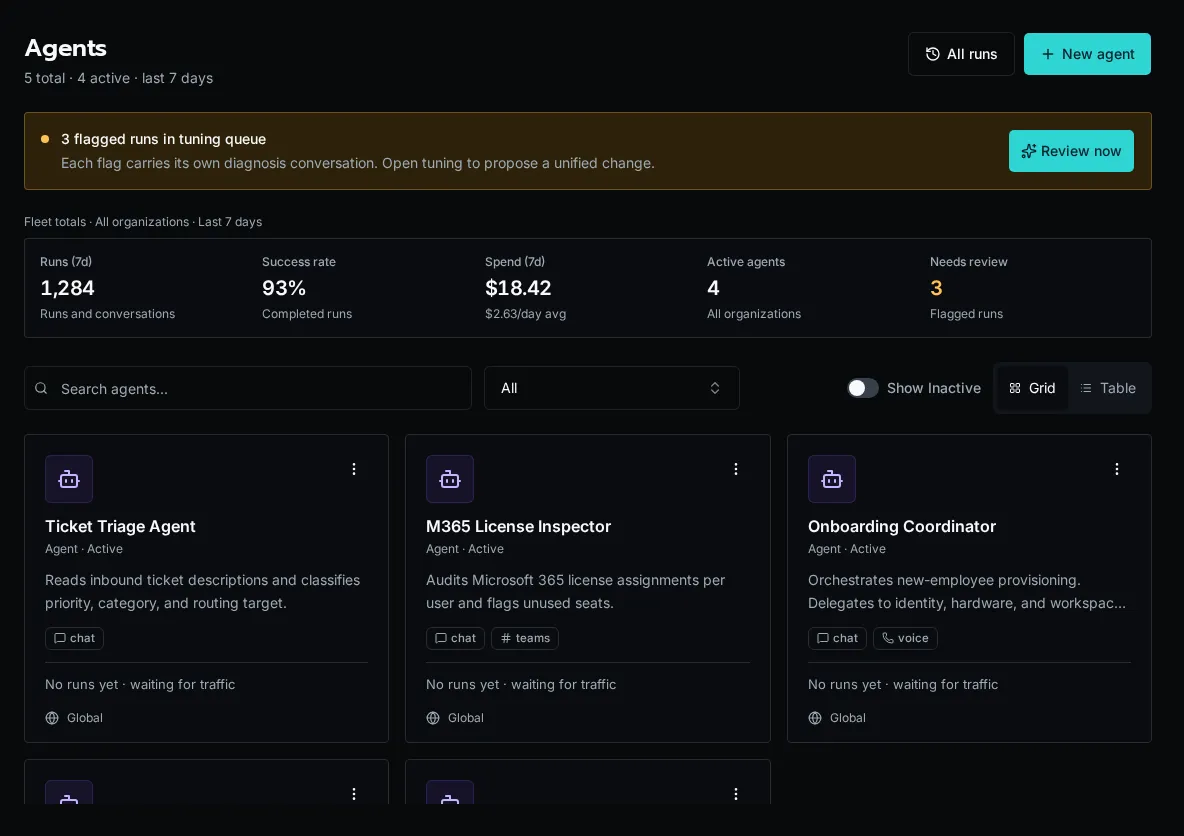
## View the dashboard
[Section titled “View the dashboard”](#view-the-dashboard)
1. Click **Agents** in the sidebar. The page loads with the grid view by default.
2. The top stat row summarizes fleet activity over the last seven days: **Runs**, **Success rate**, **Spend**, **Active agents**, and **Needs review**.
3. The **Needs review** card highlights flagged runs across the fleet. Click **Review now** in the orange banner to jump straight to the review queue.
## Switch between grid and table view
[Section titled “Switch between grid and table view”](#switch-between-grid-and-table-view)
1. Use the **Grid** / **Table** toggle in the toolbar. Grid is best for browsing; table is best for sorting and side-by-side stats.
2. Each grid card shows a runs sparkline plus mini-stats for runs (7d), success rate, spend, last-run time, and average duration.
3. The table view exposes the same metrics in sortable columns and surfaces channel badges (chat, voice, teams, slack).
## Search and filter
[Section titled “Search and filter”](#search-and-filter)
1. Type into the search box to filter by name or description. The list updates instantly.
2. Platform admins see an organization filter next to the search box. Choose **All organizations**, **Global**, or a specific org to scope the list.
3. Clear the search box to restore the full list.
## Pause and resume
[Section titled “Pause and resume”](#pause-and-resume)
1. Open an agent, then click **Pause** in the header. The agent stops accepting new runs immediately.
2. Paused agents stay in the fleet list with a **Paused** badge so you can find and reactivate them.
3. Click **Activate** in the header to resume.
Note
Calling `agents.run()` against a paused agent raises `AgentPausedError` — workflow code can catch this and degrade gracefully instead of failing.
## Create a new agent
[Section titled “Create a new agent”](#create-a-new-agent)
1. Click **New agent** in the top-right.
2. Fill in name, description, system prompt, channels, tools, and knowledge sources.
3. Save. The agent is created with `is_active=true` and shows up immediately in the fleet.
See [Agents and Chat](/docs/how-to-guides/ai/agents-and-chat) for field-level guidance and the SDK surface.
## Backfill summaries (admin)
[Section titled “Backfill summaries (admin)”](#backfill-summaries-admin)
1. Click **Backfill summaries** in the toolbar (platform admins only).
2. Confirm the cost estimate. Bifrost queues summary regeneration for any runs missing an `asked` / `did` summary.
3. Backfilled summaries roll up into `total_cost_7d`, so expect the **Spend (7d)** card to move proportionally.
## Next steps
[Section titled “Next steps”](#next-steps)
* [Reviewing agent runs](/docs/how-to-guides/agents/reviewing-runs)
* [Tuning an agent’s behavior](/docs/how-to-guides/agents/tuning-agents)
* [Filtering and finding runs](/docs/how-to-guides/agents/run-history-and-filters)
# Reviewing agent run results
> Walk flagged runs in the flipbook UI, set verdicts, and take notes
The Review page is a focused queue for an agent’s flagged runs. It pages through them one at a time so you can quickly decide whether each result was good, bad, or needs more thought — and feed the bad ones back into tuning.
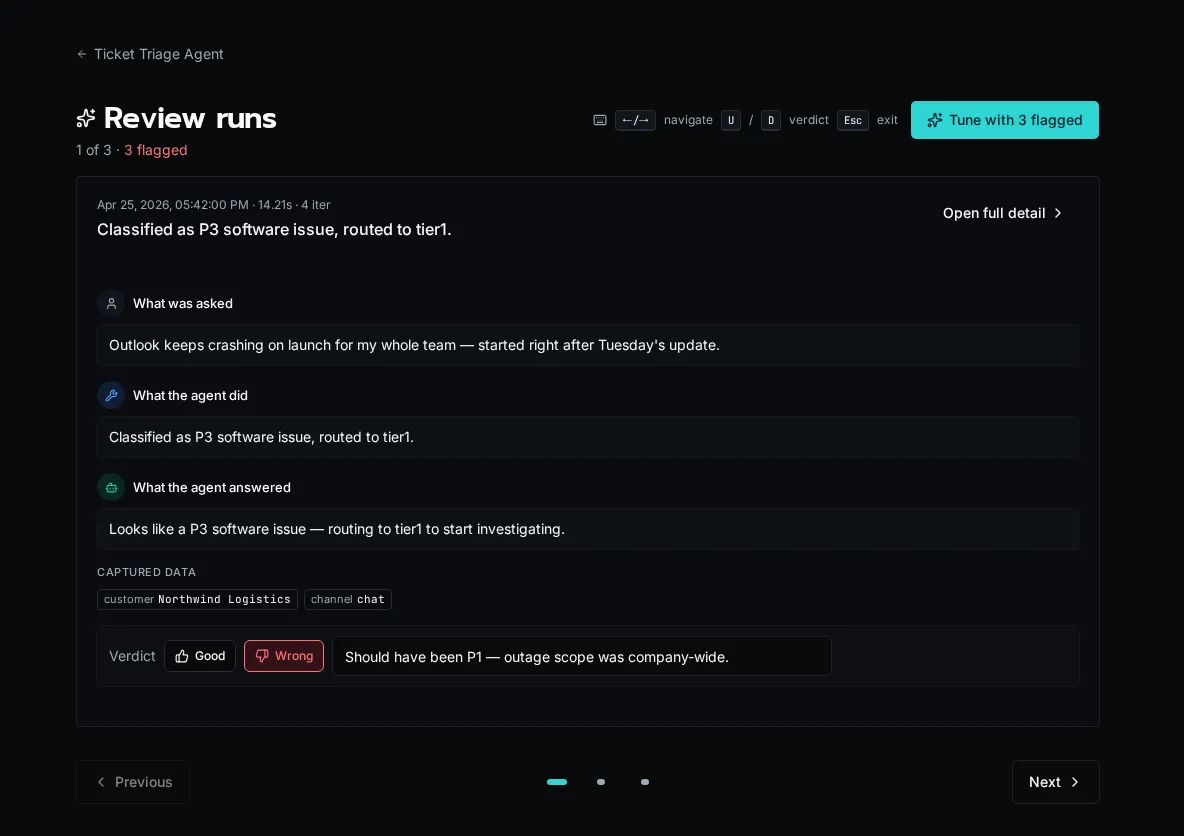
## Open the review queue
[Section titled “Open the review queue”](#open-the-review-queue)
1. From the agent’s detail page, click **Review** (or open `/agents/{id}/review` directly).
2. The page loads with the agent’s currently-flagged runs. The header shows the position counter (`3 of 12`) and the count of runs still flagged.
3. If nothing is flagged, you’ll see the “Nothing to review” empty state — flag a run from the Runs tab first.
## Navigate the flipbook
[Section titled “Navigate the flipbook”](#navigate-the-flipbook)
1. Use the **Previous** / **Next** buttons or the dot pagination at the bottom to step through the queue.
2. Press **←** / **→** (or **j** / **k**) on the keyboard to navigate without moving your hand to the mouse.
3. Press **Esc** to leave the queue and return to the agent detail page.
## Set a verdict
[Section titled “Set a verdict”](#set-a-verdict)
1. Read the run summary (`asked` / `did` blocks plus the response panel) on the current card.
2. Press **U** for thumbs-up (good) or **D** for thumbs-down (flagged for tuning). The verdict mutation auto-advances to the next run.
3. To remove a verdict, set it to “needs review” — clicking the same verdict again clears it.
Note
Setting thumbs-down doesn’t queue automatic retraining — it adds the run to the agent’s tuning input set. Open the **Tune** workbench to consolidate flagged runs into a single prompt proposal.
## Add a review note
[Section titled “Add a review note”](#add-a-review-note)
1. Type a note in the verdict text field on the flipbook card. Notes are saved with the verdict.
2. The note appears on the run detail page and is included in the tuning conversation context.
3. Notes are optional but make consolidated tuning proposals dramatically better — they tell the LLM *why* the run was bad.
## Open full run detail
[Section titled “Open full run detail”](#open-full-run-detail)
1. Click **Open full detail** in the flipbook card header to jump to `/agents/{id}/runs/{runId}` for the step-by-step timeline.
2. Use the browser back button to return to the same position in the flipbook.
## Move from review to tuning
[Section titled “Move from review to tuning”](#move-from-review-to-tuning)
1. When the header shows **N flagged**, click **Tune with N flagged** to jump into the tune workbench.
2. The workbench reads the same flagged set you just reviewed — your notes feed directly into the consolidated proposal.
## Next steps
[Section titled “Next steps”](#next-steps)
* [Tuning an agent’s behavior](/docs/how-to-guides/agents/tuning-agents)
* [Filtering and finding runs](/docs/how-to-guides/agents/run-history-and-filters)
# Filtering and finding runs
> Search, filter, drill into delegations, and rerun or cancel agent runs
Every agent run is tracked with full step-level observability. The Runs tab on the agent detail page (and the global **History → Agents** view) lets you search, filter, and drill into individual runs.
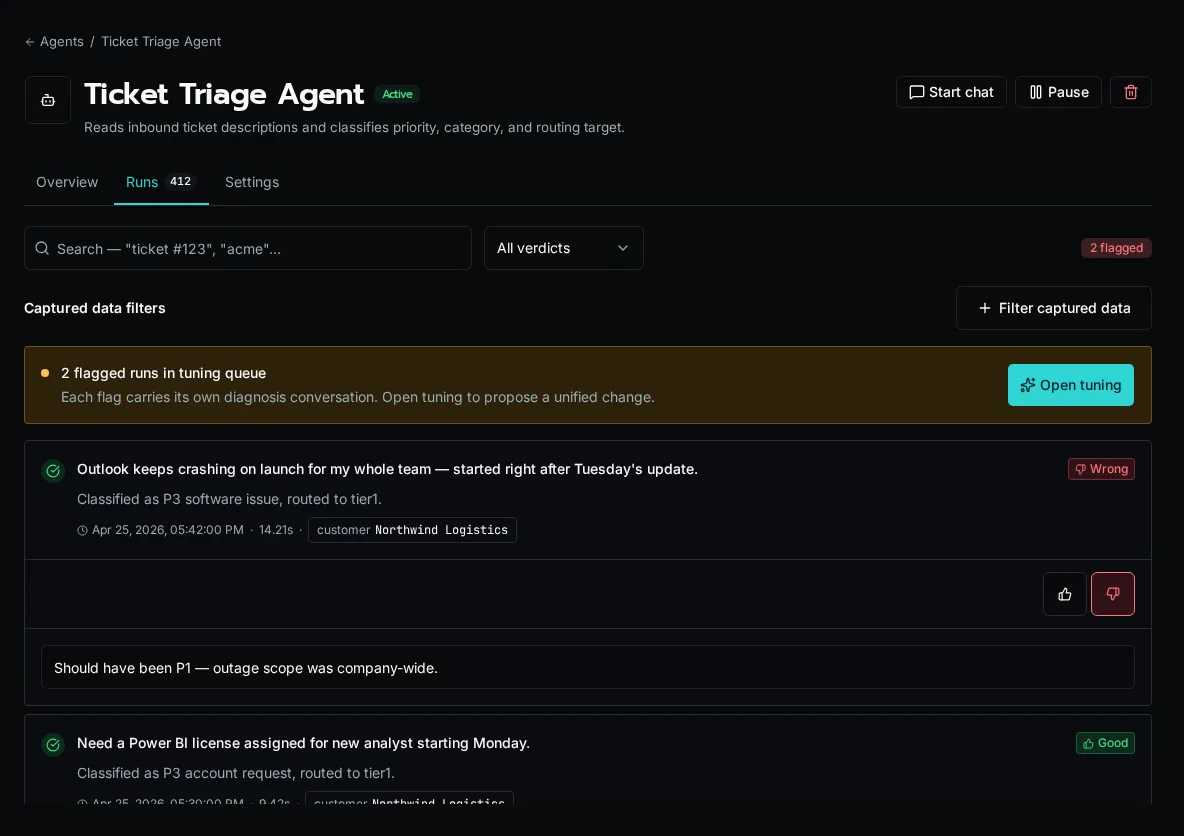
## Search runs by content
[Section titled “Search runs by content”](#search-runs-by-content)
1. Open the agent’s **Runs** tab.
2. Type into the search box. Search runs full-text across the `asked` summary, `did` summary, input payload, and final output.
3. Combine search with verdict and metadata filters — they stack.
## Filter by verdict
[Section titled “Filter by verdict”](#filter-by-verdict)
1. Use the **Verdict** filter to show only thumbs-up, thumbs-down, or unreviewed runs.
2. The Tune workbench and Review flipbook both default to `verdict=down` — this filter is the global view of the same set.
3. Clear the filter to see every run regardless of review state.
## Filter by metadata
[Section titled “Filter by metadata”](#filter-by-metadata)
1. Add metadata filters to scope by `trigger_type` (manual, webhook, schedule, workflow, rerun, delegation), status, model, or caller.
2. Combine with verdict and search to drill into a specific scenario — e.g., “all webhook-triggered runs that were flagged in the last 7 days.”
3. Filters persist in the URL so you can share a filtered view.
## Drill into a delegation chain
[Section titled “Drill into a delegation chain”](#drill-into-a-delegation-chain)
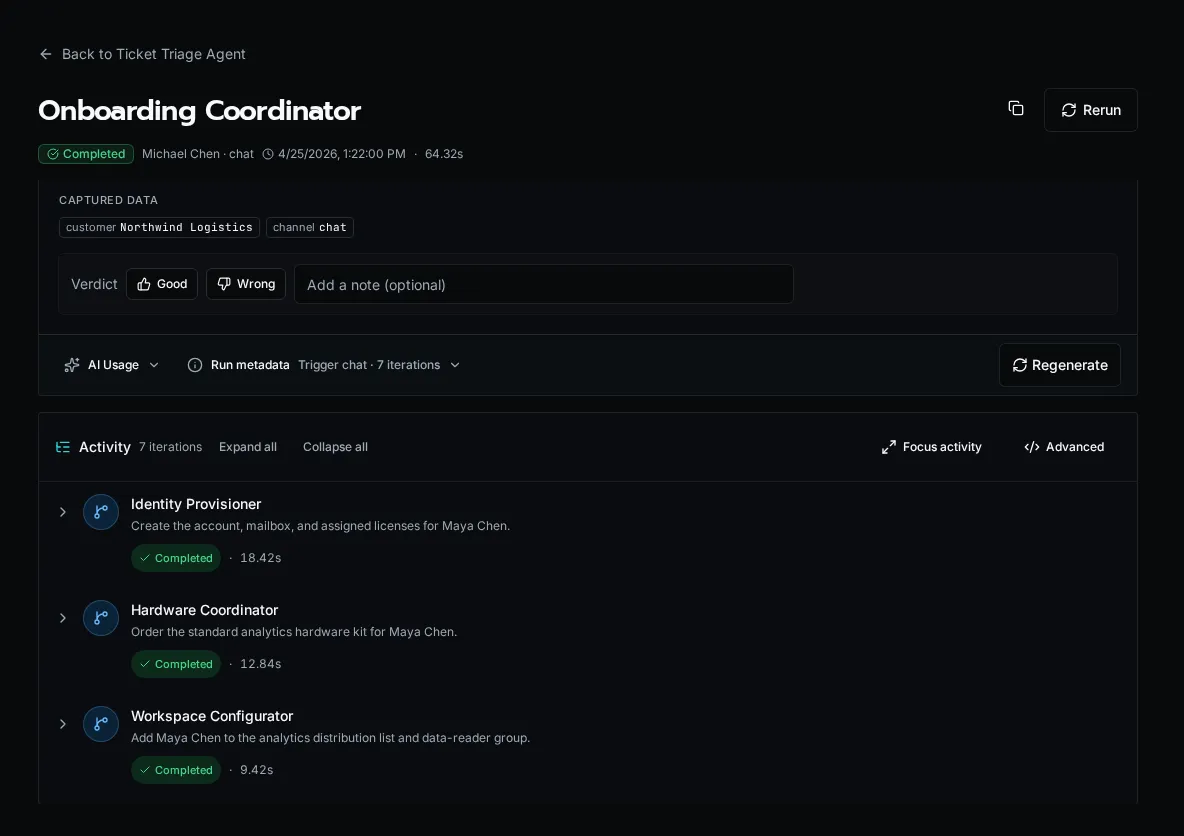
1. Click any run to open its detail page.
2. Expand **Activity** to see grouped reasoning, tool calls, results, and errors. Open a row’s technical details when you need the underlying step records.
3. Delegations render as nested, expandable activity. Open a delegation to review the child agent’s summary and activity inline, or follow its link to the full child run. Child runs stay out of the top-level list, so the parent remains the entry point for the whole run tree.
## Rerun a finished run
[Section titled “Rerun a finished run”](#rerun-a-finished-run)
1. On the run detail page, click **Rerun**. This works on completed, failed, and cancelled runs.
2. Bifrost creates a new run with the same input, `trigger_type="rerun"`, and links back to the original. You’re navigated to the new run.
3. Use rerun to validate that a tuning change actually fixes a flagged scenario.
## Cancel a running run
[Section titled “Cancel a running run”](#cancel-a-running-run)
1. While a run is in `running` status, the run detail page exposes a **Cancel** button.
2. The run transitions `running` → `cancelling` → `cancelled`. Cancellation is checked before each iteration, during tool execution, and via a background watcher.
3. Cancelled runs can be rerun like any other terminal state.
## Regenerate a run summary (admin)
[Section titled “Regenerate a run summary (admin)”](#regenerate-a-run-summary-admin)
1. If a run’s `asked` / `did` summary failed to generate, the run detail sidebar shows a **Regenerate** card. Platform admins also see this card on healthy runs.
2. Click **Regenerate** to re-queue the summarizer. The page polls and updates when the new summary lands.
3. Summaries cost a small amount per run — the **Spend (7d)** card on the fleet dashboard reflects regen cost.
Note
For bulk summary backfill (across many runs at once), use the **Backfill summaries** button on the fleet dashboard. It shows a cost estimate up front before queuing.
## Open the global runs view
[Section titled “Open the global runs view”](#open-the-global-runs-view)
1. Click **All runs** in the agent fleet header (or open `/history?type=agents`).
2. The global view spans every agent and supports the same search/verdict/metadata filters plus an agent picker.
3. Use it for fleet-wide audits, ROI analysis, and finding runs across agents you don’t remember the name of.
## Next steps
[Section titled “Next steps”](#next-steps)
* [Reviewing agent runs](/docs/how-to-guides/agents/reviewing-runs)
* [Tuning an agent’s behavior](/docs/how-to-guides/agents/tuning-agents)
# Tuning an agent's behavior
> Generate prompt proposals from flagged runs, dry-run them, and apply with confidence
The **Tune** workbench is where you turn flagged runs into a better system prompt. The page reads your flagged set, generates one consolidated prompt proposal, lets you dry-run it against the same flagged runs, and then applies the change live.
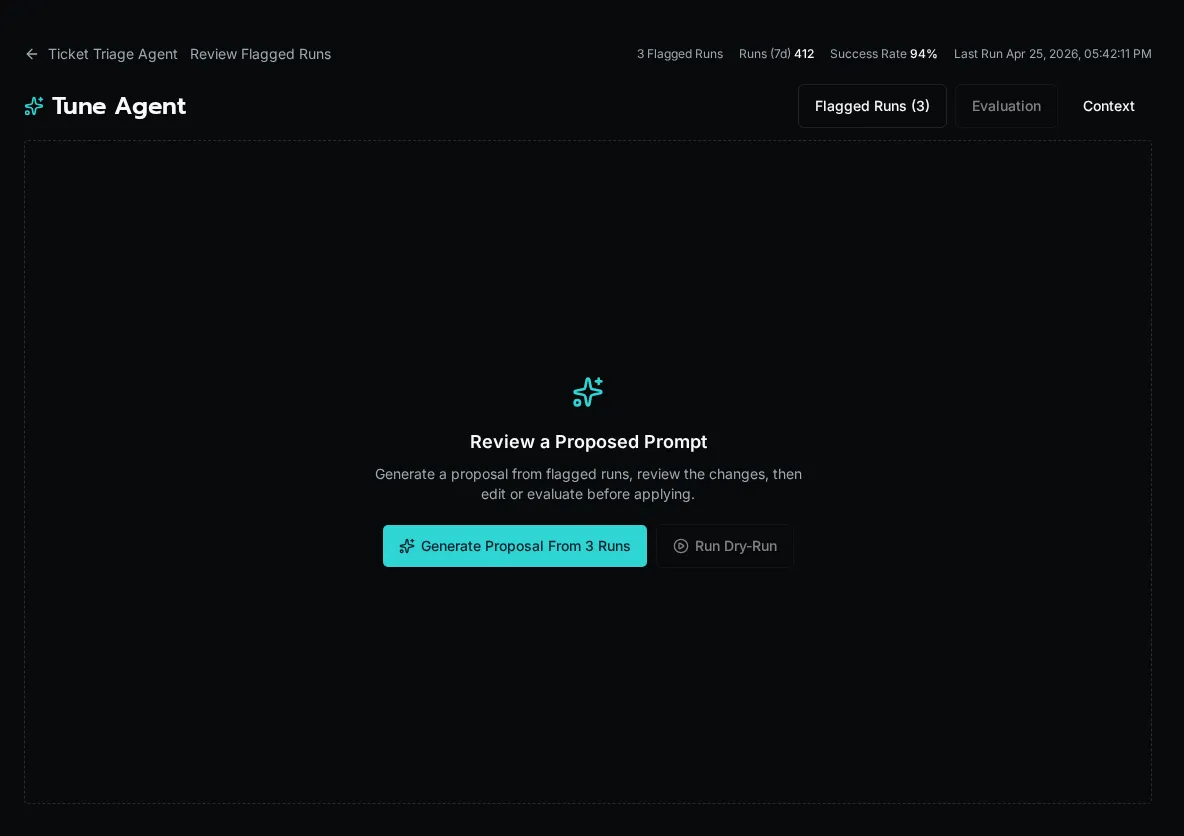
## Open the workbench
[Section titled “Open the workbench”](#open-the-workbench)
1. From the agent detail page click **Tune** (or visit `/agents/{id}/tune`).
2. The left pane lists every currently-flagged run with an expandable transcript so you can review the inputs the LLM will see.
3. The right pane is the prompt editor — empty until you generate a proposal.
## Generate a proposal
[Section titled “Generate a proposal”](#generate-a-proposal)
1. Click **Generate proposal from N runs**. The button is disabled if there are no flagged runs.
2. Bifrost reads the flagged transcripts and produces one consolidated proposal that addresses *all* of them, not one per run.
3. The proposal lands in the **Proposed prompt (editable)** pane. Edit freely — the diff updates live below the textarea.
Tip
Verdict notes from the review flipbook flow into proposal generation. Runs with “this should have asked for confirmation first” produce sharper proposals than runs flagged with no note.
## Compare current vs proposed
[Section titled “Compare current vs proposed”](#compare-current-vs-proposed)
1. Expand **Current prompt** above the editor to see what’s live today.
2. The diff viewer below the editor highlights additions, removals, and unchanged passages between current and proposed.
3. Edit the proposal until the diff matches your intent, then proceed to dry-run.
## Dry-run before applying
[Section titled “Dry-run before applying”](#dry-run-before-applying)
1. Click **Run dry-run** in the top-right header. The button is enabled once a proposal exists.
2. Bifrost replays each flagged run against the *proposed* prompt and reports whether the agent would have decided differently.
3. The results panel groups outcomes as **Would change** (good — the new prompt fixes the run) or **Still wrong** (bad — the proposal didn’t address that case).
Note
Dry-runs use the same model as live runs but don’t execute tools — they’re a behavioral simulation, not a side-effect-producing replay. Confidence percentages reflect the LLM’s own self-rating.
## Apply or discard
[Section titled “Apply or discard”](#apply-or-discard)
1. If the dry-run looks good, click **Apply live**. The new prompt is saved to the agent and takes effect for future runs immediately.
2. If you want to start over, click **Discard** to clear the proposal and re-generate from a different flagged set.
3. After applying, the page redirects back to the agent detail. Future runs use the new prompt.
## Iterate
[Section titled “Iterate”](#iterate)
1. Apply the prompt, let new runs accumulate, then mark any that still go wrong as flagged.
2. Return to **Tune** — the workbench will read the *new* flagged set and propose another consolidated revision.
3. Repeat until the agent’s behavior matches what you want.
## Next steps
[Section titled “Next steps”](#next-steps)
* [Reviewing agent runs](/docs/how-to-guides/agents/reviewing-runs)
* [Filtering and finding runs](/docs/how-to-guides/agents/run-history-and-filters)
# Agents and Chat
> Build conversational and autonomous AI agents that call workflows as tools
Agents combine a system prompt, a set of workflows exposed as tools, optional knowledge sources, and a budget. They can run interactively (Chat) or autonomously (event-driven, scheduled, or SDK-invoked).
## What you can build
[Section titled “What you can build”](#what-you-can-build)
[Manage your agent fleet](/docs/how-to-guides/agents/fleet-overview/)Use the /agents dashboard to create, pause, search, and review every agent at a glance.
[Review agent runs](/docs/how-to-guides/agents/reviewing-runs/)Walk flagged runs in the flipbook UI, set thumbs-up/down verdicts, and add review notes.
[Tune an agent's prompt](/docs/how-to-guides/agents/tuning-agents/)Use the tune workbench to generate prompt proposals from flagged runs and dry-run them before applying.
[Filter run history](/docs/how-to-guides/agents/run-history-and-filters/)Search, filter by verdict and metadata, drill into child runs, and rerun or cancel agent runs.
## Creating an agent
[Section titled “Creating an agent”](#creating-an-agent)
1. Go to **Agents** in the sidebar and click **New agent**.
2. Fill in name, description, and system prompt. The system prompt is the agent’s instructions and personality.
3. Set the **Access Level** (Public, Authenticated, or Role-based) and assign roles if applicable.
4. Pick **Tools** (workflows tagged `is_tool=True` and any system tools).
5. Optionally add **Knowledge Sources** for RAG, and **Delegated Agents** for multi-agent workflows.
6. Save. The agent is immediately available for chat and autonomous runs.
## Access levels
[Section titled “Access levels”](#access-levels)
| Level | Who can chat / run |
| ----------------- | ------------------------------------- |
| **Public** | Anyone, no auth |
| **Authenticated** | Any logged-in user |
| **Role-based** | Users with at least one assigned role |
## Exposing workflows as tools
[Section titled “Exposing workflows as tools”](#exposing-workflows-as-tools)
Mark a workflow as a tool by setting `is_tool=True` (or using the `@tool` alias):
```python
from bifrost import workflow
@workflow(
is_tool=True,
description="Look up a customer by email address",
)
async def lookup_customer(email: str):
# ...
return {"name": "John Doe", "account": "12345"}
```
The workflow description is what the LLM reads to decide when to call the tool. Be specific. If you need to tune the agent-facing phrasing after discovery, edit it in the workflow record rather than the decorator.
## Knowledge sources
[Section titled “Knowledge sources”](#knowledge-sources)
Attach a knowledge namespace to give the agent retrieval-augmented answers. The agent searches the namespace automatically when it needs background context. See [Knowledge Bases](/docs/how-to-guides/ai/knowledge-bases) for namespace setup.
## Chat API
[Section titled “Chat API”](#chat-api)
Start conversations programmatically:
```python
import requests
conversation = requests.post(
f"{api_url}/api/chat/conversations",
json={"agent_id": "agent-123", "channel": "chat"},
headers={"Authorization": f"Bearer {token}"},
).json()
run = requests.post(
f"{api_url}/api/chat/runs",
json={
"conversation_id": conversation["id"],
"content": "Hello, I need help with my account.",
},
headers={"Authorization": f"Bearer {token}"},
).json()
```
`POST /api/chat/runs` records the user message, starts the durable chat run, and returns the conversation plus the persisted user message. If you omit `conversation_id`, Bifrost creates a new conversation for you. Use `GET /api/chat/conversations/{conversation_id}/state` to restore the authoritative transcript after a reconnect.
For live updates, connect a WebSocket:
```javascript
const ws = new WebSocket(
`wss://your-instance.com/ws/connect?channels=chat:${conversationId}`
);
ws.onmessage = (event) => {
const data = JSON.parse(event.data);
if (data.type === "chat_run_event") console.log(data.payload);
};
```
Cancel a running turn with `POST /api/chat/runs/{run_id}/cancel`.
## @Mentions
[Section titled “@Mentions”](#mentions)
Switch agents mid-conversation using @mentions:
```plaintext
User: @support-agent I need help with billing
AI: (responds as support-agent)
User: @tech-agent Can you check my server status?
AI: (switches to tech-agent)
```
### Agentless chat
[Section titled “Agentless chat”](#agentless-chat)
Posting to `/api/chat/conversations` without an `agent_id` uses AI-based routing to pick an appropriate agent or fall back to a system default.
## Autonomous agent runs
[Section titled “Autonomous agent runs”](#autonomous-agent-runs)
Agent runs execute without a chat session. The agent receives input, runs a tool-calling loop, and returns structured output.
### Lifecycle
[Section titled “Lifecycle”](#lifecycle)
1. A run is created with input data and (optionally) an output schema.
2. The agent loads its prompt, tools, and knowledge.
3. The LLM picks a tool, the tool runs, the result feeds back into the LLM.
4. The loop continues until the agent answers or hits a budget limit.
### Budgets
[Section titled “Budgets”](#budgets)
| Field | Default | Max | Purpose |
| ------------------ | ------- | --------- | ------------------------ |
| `max_iterations` | 50 | 200 | Cap on LLM call cycles |
| `max_token_budget` | 100,000 | 1,000,000 | Cap on total tokens |
| `max_run_timeout` | unset | — | Optional hard time limit |
If either iterations or token budget is hit, the run finishes with status `budget_exceeded`.
### Triggering a run from a workflow
[Section titled “Triggering a run from a workflow”](#triggering-a-run-from-a-workflow)
Use `agents.run()` when the workflow needs the agent’s output before it can continue. If the workflow approaches its deadline first, the agent keeps running and the SDK returns its run ID.
```python
from bifrost import workflow, agents, AgentRunPending
@workflow
async def triage_ticket(ticket_id: str):
result = await agents.run(
"ticket-triage-agent",
input={"ticket_id": ticket_id},
output_schema={
"type": "object",
"properties": {
"priority": {"type": "string"},
"category": {"type": "string"},
},
},
)
if isinstance(result, AgentRunPending):
return {"run_id": result.run_id, "wait_ended": result.reason}
return result
```
### Queueing a run without waiting
[Section titled “Queueing a run without waiting”](#queueing-a-run-without-waiting)
Use `agents.enqueue()` when the workflow only needs to submit the work. Awaiting it waits for the short HTTP 202 acceptance response, not for the agent to finish.
```python
from bifrost import workflow, agents
@workflow
async def queue_ticket_triage(ticket_id: str):
handle = await agents.enqueue(
"ticket-triage-agent",
input={"ticket_id": ticket_id},
output_schema={
"type": "object",
"properties": {
"priority": {"type": "string"},
"category": {"type": "string"},
},
},
)
return {"run_id": handle.run_id, "status": handle.status}
```
The returned run has already been written with status `queued`, so it can be read immediately:
```python
run = await agents.get_run(run_id)
if run.status == "completed":
return run.output
if run.status in {"failed", "timeout", "cancelled", "budget_exceeded"}:
raise RuntimeError(run.error or f"Agent run ended with {run.status}")
```
Poll with a delay when the caller needs to wait later. Avoid a tight loop; one request per second is usually sufficient.
### Triggering from an event subscription
[Section titled “Triggering from an event subscription”](#triggering-from-an-event-subscription)
1. Go to **Events** and open your event source.
2. Click **Add Subscription** and set **Target Type** to **Agent**.
3. Pick the agent. The event payload becomes the agent’s input.
### Triggering from the API
[Section titled “Triggering from the API”](#triggering-from-the-api)
```python
response = requests.post(
f"{api_url}/api/agent-runs/execute",
json={
"agent_name": "ticket-triage-agent",
"input": {"ticket_id": "T-123"},
"output_schema": {"type": "object", "properties": {"priority": {"type": "string"}}},
"timeout": 300,
},
headers={"Authorization": f"Bearer {token}"},
)
```
## Delegation
[Section titled “Delegation”](#delegation)
Agents can delegate to other agents. When you add a delegated agent, the parent automatically receives a `delegate_to_` tool. The LLM decides when to call it.
| Limit | Value |
| ---------------------- | ----- |
| Max depth | 5 |
| Per-delegation timeout | 600s |
Delegation creates child `AgentRun` rows linked via `parent_run_id`. Child runs are filtered out of the top-level run list and rolled up under the parent in the run detail view.
## Cancellation and rerun
[Section titled “Cancellation and rerun”](#cancellation-and-rerun)
* **Cancel**: stops a running agent. Status transitions `running` → `cancelling` → `cancelled`. Cancellation is checked before each iteration, during tool execution, and via a background watcher.
* **Rerun**: re-executes a finished run with the same input. Creates a new run with `trigger_type="rerun"`.
Both are exposed in the run detail UI and via `POST /api/agent-runs/{run_id}/cancel` / `POST /api/agent-runs/{run_id}/rerun`.
## Run observability
[Section titled “Run observability”](#run-observability)
Every autonomous run records:
* **Steps** — every LLM call and tool execution, including delegation steps with expandable child detail.
* **AI usage** — input/output tokens and cost grouped by model.
* **Status** — `queued` → `running` → `completed` | `failed` | `budget_exceeded` | `cancelled`.
* **Trigger** — `manual`, `webhook`, `schedule`, `workflow`, `rerun`, or `delegation`.
View runs from the agent detail page’s Runs tab, the global **History → Agents** page, or via `GET /api/agent-runs`.
Note
The summarizer that generates each run’s `asked` / `did` strings is itself an LLM call. Its cost rolls up into `total_cost_7d` (the **Spend (7d)** card on the fleet dashboard). A backfill of N runs moves that card by roughly `N × avg summarizer cost`.
## The Coding Agent
[Section titled “The Coding Agent”](#the-coding-agent)
The Coding Agent is a built-in platform agent for creating and editing Bifrost workflows. It runs in your workspace context and uses precision editing tools rather than full-file replacements.
| Tool | Purpose |
| -------------------- | ------------------------------------------------------- |
| `list_content` | List files by entity (`app_file`, `workflow`, `module`) |
| `search_content` | Regex search with context lines |
| `read_content_lines` | Read a specific line range |
| `patch_content` | Surgical string replacement |
| `replace_content` | Full content replacement / create new file |
| `delete_content` | Delete a file |
Combined with the Coding Agent’s workflow execution, validation, and execution-history tools, these power a search → read → patch loop suited to LLM editing. A client connected to the root `/mcp` endpoint reaches this catalog through the four gateway tools; a client connected to the Coding Agent’s `/mcp/{agent_id}` endpoint sees its approved native tools directly.
## Next steps
[Section titled “Next steps”](#next-steps)
* [Using AI in workflows](/docs/how-to-guides/ai/using-ai-in-workflows) — direct LLM completions
* [Knowledge bases](/docs/how-to-guides/ai/knowledge-bases) — RAG setup
* [MCP Server setup](/docs/how-to-guides/mcp/server-setup) — expose Bifrost to Claude / Copilot / Cursor
* [Publishing agents as MCP](/docs/how-to-guides/mcp/agents-as-mcp) — turn an agent’s tool surface into an external MCP endpoint
# Chat artifacts
> Create, return, and manage durable files from Chat and workflows.
Chat artifacts are durable files. A workflow or assistant creates one, Bifrost stores it, and Chat keeps the authorized reference attached to the conversation instead of copying bytes into the transcript.
## What counts as an artifact
[Section titled “What counts as an artifact”](#what-counts-as-an-artifact)
Bifrost supports the built-in file types used by Chat and workflow tools:
* PDF and DOCX documents
* XLSX workbooks
* CSV, HTML, Markdown, JSON, and plain text
* Images
* Videos
Images and documents return as soon as the platform has the file. Video generation runs as a durable platform job; the SDK waits for completion and returns the same artifact reference, while the platform keeps progress durable if the original request disconnects.
## Return an artifact from a tool
[Section titled “Return an artifact from a tool”](#return-an-artifact-from-a-tool)
1. Use the SDK helper that matches the file type you need.
2. Return the `ArtifactRef` the helper gives you.
3. Let Chat attach that reference to the message.
```python
from bifrost import artifacts, tool
@tool
async def create_customer_brief(customer: str):
return await artifacts.create_document(
f"{customer}-brief.pdf",
format="pdf",
title=f"{customer} brief",
sections=[
{
"heading": "Decision",
"paragraphs": ["Proceed with the proposed rollout."],
}
],
)
```
The public reference is opaque. It does not expose a storage key, path, or signed URL.
## Read an artifact in a later step
[Section titled “Read an artifact in a later step”](#read-an-artifact-in-a-later-step)
1. Accept the artifact as an input object.
2. Validate it with `ArtifactRef.model_validate(...)`.
3. Read the bytes with `artifacts.read(...)` and work from those bytes only.
```python
from bifrost import ArtifactRef, artifacts, tool
@tool
async def inspect_artifact(artifact: dict) -> dict:
ref = ArtifactRef.model_validate(artifact)
data = await artifacts.read(ref)
return {"size": len(data)}
```
## Manage Chat files
[Section titled “Manage Chat files”](#manage-chat-files)
Chat uploads and generated artifacts share the same workspace model. In the UI, users can upload files to a conversation and reopen generated files later from the message or library view.
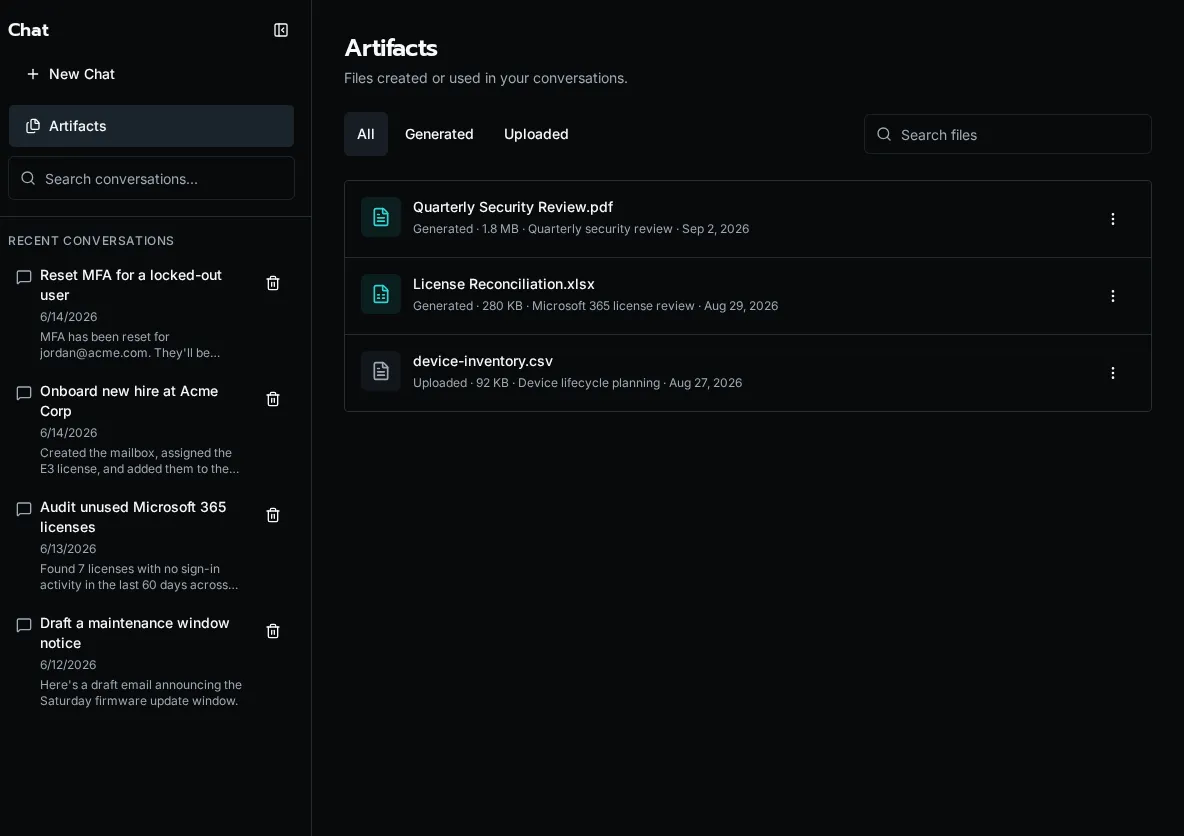
Use the Chat API when you need to manage files directly:
* `POST /api/chat/conversations/{conversation_id}/attachments` uploads conversation files
* `GET /api/chat/artifacts` lists the current user’s Chat files
* `PATCH /api/chat/artifacts/{attachment_id}` renames a Chat file
* `DELETE /api/chat/artifacts/{attachment_id}` deletes a Chat file
Note
Conversation uploads are for the next message in that conversation. Generated artifacts are returned by tools and stay available through the same workspace until retention or deletion removes them.
# Knowledge Bases
> Hybrid retrieval for grounded AI workflows and agents
Store and search documents for retrieval-augmented generation (RAG). Bifrost combines semantic similarity with PostgreSQL full-text matching so searches can recover both conceptually related passages and exact product terms.
## Overview
[Section titled “Overview”](#overview)
The knowledge store uses hybrid retrieval:
* Documents are chunked, embedded with pgvector, and indexed for full-text search
* Search fuses semantic and lexical rankings into one relevance-ordered result set
* Chunks from the same keyed document are deduplicated
* Results can be used as context for AI completions
## Storing Documents
[Section titled “Storing Documents”](#storing-documents)
```python
from bifrost import knowledge
# Store a single document
doc_id = await knowledge.store(
"Our refund policy allows returns within 30 days...",
namespace="policies"
)
# With metadata and key for upsert
await knowledge.store(
"Updated policy content...",
namespace="policies",
key="refund-policy", # Upserts if key exists
metadata={"version": "2.0", "effective_date": "2024-01-01"}
)
```
## Batch Storage
[Section titled “Batch Storage”](#batch-storage)
For multiple documents:
```python
docs = [
{"content": "Document 1...", "key": "doc-1"},
{"content": "Document 2...", "key": "doc-2"},
{"content": "Document 3...", "metadata": {"type": "faq"}}
]
doc_ids = await knowledge.store_many(docs, namespace="support")
```
## Searching Documents
[Section titled “Searching Documents”](#searching-documents)
```python
# Basic search
results = await knowledge.search(
"What is the refund policy?",
namespace="policies"
)
for doc in results:
print(f"Score: {doc.score}")
print(f"Content: {doc.content}")
```
### Search Options
[Section titled “Search Options”](#search-options)
```python
results = await knowledge.search(
"refund policy",
namespace=["policies", "faq"], # Multiple namespaces
limit=10 # Default is 5
)
```
## Namespaces
[Section titled “Namespaces”](#namespaces)
Organize documents by namespace:
| Namespace | Use Case |
| ---------- | ------------------------------- |
| `policies` | Company policies and procedures |
| `faq` | Frequently asked questions |
| `docs` | Product documentation |
| `tickets` | Historical support tickets |
List available namespaces:
```python
namespaces = await knowledge.list_namespaces()
for ns in namespaces:
print(f"{ns.namespace}: {ns.scopes['total']} documents")
```
## Scopes
[Section titled “Scopes”](#scopes)
Documents can be global or organization-specific:
```python
# Global scope (all orgs can search)
await knowledge.store(content, namespace="global-policies", scope=None)
# Org-specific (default - only that org sees it)
await knowledge.store(content, namespace="org-policies", org_id="org-123")
```
Note
Search automatically includes both global and org-specific documents for the current organization.
## Using with AI Completions
[Section titled “Using with AI Completions”](#using-with-ai-completions)
The `ai.complete()` function can include knowledge context:
```python
from bifrost import ai
response = await ai.complete(
"What is our vacation policy?",
knowledge=["policies", "hr"]
)
```
Bifrost automatically:
1. Searches the specified namespaces
2. Retrieves and fuses semantic and full-text matches
3. Includes them as context in the prompt
4. Returns a grounded response
For agents, retrieval is bounded per turn: repeated queries do not fetch the same evidence again, results are deduplicated, and the evidence envelope is capped before it enters the model context. This prevents a retrieval loop from repeatedly inflating the prompt while preserving the best matching evidence.
## Deleting Documents
[Section titled “Deleting Documents”](#deleting-documents)
```python
# Delete by ID
await knowledge.delete(doc_id)
# Or delete by key (if you stored with a key)
# Re-store with empty content to effectively remove
```
## Example: Support Bot
[Section titled “Example: Support Bot”](#example-support-bot)
```python
from bifrost import workflow, ai, knowledge
@workflow
async def answer_question(question: str):
# Direct RAG approach
response = await ai.complete(
question,
knowledge=["faq", "docs"],
system="Answer based on the provided context. If unsure, say so."
)
return {"answer": response.content}
@workflow
async def index_faq(question: str, answer: str):
await knowledge.store(
f"Q: {question}\nA: {answer}",
namespace="faq",
key=f"faq-{hash(question)}"
)
return {"status": "indexed"}
```
## Next Steps
[Section titled “Next Steps”](#next-steps)
* [Using AI in Workflows](/docs/how-to-guides/ai/using-ai-in-workflows) - Completions
* [Agents and Chat](/docs/how-to-guides/ai/agents-and-chat) - Conversational AI
# Configure AI Models
> Configure provider connections, reusable model profiles, and runtime assignments
Configure AI provider connections and reusable model profiles to enable workflows, agents, and chat.
## How Bifrost models AI
[Section titled “How Bifrost models AI”](#how-bifrost-models-ai)
Bifrost separates AI setup into three layers:
* provider connections store the API key, endpoint, and provider kind;
* model profiles pair a connection with a specific model id;
* assignments choose which profile is used for workflows, summarization, tuning, image generation, video generation, and Chat.
Chat only shows profiles that are enabled for Chat. The Chat default is the profile assigned to `chat_default`.
## Supported providers
[Section titled “Supported providers”](#supported-providers)
Pick **OpenAI**, **OpenRouter**, **Anthropic**, **Google**, or **OpenAI-Compatible** as the provider kind. Bifrost fetches model lists from the connected provider after you save the API key, so the model picker reflects what that account can actually reach.
Use **OpenAI-Compatible** for custom OpenAI-shaped endpoints such as Azure OpenAI, Ollama, LM Studio, Groq, or Together.
## Configure an LLM provider
[Section titled “Configure an LLM provider”](#configure-an-llm-provider)
1. Navigate to **Settings** > **AI** > **Models**.
2. Create a provider connection. Pick the provider kind, give it a name, and add the API key.
3. Leave **API Endpoint** at the provider default for the built-in providers. Use a custom endpoint for OpenAI-compatible or OpenAI-shaped services.
4. Create a model profile from that connection and choose the model id you want Bifrost to use.
5. Decide whether the profile should be available in Chat. If it should be the Chat default, assign it to `chat_default`.
6. Use **Test Connection** on the provider connection if you want to confirm the key and endpoint before saving the profile.
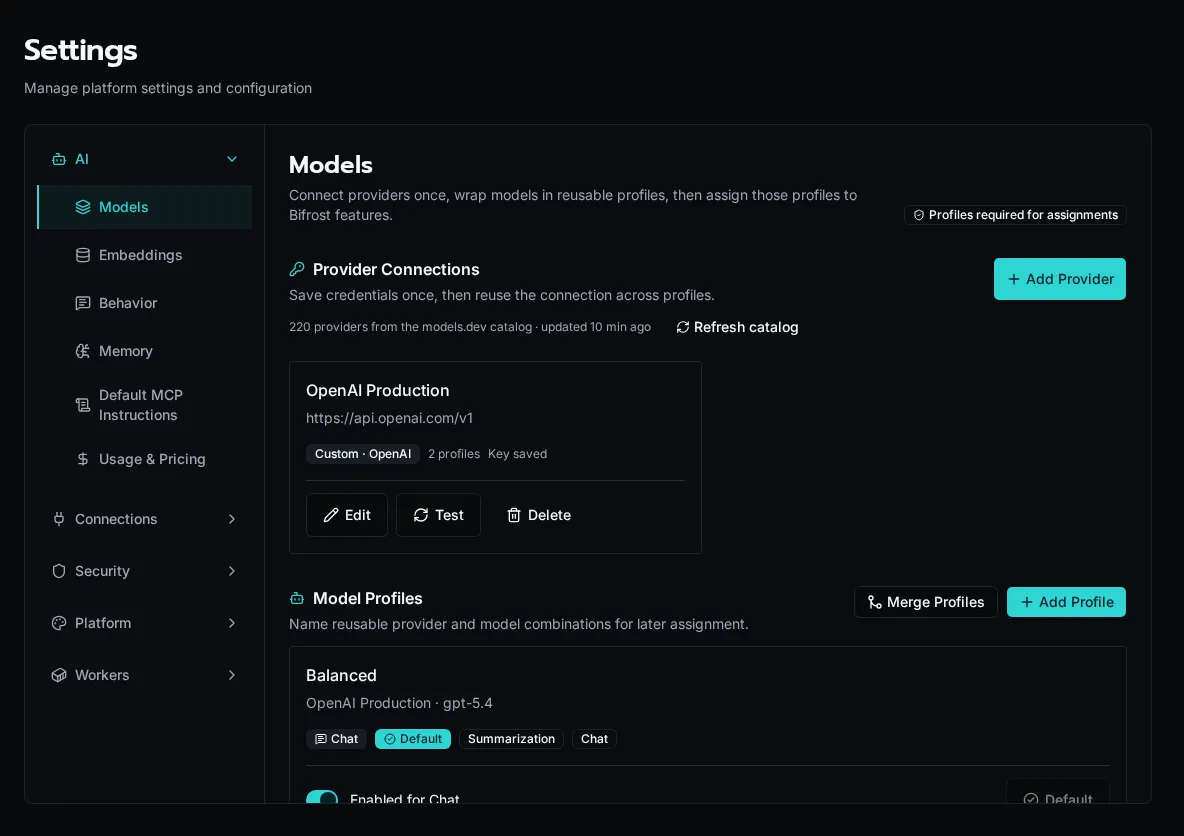
The Models page configures provider connections, reusable model profiles, and runtime assignments. The other AI settings pages cover embeddings, Chat instructions, memory, default MCP instructions, and usage pricing.
## Configure reusable profiles
[Section titled “Configure reusable profiles”](#configure-reusable-profiles)
Create one profile per provider/model combination you want to reuse. Profiles can carry capability metadata, and Bifrost uses that metadata in Chat to decide whether to offer tool calling, image input, and PDF input.
| Field | Meaning |
| ---------------- | ---------------------------------------------------------------- |
| Name | The label shown in the admin UI |
| Connection | The saved provider connection |
| Model | The provider model id |
| Enabled for Chat | Whether the profile appears in Chat |
| Capabilities | Optional metadata about tool calling, image input, and PDF input |
The first profile you save becomes the baseline for Bifrost’s required assignments. After that, you can reassign each runtime slot independently without changing the profile itself.
## Chat defaults
[Section titled “Chat defaults”](#chat-defaults)
The **Assignments** section maps a profile to each runtime use case. The important ones for day-to-day work are:
| Assignment | Used by |
| ------------------ | ------------------------------------- |
| `primary` | General AI work and SDK completions |
| `summarization` | Summaries and background writeups |
| `tuning` | Agent tuning workflows |
| `image_generation` | Image generation workflows |
| `video_generation` | Video generation workflows |
| `chat_default` | The profile selected when Chat starts |
Chat only lists profiles with **Enabled for Chat** turned on. If the profile bound to `chat_default` is disabled, Bifrost keeps it enabled so the default Chat route stays valid.
## Capabilities
[Section titled “Capabilities”](#capabilities)
Capabilities are stored per profile and normalized against the exact provider/model/endpoint combination that produced them. If you change any of those three values, Bifrost treats the old capability record as stale and recomputes the profile as unknown until you verify it again.
Use the capability controls when you want to record whether a profile supports tool calling, image input, or PDF input. Verified capabilities come from a live probe; manual capabilities are for administrator-confirmed settings.
## Memory and required instructions
[Section titled “Memory and required instructions”](#memory-and-required-instructions)
The **Memory** switch enables private, user-controlled memory for Bifrost-connected assistants. It depends on the embedding configuration. Users can still opt out and remove saved memories from **User Settings → Preferences**.
**Global Instructions** apply to every task performed through the default Bifrost MCP endpoint. Organization instructions are managed from each organization’s **Manage → Instructions** tab and apply after the global layer. See [Manage AI memory and instructions](/docs/how-to-guides/ai/memory-and-instructions/).
## OpenAI-compatible endpoints
[Section titled “OpenAI-compatible endpoints”](#openai-compatible-endpoints)
The **API Endpoint** field overrides the base URL passed to the provider SDK. Use it with **OpenAI-Compatible** for OpenAI-shaped services such as Azure OpenAI, Together, Groq, Ollama, vLLM, or LM Studio.
### Example: OpenRouter
[Section titled “Example: OpenRouter”](#example-openrouter)
OpenRouter exposes an OpenAI-compatible API and gives you a single key for models across many providers.
1. Set **Provider** to **OpenRouter**.
2. Leave the endpoint at `https://openrouter.ai/api/v1` unless you have a custom OpenRouter-compatible gateway.
3. Paste your OpenRouter key (`sk-or-...`) into **API Key**.
4. Click **Test Connection**. Bifrost calls OpenRouter’s `/models` endpoint and populates the model dropdown with everything available to your key.
5. Pick the model id you want to reuse and save the profile.
Tip
OpenRouter model IDs include the upstream provider as a prefix (`openai/gpt-4o`, `anthropic/claude-sonnet-4-5`). Use the full prefixed ID when overriding `model=` per call.
### Other compatible endpoints
[Section titled “Other compatible endpoints”](#other-compatible-endpoints)
| Service | Provider type | API Endpoint |
| ----------------- | ----------------- | --------------------------------------------------------------------- |
| Azure OpenAI | OpenAI-Compatible | `https://.openai.azure.com/openai/deployments/` |
| Ollama (local) | OpenAI-Compatible | `http://localhost:11434/v1` |
| LM Studio (local) | OpenAI-Compatible | `http://localhost:1234/v1` |
| Groq | OpenAI-Compatible | `https://api.groq.com/openai/v1` |
| Together | OpenAI-Compatible | `https://api.together.xyz/v1` |
When the provider is OpenAI-shaped, Bifrost detects whether the endpoint supports the Responses API or needs Chat Completions and caches that choice on the profile. If you change the provider, endpoint, or API key, Bifrost clears the cached transport and probes again on the next request.
## Embedding configuration
[Section titled “Embedding configuration”](#embedding-configuration)
For knowledge base / RAG features, configure embeddings:
1. In **Settings** > **AI** > **Embeddings**, open the embedding settings.
2. Choose to use the same provider as the LLM or configure separately.
3. For OpenAI, embeddings use `text-embedding-3-small` (1536 dimensions).
Embeddings can use a dedicated connection or inherit the provider connection from the LLM configuration. When the embedding model changes its vector size, Bifrost prompts you to re-embed existing knowledge rows before the new config takes effect.
Caution
Changing the embedding model changes the vector dimensions. If the knowledge store already holds rows embedded with the old model, Bifrost prompts you to **re-embed** them — search won’t return those rows until they’re re-indexed. Use **Reindex knowledge store** to re-embed on demand; progress shows in the notification center.
## Usage tracking
[Section titled “Usage tracking”](#usage-tracking)
Bifrost tracks all AI usage:
* Input/output tokens per call
* Cost calculation based on configured pricing
* Aggregation by workflow, conversation, and organization
View usage and pricing in **Settings** > **AI** > **Usage & Pricing**. Broader operational usage reports are available under **Reports** > **Usage**.
## Pricing configuration
[Section titled “Pricing configuration”](#pricing-configuration)
Configure per-model pricing in **Settings** > **AI** > **Usage & Pricing**:
| Field | Description |
| ------------ | ------------------------------------ |
| Provider | Provider kind for the profile |
| Model | Model ID as returned by the provider |
| Input Price | Cost per 1M input tokens |
| Output Price | Cost per 1M output tokens |
Note
If pricing isn’t configured for a model, usage is still tracked but costs show as $0. For OpenRouter, set pricing using the prefixed model ID (e.g. `anthropic/claude-sonnet-4-5`) so it matches what the SDK reports.
## Next steps
[Section titled “Next steps”](#next-steps)
* [Using AI in Workflows](/docs/how-to-guides/ai/using-ai-in-workflows) — Completions and streaming
* [Knowledge Bases](/docs/how-to-guides/ai/knowledge-bases) — RAG with hybrid semantic and full-text search
# Manage AI Memory and Instructions
> Enable private user memory and set global or organization instructions for Bifrost-connected assistants.
## Enable memory for the platform
[Section titled “Enable memory for the platform”](#enable-memory-for-the-platform)
1. Open **Settings → AI → Embeddings** and configure an embedding connection and model.
2. Turn on **Enable Memory** in the Memory card.
3. Tell users they can opt in from **User Settings → Preferences**.
The platform switch is a ceiling: turning it off disables memory for everyone. Turning it on lets each user decide whether their own account participates.
## Manage your memories
[Section titled “Manage your memories”](#manage-your-memories)
Open **User Settings → Preferences**, turn on **Enable Memory**, and explicitly ask a Bifrost-connected assistant to remember durable context. The assistant tells you whenever it saves or removes a memory.
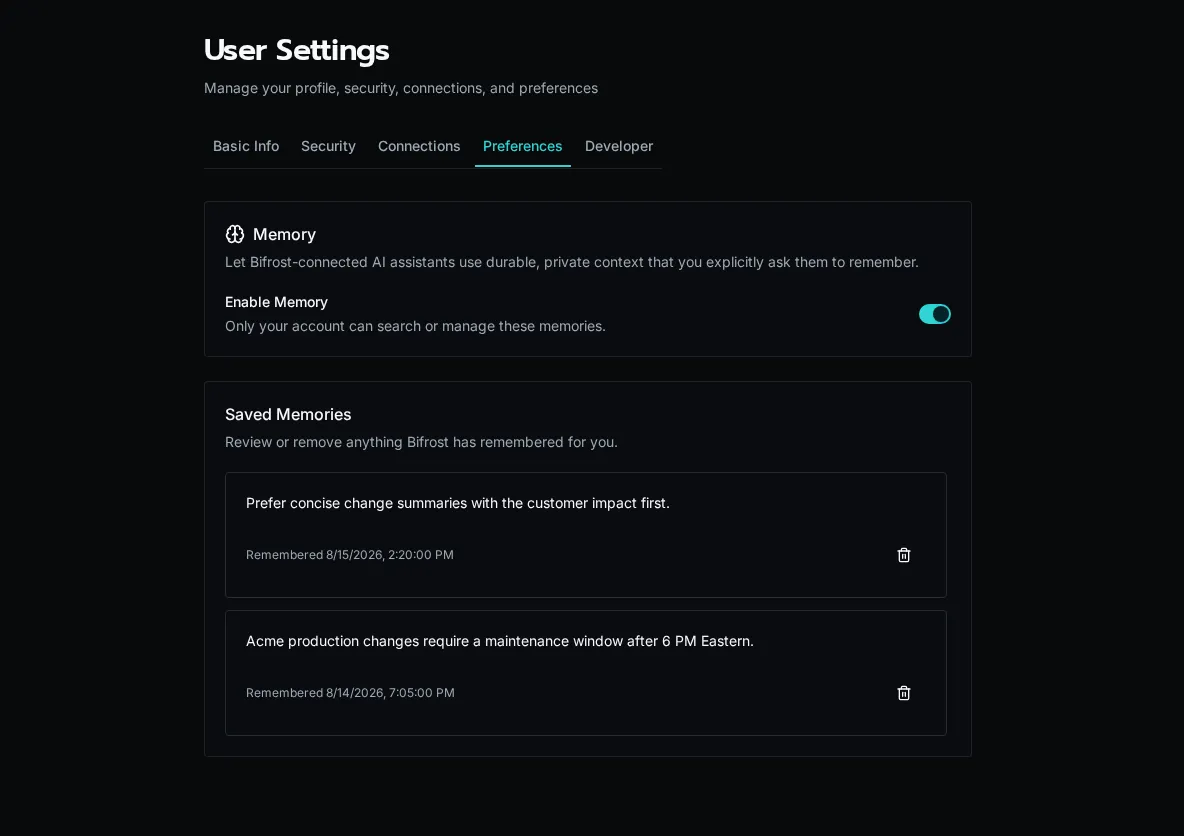
Saved memories are private to your account. Review them in **Saved Memories** and use the trash action to remove anything that should no longer be used. Turning memory off stops retrieval but does not silently delete saved entries.
Caution
Do not ask Bifrost to remember secrets, temporary task state, or unverified assumptions. Store credentials in encrypted configuration or connection fields instead.
## Set required instructions
[Section titled “Set required instructions”](#set-required-instructions)
Platform admins can add two editable instruction layers:
1. Add **Global Instructions** under **Settings → AI → Default MCP Instructions** for rules that apply to every task through the default Bifrost MCP endpoint.
2. Open **Organizations**, choose **Manage** for a customer, and use the **Instructions** tab for customer-specific context.
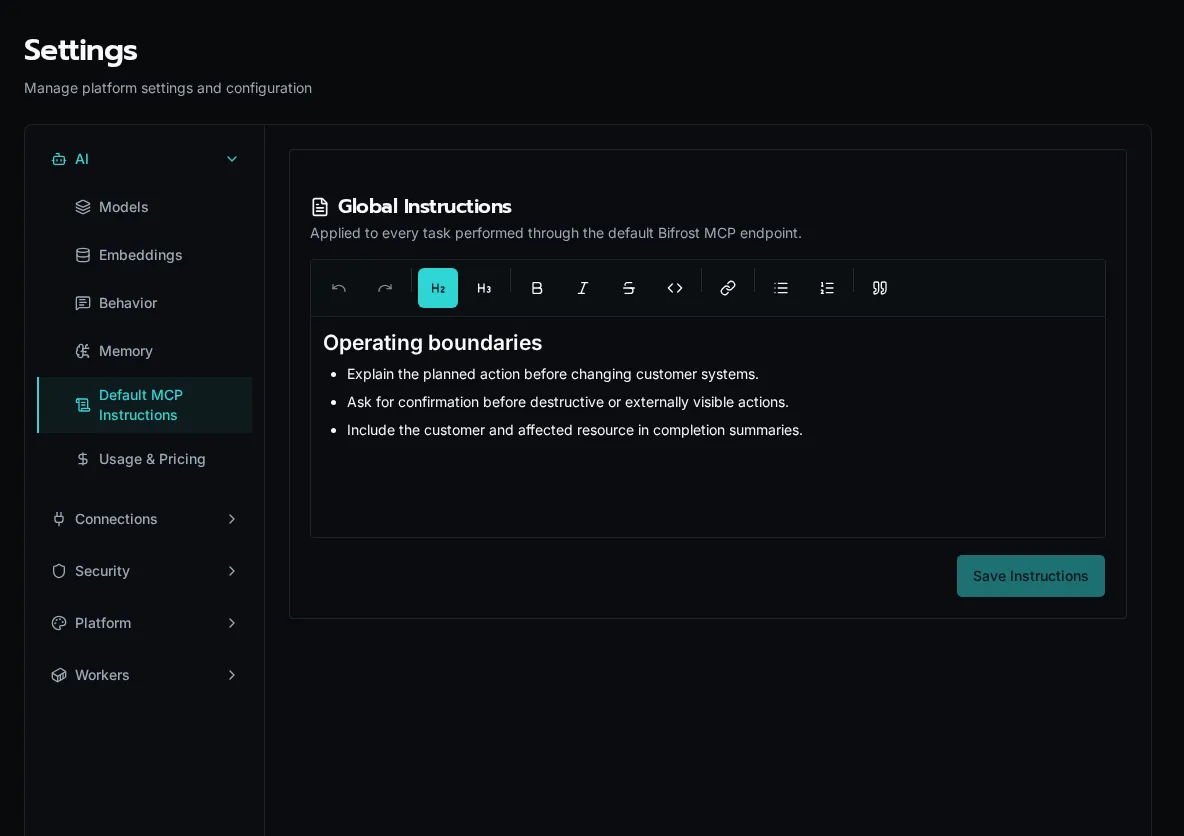
When memory is active, Bifrost resolves instructions in this order:
1. Built-in memory safety requirements
2. Global instructions
3. Organization instructions
Later layers add specificity; they do not remove the built-in safety requirements. Keep instructions durable and operational—for example, escalation boundaries, approved terminology, or customer-specific constraints.
# Using AI in Workflows
> AI completions, streaming, and structured outputs
Use the `ai` module for LLM completions in your workflows. It uses the platform default profile unless you pass `profile=` to select another reusable model profile.
## Basic Completion
[Section titled “Basic Completion”](#basic-completion)
```python
from bifrost import workflow, ai
@workflow
async def summarize(text: str):
response = await ai.complete(
f"Summarize: {text}",
profile="Summarization",
)
return {"summary": response.content}
```
The response includes:
* `content` - Generated text
* `input_tokens` - Tokens in prompt
* `output_tokens` - Tokens in response
* `model` - Model used
If you omit `profile=`, Bifrost uses the profile assigned as **Default** under **Settings → AI → Models**. Use `model=` only when you intentionally want to override the model id stored on that profile.
## Message Format
[Section titled “Message Format”](#message-format)
For multi-turn conversations or system prompts:
```python
response = await ai.complete(
messages=[
{"role": "system", "content": "You are a helpful assistant."},
{"role": "user", "content": "Explain Kubernetes."},
],
)
```
Or use the `system` parameter:
```python
response = await ai.complete(
"Explain Kubernetes.",
system="You are a helpful assistant.",
)
```
## Streaming Responses
[Section titled “Streaming Responses”](#streaming-responses)
For long responses, stream tokens as they’re generated:
```python
from bifrost import ai
@workflow
async def stream_response(prompt: str):
chunks = []
async for chunk in ai.stream(prompt):
chunks.append(chunk.content)
if chunk.done:
print(f"Total tokens: {chunk.input_tokens + chunk.output_tokens}")
return {"response": "".join(chunks)}
```
## Structured Outputs
[Section titled “Structured Outputs”](#structured-outputs)
Get responses as Pydantic models:
```python
from pydantic import BaseModel
from bifrost import workflow, ai
class TicketAnalysis(BaseModel):
priority: str
category: str
summary: str
@workflow
async def analyze_ticket(description: str):
analysis = await ai.complete(
f"Analyze this ticket: {description}",
response_format=TicketAnalysis,
)
return analysis.model_dump()
```
Tip
Structured outputs use JSON schema generation to ensure the LLM returns valid data matching your model.
## Model Overrides
[Section titled “Model Overrides”](#model-overrides)
Override the default model for specific calls:
```python
# Use a specific model within the selected profile/provider
response = await ai.complete(
"Complex task requiring reasoning",
profile="Summarization",
model="gpt-4o",
)
# Or a different reusable profile
response = await ai.complete(
"Creative writing task",
profile="Creative",
model="claude-3-5-sonnet-latest",
)
```
## With Knowledge Base (RAG)
[Section titled “With Knowledge Base (RAG)”](#with-knowledge-base-rag)
Include context from your knowledge store:
```python
response = await ai.complete(
"What is our refund policy?",
knowledge=["policies", "faq"], # Namespace names
)
```
Bifrost automatically:
1. Searches the specified namespaces
2. Includes relevant documents as context
3. Generates a response grounded in your data
See [Knowledge Bases](/docs/how-to-guides/ai/knowledge-bases) for setup.
## Parameters
[Section titled “Parameters”](#parameters)
| Parameter | Type | Description |
| ----------------- | ---------- | ----------------------------------------------------------------------------- |
| `prompt` | str | Simple prompt (alternative to messages) |
| `messages` | list | Chat messages with role/content |
| `system` | str | System prompt |
| `response_format` | type | Pydantic model for structured output |
| `knowledge` | list\[str] | Knowledge namespaces for RAG |
| `profile` | str | Reusable model profile name for `ai.complete()`; omit for the default profile |
| `model` | str | Override default model |
| `org_id` | str | Organization context (auto-set in workflows) |
## Error Handling
[Section titled “Error Handling”](#error-handling)
```python
from bifrost import ai
@workflow
async def safe_complete(prompt: str):
try:
response = await ai.complete(prompt)
return {"result": response.content}
except Exception as e:
return {"error": str(e)}
```
## Next Steps
[Section titled “Next Steps”](#next-steps)
* [Knowledge Bases](/docs/how-to-guides/ai/knowledge-bases) - RAG with hybrid semantic and full-text search
* [Agents and Chat](/docs/how-to-guides/ai/agents-and-chat) - Conversational AI
# ROI Tracking
> Track time saved and value generated by workflows
Track the return on investment (ROI) of your automation by measuring time saved and value generated.
## Overview
[Section titled “Overview”](#overview)
Bifrost tracks ROI metrics for each workflow execution:
* **Time saved**: Minutes saved per execution
* **Value**: Dollar value of time saved
* **Aggregation**: Daily, weekly, monthly rollups
## Configure ROI
[Section titled “Configure ROI”](#configure-roi)
Set the workflow’s ROI fields in the workflow settings or API after discovery. The decorator does not accept `time_saved` or `value`.
Tip
Estimate time saved by measuring how long the manual process takes, then store that value on the workflow record.
## How ROI Is Calculated
[Section titled “How ROI Is Calculated”](#how-roi-is-calculated)
For each workflow execution:
1. **Time saved** = configured `time_saved` value
2. **Value** = time saved × hourly rate ÷ 60
Platform admins configure the hourly rate in settings.
## Viewing ROI Reports
[Section titled “Viewing ROI Reports”](#viewing-roi-reports)
Navigate to **Reports** > **ROI** to see:
* **Total time saved**: Across all workflows
* **Total value**: Dollar value generated
* **By workflow**: Breakdown per workflow
* **By organization**: Per-org metrics
* **Trends**: Daily/weekly/monthly charts
## Example Report
[Section titled “Example Report”](#example-report)
| Workflow | Executions | Time Saved | Value |
| ---------------- | ---------- | ---------- | ------ |
| onboard\_user | 150 | 37.5 hrs | $1,875 |
| sync\_tickets | 1,200 | 10 hrs | $500 |
| generate\_report | 60 | 5 hrs | $250 |
## Best Practices
[Section titled “Best Practices”](#best-practices)
### Accurate Estimates
[Section titled “Accurate Estimates”](#accurate-estimates)
Measure actual manual process time and store the result in the workflow settings:
```python
# Measured: manual user creation takes ~20 minutes
# Workflow settings: time_saved = 20
# Measured: manual data entry takes ~5 minutes per record
# Workflow settings: time_saved = 5
```
### Complex Workflows
[Section titled “Complex Workflows”](#complex-workflows)
For workflows with variable time savings:
```python
# Workflow settings: time_saved = 30 # Average case
# Description: "Process invoice - saves 20-45 minutes depending on complexity"
```
### Track High-Value Workflows
[Section titled “Track High-Value Workflows”](#track-high-value-workflows)
Focus `time_saved` on workflows that replace significant manual effort:
```python
# High value - complex manual process
# Workflow settings: time_saved = 60
# Lower value - simple task
# Workflow settings: time_saved = 2
```
## API Access
[Section titled “API Access”](#api-access)
Query ROI data programmatically:
```python
# Via SDK (platform admin)
from bifrost import workflows
# Get workflow with ROI configured
workflow = await workflows.get("onboard_user")
print(f"Time saved: {workflow.time_saved} minutes")
```
## Reporting Periods
[Section titled “Reporting Periods”](#reporting-periods)
ROI aggregates across periods:
* **Daily**: Executions per day
* **Weekly**: Rolling 7-day totals
* **Monthly**: Calendar month totals
* **All time**: Cumulative since deployment
## Export Data
[Section titled “Export Data”](#export-data)
Export ROI reports for presentations:
1. Go to **Reports** > **ROI**
2. Select date range
3. Click **Export CSV**
Use exports for:
* Executive presentations
* Budget justification
* Automation ROI analysis
## See Also
[Section titled “See Also”](#see-also)
* [Decorators Reference](/docs/sdk-reference/sdk/decorators) - All decorator options
* [LLM Configuration](/docs/how-to-guides/ai/llm-configuration) - AI usage tracking
# Develop and Deploy an Independent App
> Create, bind, run, migrate, and deploy a V2 App whose source lives in its own repository and whose backing resources stay live in Bifrost.
## Create the project
[Section titled “Create the project”](#create-the-project)
```bash
bifrost app create operations --name "Operations"
cd operations
npm install
```
Add `--org ` for an organization-visible App or `--global` for a globally visible App. The command creates the remote App record and a normal Vite project. It writes the binding to a gitignored `.env`:
```dotenv
BIFROST_API_URL=https://bifrost.example.com
BIFROST_APP_ID=
```
There is no source YAML, Solution descriptor, `_repo` App directory, draft, preview, or publish step.
## Develop against live resources
[Section titled “Develop against live resources”](#develop-against-live-resources)
```bash
bifrost app start
```
Open the proxy URL printed by the command. Vite hot-reloads the frontend, while workflow, table, file, config, and integration calls go to the selected live Bifrost instance. Local Python workflows are not executed.
Run `app start` before the first standalone `npm run build` in a clean checkout. Start installs the selected instance’s SDK into `node_modules` transiently; it is intentionally absent from the portable `package.json` and git history. Server deploy installs the same instance-matched SDK in its isolated build directory.
Caution
Connected development is not a data sandbox. Table, managed-file, config, and integration writes affect the selected instance and organization.
The current viewer’s selected organization is the default runtime scope. An authorized provider/admin can troubleshoot another organization without changing source or rebinding:
```bash
bifrost app start --org "Customer Org"
```
The override does not bypass App visibility, roles, workflow access, table policies, file policies, or external-user restrictions.
## Use portable resource references
[Section titled “Use portable resource references”](#use-portable-resource-references)
Reference live workflows by `path::function` when possible:
```tsx
const tickets = useWorkflowQuery("workflows/tickets.py::list_open");
const assign = useWorkflowMutation("workflows/tickets.py::assign");
```
Avoid environment-specific workflow UUIDs in source. Confirm every referenced workflow, table, and managed-file location exists and has compatible access in every organization where the App will run.
## Deploy
[Section titled “Deploy”](#deploy)
```bash
bifrost app deploy
```
The CLI excludes `.env`, ignored files, `node_modules`, and `dist`. The server stages source for a durable Vite build, uploads an immutable compiled artifact, activates it atomically, and retains a sanitized source archive for future SDK-only rebuilds. Deploy changes only the App; it does not capture or mutate backing resources.
Launch the App from the Apps page or open `/apps/`. Verify the deployed App against the same workflows, tables, files, and organizations used during local development.
If a build fails, the previous deployment remains active. Fix the local project and run `bifrost app deploy` again.
Supported SDK2 Apps keep working across the 2.0 image update without a rebuild. For optional SDK features and fixes, use [Update Deployed App SDKs](/docs/how-to-guides/apps/updating-deployed-sdks/) without redeploying the whole project.
## Bind a clone
[Section titled “Bind a clone”](#bind-a-clone)
After cloning the repository, authenticate to the target instance and recreate `.env`:
```bash
bifrost app bind . --url https://bifrost.example.com
bifrost app start
```
Binding selects an existing independent App. It does not download source because the git repository is the source of truth.
## Migrate a V1 App
[Section titled “Migrate a V1 App”](#migrate-a-v1-app)
Pull the legacy `_repo/apps/` source into a local directory, then create a V2 project:
```bash
bifrost app migrate ./legacy-source ./operations-v2 \
--name "Operations" --slug operations-v2
```
The migration ports pages and components, rewrites V1 platform imports, installs detected UI/browser dependencies, and prints the route, access, theming, and browser-review work that still requires judgment. Backing resources stay live and are not captured.
After the V2 App passes local and deployed acceptance, preserve the old URL with an atomic slug swap:
```bash
bifrost app deploy ./operations-v2
bifrost app swap-slugs operations operations-v2
```
The V1 App remains parked under the temporary slug for rollback. Delete it only after the V2 App has been verified with realistic users and organizations.
## Acceptance checklist
[Section titled “Acceptance checklist”](#acceptance-checklist)
* Build and test the project locally.
* Open every route through `app start`; refresh at a deep route.
* Verify loading, empty, denied, error, disabled, and success states.
* Exercise live workflow, table, and file behavior in the default organization.
* Exercise `--org` with an authorized operator and confirm an unauthorized viewer cannot override scope.
* Deploy and repeat the checks from the Apps page.
* Confirm a failed redeploy leaves the previous deployment available.
* Confirm `.env` is ignored and no App source is stored in `_repo` or permanent upload storage.
# Update Deployed App SDKs
> Rebuild deployed V2 Apps against the web SDK shipped by the current Bifrost instance without redeploying their backing resources.
Supported SDK2 Apps keep working across the 2.0 image update without a rebuild. Optional SDK updates bring newer features and fixes. Bifrost compares each active V2 App build with the SDK on the current instance and shows when an update is available.
Caution
After upgrading to Bifrost 1.4, update deployed App SDKs so Apps using live table subscriptions understand the new batch-invalidation contract. Older bundles can miss live batch changes until the page reloads.
## Automatic Updates
[Section titled “Automatic Updates”](#automatic-updates)
Enable **App SDK Upgrades** under **Settings → Maintenance** to rebuild eligible Apps automatically for reviewed SDK changes. This setting starts off. Automatic updates need suitable retained source and dependency metadata; failures leave the current deployment active.
Apps that use server-delivered SDKs receive compatible SDK fixes on reload without an App rebuild. Switching an existing bundled App to server delivery is an optional SDK update.
## Update Apps from the UI
[Section titled “Update Apps from the UI”](#update-apps-from-the-ui)
1. Open **Apps** as a platform administrator. Apps built with an older SDK show **SDK update available**; deployments without recorded SDK provenance show **SDK unknown**.
2. Choose **Update SDK** from one App’s actions menu, click **Update all SDKs**, or click **Select** to update a subset.
3. Follow progress in the App badge and Notifications. Bifrost builds a replacement artifact and switches the active deployment only after the build succeeds. A failed update leaves the previous deployment active and offers a retry.
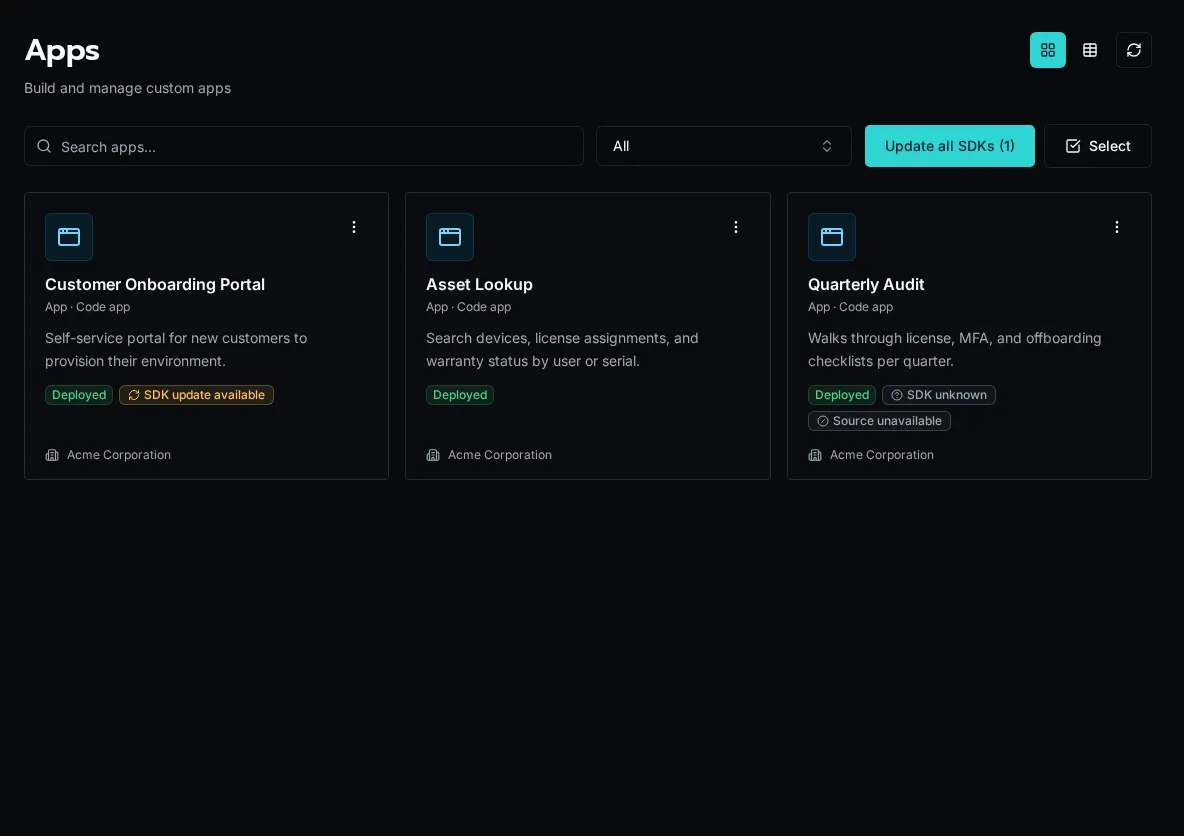
## Update Apps in a Solution
[Section titled “Update Apps in a Solution”](#update-apps-in-a-solution)
Open **Solutions** to see the number of Apps with SDK updates in each install. Use the refresh action on one Solution, select several installs, or choose **Update all SDKs**. You can also update the Apps from a Solution’s detail page.
An SDK-only update rebuilds the affected App artifacts from the retained deployed Solution archive. It does not pull Git, change the Solution version, reconcile the manifest, or modify sibling resources.
## Use the CLI
[Section titled “Use the CLI”](#use-the-cli)
Inspect and update independent or otherwise visible Apps:
```bash
bifrost apps sdk status
bifrost apps sdk status
bifrost apps sdk update
bifrost apps sdk update --all
```
From a bound Solution workspace, inspect or rebuild the deployed install’s Apps:
```bash
bifrost solution sdk deployed-status
bifrost solution sdk deployed-update
```
`bifrost solution sdk update` is different: it refreshes the SDK installed in the local development workspace.
## Resolve source-unavailable Apps
[Section titled “Resolve source-unavailable Apps”](#resolve-source-unavailable-apps)
An App can be rebuilt only when Bifrost retained suitable deployment source. **Source unavailable** prevents an optional SDK rebuild; it does not require redeployment to keep a supported SDK2 App working after the platform update. To perform the SDK update, redeploy the independent App or Solution from its source first. Bifrost 1.4 retains a sanitized archive from that deployment, excluding secrets, dependencies, build output, caches, and version-control data; later SDK updates can then rebuild in place.
## Read the SDK statuses
[Section titled “Read the SDK statuses”](#read-the-sdk-statuses)
| Status | Meaning |
| ------------------------ | ---------------------------------------------------------------------------------------------------------------------------------------- |
| **SDK current** | The active App uses the SDK bytes shipped by this Bifrost instance. |
| **SDK update available** | A different SDK is available and retained source can be rebuilt. |
| **SDK unknown** | The deployment predates SDK provenance or its SDK metadata is incomplete. Rebuild it when source is available. |
| **Source unavailable** | An SDK-only rebuild needs source. The supported current deployment remains usable; redeploy from source when you want to update its SDK. |
## See also
[Section titled “See also”](#see-also)
* [Develop and Deploy an Independent App](/docs/how-to-guides/apps/independent-apps/)
* [Update an Installed Solution](/docs/how-to-guides/solutions/updating/)
# Managing Users & Invites
> Invite, organize, and manage platform users and pending invitations
The **Users** page is where platform admins create accounts, send registration invites, assign people to organizations, and disable or delete users. Each row shows the user’s organization, invite status, and last login.
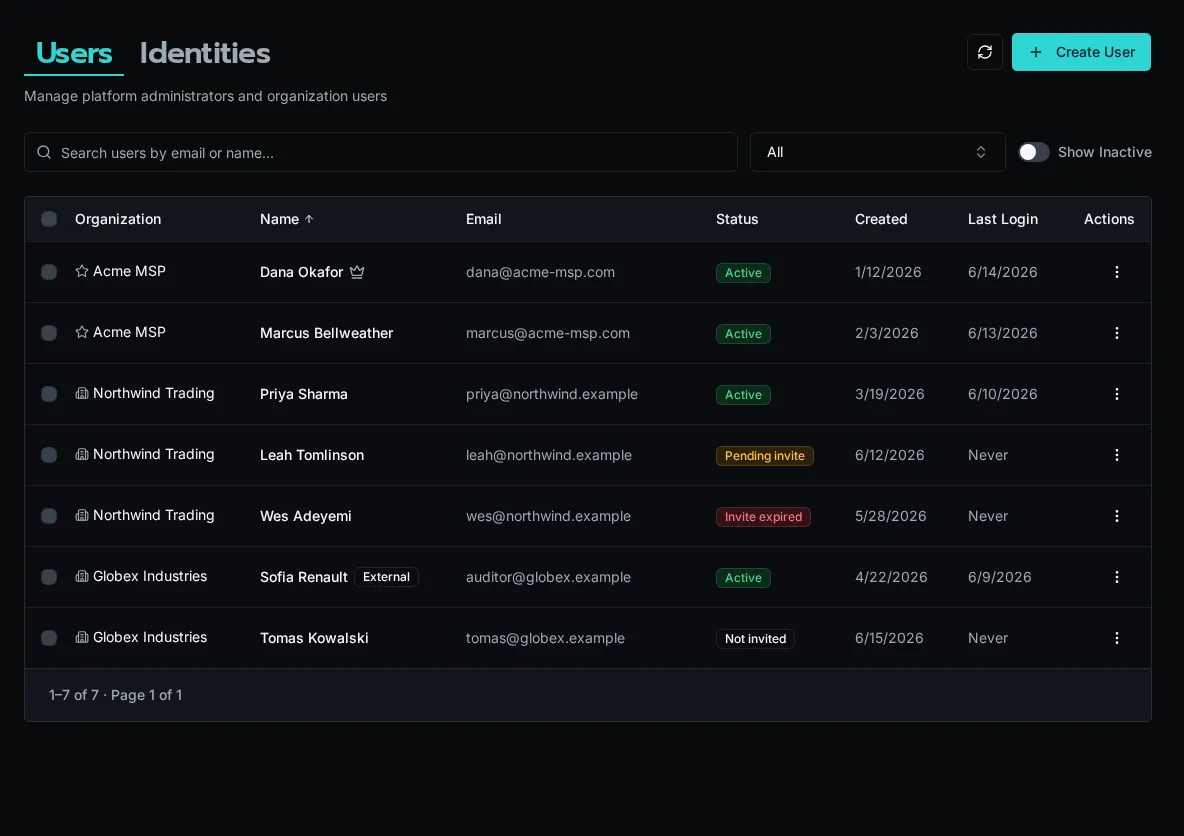
## Invite Status
[Section titled “Invite Status”](#invite-status)
Every user carries an invite status that tells you where they are in onboarding:
* **Active** — registered and able to sign in
* **Pending** — invited, link still valid, not yet accepted
* **Expired** — invited, but the registration link has passed its expiry
* **Never invited** — account exists with no invite issued yet
The status column is sortable, so you can group pending and expired invites together to chase them down.
## Invite a User
[Section titled “Invite a User”](#invite-a-user)
1. Choose **Create User** on the Users page.
2. Enter the email and name, choose the user type and organization, and review the **Base Role** and additional **Roles**. Leaving the base role unset uses the effective provisioning default for that organization.
3. Save. Bifrost creates the account and a registration link.
4. Copy the link from the dialog and send it, or — if an invite automation is configured (see below) — let Bifrost email it.
Note
Registration links expire. If a user reports an expired link, use **Regenerate** from the row’s action menu to mint a fresh one.
## Row Actions
[Section titled “Row Actions”](#row-actions)
Open the action menu (⋯) on any row to:
* **Resend invite** — fire the invite automation again for a pending or expired user
* **Regenerate link** — create a new registration URL and show it for copying
* **Copy link** — grab the current registration URL
* **Revoke invite** — invalidate the pending link
* **Disable / Enable** — block or restore platform access without deleting data
* **Delete** — permanently remove the user and associated data
Disabling is reversible; deleting is not. Use **Show disabled** above the table to surface accounts you’ve turned off.
## Bulk Actions
[Section titled “Bulk Actions”](#bulk-actions)
Select multiple users with the row checkboxes (you can’t select yourself). A bulk action bar appears with:
* **Move to organization** — reassign selected users to another org
* **Replace Roles** — replace the selected users’ additional role assignments
* **Set Base Role** — set the base role separately across the selection
* **Disable / Enable** — toggle access for everyone selected
Available actions depend on your permissions and organization reach. See [Base Role Defaults](/docs/how-to-guides/operations/base-role-defaults) for new-account provisioning.
If some users in a bulk operation fail, Bifrost reports the partial result so you can see exactly which rows succeeded.
## Automating Invite Emails
[Section titled “Automating Invite Emails”](#automating-invite-emails)
The invite **Resend** and **Send email** paths only deliver mail when a workflow or agent is subscribed to the `user.invited` event. Without a subscription, Bifrost still generates the link — you just copy and send it manually.
To automate delivery, create a **topic** event source for `user.invited` and subscribe a workflow that sends the registration email. See [Subscribe a Workflow or Agent](/docs/how-to-guides/events/subscriptions/).
## External Users
[Section titled “External Users”](#external-users)
Users flagged **External** (portal or guest accounts) see only what the Everyone access tier or an explicit role grant allows — never global entities and never the standard “authenticated” entitlement. The External badge appears next to their name. For the full access model, see [Scopes](/docs/core-concepts/scopes/).
# Passkeys (WebAuthn)
> Passwordless authentication with passkeys
Set up passwordless login using passkeys (WebAuthn) for secure, convenient authentication.
## What Are Passkeys?
[Section titled “What Are Passkeys?”](#what-are-passkeys)
Passkeys are a modern authentication method that replaces passwords:
* **Secure**: Based on public key cryptography
* **Phishing-resistant**: Bound to specific domains
* **Convenient**: Use fingerprint, face, or device PIN
* **Cross-platform**: Works on computers and mobile devices
## Enable Passkeys
[Section titled “Enable Passkeys”](#enable-passkeys)
1. Log in with your existing method (email/password or SSO)
2. Go to **Settings** > **Security**
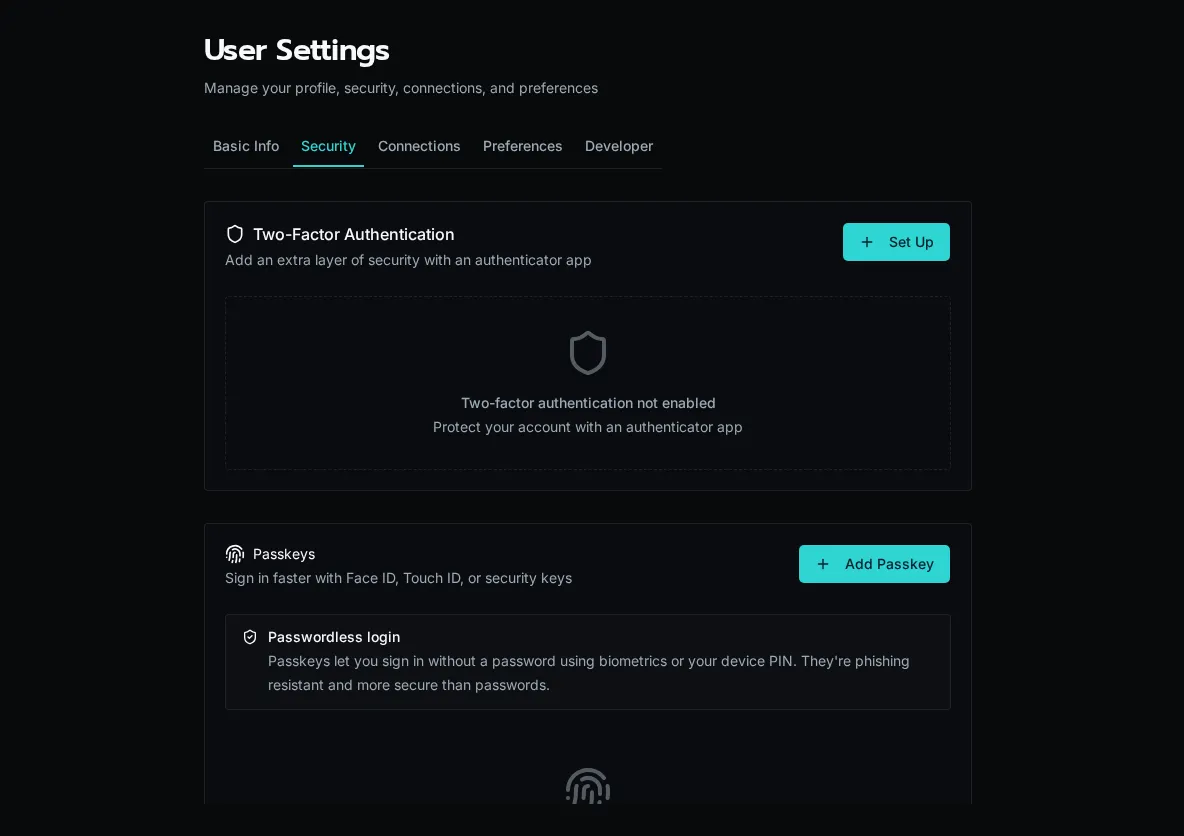
3. In the **Passkeys** section, click **Add Passkey**
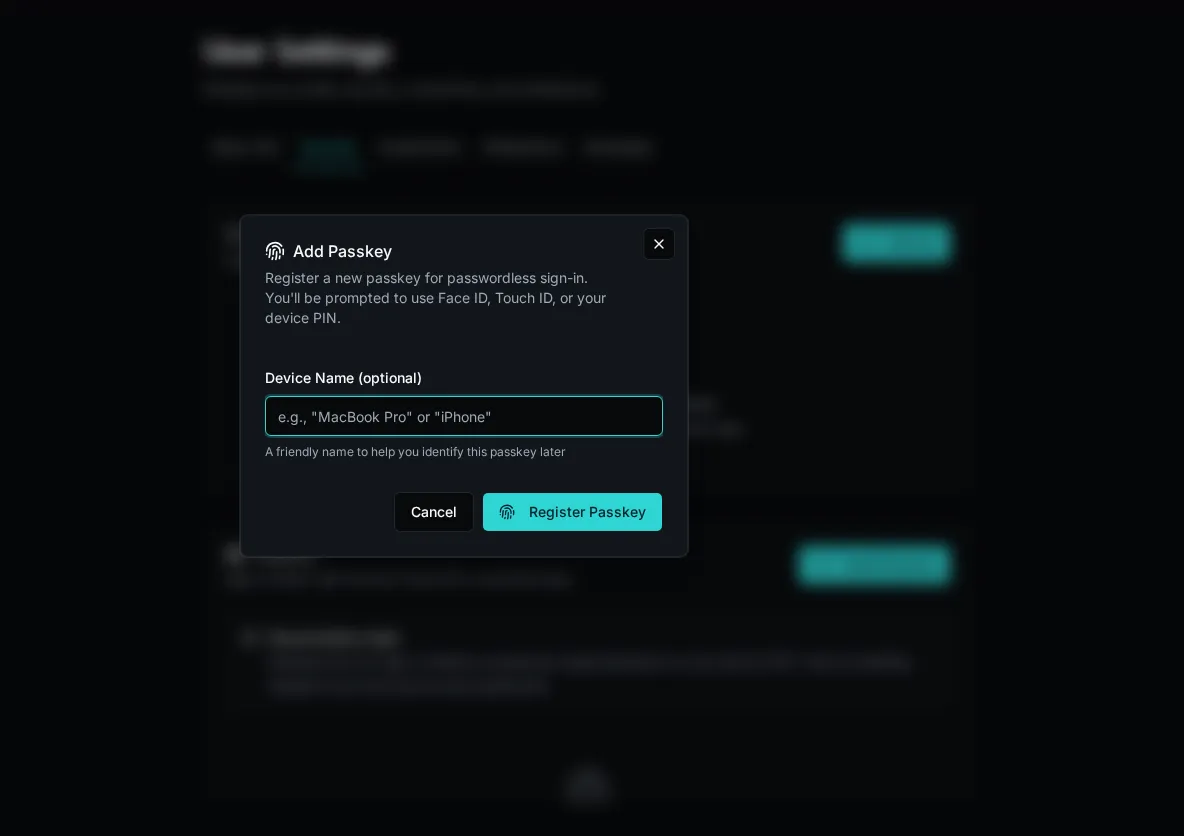
4. Follow your browser/device prompts:
* Touch fingerprint sensor
* Use Face ID
* Enter device PIN
5. Name your passkey (e.g., “MacBook Pro”, “iPhone”)
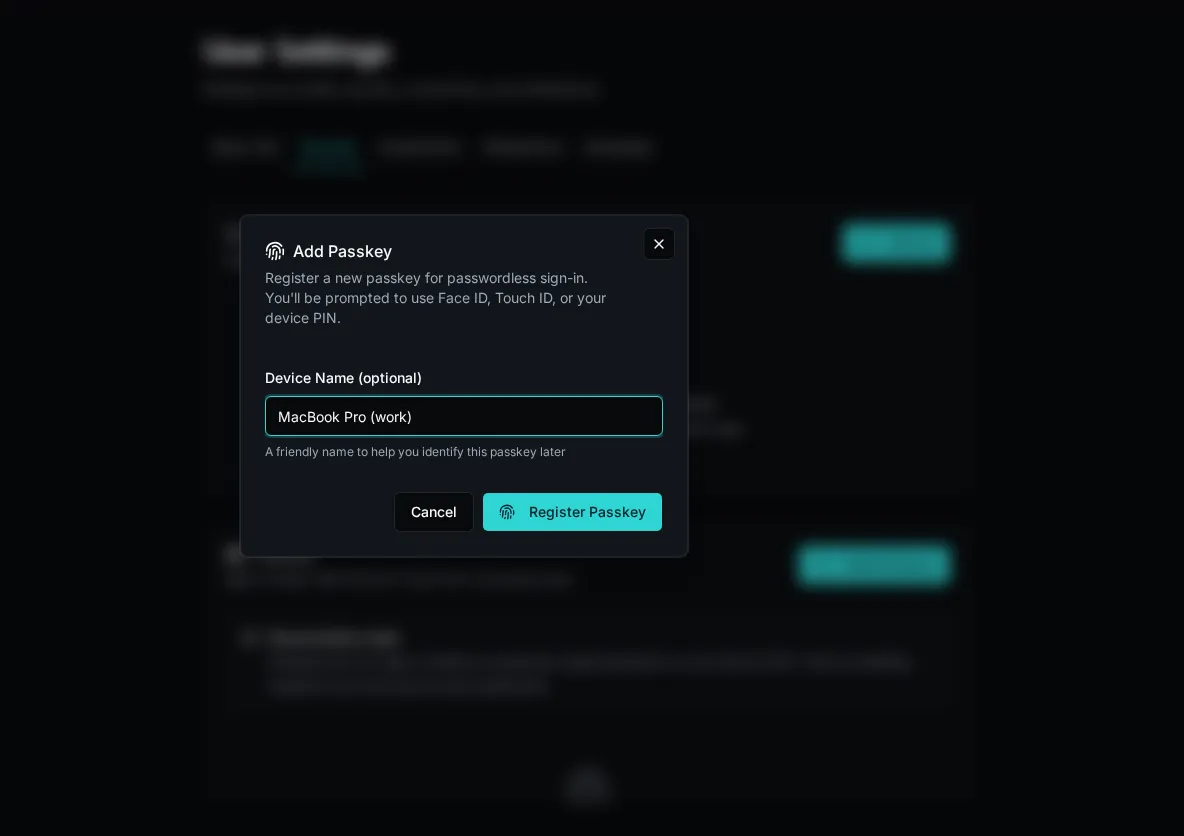
6. Passkey is registered
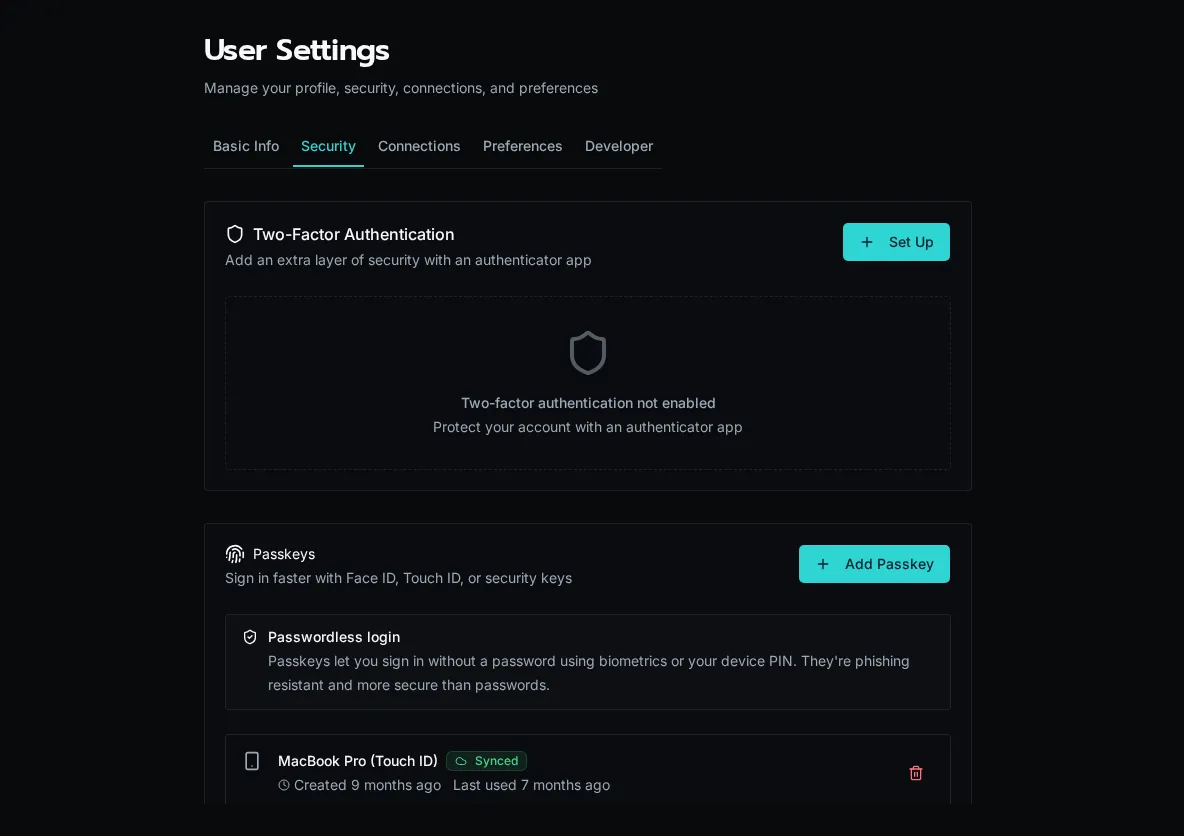
Tip
Register passkeys on multiple devices for backup access.
## Login with Passkey
[Section titled “Login with Passkey”](#login-with-passkey)
1. Go to the login page
2. Click **Sign in with Passkey**
3. Select your passkey from the browser prompt
4. Authenticate with fingerprint/face/PIN
5. You’re logged in
## Managing Passkeys
[Section titled “Managing Passkeys”](#managing-passkeys)
View and manage your passkeys in **Settings** > **Security**:
* **View registered passkeys**: See all devices
* **Rename passkeys**: Give meaningful names
* **Delete passkeys**: Remove compromised or old devices
## Device Support
[Section titled “Device Support”](#device-support)
| Platform | Authentication Method |
| ------------- | -------------------------------------- |
| macOS | Touch ID, Apple Watch |
| Windows | Windows Hello (PIN, fingerprint, face) |
| iOS/iPadOS | Face ID, Touch ID |
| Android | Fingerprint, face, PIN |
| Security Keys | FIDO2 hardware keys |
## Security Considerations
[Section titled “Security Considerations”](#security-considerations)
* **Domain-bound**: Passkeys only work on the correct domain
* **No shared secrets**: Private key never leaves your device
* **Backup options**: Keep multiple passkeys registered
* **Recovery**: Ensure you have an alternative login method
Caution
If you lose access to all devices with passkeys, you’ll need an alternative login method or admin assistance.
## For Administrators
[Section titled “For Administrators”](#for-administrators)
### Enable/Disable Passkeys
[Section titled “Enable/Disable Passkeys”](#enabledisable-passkeys)
Passkeys are enabled by default. Platform admins can configure authentication options in system settings.
### User Management
[Section titled “User Management”](#user-management)
View users’ registered passkeys in user management. Admins can:
* See how many passkeys a user has registered
* Assist users who lose access
* Revoke passkeys if needed
## Troubleshooting
[Section titled “Troubleshooting”](#troubleshooting)
### Passkey Not Recognized
[Section titled “Passkey Not Recognized”](#passkey-not-recognized)
* Ensure you’re on the correct domain
* Try a different browser
* Check if the device supports WebAuthn
### Can’t Register Passkey
[Section titled “Can’t Register Passkey”](#cant-register-passkey)
* Update your browser to latest version
* Ensure platform authenticator is enabled
* Try using a hardware security key
### Lost All Passkeys
[Section titled “Lost All Passkeys”](#lost-all-passkeys)
* Use alternative login method (password, SSO)
* Contact administrator for account recovery
# Configure SSO
> Set up single sign-on with Microsoft, Google, or OIDC
Configure single sign-on (SSO) to allow users to log in with their existing identity provider.
## Overview
[Section titled “Overview”](#overview)
SSO is configured in **Settings > Authentication** within the Bifrost UI. All configuration is stored in the database—no environment variables are required.
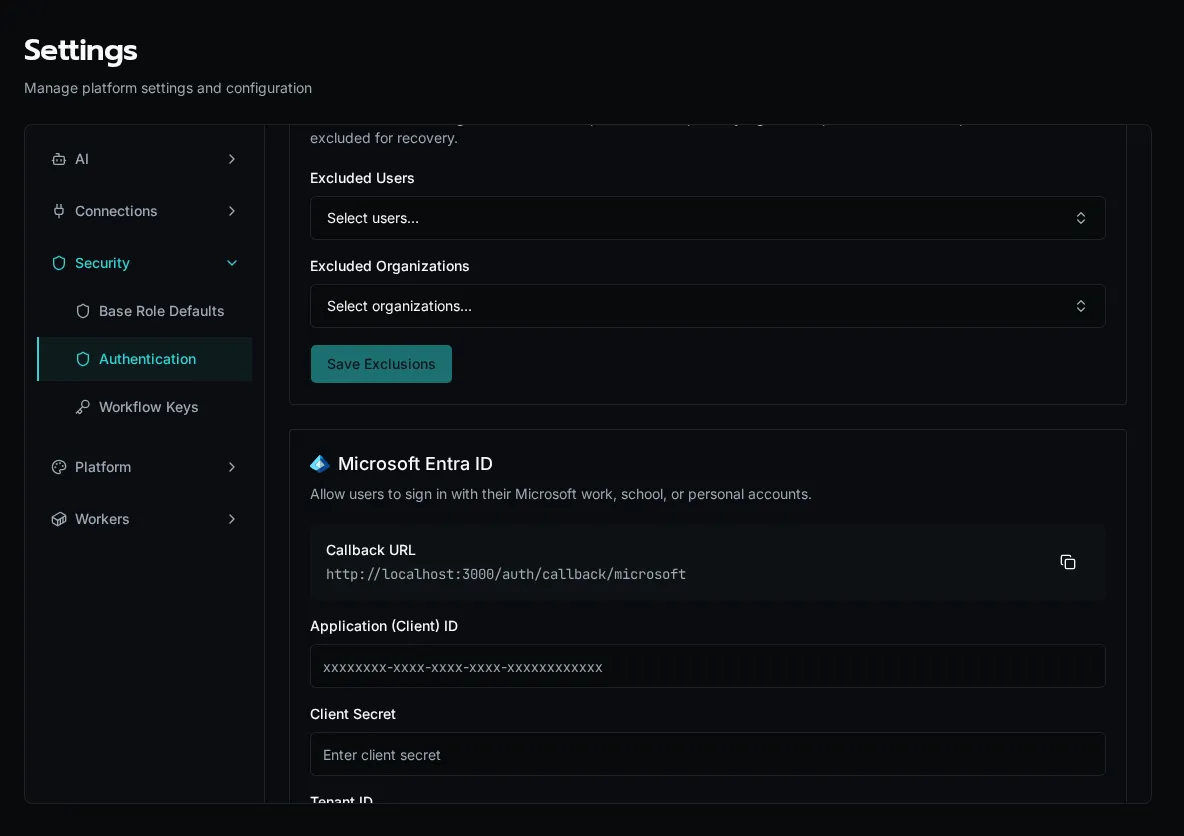
Supported providers:
* **Microsoft Entra ID** - Azure Active Directory
* **Google Workspace** - Google accounts
* **Generic OIDC** - Any OpenID Connect provider
## Microsoft Entra ID
[Section titled “Microsoft Entra ID”](#microsoft-entra-id)
1. **Create App Registration in Azure**
Go to [Entra ID](https://entra.microsoft.com) > **App registrations** > **+ New registration**:
* **Name**: Bifrost SSO
* **Supported account types**: Choose based on your needs:
* *Single tenant* - Only your organization
* *Multitenant* - Any Azure AD directory
* **Redirect URI**: Web platform, `https://your-domain.com/auth/callback/microsoft`
2. **Configure Authentication**
In your app registration, go to **Authentication**:
* Ensure the Web redirect URI is correct
3. **Add Client Secret**
Go to **Certificates & secrets** > **+ New client secret**:
* Set description and expiration
* Copy the secret value immediately (it won’t be shown again)
4. **Note Required Values**
From the **Overview** page, copy:
* **Application (client) ID**
* **Directory (tenant) ID**
5. **Configure in Bifrost**
Go to **Settings** > **Authentication** and add Microsoft:
* **Client ID**: Application (client) ID from Azure
* **Client Secret**: The secret value you created
* **Tenant ID**: One of:
* Your specific tenant ID (single tenant only)
* `organizations` (any work/school account)
* `common` (work/school + personal Microsoft accounts)

Tip
The callback URL is shown in Bifrost under **Settings > Authentication**. Register that exact URL with the provider. Each provider has its own path; Microsoft uses `https://your-domain.com/auth/callback/microsoft`.
### Required Permissions
[Section titled “Required Permissions”](#required-permissions)
Microsoft SSO requests these scopes automatically:
* `openid` - Required for OIDC
* `profile` - User’s display name
* `email` - User’s email address
* `User.Read` - Basic user profile from Graph API
No admin consent is required for these scopes.
## Google
[Section titled “Google”](#google)
1. **Create OAuth Client in Google Cloud**
Go to [Google Cloud Console](https://console.cloud.google.com) > **APIs & Services** > **Credentials**:
* Click **+ Create Credentials** > **OAuth client ID**
* Application type: **Web application**
* Name: Bifrost SSO
* Authorized redirect URIs: `https://your-domain.com/auth/callback/google`
2. **Configure OAuth Consent Screen**
If prompted, set up the OAuth consent screen:
* User type: **Internal** (Google Workspace only) or **External**
* App name, support email, developer contact
* Scopes: Add `email`, `profile`, `openid`
3. **Copy Credentials**
After creating the client, copy:
* **Client ID**
* **Client Secret**
4. **Configure in Bifrost**
Go to **Settings** > **Authentication** and add Google:
* **Client ID**: From Google Cloud Console
* **Client Secret**: From Google Cloud Console
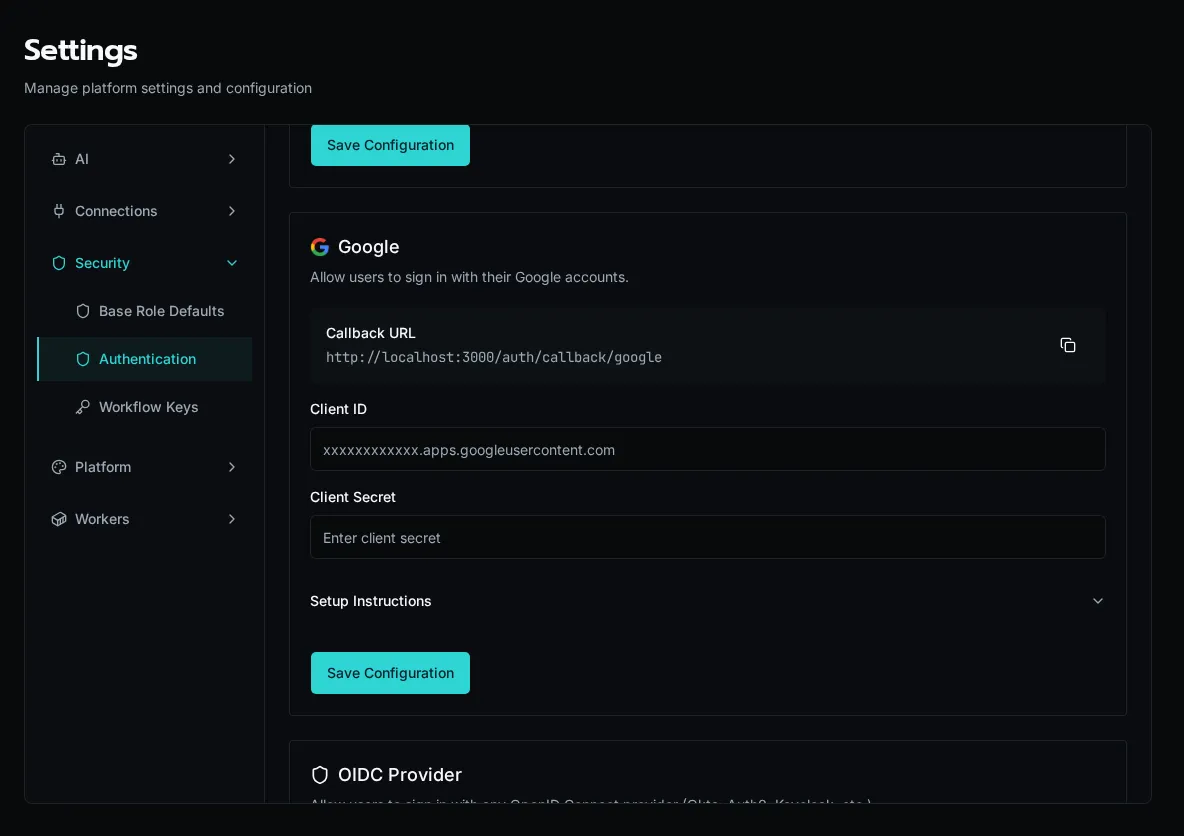
Caution
For Google Workspace organizations, set the OAuth consent screen to **Internal** to restrict access to your domain only.
## Generic OIDC
[Section titled “Generic OIDC”](#generic-oidc)
Use any OpenID Connect-compliant identity provider (Okta, Auth0, Keycloak, etc.).
1. **Create Application in Your IdP**
Register a new OIDC/OAuth application:
* Application type: Web application
* Redirect URI: `https://your-domain.com/auth/callback/oidc`
* Grant type: Authorization Code
2. **Get Discovery URL**
Find your IdP’s OIDC discovery endpoint. Common formats:
* Okta: `https://your-org.okta.com/.well-known/openid-configuration`
* Auth0: `https://your-tenant.auth0.com/.well-known/openid-configuration`
* Keycloak: `https://keycloak.example.com/realms/your-realm/.well-known/openid-configuration`
3. **Configure in Bifrost**
Go to **Settings** > **Authentication** and add OIDC:
* **Discovery URL**: Your IdP’s `.well-known/openid-configuration` URL
* **Client ID**: From your IdP
* **Client Secret**: From your IdP
* **Display Name** (optional): Custom text for the login button (e.g., “Sign in with Okta”)
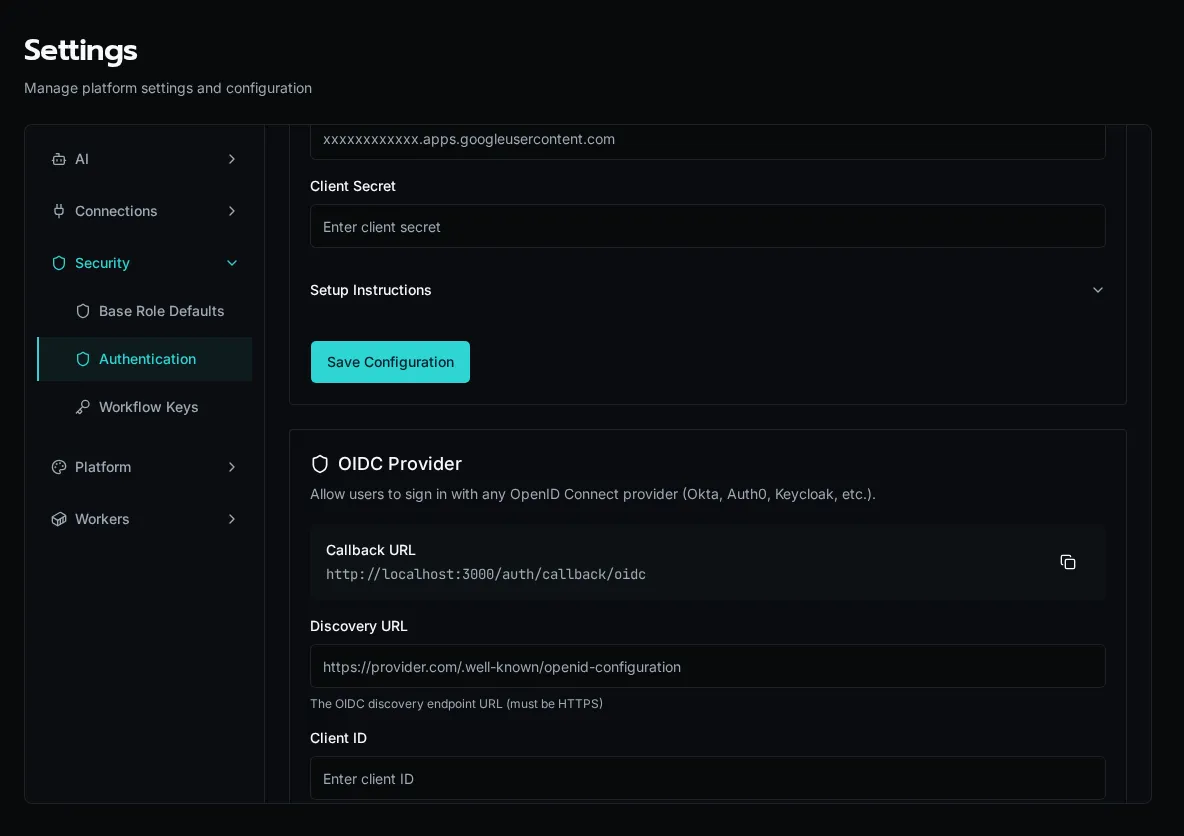
## Multiple Providers
[Section titled “Multiple Providers”](#multiple-providers)
You can enable multiple SSO providers simultaneously. Once all three are configured, the SSO settings page shows their status, and the login page surfaces a button per provider.
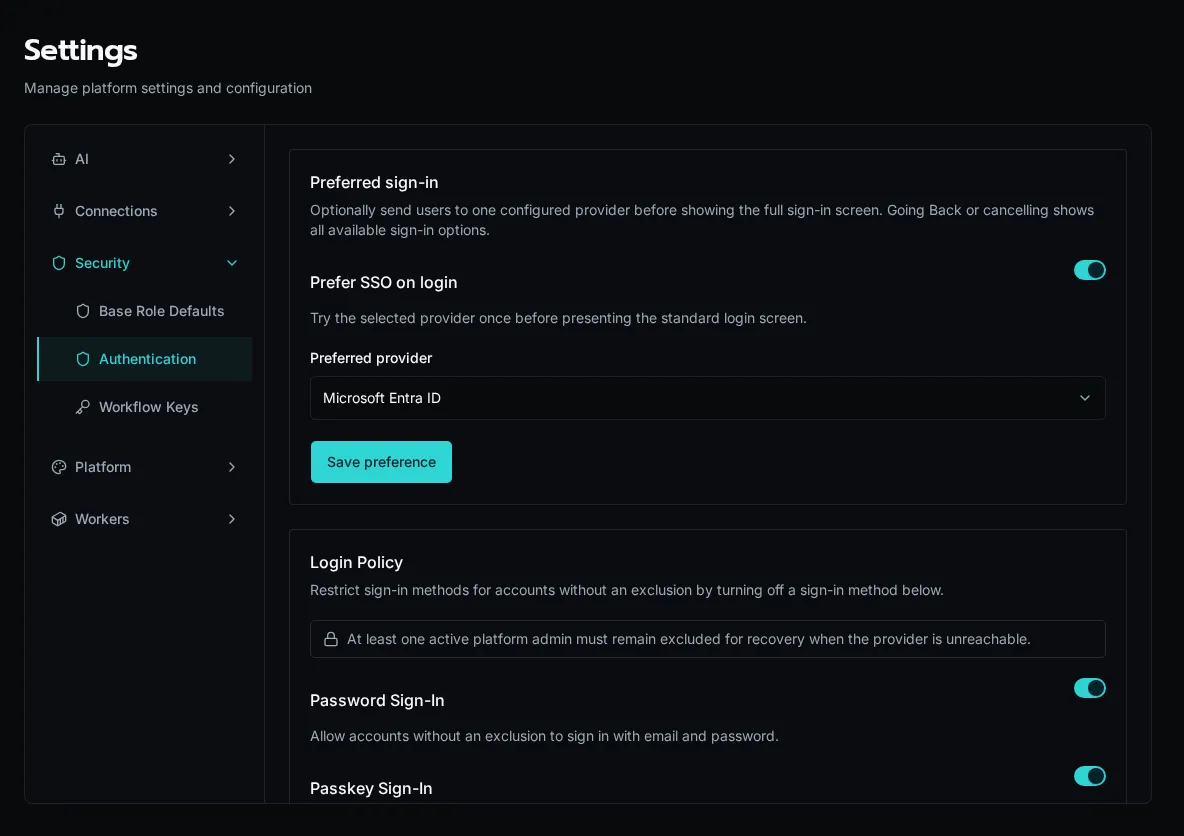
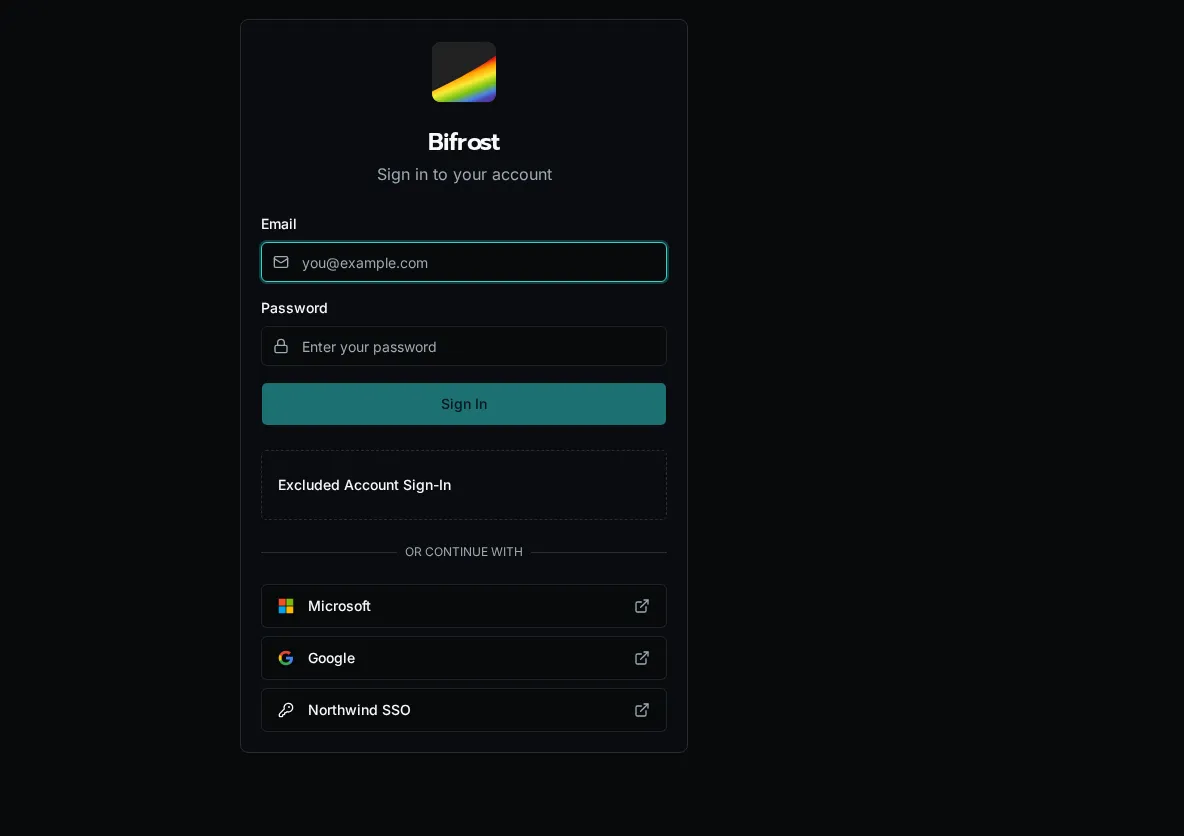
## Prefer one provider at sign-in
[Section titled “Prefer one provider at sign-in”](#prefer-one-provider-at-sign-in)
Enable **Preferred sign-in** to send users to one configured provider before showing the standard login form. Choose the provider in **Settings > Authentication**. If the provider is unavailable or the redirect fails, users return to the login page and can choose another sign-in method.
Keep the setting disabled when users regularly sign in through different providers or with local credentials.
## Troubleshooting
[Section titled “Troubleshooting”](#troubleshooting)
### Redirect URI Mismatch
[Section titled “Redirect URI Mismatch”](#redirect-uri-mismatch)
Error: “redirect\_uri\_mismatch” or “invalid redirect”
The callback URL in Bifrost must exactly match what’s registered in your IdP:
* Check for trailing slashes
* Verify protocol (https vs http)
* Confirm the domain is correct
### User Not Authorized
[Section titled “User Not Authorized”](#user-not-authorized)
For Google with Internal consent screen or Microsoft with single tenant:
* Ensure the user’s email domain matches your organization
* Check that the user exists in the directory
### Token Validation Failed
[Section titled “Token Validation Failed”](#token-validation-failed)
For OIDC providers:
* Verify the discovery URL is accessible
* Check that client ID and secret are correct
* Ensure the IdP’s certificates are valid
## Security Notes
[Section titled “Security Notes”](#security-notes)
* All client secrets are encrypted at rest
* Tokens are validated server-side before creating sessions
* SSO sessions follow the same expiration as regular sessions
# Create an Event Source
> Add a webhook endpoint or scheduled trigger that workflows can subscribe to
An **event source** is a typed entry point for inbound triggers. Webhooks, schedules, and platform-emitted topics all flow through one. Subscriptions attached to the source decide which workflows or agents run.
## Add an Event Source
[Section titled “Add an Event Source”](#add-an-event-source)
1. Go to **Event Sources** in the sidebar and click **Add Event Source**.

2. Pick a source type, name the source, and save. Webhook sources get a unique callback URL, schedules need a cron expression, and topics need a curated event type.

3. Open the source to view its callback URL, recent deliveries, and source-specific settings. Each field has an info tooltip (ⓘ) that explains what it does.

Tip
For webhook sources, copy the URL from the detail page and register it with the upstream system before sending a test event. Bifrost stores every delivery so you can replay or inspect them later.
Note
Microsoft Graph sources create and renew the upstream provider subscription for you. Teams sources use Microsoft Bot Framework authentication and do not create a provider subscription.
## Next Steps
[Section titled “Next Steps”](#next-steps)
* [Create Subscriptions](/docs/how-to-guides/events/subscriptions/) — route incoming events to workflows or agents.
* [Microsoft Event Sources](/docs/how-to-guides/events/microsoft-event-sources/) — Graph and Teams setup details.
* [Webhook HMAC Authentication](/docs/how-to-guides/events/webhook-hmac/) — verify request authenticity.
* [Webhook & Event Variables](/docs/how-to-guides/events/webhook-variables/) — reference payload fields in workflow context.
# Microsoft Event Sources
> Configure Microsoft Graph and Teams event sources.
Microsoft event sources are org-scoped webhook adapters. Use one when the event starts in Microsoft 365 and you want Bifrost to normalize it into the event system.

## Microsoft Graph
[Section titled “Microsoft Graph”](#microsoft-graph)
Use the `microsoft_graph` adapter for provider-managed subscriptions such as mail, calendar, contacts, and other Graph resources.
* Requires a Microsoft integration and an organization scope.
* Configure a Graph resource, change types, and optionally a user.
* Bifrost creates the upstream subscription immediately.
* Graph validates the callback during creation, so the local source must exist before the provider call runs.
* A system schedule renews expiring subscriptions before Graph expires them.
* If renewal is rejected, Bifrost recreates the subscription.
* Deleting the source first unsubscribes the provider. If that cleanup fails, Bifrost keeps the local source and shows the error on the record.
Tip
Use subscriptions with an event-type filter when you only want one Graph notification type, such as `created` or `deleted`.
## Microsoft Teams
[Section titled “Microsoft Teams”](#microsoft-teams)
Use the `microsoft_bot_framework` adapter for Teams bot activity events.
* Requires the bot’s Microsoft App ID.
* Does not create or renew a provider subscription.
* Bifrost validates the incoming bearer token against the Bot Framework OpenID metadata.
* The request must come from the `msteams` channel and use the expected service URL and issuer.
* Normalized events carry `tenant_id`, `team_id`, `conversation_id`, `sender`, and the raw activity under `_event`.
* The emitted event type is `microsoft_teams.`.
Note
Teams sources are still org-scoped. Use payload filters on subscriptions if you need to route different Teams activities to different handlers.
For one bot serving more than one customer tenant, configure tenant-to- organization mapping before routing activities. See [Set Up a Shared Teams Bot](/docs/how-to-guides/integrations/shared-teams-bot/).
## See also
[Section titled “See also”](#see-also)
* [Create an Event Source](/docs/how-to-guides/events/event-sources/)
* [Subscribe a Workflow or Agent to an Event](/docs/how-to-guides/events/subscriptions/)
# Subscribe a Workflow or Agent to an Event
> Route incoming events to a workflow or autonomous agent
A **subscription** binds an event source to a workflow or agent. Each subscription is org-scoped and maps fields from the inbound payload into the workflow or agent input.
Subscriptions can also narrow the stream with an optional event-type filter and a payload filter. Both are evaluated before Bifrost queues a delivery, so non-matching events are skipped instead of fanning out.
## Workflow vs Agent Targets
[Section titled “Workflow vs Agent Targets”](#workflow-vs-agent-targets)
| Target | When to use |
| ------------ | ----------------------------------------------------------------------------------------------------------------------------------------- |
| **Workflow** | Deterministic logic — log a ticket, update a record, fan out to other systems. |
| **Agent** | LLM-driven triage — classify the event, decide a route, draft a response. The full payload is exposed as `_event` in the agent’s context. |
## Add a Subscription
[Section titled “Add a Subscription”](#add-a-subscription)
1. Open the event source and click **Add Subscription**.

2. Pick **Workflow** or **Agent**, choose the target, and map payload fields into the target’s input parameters using `{{ payload. }}` expressions.

3. Save. The next inbound event matching this source dispatches the target. Recent deliveries appear in the source’s delivery log.
Tip
The full event metadata is always available as `_event` in the workflow or agent context, even if you only mapped specific fields as inputs. See [Webhook & Event Variables](/docs/how-to-guides/events/webhook-variables/) for the full reference.
## Next Steps
[Section titled “Next Steps”](#next-steps)
* [Webhook HMAC Authentication](/docs/how-to-guides/events/webhook-hmac/) — verify the request before dispatching.
* [Webhook & Event Variables](/docs/how-to-guides/events/webhook-variables/) — payload reference and template expressions.
# Verify Webhook Authenticity with HMAC
> Configure HMAC signature verification on a webhook event source
Webhook event sources support HMAC-SHA256 signature verification. When a webhook secret is configured, Bifrost rejects any inbound request whose signature header doesn’t match a digest of the request body.
## Configure HMAC Verification
[Section titled “Configure HMAC Verification”](#configure-hmac-verification)
1. Open the webhook event source and scroll to the **Authentication** section.

2. Set the shared **Webhook Secret**, the **Signature Header** name (e.g. `X-Hub-Signature-256`), and a **Signature Prefix** if your provider uses one (e.g. `sha256=`).
3. Save. Subsequent inbound requests must carry a valid HMAC signature in the configured header, or they are rejected with `401`.
| Field | Description | Example |
| --------------------- | --------------------------------------------- | --------------------- |
| **Webhook Secret** | Shared secret used as the HMAC key | `whsec_abc123...` |
| **Signature Header** | Header carrying the signature | `X-Hub-Signature-256` |
| **Signature Prefix** | Stripped before comparison | `sha256=` |
| **Event Type Header** | Header carrying the event type (optional) | `X-Event-Type` |
| **Event Type Field** | Body field carrying the event type (optional) | `event` |
Tip
Each field has a UI tooltip (ⓘ) explaining its purpose. The webhook secret is stored masked and never displayed after saving.
## Next Steps
[Section titled “Next Steps”](#next-steps)
* [Create Subscriptions](/docs/how-to-guides/events/subscriptions/) — route verified events to workflows or agents.
* [Webhook & Event Variables](/docs/how-to-guides/events/webhook-variables/) — payload field reference.
# Webhook & Event Variables
> Reference for template variables, auto-injected event metadata, and the execution context object
When a webhook or scheduled event triggers a workflow, the system provides template variables for input mappings and injects event metadata into the execution context automatically.
## Webhook HMAC Authentication
[Section titled “Webhook HMAC Authentication”](#webhook-hmac-authentication)
Webhook event sources support HMAC signature verification to ensure incoming requests are authentic. Configure these fields in the event source settings:
| Field | Description | Example |
| --------------------- | ---------------------------------------------------- | --------------------- |
| **Webhook Secret** | Shared secret for HMAC signature verification | `whsec_abc123...` |
| **Signature Header** | HTTP header containing the HMAC signature | `X-Hub-Signature-256` |
| **Signature Prefix** | Prefix before the signature value | `sha256=` |
| **Event Type Header** | Header containing the event type (optional) | `X-Event-Type` |
| **Event Type Field** | JSON body field containing the event type (optional) | `event` or `type` |
When a webhook secret is configured, Bifrost computes an HMAC-SHA256 digest of the request body and compares it against the signature in the specified header. Requests with invalid signatures are rejected.
Tip
Each configuration field has an info tooltip (ⓘ) in the UI explaining its purpose. Password-type fields like the webhook secret are masked by default.
## Agent-Targeted Subscriptions
[Section titled “Agent-Targeted Subscriptions”](#agent-targeted-subscriptions)
Event subscriptions can target agents in addition to workflows. When an event is received, it can trigger an autonomous agent run:
1. Go to your event source and click **Add Subscription**
2. Set **Type** to **Agent**
3. Select the target agent
4. The event payload becomes the agent’s input (available as `_event` in the agent’s context)
This enables event-driven agent workflows — for example, a webhook from a ticketing system can trigger a triage agent that classifies and routes tickets automatically.
## Template Variables for Input Mappings
[Section titled “Template Variables for Input Mappings”](#template-variables-for-input-mappings)
When configuring event subscriptions, use these template expressions in input mappings to extract data from incoming events:
| Variable | Description | Example |
| --------------------------- | --------------------------------- | ---------------------------- |
| `{{ payload }}` | Full event body (parsed JSON) | `{{ payload }}` |
| `{{ payload.field }}` | Nested field from event body | `{{ payload.ticket.id }}` |
| `{{ headers.X-Something }}` | Request header value | `{{ headers.Content-Type }}` |
| `{{ scheduled_time }}` | Trigger time (schedule events) | `{{ scheduled_time }}` |
| `{{ cron_expression }}` | Cron expression (schedule events) | `{{ cron_expression }}` |
These are resolved at dispatch time and passed as workflow input parameters.
## The `_event` Context Parameter
[Section titled “The \_event Context Parameter”](#the-_event-context-parameter)
In addition to mapped input parameters, every event-triggered execution receives a reserved `_event` key in `context.parameters` with the full event metadata:
| Field | Type | Description |
| ------------- | -------------- | --------------------------------------------------- |
| `id` | `str` | Unique event ID (UUID) |
| `type` | `str` | Event type string (e.g. `webhook`, `schedule`) |
| `body` | `any` | Complete raw request body (dict, list, or string) |
| `headers` | `dict \| null` | HTTP request headers (null for schedule events) |
| `received_at` | `str \| null` | ISO 8601 timestamp when the event was received |
| `source_ip` | `str \| null` | IP address of the sender (null for schedule events) |
Tip
The `_event.body` always contains the complete raw payload, even if you only mapped specific fields as input parameters. This is useful when you need to inspect the full request.
## Accessing Event Data in Workflows
[Section titled “Accessing Event Data in Workflows”](#accessing-event-data-in-workflows)
```python
from bifrost import context
@workflow()
async def handle_webhook():
# Mapped input parameters (from your input mapping config)
ticket_id = context.parameters.get("ticket_id")
# Full event metadata (auto-injected)
event = context.parameters.get("_event", {})
event_id = event.get("id")
event_type = event.get("type")
raw_body = event.get("body")
headers = event.get("headers", {})
received_at = event.get("received_at")
source_ip = event.get("source_ip")
# Other context properties
org_id = context.org_id # Organization scope
caller = context.email # Caller identity
time_saved = context.roi.time_saved # ROI tracking
return {"processed": event_id}
```
## Example: Logging Webhook Details
[Section titled “Example: Logging Webhook Details”](#example-logging-webhook-details)
```python
from bifrost import context, logger
@workflow()
async def audit_webhook():
event = context.parameters["_event"]
logger.info(f"Received {event['type']} event from {event['source_ip']}")
logger.info(f"Headers: {event['headers']}")
logger.info(f"Body: {event['body']}")
return {"event_id": event["id"], "received_at": event["received_at"]}
```
# Cascading Dropdowns
> Create dropdowns that update based on other field selections
Cascading dropdowns let users select from filtered options based on previous selections. For example: Department → Manager, or Country → State → City.
## What You’ll Build
[Section titled “What You’ll Build”](#what-youll-build)
A form where selecting a department dynamically populates a managers dropdown with only managers from that department.
## Prerequisites
[Section titled “Prerequisites”](#prerequisites)
* Form with linked workflow
* Basic understanding of data providers
## Create the Data Providers
[Section titled “Create the Data Providers”](#create-the-data-providers)
**Step 1**: Create department provider (`workspace/data_providers/departments.py`):
```python
from bifrost import data_provider, ExecutionContext
@data_provider(
name="get_departments",
description="List all departments"
)
async def get_departments(context: ExecutionContext):
return [
{"label": "Engineering", "value": "eng"},
{"label": "Sales", "value": "sales"},
{"label": "Support", "value": "support"}
]
```
**Step 2**: Create managers provider with department parameter:
```python
from bifrost import data_provider, param, ExecutionContext
@data_provider(name="get_managers_by_dept")
@param("department", type="string", required=True)
async def get_managers_by_dept(context: ExecutionContext, department: str):
# Fetch managers filtered by department
managers = await db.query(
"SELECT id, name FROM users WHERE department = ? AND is_manager = true",
department
)
return [
{"label": mgr["name"], "value": mgr["id"]}
for mgr in managers
]
```
Note
The `@param` decorator on the data provider enables parameterization. The managers list will update when the department field changes.
## Configure the Workflow
[Section titled “Configure the Workflow”](#configure-the-workflow)
Add both parameters to your workflow:
```python
from bifrost import workflow, param, ExecutionContext
@workflow(name="assign_to_manager")
@param("department", type="string", data_provider="get_departments")
@param("manager", type="string", data_provider="get_managers_by_dept")
async def assign_to_manager(
context: ExecutionContext,
department: str,
manager: str
):
# Assign work to selected manager
return {
"department": department,
"manager_id": manager,
"assigned": True
}
```
## Configure Form Fields
[Section titled “Configure Form Fields”](#configure-form-fields)
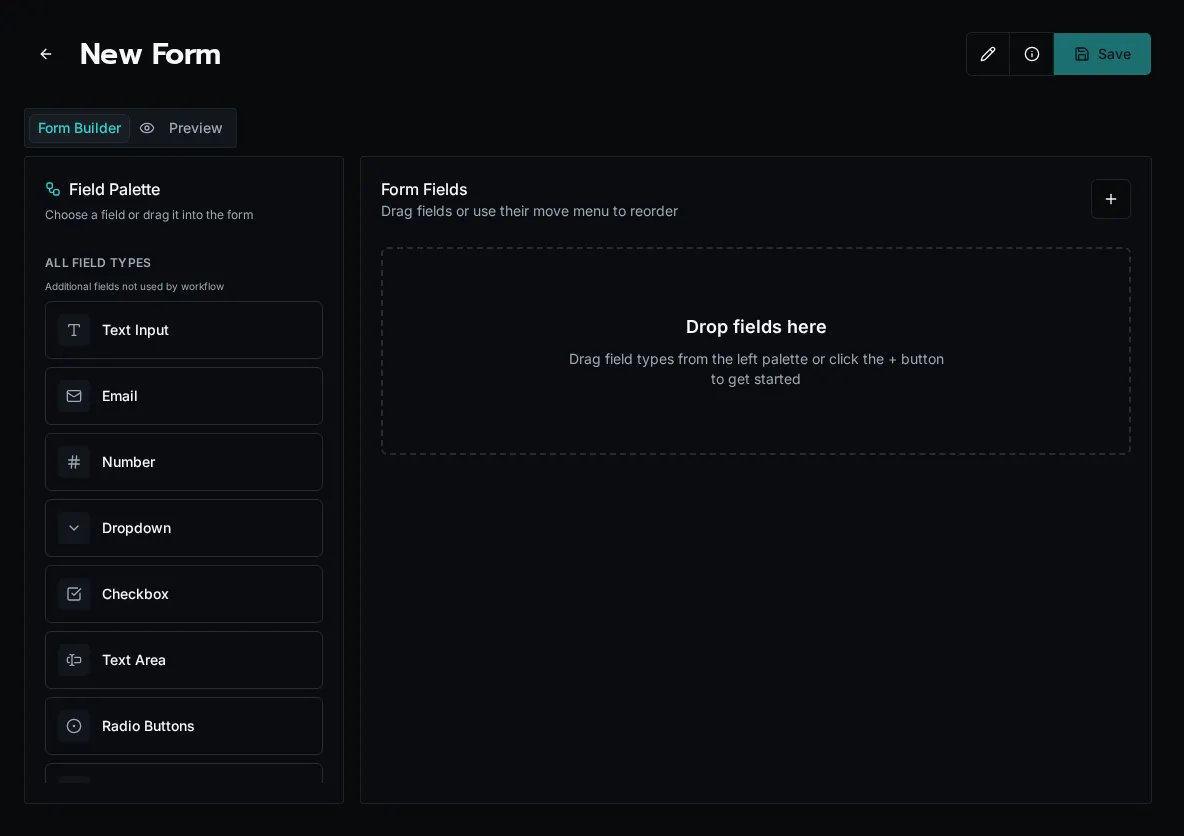
1. In form builder, drag the **department** field to canvas
* Auto-configured with `get_departments` provider
2. Drag the **manager** field to canvas
* Click to edit field
* Under **Data Provider**, select `get_managers_by_dept`
3. Configure Data Provider Inputs:
* Click **Data Provider Inputs**
* For `department` parameter:
* **Mode**: Field Reference
* **Field Name**: `department`
Tip
**Field Reference** mode passes the selected department value to the managers data provider automatically.
## Test It
[Section titled “Test It”](#test-it)
1. Save the form
2. Click **Launch**
3. Select a department
4. Watch the managers dropdown populate with filtered results
5. Select a manager and submit
## Advanced Patterns
[Section titled “Advanced Patterns”](#advanced-patterns)
### Three-Level Cascade (Country → State → City)
[Section titled “Three-Level Cascade (Country → State → City)”](#three-level-cascade-country--state--city)
```python
@data_provider(name="get_countries")
async def get_countries(context):
return [
{"label": "United States", "value": "us"},
{"label": "Canada", "value": "ca"}
]
@data_provider(name="get_states")
@param("country", type="string", required=True)
async def get_states(context, country: str):
states = await db.query(
"SELECT * FROM states WHERE country_code = ?",
country
)
return [{"label": s.name, "value": s.code} for s in states]
@data_provider(name="get_cities")
@param("state", type="string", required=True)
async def get_cities(context, state: str):
cities = await db.query(
"SELECT * FROM cities WHERE state_code = ?",
state
)
return [{"label": c.name, "value": c.id} for c in cities]
```
Configure in workflow:
```python
@param("country", type="string", data_provider="get_countries")
@param("state", type="string", data_provider="get_states")
@param("city", type="string", data_provider="get_cities")
```
In form, configure Data Provider Inputs:
* **state** field → `country` parameter → Field Reference: `country`
* **city** field → `state` parameter → Field Reference: `state`
### Multiple Parameters
[Section titled “Multiple Parameters”](#multiple-parameters)
Pass multiple field values to a provider:
```python
@data_provider(name="get_filtered_products")
@param("category", type="string", required=True)
@param("price_range", type="string", required=True)
async def get_filtered_products(context, category: str, price_range: str):
products = await db.query(
"SELECT * FROM products WHERE category = ? AND price_range = ?",
category, price_range
)
return [{"label": p.name, "value": p.id} for p in products]
```
In form Data Provider Inputs:
* `category` parameter → Field Reference: `category`
* `price_range` parameter → Field Reference: `price_range`
### Static + Field Reference
[Section titled “Static + Field Reference”](#static--field-reference)
Mix static values with field references:
```python
@data_provider(name="get_regional_managers")
@param("department", type="string", required=True)
@param("region", type="string", required=True)
async def get_regional_managers(context, department: str, region: str):
# region comes from static value, department from form field
return await fetch_managers(department, region)
```
In form Data Provider Inputs:
* `department` parameter → **Field Reference**: `department`
* `region` parameter → **Static**: `"west_coast"`
### Expression Mode
[Section titled “Expression Mode”](#expression-mode)
Use JavaScript expressions for computed values:
In form Data Provider Inputs:
* Mode: **Expression**
* Value: `context.field.country + '_' + context.field.state`
## Common Patterns
[Section titled “Common Patterns”](#common-patterns)
### Organization-Scoped Cascading
[Section titled “Organization-Scoped Cascading”](#organization-scoped-cascading)
Filter all levels by organization:
```python
@data_provider(name="get_org_departments")
async def get_org_departments(context):
return await db.query(
"SELECT * FROM departments WHERE org_id = ?",
context.org_id
)
@data_provider(name="get_org_managers")
@param("department", type="string", required=True)
async def get_org_managers(context, department: str):
return await db.query(
"SELECT * FROM users WHERE org_id = ? AND department = ? AND is_manager = true",
context.org_id, department
)
```
### Empty State Handling
[Section titled “Empty State Handling”](#empty-state-handling)
Show helpful message when no options available:
```python
@data_provider(name="get_managers_by_dept")
@param("department", type="string", required=True)
async def get_managers_by_dept(context, department: str):
managers = await db.query(
"SELECT * FROM users WHERE department = ? AND is_manager = true",
department
)
if not managers:
return [{"label": "No managers in this department", "value": "", "disabled": True}]
return [{"label": m.name, "value": m.id} for m in managers]
```
## Troubleshooting
[Section titled “Troubleshooting”](#troubleshooting)
**Dropdown not updating**: Verify Data Provider Inputs configuration. Field Name must exactly match the source field name.
**Empty dropdown**: Check provider returns correct format with `label` and `value`. Test provider independently.
**Slow updates**: Increase cache TTL on parent provider. Use shorter TTL on dependent provider for freshness.
## Best Practices
[Section titled “Best Practices”](#best-practices)
* **Cache parent providers**: Long TTL on rarely-changing data (departments, countries)
* **Short cache on dependent providers**: Balance freshness with performance
* **Limit results**: Return max \~100 options per dropdown
* **Show loading states**: Dependent providers may take time to fetch
* **Test edge cases**: What if parent selection is cleared?
## Next Steps
[Section titled “Next Steps”](#next-steps)
* [Visibility Rules](/docs/how-to-guides/forms/visibility-rules) - Show/hide fields conditionally
* [HTML Content](/docs/how-to-guides/forms/html-content) - Display dynamic content
# Reference Form Context Data
> Quick reference for accessing field values, workflow data, and URL parameters
The `context` object gives you access to form field values, launch workflow results, and URL parameters. Use it in visibility expressions, default values, and HTML content.
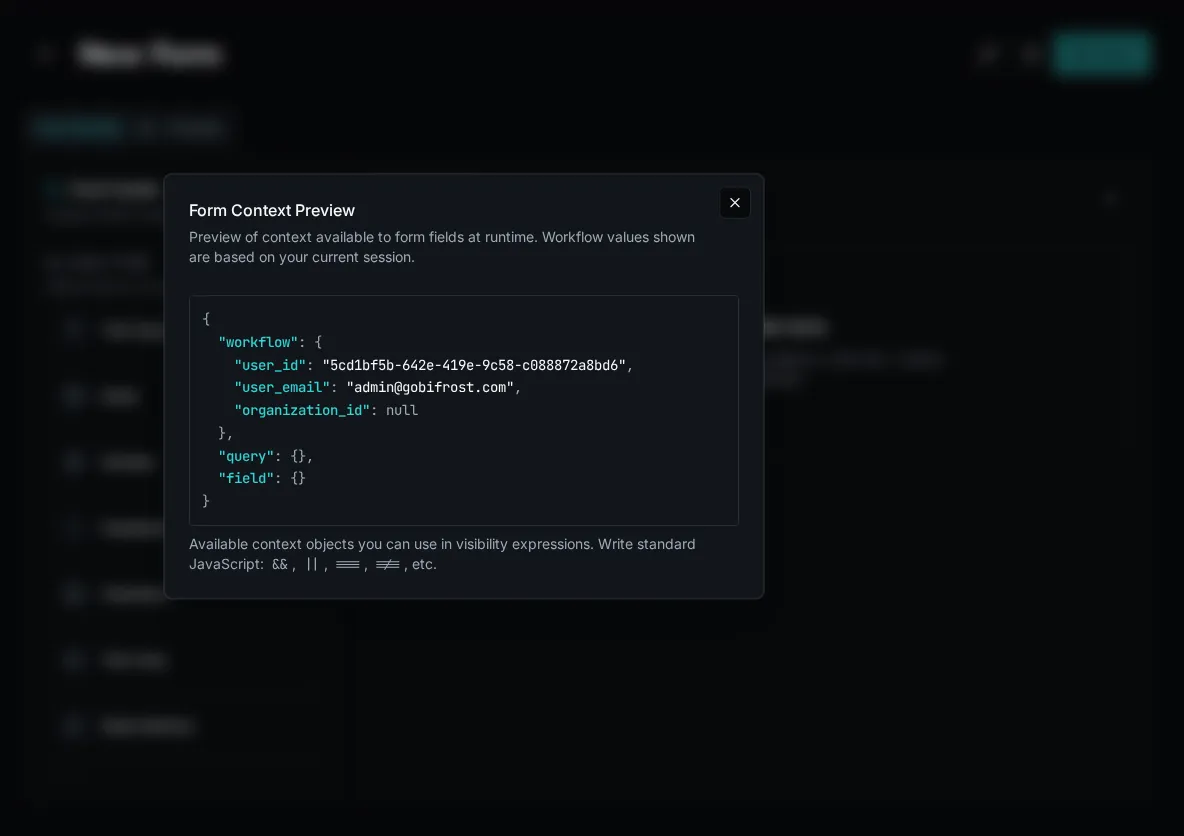
## Context Structure
[Section titled “Context Structure”](#context-structure)
```javascript
{
field: {
// Current form field values
email: "user@example.com",
department: "engineering"
},
workflow: {
// Results from launch workflow
user_id: "user-123",
is_admin: true
},
query: {
// URL query parameters
customer_id: "cust-456"
}
}
```
## Accessing Field Values
[Section titled “Accessing Field Values”](#accessing-field-values)
Reference form field values with `context.field.*`:
* Visibility Expression
```javascript
// Show field if checkbox checked
context.field.is_manager === true
// Show if dropdown has specific value
context.field.department === "engineering"
// Show if field has any value
context.field.email && context.field.email.length > 0
```
* Default Value
Default values only support static values, not context expressions. Set default values directly in the field configuration:
* Use literal strings, numbers, or booleans
* For dynamic defaults, use a launch workflow to pre-populate fields
* HTML Content
```jsx
Email: {context.field.email}
Department: {context.field.department}
```
## Accessing Workflow Data
[Section titled “Accessing Workflow Data”](#accessing-workflow-data)
Reference launch workflow results with `context.workflow.*`:
```javascript
// In visibility expression
context.workflow.is_admin === true
// In HTML content
Welcome, {context.workflow.user_name}!
// In default value
context.workflow.organization_name
```
Tip
Click **Info** button in form builder to see all available `context.workflow` data.
## Accessing URL Parameters
[Section titled “Accessing URL Parameters”](#accessing-url-parameters)
Reference query parameters with `context.query.*`:
First, enable the parameter on a form field:
1. Create field with same name as parameter
2. Enable **Allow as Query Parameter**
3. Access in form with `context.query.field_name`
Example URL: `/execute/form?customer_id=123`
```javascript
// In visibility expression
context.query.customer_id !== null
// In default value
context.query.customer_id
// In HTML content
Customer ID: {context.query.customer_id}
```
## Common Patterns
[Section titled “Common Patterns”](#common-patterns)
### Show Field Conditionally
[Section titled “Show Field Conditionally”](#show-field-conditionally)
```javascript
// Show if another field has specific value
context.field.request_type === "urgent"
// Show if user is admin
context.workflow.is_admin === true
// Show if URL parameter provided
context.query.edit_mode === "true"
```
### Pre-fill Fields
[Section titled “Pre-fill Fields”](#pre-fill-fields)
Default values only support static values. For dynamic pre-filling, use a launch workflow:
1. Create a launch workflow that returns the values you want to pre-fill
2. Configure the form to use that launch workflow
3. The workflow results populate the form fields automatically
For URL parameters, enable “Allow as Query Parameter” on the field.
### Display Dynamic Content
[Section titled “Display Dynamic Content”](#display-dynamic-content)
```jsx
{/* Show user-specific message */}
)}
```
## Null Safety
[Section titled “Null Safety”](#null-safety)
Always check if values exist before using them:
```javascript
// Safe check for field value
context.field.email && context.field.email.length > 0
// Safe check for workflow data
context.workflow.user_name || "Guest"
// Safe navigation
context.workflow.user?.email
// Safe array check
context.workflow.permissions?.includes("admin")
```
## Troubleshooting
[Section titled “Troubleshooting”](#troubleshooting)
**Undefined values**: Use Info button in form builder to see available context. Verify launch workflow returns expected data.
**Field not updating**: Form fields update in real-time. Visibility and HTML content re-evaluate when referenced fields change.
**Query parameters not working**: Ensure field with matching name exists and has “Allow as Query Parameter” enabled.
## Next Steps
[Section titled “Next Steps”](#next-steps)
* [Show Fields Based on User Permissions](/docs/how-to-guides/forms/visibility-rules) - Conditional visibility
* [Display Personalized Welcome Messages](/docs/how-to-guides/forms/html-content) - Dynamic content
* [Pre-fill Forms from URL Parameters](/docs/how-to-guides/forms/startup-workflows) - Launch workflows
* [Context Object Reference](/docs/how-to-guides/forms/context-field-references/) - Complete API reference
# Create and Configure Forms
> Guide to creating forms and configuring unique Bifrost features
## Creating a Form
[Section titled “Creating a Form”](#creating-a-form)
**Forms** → **+** button → Fill in:
* **Name**: Display name (max 200 chars)
* **Linked Workflow**: Workflow to execute on submit
* **Scope**: Global or Organization-specific
Tip
Drag workflow parameters directly to canvas for auto-configured fields.
## Form Builder
[Section titled “Form Builder”](#form-builder)
**Left Panel**: Workflow parameters and field types
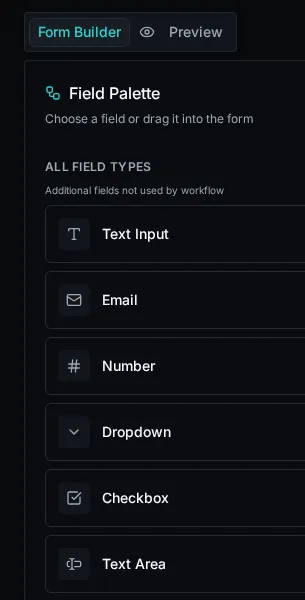
**Canvas**: Drag, drop, and reorder fields
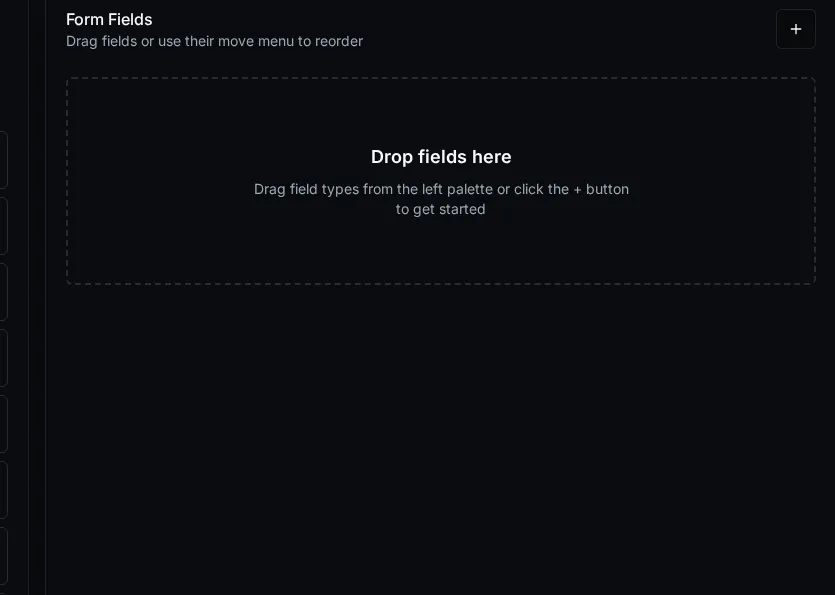
## Unique Features
[Section titled “Unique Features”](#unique-features)
### Launch Workflows
[Section titled “Launch Workflows”](#launch-workflows)
Optional workflow that runs when form opens. Results available in `context.workflow.*` for visibility expressions and HTML templates.
**Use cases**:
* Pre-populate field options based on user
* Show/hide Dynamic Fields
* Display personalized content
```javascript
// Example: Show field only for admins
context.workflow.is_admin === true;
```
### Visibility Expressions
[Section titled “Visibility Expressions”](#visibility-expressions)
Show/hide fields with JavaScript expressions:
```javascript
// Access form fields
context.field.country === "USA";
// Access launch workflow results
context.workflow.user_role === "manager";
// Access URL parameters
context.query.department !== null;
```
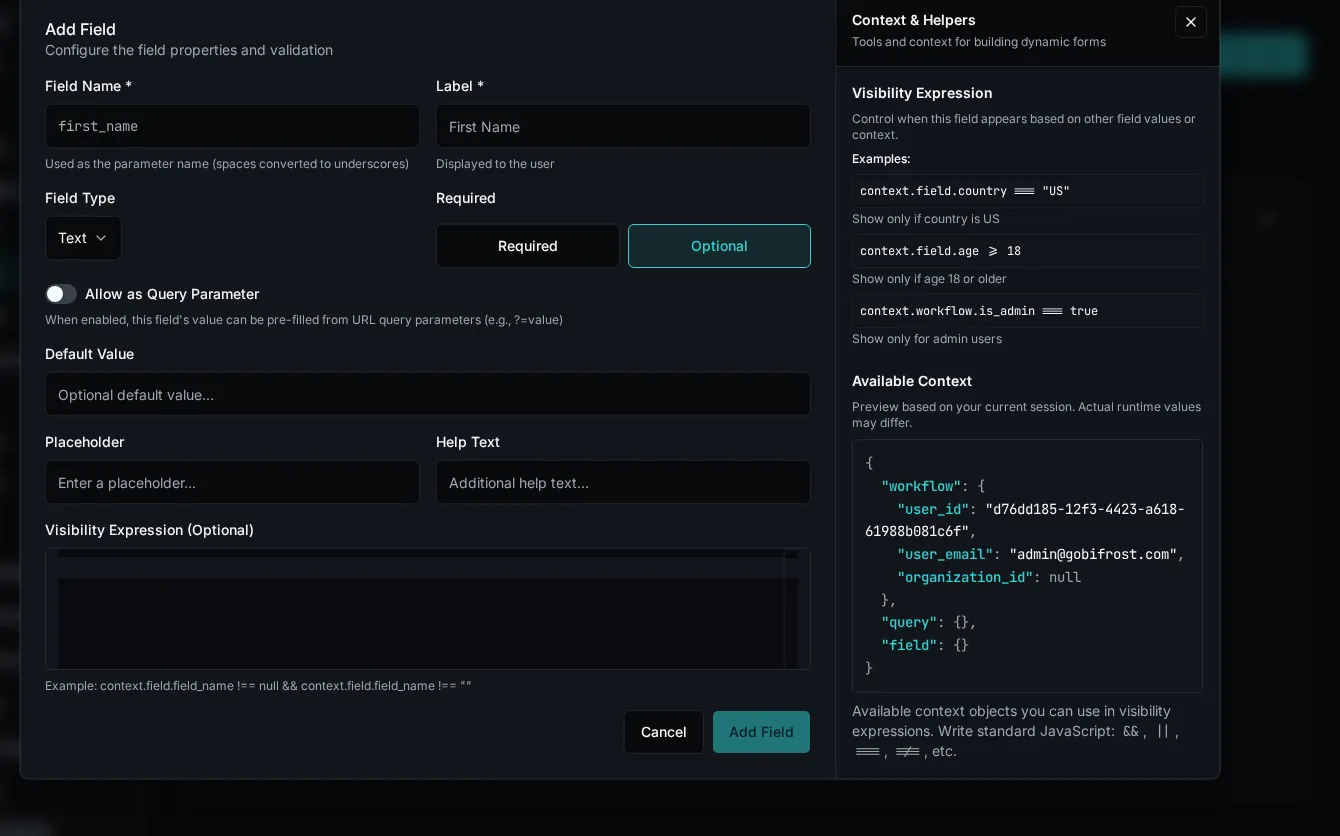
Note
Click **Info** (ℹ️) button to preview available context data.
### Data Providers
[Section titled “Data Providers”](#data-providers)
Dynamically populate dropdowns from workflows.
* Simple
Select a data provider from the dropdown. Options load when form opens.
* Parameterized
If provider needs parameters, configure how to provide them:
| Mode | Description |
| ------------------- | ------------------------ |
| **Static** | Hard-coded value |
| **Field Reference** | Value from another field |
| **Expression** | JavaScript expression |
**Example**: Managers dropdown updates when user selects department.
### HTML Content Fields
[Section titled “HTML Content Fields”](#html-content-fields)
Display dynamic content with full context access:
```jsx
Welcome, {context.workflow.email}!
{context.workflow.is_admin && (
Admin Access Enabled
)}
```
Features: React-style className, conditional rendering, full context access.
### Query Parameters
[Section titled “Query Parameters”](#query-parameters)
Pre-fill form fields from URL:
```plaintext
/execute/form-id?email=user@example.com&dept=IT
```
Enable per-field in configuration → **Allow as Query Parameter**
Access via `context.query.field_name` in expressions.
### File Uploads
[Section titled “File Uploads”](#file-uploads)
**Settings**: Allowed types (`.pdf`, `image/*`), max size, multiple files
**Returns** to workflow (single file):
```json
{
"name": "document.pdf",
"content_type": "application/pdf",
"size": 1024000,
"path": "form-id/uuid/document.pdf"
}
```
**Access in workflow** using the files SDK:
```python
from bifrost import files
async def process_upload(context, document):
# Read the uploaded file content
content = await files.read(document["path"], location="uploads")
# Or get file info
info = await files.info(document["path"], location="uploads")
print(f"File size: {info.size} bytes")
```
For multiple files, the field returns an array of file metadata objects.
## Best Practices
[Section titled “Best Practices”](#best-practices)
* **Drag workflow parameters first**: Auto-configures fields correctly
* **Keep expressions simple**: Easier to maintain and debug
* **Use static options when possible**: Faster than data providers
* **Limit HTML templates**: Can impact performance
* **Test visibility expressions**: Use context viewer to debug
## Troubleshooting
[Section titled “Troubleshooting”](#troubleshooting)
**Fields not appearing**: Check visibility expression returns true, use context viewer
**Data provider empty**: Verify provider exists, check required parameters
**Launch workflow not running**: Verify workflow selected and parameters provided
## Next Steps
[Section titled “Next Steps”](#next-steps)
* [Data Providers](/docs/how-to-guides/forms/creating-forms/#data-providers) - Dynamic dropdown options
* [Visibility Rules](/docs/how-to-guides/forms/visibility-rules) - Conditional field display
# Display Personalized Welcome Messages
> Show dynamic, user-specific content in forms using HTML Content fields
Personalized Messages, instructions, or context to users when they open a form. Pull data from launch workflows to show user names, organization info, status messages, and more.
## What You’ll Build
[Section titled “What You’ll Build”](#what-youll-build)
A form that displays a personalized welcome message showing:
* User’s name and organization
* Custom content based on user role
* Dynamic instructions based on form context
## Prerequisites
[Section titled “Prerequisites”](#prerequisites)
* Form with launch workflow configured
* Basic understanding of JSX syntax
## Add HTML Content Field
[Section titled “Add HTML Content Field”](#add-html-content-field)
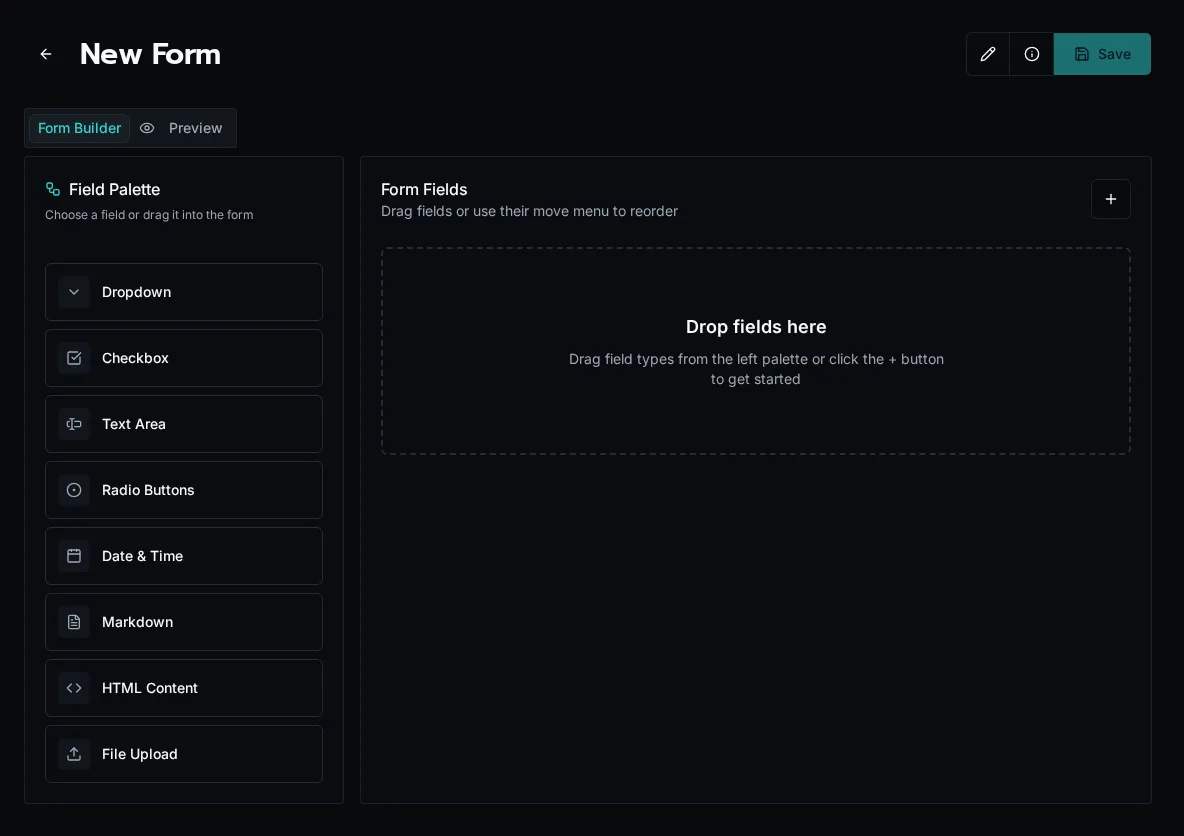
1. Open form in builder
2. Drag **HTML Content** field from field palette
3. Enter your JSX template in the **Content** field
4. Save field
## Basic Welcome Message
[Section titled “Basic Welcome Message”](#basic-welcome-message)
Display user info from launch workflow:
```jsx
Welcome!
Hello {context.workflow.user_name}, you're submitting a request for{" "}
{context.workflow.organization_name}.
```
Note
Data comes from your launch workflow. If `context.workflow.user_name` is undefined, verify your launch workflow returns these fields.
## Conditional Messages
[Section titled “Conditional Messages”](#conditional-messages)
Show different content based on user role:
```jsx
{
context.workflow.is_admin ? (
Admin Access
You can approve requests and manage settings.
) : (
Standard Access
Your request will be reviewed by an administrator.
);
}
```
## Display Lists
[Section titled “Display Lists”](#display-lists)
Show array data from launch workflow:
```jsx
```
## Context-Based Instructions
[Section titled “Context-Based Instructions”](#context-based-instructions)
Show instructions based on form field selections:
```jsx
{
context.field.request_type === "urgent" && (
⚠️ Important
Urgent requests require manager approval before submission.
);
}
```
## Available Context
[Section titled “Available Context”](#available-context)
Access data in your HTML templates:
* Launch Workflow Data
```jsx
// Any data returned by launch workflow
context.workflow.user_name
context.workflow.organization_name
context.workflow.is_admin
context.workflow.permissions
```
* Form Field Values
````jsx
context.field.department context.field.request_type ```
```jsx
// URL query params (if enabled)
context.query.customer_id
context.query.source
````
## Styling with Tailwind
[Section titled “Styling with Tailwind”](#styling-with-tailwind)
Use Tailwind CSS classes via `className` (React style):
```jsx
Title
Content text here.
```
Common utilities:
* **Spacing**: `p-4` (padding), `mb-2` (margin bottom), `space-y-2` (vertical spacing)
* **Colors**: `bg-blue-50` (background), `text-gray-700` (text color), `border-blue-200` (border)
* **Layout**: `rounded-lg` (rounded corners), `border` (border), `font-bold` (bold text)
* **Responsive**: `grid-cols-1 md:grid-cols-2` (responsive grid)
## Common Patterns
[Section titled “Common Patterns”](#common-patterns)
### User Greeting with Account Info
[Section titled “User Greeting with Account Info”](#user-greeting-with-account-info)
```jsx
```
### Alert Based on Status
[Section titled “Alert Based on Status”](#alert-based-on-status)
```jsx
⚡
{context.workflow.alert_message}
```
### Permission List
[Section titled “Permission List”](#permission-list)
```jsx
Your Permissions:
{context.workflow.permissions?.length > 0 ? (
{context.workflow.permissions.map((perm, i) => (
{perm}
))}
) : (
No permissions assigned.
)}
```
## Safe Null Checking
[Section titled “Safe Null Checking”](#safe-null-checking)
Always check if data exists before using it:
```jsx
{
/* Show only if value exists */
}
{
context.workflow.optional_message && (
{context.workflow.optional_message}
);
}
{
/* Use fallback value */
}
Name: {context.workflow.name || "Not provided"}
;
{
/* Safe navigation for nested properties */
}
Email: {context.workflow.user?.email || "No email"}
);
}
```
## Troubleshooting
[Section titled “Troubleshooting”](#troubleshooting)
**Content not displaying**: Check JSX syntax. Use `className` not `class`. Verify all tags are closed.
**Values showing as undefined**: Click **Info** button in form builder to preview available context. Verify launch workflow returns expected data.
**Styling not working**: Use `className` attribute (React style). Check Tailwind class names are correct.
**JavaScript error**: Check for unmatched braces `{}`, missing commas, or undefined variables in expressions.
## Tips
[Section titled “Tips”](#tips)
1. **Test with Info button**: Click Info in form builder to see actual context data
2. **Use browser console**: Open DevTools to see JavaScript errors
3. **Keep it simple**: Start with basic text, add styling gradually
4. **Format values**: Use `.toUpperCase()`, `.toFixed(2)`, or `new Date().toLocaleDateString()` for formatting
5. **Use conditional rendering**: Show/hide content with `&&` or ternary operators
## Next Steps
[Section titled “Next Steps”](#next-steps)
* [Show Fields Based on User Permissions](/docs/how-to-guides/forms/visibility-rules) - Control field visibility
* [Cascading Dropdowns](/docs/how-to-guides/forms/cascading-dropdowns) - Dynamic form fields
* [Startup Workflows](/docs/how-to-guides/forms/startup-workflows) - Load context data
# Share and Embed a Form
> Share Bifrost forms with signed-in users, trusted HMAC embeds, and public website embeds
## Open Share
[Section titled “Open Share”](#open-share)
From **Forms**, open the form’s action menu and select **Share Form**. From the form builder, save the form and select **Share Form** in the toolbar.
Solution-managed forms are read-only in their installed environment, but sharing is environment-owned operational state. Open the installed Solution, select **Contents**, filter to **Forms**, and use **Share Form** on the managed form.
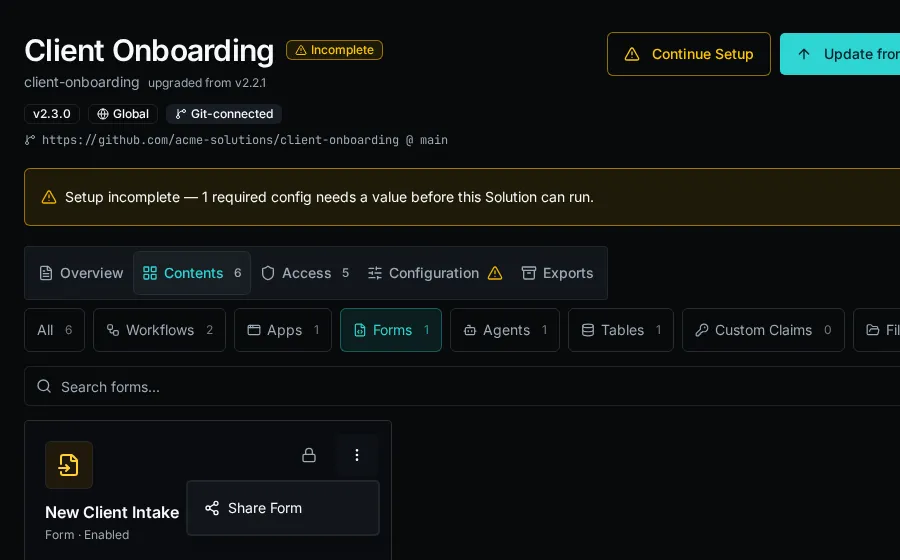
## Share a private link
[Section titled “Share a private link”](#share-a-private-link)
Use **Private Link** when the recipient should sign in to Bifrost and use the form through normal form permissions.
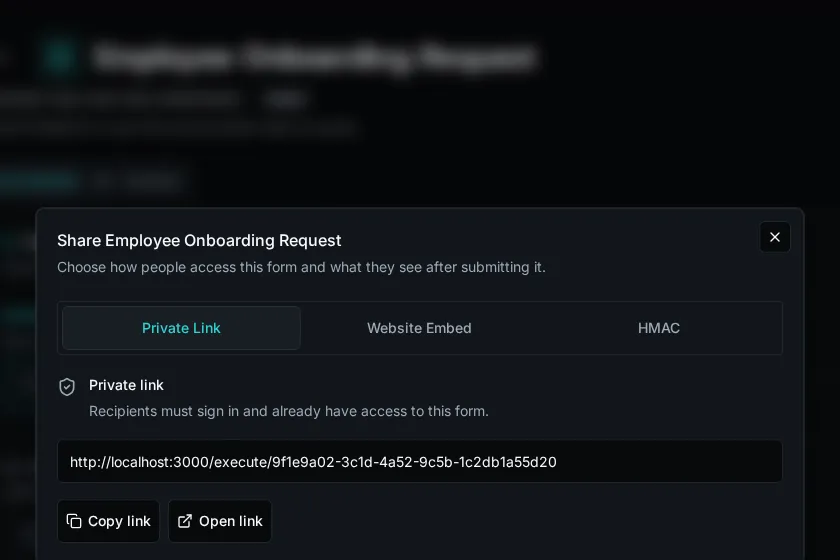
1. Select **Private Link**.
2. Copy the private form URL.
3. Send it only to users who already have access to the form.
The private link does not bypass access control. If the user is not signed in, they are prompted to authenticate; if they do not have form access, Bifrost denies the request.
## Embed with HMAC
[Section titled “Embed with HMAC”](#embed-with-hmac)
Use **HMAC** when another system should open the form for a verified external context, such as a PSA custom tab or customer portal that can sign iframe URLs server-side.
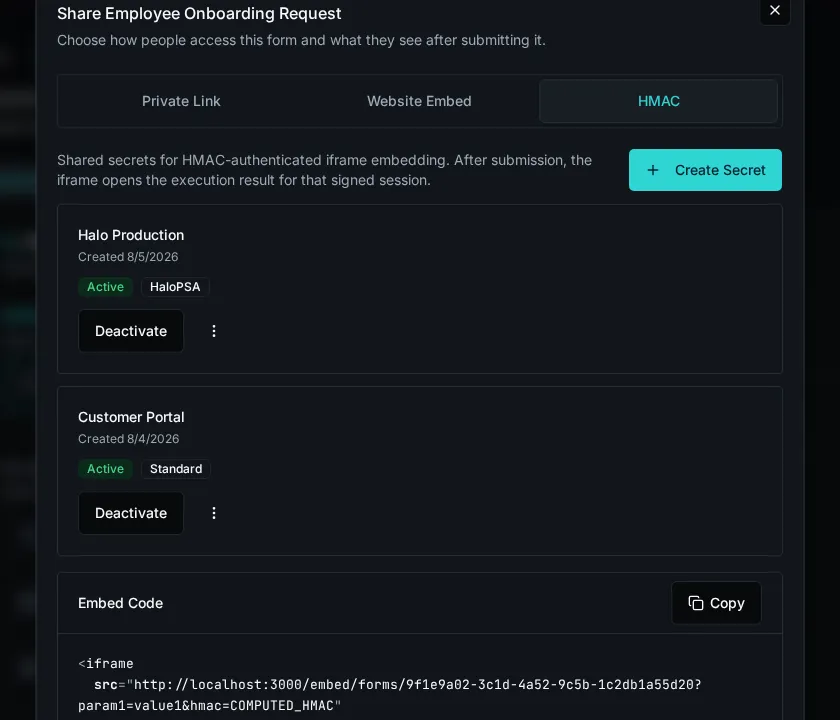
1. Select **HMAC**.
2. Select **Create Secret**.
3. Name the secret for the system or environment that will sign requests.
4. Choose the HMAC scheme:
* **Standard** signs all query parameters and fits most integrations.
* **HaloPSA** signs only `agent_id` for HaloPSA Custom Tab embeds.
5. Copy the generated secret when it is shown. Bifrost does not show it again.
6. Generate iframe URLs on your server by adding query parameters and a valid `hmac` signature to `/embed/forms/{form_id}`.
HMAC embed sessions are scoped to the form and the verified query parameters. The iframe opens the form without normal Bifrost chrome and, after submission, can show the execution result for that signed session.
### Signing contract
[Section titled “Signing contract”](#signing-contract)
| Scheme | Message | Signature |
| ------------ | ----------------------------------------------------------------------------------------------- | -------------------------- |
| **Standard** | Sort all query parameters except `hmac` by key, format each as `key=value`, then join with `&`. | Lowercase hex HMAC-SHA256. |
| **HaloPSA** | The `agent_id` value only. | Base64 HMAC-SHA256. |
```python
import base64
import hashlib
import hmac
from urllib.parse import urlencode
def standard_signature(params: dict[str, str], secret: str) -> str:
message = "&".join(f"{key}={value}" for key, value in sorted(params.items()))
return hmac.new(secret.encode(), message.encode(), hashlib.sha256).hexdigest()
def halopsa_signature(agent_id: str, secret: str) -> str:
digest = hmac.new(secret.encode(), agent_id.encode(), hashlib.sha256).digest()
return base64.b64encode(digest).decode()
params = {"agent_id": "12345", "ticket_id": "67890"}
params["hmac"] = standard_signature(params, "shared-secret")
iframe_src = f"https://bifrost.example.com/embed/forms/FORM_ID?{urlencode(params)}"
```
For HaloPSA, set `hmac` to `halopsa_signature(params["agent_id"], secret)`. Treat every query parameter except `agent_id` as unsigned in HaloPSA mode.
Caution
Treat HMAC secrets like credentials. Rotate or deactivate a secret if it is exposed, and keep signing logic on a trusted server instead of in browser code.
## Embed on a public website
[Section titled “Embed on a public website”](#embed-on-a-public-website)
Use **Website Embed** when anonymous visitors should submit the form without a Bifrost account.
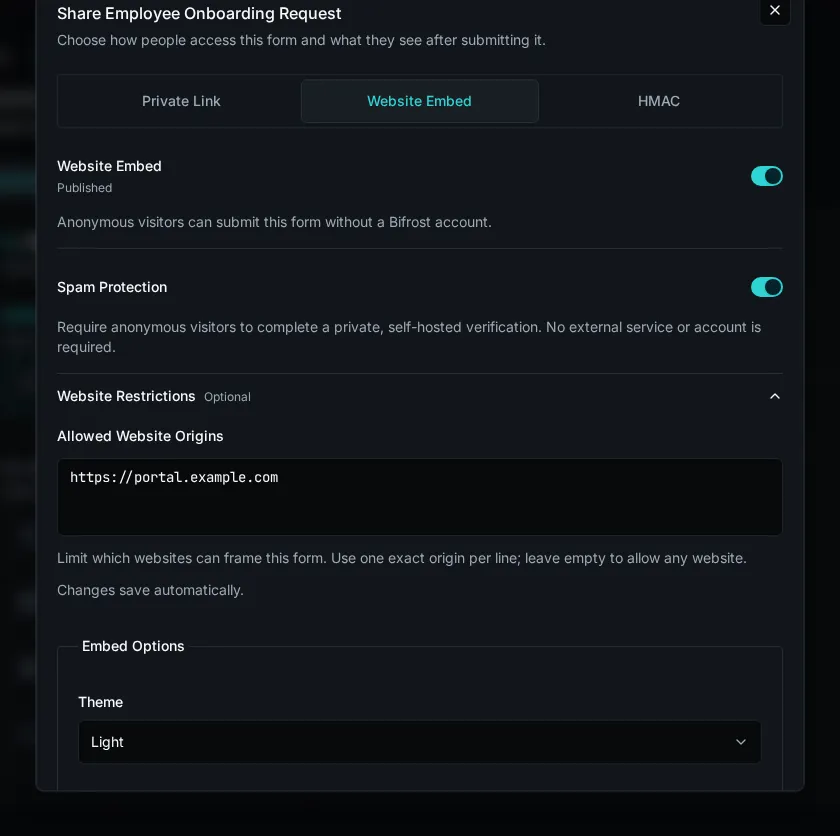
## Review public capabilities
[Section titled “Review public capabilities”](#review-public-capabilities)
Bifrost reviews the form before it can be published. The confirmation lists the submission workflow, launch workflow, data providers, and file fields that anonymous visitors can use.
Fix every **Cannot publish** blocker before continuing. Warnings do not prevent publication, but should be reviewed before making the form public.
Caution
If a published form’s workflow, providers, uploads, or field schema change, Bifrost pauses the public embed until you review and approve its capabilities again.
## Configure access
[Section titled “Configure access”](#configure-access)
1. Select **Website Embed**.
2. Leave **Spam Protection** enabled to require Bifrost’s self-hosted visitor verification.
3. Expand **Website Restrictions** and enter one exact allowed origin per line, such as `https://portal.example.com`. Leave the list empty only when any website may frame the form.
4. Turn on **Published** and approve the capability review.
Anonymous visitors can now submit the form without a Bifrost account. The public session is scoped to this form and its approved workflow, providers, uploads, and submission actions.
## Copy the embed code
[Section titled “Copy the embed code”](#copy-the-embed-code)
1. Choose **Light**, **Dark**, or **System** under **Theme**.
2. Choose whether to show the form header or use a transparent background.
3. Select **Copy Embed Code** and paste the iframe into your website.
The appearance controls only change the copied iframe URL. They do not alter the saved form.
## Customize the confirmation
[Section titled “Customize the confirmation”](#customize-the-confirmation)
Under **Confirmation Message**, write the Markdown shown after a successful anonymous submission. Use **Preview** to check the result, then select **Update**.
## Rotate or disable access
[Section titled “Rotate or disable access”](#rotate-or-disable-access)
* Select **Rotate** to invalidate the current public URL and generate a replacement.
* Turn off **Published** to stop anonymous public access.
* Deactivate an HMAC secret to stop signed embeds that use that secret.
* Keep private links, HMAC embeds, and public website embeds separate. Disabling one mode does not disable the others.
Note
Solution updates can change a managed form’s schema or workflows. If that changes a published form’s approved public capability, Bifrost pauses the public website embed until an admin reviews and approves it again.
# Pre-fill Forms from URL Parameters
> Load user context and pre-populate forms when they open
Launch workflows (also called startup workflows) run when a form loads to fetch data and make it available throughout the form. Use them to pre-fill fields, check permissions, or load context.
## What You’ll Build
[Section titled “What You’ll Build”](#what-youll-build)
A customer feedback form that:
* Loads customer details from URL parameter
* Pre-fills customer name and email
* Shows personalized welcome message
## Create Launch Workflow
[Section titled “Create Launch Workflow”](#create-launch-workflow)
Create a workflow that accepts a parameter and returns data (`workspace/workflows/load_customer.py`):
```python
from bifrost import workflow, param, ExecutionContext
@workflow(name="load_customer_data", description="Load customer for feedback form")
@param("customer_id", type="string", required=True)
async def load_customer_data(context: ExecutionContext, customer_id: str):
"""Load customer data for pre-filling form."""
# Fetch customer from database
customer = await get_customer(context, customer_id)
return {
"customer_name": customer.name,
"customer_email": customer.email,
"purchase_date": customer.last_purchase_date,
"product_name": customer.last_product
}
```
Note
The workflow returns a dict. All keys become available as `context.workflow.*` throughout the form.
## Configure Form
[Section titled “Configure Form”](#configure-form)
1. Open form in builder
2. Right panel → **Launch Workflow** section
3. Select `load_customer_data`
## Allow URL Parameter
[Section titled “Allow URL Parameter”](#allow-url-parameter)
To pass `customer_id` via URL:
1. Add form field: `customer_id` (hidden text field)
2. Enable **Allow as Query Parameter** on the field
3. Save form
Now you can use: `/execute/form?customer_id=cust-123`
## Use Workflow Data
[Section titled “Use Workflow Data”](#use-workflow-data)
Caution
**Important**: Default values for form fields do NOT support context expressions. To pre-fill fields with dynamic data, pass values via URL query parameters instead.
### Display in HTML Content
[Section titled “Display in HTML Content”](#display-in-html-content)
Show workflow data using HTML Content fields:
```jsx
Welcome back, {context.workflow.customer_name}!
We see you purchased {context.workflow.product_name} on{" "}
{context.workflow.purchase_date}. We'd love to hear your feedback!
```
### Control Field Visibility
[Section titled “Control Field Visibility”](#control-field-visibility)
Show fields based on workflow data:
```javascript
// Show VIP feedback field only for premium customers
context.workflow.customer_tier === "premium";
```
## Common Use Cases
[Section titled “Common Use Cases”](#common-use-cases)
### Check User Permissions
[Section titled “Check User Permissions”](#check-user-permissions)
```python
@workflow(name="check_permissions")
async def check_permissions(context: ExecutionContext):
"""Check if user can access form."""
return {
"is_admin": context.is_platform_admin,
"user_email": context.email,
"can_approve": await has_permission(context, "approve_requests")
}
```
Use in form visibility rules to show admin-only fields.
### Load Organization Context
[Section titled “Load Organization Context”](#load-organization-context)
```python
@workflow(name="load_org_context")
async def load_org_context(context: ExecutionContext):
"""Load organization details."""
org = await get_organization(context, context.org_id)
return {
"org_name": org.name,
"org_plan": org.subscription_plan,
"org_features": org.enabled_features
}
```
Use to display org info or control feature availability.
### Pre-fill from External System
[Section titled “Pre-fill from External System”](#pre-fill-from-external-system)
```python
@workflow(name="load_ticket_data")
@param("ticket_id", type="string", required=True)
async def load_ticket_data(context: ExecutionContext, ticket_id: str):
"""Load ticket details for follow-up form."""
ticket = await fetch_ticket_from_psa(context, ticket_id)
return {
"ticket_number": ticket.number,
"customer_name": ticket.customer,
"issue_description": ticket.description,
"priority": ticket.priority
}
```
Pre-fill form with existing ticket details for follow-up.
## Default Parameters
[Section titled “Default Parameters”](#default-parameters)
Provide default values when URL params aren’t provided:
1. In form settings → **Default Launch Parameters**
2. Enter JSON:
```json
{
"include_history": true,
"limit": 10
}
```
These are used when parameters aren’t in the URL.
## Testing
[Section titled “Testing”](#testing)
Test launch workflow before using in form:
1. Click **Play** button next to Launch Workflow in form builder
2. Enter test parameters
3. Click **Execute**
4. View returned data
5. Verify all expected fields are present
## Troubleshooting
[Section titled “Troubleshooting”](#troubleshooting)
**Form won’t load**: Launch workflow has required parameters but no default values or URL params provided. Add defaults or pass via URL.
**Data not appearing**: Click **Info** button in form builder to see `context.workflow` object. Verify workflow returns expected fields.
**Workflow fails**: Check workflow logs for errors. Verify parameters are correct type and external APIs are accessible.
**Parameters not working**: Ensure form field with same name exists and has “Allow as Query Parameter” enabled.
## Best Practices
[Section titled “Best Practices”](#best-practices)
1. **Keep workflows fast** - They block form load. Avoid slow API calls or heavy processing.
2. **Return only needed data** - Don’t fetch entire objects if you only need a few fields.
3. **Handle missing data** - Return sensible defaults if external system returns null.
4. **Use caching** - Cache expensive lookups to speed up repeated form loads.
5. **Test independently** - Test launch workflow with Play button before using in form.
## Example: Complete Survey Form
[Section titled “Example: Complete Survey Form”](#example-complete-survey-form)
* Launch Workflow
```python
@workflow(name="load_survey_context")
@param("customer_id", type="string", required=True)
async def load_survey_context(context: ExecutionContext, customer_id: str):
"""Load customer context for satisfaction survey."""
customer = await get_customer(context, customer_id)
return {
"customer_name": customer.name,
"customer_email": customer.email,
"last_purchase": customer.last_purchase_date,
"product_name": customer.last_product_name,
"is_premium": customer.tier == "premium"
}
```
* HTML Welcome
```jsx
Hi {context.workflow.customer_name}! 👋
Thank you for purchasing {context.workflow.product_name}.
We'd love to hear about your experience!
```
* Form Setup
1. Create hidden field `customer_id`
2. Enable “Allow as Query Parameter”
3. Set Launch Workflow to `load_survey_context`
4. Add HTML Content field with welcome message (uses `context.workflow.*`)
5. Add visibility rules to show/hide fields based on `context.workflow.is_premium`
6. Share link: `/execute/form?customer_id=cust-123`
**Note**: To pre-fill name/email fields, pass them as query parameters: `?customer_id=123&name=John&email=john@example.com`
## Next Steps
[Section titled “Next Steps”](#next-steps)
* [Display Personalized Welcome Messages](/docs/how-to-guides/forms/html-content) - Use workflow data in HTML
* [Show Fields Based on User Permissions](/docs/how-to-guides/forms/visibility-rules) - Control visibility with workflow data
* [Cascading Dropdowns](/docs/how-to-guides/forms/cascading-dropdowns) - Use workflow data in dropdowns
# Show Fields Based on User Permissions
> Display different form fields based on user roles and permissions
Control which form fields appear based on user permissions, roles, or any other context. Show admin-only fields to admins, manager fields to managers, and so on.
## What You’ll Build
[Section titled “What You’ll Build”](#what-youll-build)
A form that shows different fields based on user role:
* Budget approval field (budget approvers only)
* Team size field (managers only)
* System configuration (admins only)
* Basic fields (everyone)
## Prerequisites
[Section titled “Prerequisites”](#prerequisites)
* Form with linked workflow
* Understanding of launch workflows
## Create Permission Check Workflow
[Section titled “Create Permission Check Workflow”](#create-permission-check-workflow)
Create a launch workflow to fetch user permissions (`workspace/workflows/get_user_permissions.py`):
* With Permission System
```python
from bifrost import workflow, ExecutionContext
@workflow(name="get_user_permissions", description="Get user permissions for form")
async def get_user_permissions(context: ExecutionContext):
"""Fetch user permissions and roles."""
# Get user roles from your permission system
user_roles = await fetch_user_roles(context, context.user_id)
return {
"is_admin": "admin" in user_roles,
"is_manager": "manager" in user_roles,
"is_budget_approver": "budget_approver" in user_roles,
"user_id": context.user_id,
"user_email": context.email
}
```
* Platform Admin Only
```python
@workflow(name="get_user_permissions")
async def get_user_permissions(context: ExecutionContext):
"""Simple permission check using built-in platform admin flag."""
return {
"is_admin": context.is_platform_admin,
"user_id": context.user_id
}
```
Note
The launch workflow runs when the form loads. Results are stored in `context.workflow.*` and available to all visibility expressions.
## Configure Form Launch Workflow
[Section titled “Configure Form Launch Workflow”](#configure-form-launch-workflow)
1. Open form in builder
2. Right panel → **Launch Workflow** section
3. Select `get_user_permissions`
4. Save form
## Add Fields with Visibility Rules
[Section titled “Add Fields with Visibility Rules”](#add-fields-with-visibility-rules)
First, open the form builder and click the gear icon on a field to edit it. Scroll down to the **Visibility Expression** section:

1. **Add budget approval field**:
* Field name: `budget_amount`
* Type: Number
* **Visibility Expression**:
```javascript
context.workflow.is_budget_approver === true;
```
2. **Add team management field**:
* Field name: `team_size`
* Type: Number
* **Visibility Expression**:
```javascript
context.workflow.is_manager === true;
```
3. **Add system config field**:
* Field name: `system_config`
* Type: Textarea
* **Visibility Expression**:
```javascript
context.workflow.is_admin === true;
```
4. **Add basic field** (always visible):
* Field name: `request_description`
* Type: Text Area
* **No visibility expression**
## Test It
[Section titled “Test It”](#test-it)
1. Save and launch the form
2. Form loads launch workflow first
3. Fields appear based on your permissions
4. Different users see different fields
## Advanced Patterns
[Section titled “Advanced Patterns”](#advanced-patterns)
### Multiple Permission Checks
[Section titled “Multiple Permission Checks”](#multiple-permission-checks)
Show field if user has ANY of several roles:
```javascript
context.workflow.is_admin === true || context.workflow.is_manager === true;
```
Show field if user has ALL roles:
```javascript
context.workflow.is_admin === true &&
context.workflow.can_approve_budget === true;
```
### Department-Scoped Visibility
[Section titled “Department-Scoped Visibility”](#department-scoped-visibility)
Check permissions AND department:
* Launch Workflow
```python
@workflow(name="get_user_context")
async def get_user_context(context: ExecutionContext):
user = await get_user_details(context, context.user_id)
return {
"is_manager": user.role == "manager",
"department": user.department,
"permissions": user.permissions
}
```
* Visibility Expression
```javascript
context.workflow.is_manager === true &&
context.workflow.department === "engineering"
```
### Permission Array Checks
[Section titled “Permission Array Checks”](#permission-array-checks)
If your permission system returns arrays:
```python
@workflow(name="get_permissions")
async def get_permissions(context: ExecutionContext):
perms = await fetch_permissions(context, context.user_id)
return {
"permissions": perms, # ["read", "write", "admin"]
"departments": await get_departments(context, context.user_id)
}
```
Check if array contains specific permission:
```javascript
context.workflow.permissions.includes("admin");
```
Check if user has access to specific department:
```javascript
context.workflow.departments.includes("engineering");
```
Check if user has ANY of several permissions:
```javascript
["admin", "manager"].some((perm) =>
context.workflow.permissions.includes(perm)
);
```
### Combine with Field Values
[Section titled “Combine with Field Values”](#combine-with-field-values)
Mix launch workflow data with field values:
```javascript
// Show field if admin OR if requesting for self
context.workflow.is_admin === true ||
context.field.user_id === context.workflow.user_id;
```
```javascript
// Show approval field only for high budget + approver role
context.field.budget > 10000 && context.workflow.can_approve_budget === true;
```
### Parameterized Permissions
[Section titled “Parameterized Permissions”](#parameterized-permissions)
Pass context to permission check:
* Launch Workflow
```python
from bifrost import workflow, context
@workflow(name="check_resource_access")
async def check_resource_access(resource_id: str):
"""Check if user has access to a specific resource."""
has_access = await check_access(
context.user_id,
resource_id
)
return {
"has_access": has_access,
"resource_id": resource_id
}
```
* Form Setup
Create hidden field `resource_id`, enable “Allow as Query Parameter”, then pass via URL: `/execute/form?resource_id=res-123`
* Visibility Expression
```javascript
context.workflow.has_access === true
```
## Common Patterns
[Section titled “Common Patterns”](#common-patterns)
### Admin-Only Section
[Section titled “Admin-Only Section”](#admin-only-section)
Group multiple admin fields with same visibility:
```javascript
// Apply to all admin fields
context.workflow.is_admin === true;
```
### Tiered Access
[Section titled “Tiered Access”](#tiered-access)
Show different fields per tier:
```python
@workflow(name="get_user_tier")
async def get_user_tier(context: ExecutionContext):
user = await get_user(context, context.user_id)
return {
"tier": user.subscription_tier, # "free", "pro", "enterprise"
"features": user.enabled_features
}
```
```javascript
// Show pro feature field
context.workflow.tier === "pro" || context.workflow.tier === "enterprise";
// Show enterprise-only field
context.workflow.tier === "enterprise";
// Show if specific feature enabled
context.workflow.features.includes("advanced_reporting");
```
### Conditional Required Fields
[Section titled “Conditional Required Fields”](#conditional-required-fields)
Make fields conditionally required:
1. Set field as **not required** in settings
2. Add visibility rule to show when needed
3. Validate in workflow:
```python
@workflow(name="process_request")
async def process_request(
context: ExecutionContext,
request_type: str,
approval_notes: str = None
):
# Check if approval notes required
if request_type == "high_priority" and not approval_notes:
return {
"success": False,
"error": "Approval notes required for high priority requests"
}
# Process request
return {"success": True}
```
## Testing Visibility
[Section titled “Testing Visibility”](#testing-visibility)
1. **Test launch workflow** independently:
* Click **Play** button next to Launch Workflow in form builder
* Click **Execute**
* Verify returned permissions are correct
2. **Check context in browser**:
* Open form
* Open DevTools → Console
* Type: `window.formContext.workflow`
* Verify permissions loaded correctly
3. **Test with different users**:
* Log in as user with different roles
* Verify correct fields appear
* Check all permission combinations
## Troubleshooting
[Section titled “Troubleshooting”](#troubleshooting)
**Fields not appearing**: Verify launch workflow returns expected data. Check browser console for `context.workflow` object.
**All fields hidden**: Expression may have syntax error. Check browser console for JavaScript errors.
**Fields show for wrong users**: Review permission logic in launch workflow. Test workflow independently.
## Expression Reference
[Section titled “Expression Reference”](#expression-reference)
### Basic Comparisons
[Section titled “Basic Comparisons”](#basic-comparisons)
```javascript
// Equality
context.workflow.is_admin === true;
context.workflow.role === "manager";
// Inequality
context.workflow.status !== "inactive";
// Greater than / less than
context.workflow.access_level > 5;
```
### Logical Operators
[Section titled “Logical Operators”](#logical-operators)
```javascript
// AND - both must be true
condition1 && condition2;
// OR - either can be true
condition1 || condition2;
// NOT - invert condition
!context.workflow.is_disabled;
```
### Array Operations
[Section titled “Array Operations”](#array-operations)
```javascript
// Check if array contains value
context.workflow.permissions
.includes("admin")
[
// Check if any match
("admin", "manager")
].some((role) => context.workflow.roles.includes(role))
[
// Check if all match
("read", "write")
].every((perm) => context.workflow.permissions.includes(perm));
```
### Null Safety
[Section titled “Null Safety”](#null-safety)
Always check for null/undefined when values might be missing:
```javascript
// Safe check
context.workflow.department && context.workflow.department === "engineering";
// Optional chaining
context.workflow.department?.length >
0(
// Default value
context.workflow.role || "user"
) ===
"admin";
```
## Best Practices
[Section titled “Best Practices”](#best-practices)
1. **Keep launch workflows fast** - They block form load
2. **Return clear permission flags** - Boolean values are easiest to check
3. **Test all permission combinations** - Verify each role sees correct fields
4. **Document permission requirements** - Add comments explaining complex rules
5. **Use meaningful permission names** - `is_budget_approver` vs `perm_ba`
6. **Handle missing data** - Always check for null/undefined
## Next Steps
[Section titled “Next Steps”](#next-steps)
* [Cascading Dropdowns](/docs/how-to-guides/forms/cascading-dropdowns) - Dynamic dropdowns based on selections
* [HTML Content](/docs/how-to-guides/forms/html-content) - Display dynamic permission-based content
* [Startup Workflows](/docs/how-to-guides/forms/startup-workflows) - Complete launch workflow reference
# Creating Integrations
> Set up integrations with OAuth and configuration
Create integrations to connect Bifrost to external APIs with OAuth and configuration management.
## Create an Integration
[Section titled “Create an Integration”](#create-an-integration)
1. Navigate to **Settings** > **Integrations**
2. Click **Create Integration**
3. Fill in basic details:
* **Name**: Unique identifier (e.g., “Microsoft\_Graph”, “HaloPSA”)
* **Description**: What this integration connects to
4. Configure the **Config Schema** (optional):
* Add fields like `base_url`, `api_key`, `tenant_id`
* Set types: string, int, bool, json, or secret
5. Link an **OAuth Provider** (optional):
* Select existing OAuth connection
* Or configure custom OAuth settings
6. Save the integration
## Set Integration Defaults
[Section titled “Set Integration Defaults”](#set-integration-defaults)
Configure default values that apply to all organizations:
1. Open the integration
2. Go to **Configuration** tab
3. Fill in default values:
* Base URLs
* Default timeouts
* Shared API keys
4. Save
Tip
Secrets are encrypted at rest. Use the `secret` type for API keys and tokens.
## Create Organization Mappings
[Section titled “Create Organization Mappings”](#create-organization-mappings)
Map each organization to its external entity:
1. In the integration, go to **Mappings** tab
2. Click **Add Mapping**
3. Select the **Organization**
4. Set the **Entity ID** (tenant ID, company ID, etc.)
5. Override any config values specific to this org
6. Optionally link an org-specific OAuth token
7. Save
## OAuth Configuration
[Section titled “OAuth Configuration”](#oauth-configuration)
### Link Existing OAuth Provider
[Section titled “Link Existing OAuth Provider”](#link-existing-oauth-provider)
If you already have an OAuth connection:
1. In integration settings, select **OAuth Provider**
2. Choose from existing connections
3. Tokens are automatically available via `integration.oauth`
### Configure OAuth Inline
[Section titled “Configure OAuth Inline”](#configure-oauth-inline)
For new OAuth connections:
1. In integration OAuth settings, configure:
* **Authorization URL**
* **Token URL**
* **Client ID/Secret**
* **Scopes**
2. Click **Connect** to authorize
## Config Schema Types
[Section titled “Config Schema Types”](#config-schema-types)
| Type | Description | Example |
| -------- | -------------- | ------------------- |
| `string` | Text value | Base URL |
| `int` | Integer | Timeout seconds |
| `bool` | True/False | Enable feature flag |
| `json` | Complex object | Custom settings |
| `secret` | Encrypted | API keys, tokens |
## Use in Workflows
[Section titled “Use in Workflows”](#use-in-workflows)
```python
from bifrost import workflow, integrations
import httpx
@workflow
async def fetch_customers():
# Get integration
integration = await integrations.get("HaloPSA")
if not integration:
return {"error": "Integration not configured"}
# Access config
base_url = integration.config.get("base_url")
tenant = integration.entity_id
# Access OAuth token
token = integration.oauth.access_token if integration.oauth else None
# Make API call
async with httpx.AsyncClient() as client:
response = await client.get(
f"{base_url}/api/customers",
headers={
"Authorization": f"Bearer {token}",
"X-Tenant-ID": tenant
}
)
return response.json()
```
## Multi-Tenant Pattern
[Section titled “Multi-Tenant Pattern”](#multi-tenant-pattern)
For APIs that serve multiple tenants:
1. Create one integration (e.g., “HaloPSA”)
2. Set **Entity ID Name** (e.g., “Tenant ID”)
3. Create mappings for each organization with their tenant ID
4. In workflows, `integration.entity_id` returns the correct tenant
```python
# Each org gets their own tenant automatically
integration = await integrations.get("HaloPSA")
tenant_id = integration.entity_id # Org-specific
```
## Next Steps
[Section titled “Next Steps”](#next-steps)
* [SDK Generation](/docs/how-to-guides/integrations/sdk-generation) - Generate API clients
* [Integrations Module](/docs/sdk-reference/sdk/integrations-module) - SDK reference
# Automate Microsoft 365 User Management
> Create, update, and manage Microsoft 365 users with Microsoft Graph API
Automate common Microsoft 365 user management tasks using Microsoft Graph API. This guide shows practical patterns for MSP workflows.
## Prerequisites
[Section titled “Prerequisites”](#prerequisites)
* [OAuth connection configured](/docs/getting-started/integrations) for Microsoft Graph
* Required scopes: `User.ReadWrite.All`, `Group.ReadWrite.All`
## Basic Pattern
[Section titled “Basic Pattern”](#basic-pattern)
All Microsoft Graph workflows follow the same structure:
```python
from bifrost import workflow, oauth, ExecutionContext
import aiohttp
@workflow(name="graph_workflow")
async def graph_workflow(context: ExecutionContext):
# Get OAuth token
token_data = await oauth.get("microsoft")
if not token_data:
raise ValueError("Microsoft Graph OAuth not configured")
# Make API call
url = "https://graph.microsoft.com/v1.0/users"
headers = {"Authorization": f"Bearer {token_data['access_token']}"}
async with aiohttp.ClientSession() as session:
async with session.get(url, headers=headers) as resp:
resp.raise_for_status()
return await resp.json()
```
Note
Bifrost automatically refreshes expired tokens. Always get a fresh token at the start of your workflow.
## List Users
[Section titled “List Users”](#list-users)
Get all users in the tenant:
```python
from bifrost import workflow, oauth, ExecutionContext
import aiohttp
@workflow(name="list_users", description="Get all users")
async def list_users(context: ExecutionContext):
token_data = await oauth.get("microsoft")
url = "https://graph.microsoft.com/v1.0/users"
headers = {"Authorization": f"Bearer {token_data['access_token']}"}
async with aiohttp.ClientSession() as session:
async with session.get(url, headers=headers) as resp:
resp.raise_for_status()
data = await resp.json()
return {"users": data.get("value", [])}
```
## Create New User
[Section titled “Create New User”](#create-new-user)
Provision a new Microsoft 365 user:
```python
from bifrost import workflow, param, oauth, ExecutionContext
import aiohttp
@workflow(name="create_user", description="Create new M365 user")
@param("email", type="email", required=True)
@param("display_name", type="string", required=True)
@param("password", type="string", required=True)
async def create_user(
context: ExecutionContext,
email: str,
display_name: str,
password: str
):
token_data = await oauth.get("microsoft")
url = "https://graph.microsoft.com/v1.0/users"
headers = {
"Authorization": f"Bearer {token_data['access_token']}",
"Content-Type": "application/json"
}
payload = {
"accountEnabled": True,
"displayName": display_name,
"mailNickname": email.split("@")[0],
"userPrincipalName": email,
"passwordProfile": {
"forceChangePasswordNextSignIn": True,
"password": password
}
}
async with aiohttp.ClientSession() as session:
async with session.post(url, headers=headers, json=payload) as resp:
if resp.status == 201:
user = await resp.json()
return {"success": True, "user_id": user["id"]}
else:
error = await resp.text()
return {"success": False, "error": error}
```
## Update User Properties
[Section titled “Update User Properties”](#update-user-properties)
Modify existing user attributes:
```python
@workflow(name="update_user", description="Update user properties")
@param("user_id", type="string", required=True)
@param("job_title", type="string", required=False)
@param("department", type="string", required=False)
async def update_user(
context: ExecutionContext,
user_id: str,
job_title: str = None,
department: str = None
):
token_data = await oauth.get("microsoft")
url = f"https://graph.microsoft.com/v1.0/users/{user_id}"
headers = {
"Authorization": f"Bearer {token_data['access_token']}",
"Content-Type": "application/json"
}
# Build payload with only provided values
payload = {}
if job_title:
payload["jobTitle"] = job_title
if department:
payload["department"] = department
async with aiohttp.ClientSession() as session:
async with session.patch(url, headers=headers, json=payload) as resp:
if resp.status == 204:
return {"success": True}
else:
return {"success": False, "error": await resp.text()}
```
## Add User to Group
[Section titled “Add User to Group”](#add-user-to-group)
Add users to security or Microsoft 365 groups:
```python
@workflow(name="add_to_group", description="Add user to group")
@param("user_id", type="string", required=True)
@param("group_id", type="string", required=True)
async def add_to_group(context: ExecutionContext, user_id: str, group_id: str):
token_data = await oauth.get("microsoft")
url = f"https://graph.microsoft.com/v1.0/groups/{group_id}/members/$ref"
headers = {
"Authorization": f"Bearer {token_data['access_token']}",
"Content-Type": "application/json"
}
payload = {
"@odata.id": f"https://graph.microsoft.com/v1.0/users/{user_id}"
}
async with aiohttp.ClientSession() as session:
async with session.post(url, headers=headers, json=payload) as resp:
if resp.status == 204:
return {"success": True}
else:
return {"success": False, "error": await resp.text()}
```
## Assign License
[Section titled “Assign License”](#assign-license)
Assign Microsoft 365 licenses to users:
```python
@workflow(name="assign_license", description="Assign M365 license")
@param("user_id", type="string", required=True)
@param("sku_id", type="string", required=True)
async def assign_license(context: ExecutionContext, user_id: str, sku_id: str):
token_data = await oauth.get("microsoft")
url = f"https://graph.microsoft.com/v1.0/users/{user_id}/assignLicense"
headers = {
"Authorization": f"Bearer {token_data['access_token']}",
"Content-Type": "application/json"
}
payload = {
"addLicenses": [{"skuId": sku_id}],
"removeLicenses": []
}
async with aiohttp.ClientSession() as session:
async with session.post(url, headers=headers, json=payload) as resp:
if resp.status == 200:
return {"success": True}
else:
return {"success": False, "error": await resp.text()}
```
## Handle Pagination
[Section titled “Handle Pagination”](#handle-pagination)
Get all results from large datasets:
```python
@workflow(name="get_all_users", description="Get all users with pagination")
async def get_all_users(context: ExecutionContext):
token_data = await oauth.get("microsoft")
headers = {"Authorization": f"Bearer {token_data['access_token']}"}
all_users = []
url = "https://graph.microsoft.com/v1.0/users?$top=100"
async with aiohttp.ClientSession() as session:
while url:
async with session.get(url, headers=headers) as resp:
resp.raise_for_status()
data = await resp.json()
all_users.extend(data.get("value", []))
# Get next page URL
url = data.get("@odata.nextLink")
return {"users": all_users, "count": len(all_users)}
```
## Filter and Select
[Section titled “Filter and Select”](#filter-and-select)
Use OData queries to get specific data:
* Filter by Department
```python
url = "https://graph.microsoft.com/v1.0/users?$filter=department eq 'Sales'"
```
* Select Specific Fields
```python
"https://graph.microsoft.com/v1.0/users?$select=displayName,mail,jobTitle"
```
* Combine Filters
```python
url = "https://graph.microsoft.com/v1.0/users?$filter=department eq 'Sales'&$select=displayName,mail&$top=50"
```
## Error Handling
[Section titled “Error Handling”](#error-handling)
Handle common Graph API errors:
```python
@workflow(name="safe_get_user")
@param("user_id", type="string", required=True)
async def safe_get_user(context: ExecutionContext, user_id: str):
token_data = await oauth.get("microsoft")
if not token_data:
return {"success": False, "error": "OAuth not configured"}
url = f"https://graph.microsoft.com/v1.0/users/{user_id}"
headers = {"Authorization": f"Bearer {token_data['access_token']}"}
async with aiohttp.ClientSession() as session:
async with session.get(url, headers=headers) as resp:
if resp.status == 200:
user = await resp.json()
return {"success": True, "user": user}
elif resp.status == 404:
return {"success": False, "error": "User not found"}
elif resp.status == 403:
return {"success": False, "error": "Insufficient permissions"}
else:
error = await resp.text()
return {"success": False, "error": error}
```
## Common Scopes
[Section titled “Common Scopes”](#common-scopes)
| Operation | Required Scope |
| ----------------------- | ---------------------------- |
| Read users | `User.Read.All` |
| Create/update users | `User.ReadWrite.All` |
| Read groups | `Group.Read.All` |
| Manage group membership | `GroupMember.ReadWrite.All` |
| Read licenses | `Organization.Read.All` |
| Assign licenses | `Organization.ReadWrite.All` |
## Best Practices
[Section titled “Best Practices”](#best-practices)
1. **Always check token**: Verify `oauth.get()` doesn’t return `None`
2. **Use raise\_for\_status()**: Let HTTP errors bubble as exceptions
3. **Select only needed fields**: Use `$select` to reduce payload size
4. **Handle pagination**: Large result sets require paging
5. **Respect rate limits**: Graph API has throttling - implement retries if needed
## Next Steps
[Section titled “Next Steps”](#next-steps)
* [OAuth Integration](/docs/getting-started/integrations) - Set up Microsoft Graph OAuth
* [Store API Keys Securely](/docs/how-to-guides/integrations/secrets-management) - Manage credentials
* [Custom APIs](/docs/how-to-guides/integrations/creating-integrations/) - Integrate any REST API
# Microsoft for MSPs
> Understand the identities, permissions, connections, and mappings behind multi-customer Microsoft automation in Bifrost
Bifrost can manage Microsoft 365 customer tenants with a provider-owned Graph identity and deploy a shared Microsoft Teams app package across those tenants. The [Microsoft CSP Solution](https://github.com/gobifrost/microsoft-csp/tree/fix/csp-onboarding-and-app-shell) adds optional Partner Center and GDAP planning, discovery, and compatibility work. It is not a Bifrost built-in and it is not a prerequisite for Teams.
This guide explains the architecture before you create credentials or grant permissions. Start with discovery: ask what is already configured, offer to inventory it read-only, and recommend whether to reuse, repair, or create each component.
## Discover Before You Configure
[Section titled “Discover Before You Configure”](#discover-before-you-configure)
Inventory the provider tenant, Partner Center account, Entra applications, service principals, Graph grants, GDAP relationships, provider security groups, Bifrost integrations and mappings, Teams packages, event sources, and dependent workflows. Do not inventory secrets themselves.
For each component, return:
| Decision | Meaning |
| -------- | ------------------------------------------------------------------------------------------------- |
| `reuse` | Healthy, understood, appropriately scoped, and safe to share with its known consumers |
| `repair` | Correct identity or resource, but missing owners, permissions, mappings, consent, or verification |
| `create` | Missing, unsupported, unsafe to reuse, or coupled to an unrelated system |
The [Microsoft setup assistant](/docs/how-to-guides/integrations/microsoft/setup-assistant/) contains a reusable discovery prompt. The Solution also publishes a versioned [Microsoft setup prompt](https://github.com/gobifrost/microsoft-csp/blob/fix/csp-onboarding-and-app-shell/docs/agent-prompts/microsoft-setup.md) and [community-adoption prompt](https://github.com/gobifrost/microsoft-csp/blob/fix/csp-onboarding-and-app-shell/docs/agent-prompts/community-adoption.md). They are release-pending on this branch; use the copies bundled with the selected Solution release rather than an unpinned prompt.
## The Three Control Planes
[Section titled “The Three Control Planes”](#the-three-control-planes)
| Control plane | What it controls | Typical Bifrost connection |
| ----------------------------------- | --------------------------------------------------------------------------------- | ------------------------------------------------------------------ |
| Partner Center | Customer discovery, reseller relationships, and partner operations | Optional `Microsoft CSP` partner-delegated connection and Solution |
| Microsoft Graph and Exchange Online | Users, groups, licenses, mail, Teams app installation, and other tenant resources | `Microsoft` |
| Teams bot service | Incoming Teams activities and outgoing bot messages | `Microsoft Teams Bot` |
When present, the CSP Solution uses a Partner Center app-and-user identity. Keep it separate from the `Microsoft` Graph app-only identity and the Teams bot identity: they use different authentication flows, permissions, and operational lifecycles. The CLI operator identity used to inspect or set up these identities is also distinct from Bifrost’s runtime identity; an operator’s successful CLI sign-in does not prove the runtime application has customer consent or workload access.
## Current Solution Boundary
[Section titled “Current Solution Boundary”](#current-solution-boundary)
The Solution owns fresh definitions and install-owned state. Its explicit, install-bound compatibility adapter can read and reconcile existing Workspace registrations and tables only after their exact consumers, scope, and authoritative writer have been reviewed. It does not bulk-import the legacy community CSP app or authentication state, replace shared mappings, or establish portable parity for existing consumers.
Native setup executors currently produce reviewable proposals and confirmed dry-runs only. They do not make live Microsoft mutations. Cross-tenant or cross-resource delegated-token renewal also remains unavailable because the runtime cannot target and persist that renewal safely. See the Solution’s [setup-executor contract](https://github.com/gobifrost/microsoft-csp/blob/fix/csp-onboarding-and-app-shell/docs/setup-executors.md) and [versioned compatibility adoption plan](https://github.com/gobifrost/microsoft-csp/blob/fix/csp-onboarding-and-app-shell/docs/compat-adoption.md) before adopting a legacy consumer.
## Identities and Tenant Mappings
[Section titled “Identities and Tenant Mappings”](#identities-and-tenant-mappings)
A provider installation has four important identifiers:
| Identifier | Meaning | Scope |
| ----------------------- | ------------------------------------------------------------------------- | ------------------------- |
| Partner tenant ID | The Microsoft Entra tenant that owns the CSP relationship | Provider |
| Customer tenant ID | The customer’s Microsoft Entra tenant | Customer |
| Bifrost organization ID | The organization that owns customer-scoped runs and data | Customer |
| Teams catalog app ID | The ID assigned to the uploaded Teams app package in a customer’s catalog | Customer app installation |
The customer tenant ID is the stable key that joins Microsoft to Bifrost. Store one unambiguous mapping from each customer tenant to its Bifrost organization. Teams app catalog IDs are tenant-local values and should be stored as metadata on the same customer’s Teams mapping.
A valid Microsoft token is not a customer authorization decision
The Bot Framework adapter authenticates the expected bot application ID. The native `context.event` then carries the authenticated activity, including its tenant. Route it only after that tenant resolves to exactly one Bifrost organization; reject unknown and ambiguous mappings.
## What Can Be Automated
[Section titled “What Can Be Automated”](#what-can-be-automated)
| Task | Automation boundary |
| --------------------------------------------------------------- | -------------------------------------------------------------------------------------------------------------------------------------------------------------------------------------------------------------------- |
| Create or update a provider-owned Entra application | Microsoft Graph can automate this when the operator has the required directory role and Graph permissions. |
| Add API permissions to an application | Microsoft Graph can update `requiredResourceAccess`. Granting tenant-wide consent is a separate privileged action. |
| Discover CSP customers | Partner Center APIs can list customers after the provider completes its own interactive connection. |
| Plan GDAP relationships and role assignments | The Solution can prepare a bounded proposal and confirmed dry-run. A supported CLI or Graph operator path can make the approved change where Microsoft authorizes it; customer approval may still be required. |
| Create a customer service principal and grant consent | A supported CLI or Graph path can make the approved change when the customer’s authority permits it. The current Solution executor only proposes or dry-runs it. Record and verify the grant in the customer tenant. |
| Upload a custom Teams app to a customer catalog | Microsoft Graph supports delegated catalog publishing. Application-only publishing is not supported. An authorized user or Teams admin may need to perform this step. |
| Install or upgrade the provider’s Teams app for users and teams | Microsoft Graph supports proactive installation after the package exists in the customer catalog. Use self-scoped installation permissions where possible. |
| Receive Teams messages | The public Bifrost event source validates Bot Framework requests, then a routing workflow maps the activity tenant to a Bifrost organization. |
| Reply or send proactive messages | The bot sends through the Bot Connector service using the conversation reference returned by Teams. Graph is used for discovery and app installation, not ordinary bot replies. |
Microsoft’s [Secure Application Model](https://learn.microsoft.com/en-us/partner-center/developer/secure-app-model-framework) requires an interactive partner connection with MFA and secure refresh-token storage. If the optional CSP Solution is present, store that connection as an integration rather than asking workflows to manage raw tokens.
The Bot Framework adapter authenticates the bot application, while the routing workflow reads the tenant from the authenticated native event and resolves its Bifrost organization. Treat provider-wide app packaging, proactive deployment, and inbound activity routing as separate concerns when planning a multi-customer rollout.
## Permission Design
[Section titled “Permission Design”](#permission-design)
Grant permissions by capability, not by copying a long permission list from another provider.
1. Start with the smallest profile that supports named operations you plan to install; do not grant a broad product-level profile by default.
2. Keep delegated and application permissions separate in your review.
3. Use GDAP roles, active relationship assignments, and verified provider-group membership for provider-side delegated administration and provisioning. They do not add authority to an already-consented app-only Graph token.
4. Treat Exchange Online application access as an optional capability with its own role and review.
5. Treat Teams chat history and resource-specific consent (RSC) as optional. Bot messages and replies do not require broad chat-read permissions.
6. Reconcile configured permissions against actual workflow usage on a schedule.
The optional CSP Solution can store selected permissions for consistent review and application. A provider should define its own profiles instead of inheriting another MSP’s IDs, groups, roles, or historical permissions.
## Recommended Ownership Model
[Section titled “Recommended Ownership Model”](#recommended-ownership-model)
Use one provider-owned Microsoft foundation for shared authentication and mappings. Build optional capabilities on top of it:
* **Microsoft foundation:** integration definitions, provider connection health, customer tenant mappings, and consent records.
* **Optional CSP and GDAP management:** partner discovery, relationship proposals, role templates, consent planning, and install-bound compatibility reads. Microsoft mutations require an approved external operator path.
* **Teams bot:** bot identity, Teams app package metadata, webhook event source, tenant routing, and messaging workflows.
This boundary matters when packaging Bifrost Solutions. Other apps may use the same Microsoft integration and tenant-status tables. Do not remove or replace shared resources until dependency checks show that every consumer has moved to the foundation Solution.
## Evidence to Retain
[Section titled “Evidence to Retain”](#evidence-to-retain)
For each provider and customer, record:
* Provider tenant ID and verified Partner Center account
* Entra application object ID and application ID for each connection
* Granted Graph and Partner Center permissions
* GDAP relationship ID, state, expiration, security groups, and role assignments
* Customer tenant ID to Bifrost organization mapping
* Teams catalog app ID and installed package version
* Dates and operators for interactive consent and catalog upload
* Results of read, install, inbound-message, and proactive-message tests
Do not store secrets, authorization codes, access tokens, or signed URLs in these records.
## Setup Order
[Section titled “Setup Order”](#setup-order)
1. [Connect Microsoft Graph](/docs/how-to-guides/integrations/microsoft/microsoft-graph/) for app-only customer automation.
2. [Set Up a Shared Microsoft Teams Bot](/docs/how-to-guides/integrations/shared-teams-bot/) if you need Teams.
3. Add [Microsoft Partner Center](/docs/how-to-guides/integrations/microsoft/partner-center/) and [GDAP](/docs/how-to-guides/integrations/microsoft/csp-gdap/) only when your workspace uses the optional CSP Solution.
4. [Use the Microsoft Setup Assistant](/docs/how-to-guides/integrations/microsoft/setup-assistant/) to guide and record the rollout.
# Set Up GDAP
> Discover, create, approve, assign, and verify least-privilege GDAP relationships for Bifrost customers
This guide applies when a workspace uses the optional [Microsoft CSP Solution](https://github.com/gobifrost/microsoft-csp/tree/fix/csp-onboarding-and-app-shell) and needs granular delegated admin privileges (GDAP). CSP and GDAP are not Bifrost built-ins and they are not prerequisites for a shared Teams bot. The separate [Microsoft Graph](/docs/how-to-guides/integrations/microsoft/microsoft-graph/) customer app-only connection can operate after customer application consent without delegated GDAP runtime access.
The Solution has install-owned state and an explicit compatibility adapter for existing Workspace registrations and tables. That adapter does not import a legacy community CSP app, take ownership of shared authentication, or write shared mappings automatically. Its native setup executors issue proposals and confirmed dry-runs only; use a supported CLI or Microsoft Graph path for a separately confirmed live Microsoft change. See the versioned [setup prompt](https://github.com/gobifrost/microsoft-csp/blob/fix/csp-onboarding-and-app-shell/docs/agent-prompts/microsoft-setup.md) and [community-adoption prompt](https://github.com/gobifrost/microsoft-csp/blob/fix/csp-onboarding-and-app-shell/docs/agent-prompts/community-adoption.md). These paths are release-pending on the linked branch; use the matching installed-release copy.
Caution
This procedure changes access across customer tenants. Use a dedicated provider-owned application, require MFA for interactive operators, and test with a development customer before onboarding production customers.
## Start With Discovery
[Section titled “Start With Discovery”](#start-with-discovery)
Ask whether GDAP relationships, provider security groups, operator memberships, access assignments, templates, or legacy DAP access already exist. With permission, inventory them read-only through Microsoft Graph, Partner Center, the Bifrost CLI, and the CSP Solution.
For each customer, report the relationship state, expiration, requested roles, access assignments, provider-local group IDs, effective operator memberships, Bifrost organization mapping, and a `reuse`, `repair`, or `create` recommendation. Never copy a relationship ID or security-group ID from another provider. An unreadable endpoint is `unknown`, not proof that the relationship or group is absent.
## Before You Begin
[Section titled “Before You Begin”](#before-you-begin)
You need:
* An active Microsoft AI Cloud Partner Program account and Partner Center access
* A provider Entra tenant associated with the Partner Center account
* A user who can complete the provider’s Partner Center consent with MFA
* Sufficient Entra and GDAP roles to create applications, service principals, relationships, and role assignments
* A Bifrost platform administrator account
* One development customer tenant for acceptance testing
* A secure secret manager for any client credentials created outside Bifrost
Review Microsoft’s [partner security requirements](https://learn.microsoft.com/en-us/partner-center/security/partner-security-requirements-mandating-mfa), [Partner Center authentication guidance](https://learn.microsoft.com/en-us/partner-center/developer/partner-center-authentication), and [Secure Application Model](https://learn.microsoft.com/en-us/partner-center/developer/secure-app-model-framework) before granting access.
## Partner Consent: Which App and Account?
[Section titled “Partner Consent: Which App and Account?”](#partner-consent-which-app-and-account)
The existing-workspace CSP app uses two integrations with different jobs:
| Integration | Identity | Used for |
| --------------- | --------------------------------------------------------------------------------------------- | -------------------------------------------------------------------------------- |
| `Microsoft CSP` | The partner app registration and the partner account that authorized its delegated connection | Partner Center and delegated Graph provisioning calls, including partner consent |
| `Microsoft` | The app registration whose client ID is configured on the integration | The target of application-permission grants in the partner and customer tenants |
In **Partner Consent**, review both client IDs, the partner tenant, and the account authenticated through `Microsoft CSP`. The operation applies the selected **application permissions to the `Microsoft` app in your own partner tenant**. It does not consent that app in every customer, and it does not grant the selected application permissions to the `Microsoft CSP` app.
1. In the partner tenant, activate **Privileged Role Administrator** or **Global Administrator** for the account authenticated through `Microsoft CSP`, using PIM when applicable. Cloud Application Administrator cannot grant Microsoft Graph application permissions; see Microsoft’s [tenant-wide admin-consent role requirements](https://learn.microsoft.com/en-us/entra/identity/enterprise-apps/grant-admin-consent).
2. Reconnect **Microsoft CSP with that same account** after role activation, so the delegated authorization is renewed. Verify the account and tenant rather than assuming another Azure CLI session is the identity Bifrost uses.
3. Review the selected application permissions and target `Microsoft` app, then confirm Partner Consent.
4. Review granted/already-granted counts and individual failures. Verify the target enterprise application’s app-role assignments before retrying a partial result.
**Customer Consent** is separate. For the existing-workspace app, link the customer organization and establish active GDAP with the relevant group assignments before choosing the customer’s Consent action. Review that exact customer’s target app and grants; independently verify the intended workload afterward. Native Solution setup remains limited to the documented proposals and dry-runs until its independent runtime is qualified.
## Design Roles and Groups
[Section titled “Design Roles and Groups”](#design-roles-and-groups)
Create named profiles that correspond to installed capabilities. The exact permissions depend on your workflows; the following is a review framework, not a permission manifest.
| Profile | Typical capabilities | Review notes |
| ----------------------- | ------------------------------------------------------------------------- | ------------------------------------------------------------------------------------------------------------------------------ |
| Foundation | Tenant identity, domains, service-principal checks, organization metadata | Prefer read-only permissions. |
| Identity administration | Users, groups, memberships, and licenses | Separate read and write variants. Match write permissions to GDAP roles. |
| Mail and calendar | Mailboxes, messages, calendars, and shared mailboxes | Decide whether delegated or application access is required. Apply mailbox access controls where supported. |
| Device management | Intune managed devices, configuration, and compliance | Intune permissions and licensing are separate from ordinary Graph directory access. |
| Exchange administration | Exchange Online PowerShell or app-only Exchange operations | Requires Exchange-specific configuration and an appropriate Exchange role. |
| Teams deployment | Resolve users and install the provider’s own Teams app | Prefer `TeamsAppInstallation.ReadWriteSelfForUser.All` and the equivalent team or chat permission only for scopes you support. |
| Teams history | Read messages outside bot-delivered activities | Optional. Use resource-specific consent where it fits; do not add broad chat permissions to the base profile. |
Use the [Microsoft Graph permissions reference](https://learn.microsoft.com/en-us/graph/permissions-reference) to verify current permission types and admin-consent requirements.
Map capabilities to Entra roles, then map those roles to provider security groups. Prefer a few stable job-function groups over one group per customer or one broad group for every role. Ask the operator which people should belong to each group. Before a live Graph/CLI mutation, present the exact group, members, customer, relationship, role IDs, and verification query; group creation, membership, and access assignments require confirmation for that bounded plan.
## Map Customers
[Section titled “Map Customers”](#map-customers)
1. In the CSP workspace app, refresh the Partner Center customer list.
2. For each managed customer, create or select the corresponding Bifrost organization.
3. Link the Microsoft customer tenant ID to that Bifrost organization.
4. Verify that each tenant ID maps to exactly one organization. Resolve duplicate or stale mappings before enabling events or write workflows.
5. Store the relationship state and last verification time in the tenant-status record.
Mappings are security boundaries. Workflows should set customer scope only after resolving an exact mapping. Unknown or ambiguous tenants should fail closed.
The Solution’s customer-directory and compatibility surfaces can discover tenants and prepare an install-owned link proposal. They do not silently update the existing `Microsoft` mapping, `entra_tenant_id`, or shared tables. Treat any workflow name as release-specific, not a platform contract. Use Bifrost’s supported integration interface or CLI for a separately reviewed shared-resource change rather than editing IDs into workflow source.
## Current Solution Automation Surface
[Section titled “Current Solution Automation Surface”](#current-solution-automation-surface)
The current Solution supports read discovery plus reviewable plans. Confirm the installed release’s names, permissions, token handling, and access policy before use; they are not a Bifrost platform contract. The setup executor accepts confirmed dry-runs only and rejects live Microsoft execution. Use CLI or Graph only after it shows the exact target, state, permissions/roles, effect, verification, and recovery steps and an authorized operator confirms that bounded change.
| Surface | Current behavior | Boundary |
| -------------------------------------- | ------------------------------------------------------------------------------------------------------------------------------------------------------------------ | ---------------------------------------------------------------------------------------------- |
| Customer and GDAP discovery | Read Partner Center, mappings, and bounded GDAP state when the configured connection authorizes it | Missing access is a blocker, not an empty result. |
| Customer-link and compatibility review | Prepare an install-owned link proposal and identify shared consumers | Existing integration mappings and Workspace tables remain unchanged until separately reviewed. |
| Six setup operations | Propose and run a confirmed dry-run for GDAP, customer service-principal, registration, delegated permissions, application permissions, and Partner Center consent | No live Microsoft mutation is executed by the native executor. |
Re-read Graph and Bifrost after every write. A workflow execution status of success does not prove customer approval, propagation, or a usable grant. Never permit an access token, refresh token, authorization code, or client secret in a workflow result or execution variable.
## Create a GDAP Relationship
[Section titled “Create a GDAP Relationship”](#create-a-gdap-relationship)
Microsoft Graph exposes the [GDAP relationship APIs](https://learn.microsoft.com/en-us/graph/api/resources/delegatedadminrelationships-api-overview?view=graph-rest-1.0). The relationship lifecycle includes creation, customer approval when required, activation, role assignment, and expiration.
1. Define a relationship name and duration. Use the shortest duration that fits the provider’s operating model and renewal process.
2. Select the least-privilege Microsoft Entra roles needed by the customer’s installed capabilities.
3. Prepare the relationship through the Solution, inspect the exact request, then create it through the documented Microsoft Graph or supported CLI path after the operator confirms the target, roles, duration, and impact.
4. Send or present Microsoft’s approval link if customer approval is required.
5. A customer administrator reviews and approves the invitation in Microsoft 365 admin center. Poll the relationship until it becomes active; do not treat creation or `lockForApproval` as customer approval.
6. Assign provider security groups to the approved roles and verify the named operators’ membership in those groups. A template or relationship alone does not establish delegated authority.
7. Verify the assignments through Microsoft Graph, then run a read-only API test in the customer’s context.
### Use a Portable GDAP Template
[Section titled “Use a Portable GDAP Template”](#use-a-portable-gdap-template)
A GDAP template should contain role IDs and logical group references, not IDs copied from another provider tenant. During installation:
1. Select or create the provider’s security groups.
2. Store their provider-local object IDs in setup data.
3. Select a verified relationship as the source only when importing an existing role design.
4. Review the resulting template before applying it to another customer.
Never ship a hard-coded relationship ID or provider security-group ID in a reusable Bifrost Solution.
## Establish Customer Consent
[Section titled “Establish Customer Consent”](#establish-customer-consent)
Customer consent is separate from the GDAP relationship. The exact path depends on whether you are a direct provider, indirect provider, or control panel vendor. Partner delegated consent, customer delegated consent, customer app-only roles, and workload-specific authority are distinct evidence layers.
1. If using a CSP/GDAP provisioning path, confirm the customer relationship is active, the assigned roles cover the provisioning action, the provider group has that assignment, and the acting operator is a member.
2. Create or locate the provider application’s service principal in the customer tenant.
3. Apply the reviewed customer permission profile.
4. Grant delegated consent through the provider’s approved CSP/GDAP flow or have a customer administrator complete the consent screen. For customer app-only operations, separately grant and verify the exact application roles and workload authority.
5. Re-read the service principal and OAuth permission grants in the customer tenant.
6. Run one read-only capability test. Run write acceptance tests only with an explicit test object and approval.
Control panel vendors should also review Microsoft’s [customer consent APIs](https://learn.microsoft.com/en-us/partner-center/developer/control-panel-vendor-apis). Do not assume that delegated administration automatically grants every application permission. Microsoft Graph’s relationship `approve` action is for the documented indirect-provider scenario; it is not a way to silently approve an ordinary customer’s invitation.
## Verification Checklist
[Section titled “Verification Checklist”](#verification-checklist)
Complete these checks for the provider:
* The CSP Solution’s configured partner-delegated connection, when used, reports healthy.
* Partner Center customer discovery returns the expected development tenant.
* Configured application permissions match the selected profiles.
* No token, authorization code, or client secret appears in workflow results or logs.
Complete these checks for each customer:
* Tenant ID maps to exactly one Bifrost organization.
* GDAP relationship is active and not close to expiration.
* Security-group role assignments match the template.
* The named operator is a member of the assigned provider group and can obtain the required delegated MFA-backed access.
* Customer service principal exists and grants match the intended profile.
* A read-only Graph request succeeds in customer scope after application consent. It does not require a delegated GDAP token at runtime.
* Each installed write capability passes a controlled acceptance test.
## Operations
[Section titled “Operations”](#operations)
Monitor connection health, relationship expiration, permission drift, provider-group membership, customer removal, and failed tenant-scoped requests. Re-run verification after any change to permissions, GDAP roles, provider groups, the Entra application, or an installed Solution. A valid delegated token can be reused only for its exact connection, tenant, and resource; targeted cross-tenant or cross-resource renewal remains unavailable in the portable runtime.
When offboarding a customer:
1. Disable event subscriptions and scheduled writes.
2. Remove the Bifrost tenant mapping.
3. Remove or expire the GDAP relationship and assignments.
4. Revoke customer consent and remove the enterprise application when no other approved integration needs it.
5. Retain only the audit evidence required by your policy.
## Common Failures
[Section titled “Common Failures”](#common-failures)
| Symptom | Likely cause | Check |
| --------------------------------------------------------- | ------------------------------------------------------------------------------------------------------------------------ | ------------------------------------------------------------------------------------- |
| Provider connection succeeds but no customers appear | Wrong Partner Center account, missing relationship, or token audience | Provider tenant, account role, and Partner Center connection |
| Partner Center returns customers but GDAP status is empty | Wrong provider tenant, missing delegated relationship permission, stale authorization, or no Graph-visible relationships | Token tenant and audience, current consent, and Partner Center relationship inventory |
| Customer appears but Graph calls fail | Missing customer service principal or application consent; a GDAP role may block provider-side provisioning | Application grants, then relationship assignments when provisioning is in scope |
| A write call returns forbidden | Read profile was installed or GDAP role is insufficient | Workflow capability matrix |
| A relationship exists but is unusable | It is pending approval, expired, or has no group assignments | Relationship status and access assignments |
| Setup works only for the original provider | Provider tenant IDs, relationship IDs, or group IDs were hard-coded | Solution config and setup tables |
| Workflow results contain access tokens | Sensitive values were returned or captured as ordinary variables | Workflow outputs and execution-variable capture |
## Continue With Teams
[Section titled “Continue With Teams”](#continue-with-teams)
If the provider will deploy a shared bot, continue with [Set Up a Shared Microsoft Teams Bot](/docs/how-to-guides/integrations/shared-teams-bot/). The bot can reuse customer tenant mappings but has a separate identity, Teams package, event source, and permission profile.
## Consent authority and workload scope
[Section titled “Consent authority and workload scope”](#consent-authority-and-workload-scope)
An app-registration owner, an eligible PIM role, or an active GDAP relationship does not establish authority to grant every permission. Cloud/Application Administrator cannot grant Microsoft Graph application roles; use the appropriate privileged customer authority and verify active elevation in the target tenant. Partner Center app+user consent additionally requires the documented AdminAgents and GDAP-group prerequisites. See [Microsoft’s admin-consent requirements](https://learn.microsoft.com/en-us/entra/identity/enterprise-apps/grant-admin-consent) and [GDAP/Secure Application Model](https://learn.microsoft.com/en-us/partner-center/developer/gdap-and-secure-application-model).
Exchange Application RBAC and Entra application grants are additive. A scoped Exchange assignment does not restrict an existing tenant-wide Entra grant; the setup agent must inspect both before claiming mailbox isolation. Removing broader grants is a separate reviewed change. See [Exchange Application RBAC](https://learn.microsoft.com/en-us/exchange/permissions-exo/application-rbac).
Review all requested permissions affected by static admin consent, not just the one operation being tested. Keep service-principal creation, requested permissions, effective grants and resource-specific operation evidence separate. The Solution’s [consent edge-case guide](https://github.com/gobifrost/microsoft-csp/blob/fix/csp-onboarding-and-app-shell/docs/gdap-consent.md#consent-and-workload-edge-cases) covers these checks for the candidate release.
# Connect Microsoft Graph
> Configure the provider-owned application Bifrost uses for app-only access to customer Microsoft tenants
The Bifrost `Microsoft` connection is the customer app-only identity used for Microsoft Graph and supported Exchange operations. A workspace may separately use the [Microsoft CSP Solution](https://github.com/gobifrost/microsoft-csp/tree/fix/csp-onboarding-and-app-shell) for Partner Center’s partner-delegated app-and-user connection; it is not built into Bifrost and is not required for this connection. The Solution’s current setup executors are proposal and confirmed-dry-run surfaces, not live Microsoft mutation executors.
## Start With Discovery
[Section titled “Start With Discovery”](#start-with-discovery)
Offer a read-only inventory before creating anything. Inspect existing provider app registrations, service principals, credentials, Graph app-role assignments, customer enterprise applications, Bifrost `Microsoft` integration mappings, every workflow that uses the integration, and the Workspace registrations/tables that an install-bound compatibility adapter would read.
Classify the result as `reuse`, `repair`, or `create`. Reuse is appropriate only when the application is provider-owned, multi-tenant where required, has known consumers, and can be reduced to a reviewed capability-based permission profile. Do not bulk-import the legacy community app or its authentication records; preserve legacy consumers until a versioned compatibility adoption has one reviewed writer per state contract.
## Define Capabilities Before Permissions
[Section titled “Define Capabilities Before Permissions”](#define-capabilities-before-permissions)
Start with the workflows you intend to operate. Typical profiles include:
| Capability | Permission design question |
| ----------------------- | ---------------------------------------------------------------------------------------------------------------------- |
| Tenant inventory | Which organization, domain, user, group, or license reads are required? |
| Identity administration | Which user and group writes are required, and which GDAP roles authorize them? |
| Mail and calendar | Is delegated access sufficient, or does a workflow require application access? |
| Exchange administration | Does the workflow require Exchange Online app-only access and an Exchange role? |
| Teams deployment | Which self-scoped user, team, or chat installation permissions match the supported scopes? |
| Teams history | Does a named workflow need messages that the bot did not receive directly? If not, omit chat-read and RSC permissions. |
Verify every permission in the current [Microsoft Graph permissions reference](https://learn.microsoft.com/en-us/graph/permissions-reference). Select the minimum application permission for each named operation, then separately review workload authority such as Exchange RBAC, SharePoint site access, Defender roles, licenses, or customer policy. Application consent authorizes the app-only Graph token. GDAP roles, active relationship assignments, and verified group membership can authorize a provider’s delegated administration path to provision a customer service principal or consent, but they do not add runtime authority to that app-only token.
## Register or Reuse the Application
[Section titled “Register or Reuse the Application”](#register-or-reuse-the-application)
1. Reuse a healthy provider-owned application when discovery confirms its consumers and grants. Otherwise, create a provider-owned multi-tenant application.
2. Record its application ID, object ID, supported account types, owners, and credential renewal date.
3. Add only the application permissions selected for the installed capabilities. A manifest change requests permissions; it does not grant them.
4. Create the service principal in the provider tenant and grant the reviewed application roles. Microsoft Graph supports this with `appRoleAssignments` when the caller has the necessary Graph permissions and Entra role.
5. Create a certificate or client secret supported by Bifrost. Store it only in the integration or approved secret manager.
Microsoft Graph can perform the registration, service-principal, owner, redirect-URI, and credential operations listed in the [Partner Center guide](/docs/how-to-guides/integrations/microsoft/partner-center/#prefer-microsoft-graph-over-portal-steps). It can also grant application permissions by creating an `appRoleAssignment` for the client service principal. The caller still needs the documented Graph permissions and an appropriate Entra role. Before a mutation, an agent should use the installed CLI help and Graph discovery to identify the exact tenant, object, current grant, requested addition/removal, and verification probe, then obtain confirmation for that bounded plan. A CLI operator identity is not the Bifrost app-only runtime identity.
## Connect Bifrost and Map Customers
[Section titled “Connect Bifrost and Map Customers”](#connect-bifrost-and-map-customers)
1. Configure the global Bifrost integration named `Microsoft` for the client credentials flow. Its token URL must contain `{entity_id}` and its scope must be `https://graph.microsoft.com/.default`.
2. Enter the application’s client ID and credential. Do not configure a refresh token for this connection.
3. For each customer, create exactly one integration mapping whose entity ID is the customer’s Entra tenant ID and whose Bifrost scope is the customer’s organization.
4. If your workspace has the optional CSP Solution, use its install-owned customer-link proposal and compatibility review to identify the exact mapping. Its native setup workflow remains dry-run only; make a shared mapping/configuration change only through an approved Bifrost interface or CLI plan after verifying affected consumers.
5. Reject unknown or duplicate tenant mappings before making customer-scoped calls.
## Establish Customer Consent
[Section titled “Establish Customer Consent”](#establish-customer-consent)
The provider application needs a service principal and the approved application roles in each customer tenant. A workspace that includes the CSP Solution can prepare the provider-delegated provisioning plan when the relationship and roles allow it. Its native executor does not make the live change. An approved customer administrator or supported provider CLI/Graph path must perform it, after exact-target confirmation.
Without the Solution, a customer Privileged Role Administrator or Global Administrator can open `https://login.microsoftonline.com//adminconsent?client_id=`, then review the customer-tenant enterprise application’s permissions in Entra and grant admin consent. Confirm the service principal and application-role assignments before running the mapped workflow. Microsoft documents [creating a customer-tenant enterprise app for a multitenant application](https://learn.microsoft.com/en-us/entra/identity/enterprise-apps/create-service-principal-cross-tenant) and [granting tenant-wide admin consent](https://learn.microsoft.com/en-us/entra/identity/enterprise-apps/grant-admin-consent).
Caution
Customer consent and GDAP are separate. A customer relationship does not automatically grant the application’s Graph permissions, and an app-role assignment does not grant the provider user a GDAP role.
For a controlled rollout:
1. Link the development tenant to its Bifrost organization.
2. Choose a consent path: an authorized provider-delegated CLI/Graph path with active GDAP assignments and group membership, or a customer administrator’s manual consent path.
3. Apply the selected provider permissions and complete customer consent.
4. Re-read the customer service principal and app-role assignments.
5. Run a harmless read in the mapped organization.
6. Run a write test only against an explicit disposable object and with approval.
## Verify and Operate
[Section titled “Verify and Operate”](#verify-and-operate)
Verify that the global `Microsoft` connection reports healthy, every customer has one mapping, the development customer’s grants match the selected profile, and an app-only token can call the intended Graph resource in customer scope. Record a workload-specific probe too: an app-role assignment alone does not prove Exchange RBAC, SharePoint site access, Defender authorization, or license eligibility.
Monitor credential expiration, permission drift, failed token requests, and stale mappings. When offboarding, disable customer writes, remove the mapping, remove the service principal or grants only after checking other consumers, and retain the required audit evidence.
# Connect Microsoft Partner Center
> Reuse or create a Secure Application Model registration and connect it to Bifrost as Microsoft CSP
This guide applies when a workspace uses the optional [Microsoft CSP Solution](https://github.com/gobifrost/microsoft-csp/tree/fix/csp-onboarding-and-app-shell) for Partner Center discovery and CSP setup planning. It is not a Bifrost built-in or a Teams prerequisite. When present, reuse the provider-owned app registration used for Microsoft’s Secure Application Model as the `Microsoft CSP` partner-delegated connection. Do not create a second CSP application unless discovery shows the existing registration cannot be repaired or safely reused.
The current native setup executors provide proposals and confirmed dry-runs; they do not execute Microsoft mutations. Use the Solution’s [Microsoft setup prompt](https://github.com/gobifrost/microsoft-csp/blob/fix/csp-onboarding-and-app-shell/docs/agent-prompts/microsoft-setup.md) to discover state, show the exact plan, and then use an approved CLI or Microsoft Graph operator path for a confirmed action. The versioned prompt is release-pending on this branch; select the copy bundled with the installed Solution release.
## Start With Discovery
[Section titled “Start With Discovery”](#start-with-discovery)
Before changing anything, ask the operator whether Partner Center automation already exists and offer to inventory it read-only. Inspect:
* The provider tenant and Partner Center account
* Existing multi-tenant app registrations used for Partner Center
* Their owners, redirect URIs, credentials, API permissions, and enterprise applications
* Existing Bifrost `Microsoft CSP` definition, OAuth connection, and customer mappings
* Existing Partner Center customers and any GDAP relationships
* Existing Workspace registrations, tables, mappings, and consumers that the Solution’s install-bound compatibility adapter would read
* Workflows or services that share the registration or credential
For every component, report one recommendation: `reuse`, `repair`, or `create`. Include evidence, the next write required, and whether a shared resource has an authoritative legacy writer. Never return secrets or tokens in the inventory. Do not bulk-import a community CSP app, its authentication state, or provider-specific mappings.
## Requirements
[Section titled “Requirements”](#requirements)
You need a CSP direct-bill partner or indirect provider account, a provider Entra tenant associated with Partner Center, a dedicated integration user with the required Partner Center role, MFA, a Bifrost platform administrator, and a development customer for acceptance testing. Partner Center APIs do not support indirect resellers.
Review Microsoft’s [Partner Center getting-started requirements](https://learn.microsoft.com/en-us/partner-center/developer/get-started), [partner security requirements](https://learn.microsoft.com/en-us/partner-center/security/partner-security-requirements-mandating-mfa), [Partner Center authentication guidance](https://learn.microsoft.com/en-us/partner-center/developer/partner-center-authentication), and [Secure Application Model](https://learn.microsoft.com/en-us/partner-center/developer/secure-app-model-framework).
Caution
Beginning April 1, 2026, Microsoft enforces MFA for Partner Center API calls that use app-and-user authentication. Use an MFA-compliant integration account and monitor refresh-token health.
## Register or Reuse the Application
[Section titled “Register or Reuse the Application”](#register-or-reuse-the-application)
1. Reuse a healthy provider-owned Partner Center application when discovery confirms the ownership, audience, redirect URI, permissions, and consumers. Otherwise, create a multi-tenant web application in the provider tenant.
2. Record its application ID and object ID. Assign at least two accountable owners.
3. Configure Bifrost’s OAuth callback URI as a web redirect URI. Copy the URI displayed by the `Microsoft CSP` integration instead of guessing it from the Bifrost hostname.
4. Configure the delegated permissions required by the Secure Application Model and the installed provider capabilities. Microsoft documents Partner Center API access plus Microsoft Entra access as the minimum Partner Center baseline. Add Graph scopes only when a named Bifrost capability needs them.
5. Prefer a certificate where the complete authentication path supports one. If the Bifrost integration is configured for a client secret, create a short-lived credential with an owner and renewal plan; do not put it in source, a workflow, or a table.
Updating an application’s requested permissions does not grant consent. Treat requested permissions, granted consent, and a successful API test as separate states.
### Prefer Microsoft Graph Over Portal Steps
[Section titled “Prefer Microsoft Graph Over Portal Steps”](#prefer-microsoft-graph-over-portal-steps)
An authorized setup agent can use Microsoft Graph for most registration work:
| Task | Microsoft Graph operation |
| ------------------------------------------------ | ----------------------------------------------------------------------------------------------- |
| Discover matching registrations | `GET /applications` and `GET /servicePrincipals` with a filtered application ID or display name |
| Create the app registration | `POST /applications` |
| Create the provider enterprise application | `POST /servicePrincipals` |
| Add accountable owners | `POST /applications/{id}/owners/$ref` |
| Configure redirect URIs and requested API access | `PATCH /applications/{id}` |
| Create a password credential when required | `POST /applications/{id}/addPassword` |
| Read granted application roles | `GET /servicePrincipals/{id}/appRoleAssignments` |
The agent must check for an existing application before creating one, store a newly returned credential immediately in the approved secret manager or integration, and never echo it. The interactive Secure Application Model consent and MFA step remains human-operated.
Azure CLI and Microsoft Graph PowerShell are acceptable clients for the same Graph operations. A setup assistant should use whichever already has an authorized provider-tenant session, verify the active tenant and effective principal before every write, and fall back to the portal only for an interactive consent boundary or an operation Microsoft does not expose through the selected API. The CLI identity can set up the connection, but it is not the Bifrost runtime identity and does not prove that Bifrost can call Partner Center after setup.
## Connect the Same Application to Bifrost
[Section titled “Connect the Same Application to Bifrost”](#connect-the-same-application-to-bifrost)
1. In Bifrost, open the `Microsoft CSP` integration. Its OAuth flow must use authorization code, request `offline_access`, and use the provider tenant’s authorization and token endpoints.
2. Enter the Partner Center application’s client ID and approved credential. Confirm the OAuth callback exactly matches the app registration.
3. Start the connection, sign in with the dedicated Partner Center integration user, complete MFA, and review consent.
4. Let Bifrost store the refresh token in the integration. Do not copy it into configuration, workflow variables, or an external note.
5. Reconcile the permission state for the resource and flow you are testing: the app registration’s requested permissions, the tenant’s consent grant, and a freshly issued access token for that resource. Partner Center, Graph, and Exchange access tokens have different audiences.
6. If the required permission is absent from the tenant grant, have an authorized administrator grant consent. Do not request another consent or reconnection for a permission that is already granted and works in a fresh resource-specific test token. Reconnect `Microsoft CSP` only when its stored authorization must be renewed or its required consent has changed.
7. Re-read the Bifrost connection and run a Partner Center customer-discovery probe. It should report the `Microsoft CSP` delegated connection independently from the `Microsoft` Graph app-only connection.
8. Run customer discovery through the installed Solution’s read surface or Bifrost CLI. Record the Partner Center result separately from shared Bifrost mappings until a reviewed mapping change is approved.
The Secure Application Model refresh token is multi-audience for resources included in its consent. Exchange it for a separate Partner Center, Microsoft Graph, or Exchange access token as needed; each access token is single-audience and must not be reused for another resource. The current portable runtime can reuse a valid token bound to the exact connection, tenant, and resource, but cannot safely perform targeted cross-tenant or cross-resource delegated renewal.
## Verify the Connection
[Section titled “Verify the Connection”](#verify-the-connection)
A successful setup proves all of the following:
* The Solution’s read-only customer-discovery probe reports `Microsoft CSP` connected.
* Partner Center customer discovery returns the expected development customer.
* Every permission required by the installed workflows appears in the app’s requested permissions, the tenant’s grant, and a freshly issued token for the resource that workflow calls.
* A GDAP installation proves `DelegatedAdminRelationship.Read.All` or `DelegatedAdminRelationship.ReadWrite.All` is present in the token before interpreting an empty relationship list as “no relationships.”
* The authenticated provider tenant and Partner Center organization are correct.
* No secret, authorization code, refresh token, or access token appears in workflow output or logs.
* The application owners and credential renewal date are recorded.
Continue with [Connect Microsoft Graph](/docs/how-to-guides/integrations/microsoft/microsoft-graph/) and [Set Up GDAP](/docs/how-to-guides/integrations/microsoft/csp-gdap/).
## Repair and Rotate
[Section titled “Repair and Rotate”](#repair-and-rotate)
If discovery finds an existing app, preserve it when its grants and consumers are understood. Repair redirect URIs, owners, requested permissions, or credentials one change at a time, then reconnect and re-run discovery. Do not treat the Solution’s dry-run as live credential rotation; use the approved integration path and verify with a fresh Partner Center probe.
Rotate a credential by adding the replacement, updating and reconnecting `Microsoft CSP`, verifying customer discovery, and only then removing the old credential. Interactive reconnection may still be required when the refresh token is revoked, expires, loses its MFA claim, or no longer covers the requested audience.
# Use the Microsoft Setup Assistant
> Discover existing Microsoft resources, then guide an operator through Graph, Teams, and optional CSP or GDAP setup
Use this prompt with an AI coding or operations assistant that can access your Bifrost instance and Microsoft command-line tools. It first asks what you already have and offers a read-only discovery pass. The result is an evidence-based `reuse`, `repair`, or `create` plan that reserves consent, customer approval, and other privileged choices for a human operator.
For CSP/GDAP setup, pair it with the Microsoft CSP Solution’s versioned [Microsoft setup prompt](https://github.com/gobifrost/microsoft-csp/blob/fix/csp-onboarding-and-app-shell/docs/agent-prompts/microsoft-setup.md) and [community-adoption prompt](https://github.com/gobifrost/microsoft-csp/blob/fix/csp-onboarding-and-app-shell/docs/agent-prompts/community-adoption.md). Those links are release-pending on the listed branch; use the matching copies supplied with the installed Solution release. The Solution’s native setup executors create proposals and confirmed dry-runs only. They are not live Microsoft mutation executors.
Caution
Review every proposed permission and write action. Do not give an assistant a pasted client secret, refresh token, authorization code, or browser session. Connect approved secret storage and require the assistant to redact tokens from commands, logs, and results.
## Prompt
[Section titled “Prompt”](#prompt)
```text
Help me set up Bifrost for multi-customer Microsoft automation.
Use these guides as the source of truth:
- Architecture: https://gobifrost.com/docs/how-to-guides/integrations/microsoft/architecture/
- Partner Center: https://gobifrost.com/docs/how-to-guides/integrations/microsoft/partner-center/
- Microsoft Graph: https://gobifrost.com/docs/how-to-guides/integrations/microsoft/microsoft-graph/
- GDAP: https://gobifrost.com/docs/how-to-guides/integrations/microsoft/csp-gdap/
- Shared Teams bot: https://gobifrost.com/docs/how-to-guides/integrations/shared-teams-bot/
- Microsoft CSP Solution setup prompt: https://github.com/gobifrost/microsoft-csp/blob/fix/csp-onboarding-and-app-shell/docs/agent-prompts/microsoft-setup.md
- Microsoft CSP Solution community-adoption prompt: https://github.com/gobifrost/microsoft-csp/blob/fix/csp-onboarding-and-app-shell/docs/agent-prompts/community-adoption.md
Work in phases and keep a checklist with these states: not started, blocked,
configured, consented, and verified. Configuration and consent are never the
same state.
Begin by asking me:
1. What Entra applications, Bifrost integrations, tenant mappings, Teams bot,
or Teams packages are already configured? Do we also use an optional
Partner Center/CSP Solution or GDAP relationships?
2. Which Microsoft capabilities do I want Bifrost to operate?
3. Which provider tenant and disposable development customer should be in scope?
4. May you perform read-only discovery through Bifrost, Microsoft Graph, and
Partner Center before proposing changes?
Classify the onboarding state before planning a fix:
- `empty`: no usable app registration, connection, relationship, or mapping.
- `partial`: one or more prerequisite layers are missing, unverified, or pending approval.
- `active-but-failing`: setup records exist but the selected operation or tenant probe fails.
For `empty`, propose the minimum foundation for the selected operations. For
`partial`, verify every existing layer before proposing another registration or
relationship. For `active-but-failing`, diagnose the actual tenant, audience,
identity, relationship/assignment/membership, consent, and workload authority
before requesting additional permissions. Do not create parallel identities to
mask a failure.
If I authorize discovery, inspect without changing anything:
1. Identify and verify the provider Entra tenant. Identify a Partner Center
account only when CSP automation is in scope.
2. Inventory the Bifrost Microsoft and Microsoft Teams Bot integrations, plus
the optional Microsoft CSP Solution, its install binding, compatibility
adapter inputs, and partner-delegated connection.
3. Inventory existing Entra applications, service principals, Graph grants,
GDAP relationships, role assignments, customer tenant mappings, Teams app
packages, event sources, subscriptions, and conversation-routing workflows.
4. Identify provider-specific IDs or secrets embedded in source, setup data, or
reusable Solutions.
5. Check whether other apps or workflows share the Microsoft modules, Workspace
registrations/tables, mappings, agents, or event sources that would be changed.
6. Classify every component as reuse, repair, or create. Include the evidence,
dependencies, and next action for each decision.
7. Report discrepancies and propose a least-privilege permission profile for
each requested capability. Do not copy permissions from another provider.
8. For each required delegated permission, compare the app registration's
requested permissions, the enterprise application's tenant consent grant,
and the scopes in a newly issued token. Label each permission requested,
consented, and effective.
Then give me an execution plan divided into:
- Actions you can perform through Bifrost, Microsoft Graph, Partner Center, or
the CLI
- Actions that require my interactive sign-in, MFA, consent, customer approval,
Teams Admin Center, or Teams Developer Portal
- Acceptance tests and rollback for every write phase
Execution policy:
- Prefer automation in this order: read-only Bifrost Solution/CLI discovery,
Microsoft Graph through an existing provider-owned setup identity, Azure CLI
or Microsoft Graph PowerShell, then Partner Center APIs. Use a portal only
when Microsoft exposes no suitable API or an interactive approval is the
operation itself. The native Solution setup executor is proposal/dry-run
only, so do not represent its plan as a live write.
- Use the operator's existing authenticated CLI sessions and approved secret
manager. Do not request repeated device-code sign-ins. When an interactive
sign-in is unavoidable, explain the single action, tenant, identity,
permissions, and completion signal before pausing.
- Discover commands and current API contracts from installed CLI help and
official Microsoft documentation. Do not rely on copied portal screenshots
or hard-coded object IDs.
- Execute read-only discovery without asking the operator to manually collect
IDs that the APIs can return. For writes, show the exact target and effect,
confirm it is within the operator-approved scope, execute the command, and
re-read the resulting state. Ask only when the action exceeds that scope or
requires a new privileged consent boundary.
- Treat the active Azure CLI or PowerShell principal as a setup operator, not
as proof of the Bifrost runtime identity. Verify the exact Bifrost
integration, customer tenant mapping, and fresh runtime workload probe after
an approved mutation.
Rules:
- Treat Microsoft CSP as an optional Solution. When it is present, reuse the
provider's Secure Application Model app registration for its Partner Center
partner-delegated connection. Do not create a second Partner Center app
unless discovery shows the existing app is missing, unsafe, or unsuitable.
- Use the optional Microsoft CSP partner-delegated connection for Partner
Center and delegated GDAP provisioning plans. Use the separate Microsoft client-credentials connection
for customer Graph or Exchange automation. Application consent authorizes
that app-only runtime; delegated GDAP access does not. Do not silently swap
to local credentials or an unrelated tenant.
- Store credentials only in the approved integration or secret manager. Never
print, return, log, or put tokens and secrets in workflow variables.
- Check active consent authority in the target tenant: Graph application-role
consent requires suitably privileged authority beyond Cloud/Application
Administrator. Check AdminAgents/GDAP-group prerequisites for Partner Center
delegated consent. Inspect both Exchange Application RBAC and Entra grants
before claiming mailbox scoping; their permissions can combine.
- Treat requested, consented, and effective permissions as separate states for
each resource audience. If a required permission is absent from the tenant
grant or a fresh token for that resource, obtain or pause for consent. Do not
ask for reapproval or reconnection when the existing grant and fresh test
token already prove the required scope works.
- Before using optional CSP automation to list GDAP relationships, inspect the
provider tenant, resource audience, and current delegated relationship grant.
Report a missing grant or stale authorization as the blocker; do not
interpret an empty Graph collection as proof that no relationships exist.
- Resolve every Microsoft customer tenant to exactly one Bifrost organization
before customer-scoped work. Reject unknown and ambiguous mappings.
- Confirm planned writes that grant consent, create or end GDAP relationships,
change role assignments, publish or remove a Teams app, install it for users
or teams, or mutate customer data remain within the operator-approved scope.
Ask only when an action exceeds it or requires a new privileged consent
boundary.
- Prefer self-scoped Teams app installation permissions. Do not add chat-read
permissions or RSC unless a named workflow requires message history outside
the activities delivered to the bot.
- Do not claim success from a create or update response. Re-read the resulting
Microsoft and Bifrost state and run the documented acceptance test.
- Record IDs and results needed for audit, but redact customer data and all
credentials.
- Do not bulk-import the legacy community CSP app, its authentication records,
or provider-specific mappings. The Solution's install-bound compatibility
adapter reads existing Workspace registrations and tables only after an
explicit consumer and writer review. Preserve shared consumers until a
versioned adoption plan is confirmed.
For Microsoft Graph, and, when in scope, Partner Center and GDAP, guide me through:
1. Provider prerequisites and a discovery-first reuse, repair, or create plan
2. If the CSP Solution is in scope, Secure Application Model registration and its
OAuth connection
- Reconcile requested permissions, tenant consent grants, and effective
resource-specific token scopes; seek consent only when a required grant is absent
3. Capability-based permission selection
4. Separate Microsoft app registration and client-credentials connection
5. Partner Center customer discovery
6. Customer tenant to Bifrost organization mappings
7. GDAP group design, group membership, relationship creation, customer
approval, activation, group assignment, and
expiration monitoring
8. Customer service-principal creation and consent
9. Read-only verification followed by approved write tests
Use Microsoft Graph, Azure CLI, or Microsoft Graph PowerShell to automate:
- Application registration, supported account type, owners, redirect URIs,
requested resource access, credentials, and service-principal creation
- Delegated grant and app-role inventory, tenant admin consent where the
authenticated setup identity is authorized, and effective-token validation
- Provider security groups, group membership, GDAP relationship requests,
status polling, and access assignments
- Customer enterprise applications, reviewed permission grants, and drift
checks where the CSP/GDAP relationship authorizes the operation
Use Bifrost CLI and, when present, the Microsoft CSP Solution to automate:
- Integration discovery and connection-state checks
- Partner Center customer inventory
- Customer tenant to organization mappings
- Permission-profile, consent, GDAP template, and assignment verification
- Exact-target proposals and confirmed dry-runs; do not claim that they execute
the live Microsoft mutation
Pause for a human only when the next action requires interactive MFA or OAuth
consent, customer approval of a GDAP invitation, a business choice about roles
or group membership, or another Microsoft boundary that the selected identity
cannot perform through a supported API.
For Teams, guide me through:
1. Confirming that the chosen bot registration model is currently supported by
Microsoft for a new provider
2. Creating or verifying the provider bot identity and credential
3. Creating the Microsoft Teams Bot integration and per-customer mappings
4. Creating a Microsoft Bot Framework event source and subscribing the global
tenant-routing workflow
- Confirm the adapter authenticates the expected bot app ID and that the
native event's tenant maps to exactly one customer organization.
5. Building and validating the Teams app ZIP
6. Uploading or publishing it to each customer catalog and storing that
tenant-local catalog app ID
7. Proactive installation and direct-message tests
8. Channel installation, inbound reply, mention, reaction, and tenant-routing
tests
9. Upgrade and offboarding procedures
Stop and explain the exact blocker if an API does not support application-only
access, a Microsoft feature is deprecated, or the platform lacks a required
routing or secret-handling capability. Do not work around those boundaries with
an unreviewed credential or broad permission.
At the end, produce:
- A provider setup record
- One customer acceptance record per tenant
- The final permission and GDAP role matrices
- A manual-actions runbook
- A list of remaining code or documentation gaps
```
## Recommended First Message
[Section titled “Recommended First Message”](#recommended-first-message)
After pasting the prompt, tell the assistant which environment is in scope, which secret-manager profile it may use, whether the first customer is a disposable development tenant, and which capabilities you want to install. Do not provide credentials in the message.
Example:
```text
We may already have part of this configured. First ask me what exists, then
offer a read-only audit of our production Bifrost instance and provider tenant.
Use our work secret-manager profile. Contoso Development is the acceptance
tenant. We need user and license management, proactive Teams DMs, channel posts,
and bot replies. We do not need arbitrary Teams chat history.
```
The assistant should return the inventory and permission proposal before requesting any interactive consent or making customer changes.
# Set Up a Multi-Tenant Teams Bot
> Use the current shared Microsoft Teams bot guide for provider-operated customer tenants.
The Teams bot setup has moved to the canonical [Set Up a Shared Microsoft Teams Bot](/docs/how-to-guides/integrations/shared-teams-bot/) guide. It covers the provider bot’s home tenant, customer Graph tenants, authenticated tenant routing, customer catalog publication, consent, and acceptance testing.
# SDK Generation
> Generate Python SDKs from OpenAPI specs
Generate typed Python SDK clients from OpenAPI specifications with automatic authentication via integrations.
## Overview
[Section titled “Overview”](#overview)
Bifrost can generate Python SDKs from OpenAPI specs that:
* Include typed data models from the spec
* Handle authentication automatically via integrations
* Provide retry logic with exponential backoff
* Support dot-notation for response access
## Generate an SDK
[Section titled “Generate an SDK”](#generate-an-sdk)
1. Open your integration in **Settings** > **Integrations**
2. Click **Generate SDK**
3. Enter the **OpenAPI Spec URL** (JSON or YAML)
4. Select **Authentication Type**:
* OAuth (uses integration OAuth tokens)
* API Key (uses config value)
* Basic Auth (uses config values)
* Bearer Token (uses config value)
5. Click **Generate**
6. SDK is created in your workspace at `modules/{name}.py`
## Using Generated SDKs
[Section titled “Using Generated SDKs”](#using-generated-sdks)
Generated SDKs auto-authenticate using your integration:
```python
from modules import example_api
@workflow
async def fetch_data():
# No auth setup needed - uses integration automatically
resources = await example_api.list_resources()
return {"count": len(resources)}
```
## Authentication Types
[Section titled “Authentication Types”](#authentication-types)
### OAuth
[Section titled “OAuth”](#oauth)
Uses OAuth tokens from the integration:
```python
# Generated SDK fetches token from integration.oauth.access_token
result = await api.get_users()
```
### API Key
[Section titled “API Key”](#api-key)
Uses `api_key` from integration config:
```python
# Generated SDK adds header: X-API-Key: {config.api_key}
result = await api.get_users()
```
### Bearer Token
[Section titled “Bearer Token”](#bearer-token)
Uses `token` from integration config:
```python
# Generated SDK adds header: Authorization: Bearer {config.token}
result = await api.get_users()
```
### Basic Auth
[Section titled “Basic Auth”](#basic-auth)
Uses `username` and `password` from integration config:
```python
# Generated SDK uses HTTP Basic auth
result = await api.get_users()
```
## Response Access
[Section titled “Response Access”](#response-access)
Generated SDKs support dot-notation for responses:
```python
# Instead of result["data"]["user"]["name"]
print(result.data.user.name)
# Also works as dict
print(result["data"]["user"]["name"])
```
## Retry Logic
[Section titled “Retry Logic”](#retry-logic)
Generated SDKs include automatic retry:
* Retries on 429 (rate limit) and 5xx errors
* Exponential backoff with jitter
* Respects `Retry-After` headers
* Configurable max retries
## Generated Code Structure
[Section titled “Generated Code Structure”](#generated-code-structure)
modules/example\_api.py
```python
# Data models from OpenAPI schemas
class User:
id: str
name: str
email: str
@classmethod
def from_dict(cls, data: dict) -> "User":
...
# Internal HTTP client
class _ExampleApiClient:
def __init__(self, base_url: str, session: httpx.AsyncClient):
...
async def list_users(self) -> list[User]:
...
# Lazy client that auto-initializes from integration
_lazy_client = _LazyClient()
# Module-level functions
async def list_users() -> list[User]:
return await _lazy_client.list_users()
```
## Requirements
[Section titled “Requirements”](#requirements)
The OpenAPI spec should include:
* `servers[0].url` - Base URL (or configured in integration)
* `paths` - Endpoint definitions
* `components.schemas` - Data models (optional)
* `security` - Authentication requirements (optional)
## Regenerating SDKs
[Section titled “Regenerating SDKs”](#regenerating-sdks)
To update an SDK after spec changes:
1. Open the integration
2. Click **Regenerate SDK**
3. The module file is overwritten with new code
Caution
Regenerating overwrites any manual changes to the SDK file.
## Example: HaloPSA
[Section titled “Example: HaloPSA”](#example-halopsa)
```python
from modules import halopsa
@workflow
async def sync_tickets():
# Auto-authenticated via HaloPSA integration
tickets = await halopsa.list_tickets()
for ticket in tickets:
print(f"{ticket.id}: {ticket.summary}")
return {"synced": len(tickets)}
```
## Next Steps
[Section titled “Next Steps”](#next-steps)
* [Creating Integrations](/docs/how-to-guides/integrations/creating-integrations) - Setup guide
* [Integrations Module](/docs/sdk-reference/sdk/integrations-module) - SDK reference
# Storing Sensitive Config Values
> Mark configs as secret to encrypt them at rest and mask them in the UI.
API keys, passwords, and webhook signing keys are stored as ordinary configs with `config_type: secret`. The platform encrypts the value at rest using Fernet, masks it in the UI, and excludes it from portable exports. There is no separate “secret” entity — `secret` is just a value type on `Config`, alongside `string`, `int`, `bool`, and `json`.
Note
“Secret References” used to be a parallel concept that pointed at a separate secrets table. They were removed; if you have older docs or tooling that mentions them, treat any reference as a regular `secret`-type config now.
## When to mark a config as secret
[Section titled “When to mark a config as secret”](#when-to-mark-a-config-as-secret)
Mark it secret if leaking the value would compromise an account, allow impersonation, or violate compliance — API keys, OAuth client secrets, database passwords, webhook signing keys, third-party tokens. Don’t mark connection identifiers like `tenant_id` or `company_id` as secret; they’re not sensitive and masking them in the UI just makes debugging harder.
## Create a secret
[Section titled “Create a secret”](#create-a-secret)
* UI
**Settings → Configuration → + Add Config**
* **Key**: `stripe_api_key`
* **Type**: Secret
* **Value**: `sk_live_xxxxx`
The value is encrypted in the database before it’s persisted; you cannot read it back through the UI.
* SDK
```python
from bifrost import config
await config.set("stripe_api_key", "sk_live_xxxxx", is_secret=True)
```
`is_secret=True` is the only difference from a plaintext config. Pass it on every `set()` call — it’s not inferred.
## Read a secret
[Section titled “Read a secret”](#read-a-secret)
There’s no special read API. `config.get()` returns the decrypted value:
```python
from bifrost import config
@workflow(name="charge_card")
async def charge_card(context: ExecutionContext, amount: int):
api_key = await config.get("stripe_api_key")
response = requests.post(
"https://api.stripe.com/v1/charges",
headers={"Authorization": f"Bearer {api_key}"},
json={"amount": amount},
)
return response.json()
```
The platform automatically registers the returned value with the execution-output scrubber, so it won’t appear in workflow logs or execution payloads even if your code accidentally returns it.
## UI behavior for secrets
[Section titled “UI behavior for secrets”](#ui-behavior-for-secrets)
* The value is masked (••••••) on the configuration list.
* “Copy” and “Reveal” buttons are intentionally absent.
* Editing requires re-entering the full value — there is no “show current value to edit” affordance.
* Audit-log entries record reads and writes but never the value itself.
## Organization scoping
[Section titled “Organization scoping”](#organization-scoping)
Secrets follow the same scope cascade as any other config (see [Scopes](/docs/core-concepts/scopes/)). An org-specific secret shadows a global one with the same key:
```python
# Org A's stripe_api_key = sk_live_aaa
# Org B's stripe_api_key = sk_live_bbb
# Workflow running in Org A's context:
api_key = await config.get("stripe_api_key") # sk_live_aaa
```
## Updating a secret
[Section titled “Updating a secret”](#updating-a-secret)
Set it again with the new value:
```python
await config.set("stripe_api_key", "sk_live_new_value", is_secret=True)
```
In the UI, edit the config row and enter a new value. The previous value is overwritten — there is no version history.
## Moving secret declarations with Solutions
[Section titled “Moving secret declarations with Solutions”](#moving-secret-declarations-with-solutions)
A Solution can declare the config key and `secret` type, but portable source keeps its value empty. After installing the Solution in another environment, enter the value during setup or in **Settings → Configuration** for each org that needs it.
A full-backup Solution export can include selected config and secret values in a password-encrypted `.bifrost/secrets.enc` file. Use that only for an intentional backup or restore; normal source-controlled Solution packages remain secret-free. See [Solutions](/docs/core-concepts/solutions/).
## Best practices
[Section titled “Best practices”](#best-practices)
* Read the secret once near the top of your workflow and never log the variable.
* Never include a secret in a return value or in form output.
* Rotate the secret in the source system and update the Bifrost config in the same change window. Workflows pick up the new value on the next `config.get()` call — there’s no cache to invalidate.
* For high-value secrets that need stronger custody (HSM-backed, audit pipelines, etc.), front Bifrost with an external secret manager and store only a short-lived token here.
## Troubleshooting
[Section titled “Troubleshooting”](#troubleshooting)
**`KeyError` on `config.get("...")`** — the config doesn’t exist for this org. Check **Settings → Configuration** and confirm the scope matches your execution context.
**Decryption errors after a redeploy** — `BIFROST_SECRET_KEY` changed. The encryption key is derived from this env var; rotating it invalidates every existing encrypted value. Plan key rotations like a database migration.
# Set Up a Shared Microsoft Teams Bot
> Configure one provider-owned Teams bot for customer tenants and route each authenticated activity to the right Bifrost organization.
Use this guide when one provider-operated Teams bot serves several customer Microsoft 365 tenants. It installs the reusable Bifrost Teams transport, keeps the bot credentials in provider scope, and maps every customer tenant to one Bifrost organization.
The three identities have different jobs:
| Identity | Purpose |
| -------------------- | ------------------------------------------------------------- |
| Bot home tenant | Obtains Bot Connector tokens for the shared bot. |
| Customer tenant | Supplies Graph access and the tenant-local Teams catalog app. |
| Bifrost organization | Receives that customer’s authenticated Teams activities. |
## 1. Prepare the provider bot
[Section titled “1. Prepare the provider bot”](#1-prepare-the-provider-bot)
Use an existing Teams-managed multitenant bot, or create one through the Teams Developer Portal’s **Tools** > **Bot management** flow. Teams-managed bots do not require an Azure subscription; Microsoft documents that portal flow in its [Developer Portal guide](https://learn.microsoft.com/en-us/microsoftteams/platform/concepts/build-and-test/manage-your-apps-in-developer-portal).
Record the Entra application (client) ID, client secret, and home tenant ID. The bot must be multitenant (`isSingleTenant: false` / `AzureADMultipleOrgs`), and Bot Connector authentication must use the home-tenant authority. Do not use a customer tenant to obtain a token for the shared bot.
Caution
The existing provider deployment was verified as multitenant, but a new registration was not retested from start to finish. Treat the portal as the supported creation surface, then explicitly verify the Entra audience, Teams channel, messaging endpoint, and home-tenant token authority before onboarding customers.
## 2. Install the reusable Bifrost transport
[Section titled “2. Install the reusable Bifrost transport”](#2-install-the-reusable-bifrost-transport)
Clone [the reusable Teams example](https://github.com/gobifrost/bifrost-community/tree/main/features/microsoft_teams), then run the following from its `features/microsoft_teams` directory. Authenticate the CLI to the Bifrost instance that will own the shared bot.
```bash
bifrost login --url https://
bifrost requirements install Markdown
bifrost files write modules/microsoft_teams_bot.py --from-file ../../modules/microsoft_teams_bot.py --create-only
bifrost files write features/microsoft_teams/workflows/messages.py --from-file workflows/messages.py --create-only
bifrost files write features/microsoft_teams/workflows/route_authenticated_event.py --from-file workflows/route_authenticated_event.py --create-only
bifrost workflows register --global --path features/microsoft_teams/workflows/messages.py --function-name send_teams_message
bifrost workflows register --global --path features/microsoft_teams/workflows/messages.py --function-name update_teams_message
bifrost workflows register --global --path features/microsoft_teams/workflows/messages.py --function-name delete_teams_message
bifrost workflows register --global --path features/microsoft_teams/workflows/messages.py --function-name send_teams_typing
bifrost workflows register --global --path features/microsoft_teams/workflows/route_authenticated_event.py --function-name route_authenticated_teams_event
```
Register these workflows globally. The `--org` argument on a send selects a customer context; it does not retarget a workflow registered inside a customer organization.
## 3. Configure Bifrost and the authenticated callback
[Section titled “3. Configure Bifrost and the authenticated callback”](#3-configure-bifrost-and-the-authenticated-callback)
Create one global `Microsoft Teams Bot` integration. Its defaults belong to the provider and must be encrypted in Bifrost; never place bot credentials in a customer mapping.
```bash
bifrost integrations create --name "Microsoft Teams Bot" --entity-id tenant_id --entity-id-name "Customer Entra tenant" --config-schema @integration.schema.yaml
bifrost integrations get "Microsoft Teams Bot" --json
bifrost api PUT /api/integrations//config @home-defaults.template.json
```
The example’s defaults contain `bot_tenant_id`, `client_id`, `client_secret`, and an optional `bot_name`. `bot_tenant_id` is always the provider bot’s home tenant. The transport uses it for sends, replacements, deletes, and typing indicators.
Create the shared Bot Framework event source and attach the router:
```bash
bifrost events create-source --global --name "Microsoft Teams Bot Framework" --source-type webhook --adapter microsoft_bot_framework --webhook-config '{"app_id":""}'
bifrost events subscribe "Microsoft Teams Bot Framework" --workflow route_authenticated_teams_event
bifrost events get-source "Microsoft Teams Bot Framework"
```
Use the callback URL returned by `events get-source` as the bot’s messaging endpoint. The adapter validates the Bot Framework bearer token and accepts Teams activities before the router runs. The router takes no caller-supplied activity: it reads the normalized authenticated event, matches `activity.channelData.tenant.id` to exactly one mapping, scopes execution to that organization, and emits `microsoft_teams.activity_received`.
Unknown and duplicate tenant mappings deliberately emit no customer event. Subscribe customer-scoped workflows to `microsoft_teams.activity_received` for the business behavior you need. Keep sender authorization separate from routing: an authenticated Teams sender still needs a Bifrost role or application policy before they can trigger ticket or agent actions.
## 4. Build the customer Teams package
[Section titled “4. Build the customer Teams package”](#4-build-the-customer-teams-package)
Build a ZIP for the shared bot. The Teams package ID and the bot client ID are different GUIDs: retain both. The package’s `botId` and `webApplicationInfo.id` use the shared bot client ID; the catalog assigns a third, tenant-local ID when the app is first uploaded.
```bash
python3 package/build_package.py \
--output /tmp/microsoft-teams-bot.zip \
--app-id \
--bot-app-id \
--name "" \
--developer-name "" \
--website-url https:///support \
--privacy-url https:///privacy \
--terms-url https:///terms \
--valid-domain
```
The builder produces a Teams 1.25 manifest with the required 192px color and 32px outline icons. Its package does not request resource-specific consent (RSC). Add RSC only for a feature that needs it, such as reading channel messages without an @mention; its installation or upgrade must then include the matching consent set.
## 5. Publish the package in the customer catalog
[Section titled “5. Publish the package in the customer catalog”](#5-publish-the-package-in-the-customer-catalog)
A customer Teams administrator uploads the ZIP through **Teams apps** > **Manage apps**. For a new package, choose **Upload new app** (sometimes under **Actions**) and record the generated catalog app ID as that customer’s `teams_app_id` mapping value.
For an existing catalog app, open its details and choose **Upload file**. Keep the package ID and bot client ID stable, increase the manifest `version`, and upload the replacement ZIP. This is an update, not a new app upload; verify the published version and that the catalog ID did not change.
The supplied builder emits version `1.0.0`. Before building an update, change the `version` in its generated manifest definition, then rebuild the ZIP with the same package ID and bot client ID.
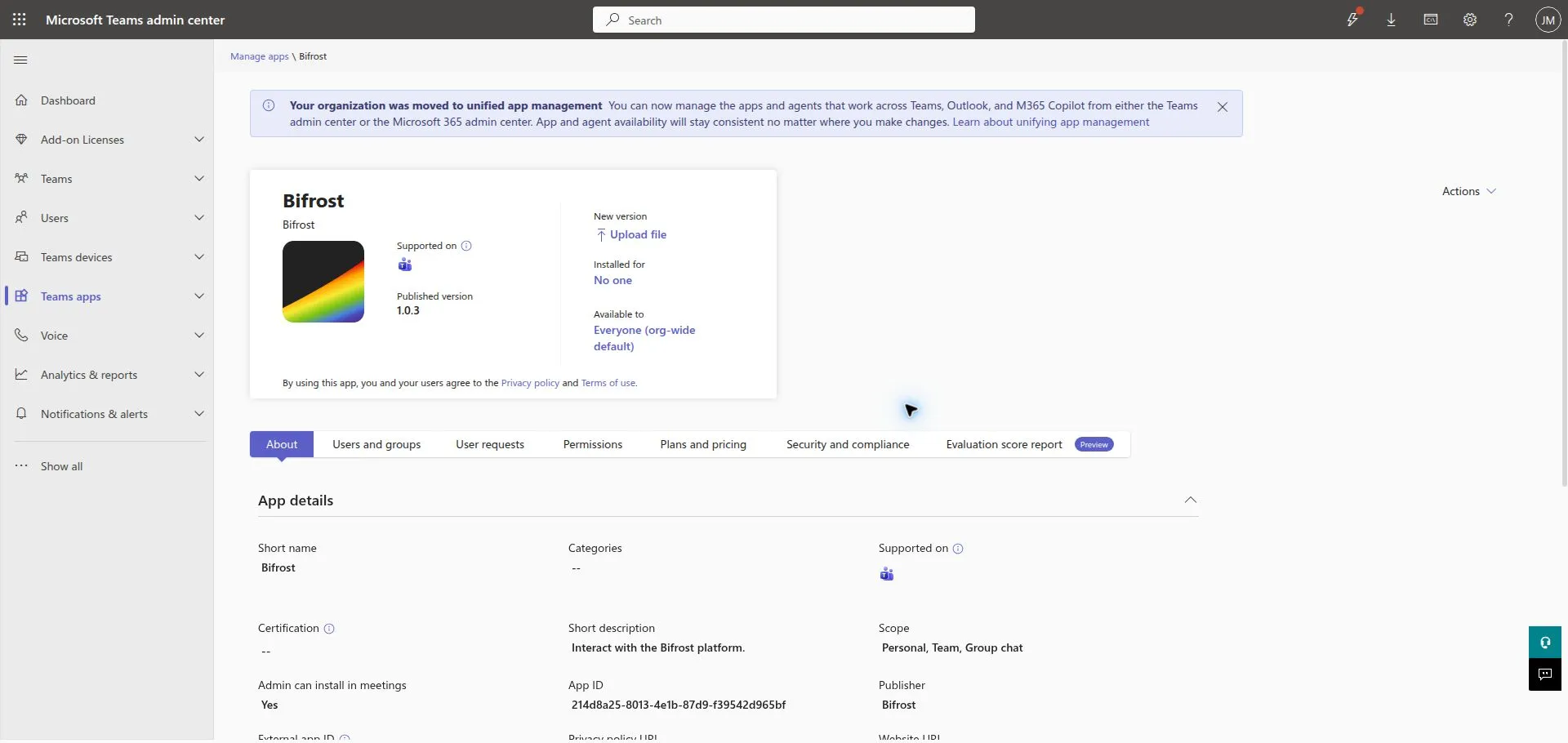
These screenshots illustrate an existing app being updated from 1.0.3 to 1.0.4 in a development catalog. They do not show a new registration or a fresh automatic installation.
Microsoft documents the customer-admin [catalog upload and update path](https://learn.microsoft.com/en-us/microsoftteams/teams-custom-app-policies-and-settings), including **Upload file** for updates. Microsoft Graph catalog publication and [package update](https://learn.microsoft.com/en-us/graph/api/teamsapp-update?view=graph-rest-1.0) use a delegated customer-administrator session; the [publish API](https://learn.microsoft.com/en-us/graph/api/teamsapp-publish?view=graph-rest-1.0) does too. They do not accept an app-only token, and a CSP/GDAP token is not a substitute for that direct delegated catalog session. Use the customer admin upload path unless you have separately validated a delegated automation path for that tenant.
## 6. Finish customer onboarding
[Section titled “6. Finish customer onboarding”](#6-finish-customer-onboarding)
### Grant the personal-install permissions
[Section titled “Grant the personal-install permissions”](#grant-the-personal-install-permissions)
For the generic module’s `target_type: "user"` flow, configure these **Microsoft Graph application permissions** on the provider’s shared multitenant app registration:
| Permission | Why the module needs it |
| ----------------------------------------------- | ---------------------------------------------------------------------------------------------------- |
| `User.ReadBasic.All` | Resolves the target user’s UPN to an Entra user ID. |
| `TeamsAppInstallation.ReadWriteSelfForUser.All` | Lists, installs, upgrades, and removes this app in a user’s personal scope without a signed-in user. |
The second permission is Microsoft’s current least-privileged application permission for the [install-app-for-user API](https://learn.microsoft.com/en-us/graph/api/userteamwork-post-installedapps?view=graph-rest-1.0). The package in step 4 has no RSC declarations, so it does not need an RSC `consentedPermissionSet` for this flow. If you add RSC later, change the install request and consent according to Microsoft’s [installation contract](https://learn.microsoft.com/en-us/graph/api/userteamwork-post-installedapps?view=graph-rest-1.0).
The provider must add those permissions to the shared app registration before a customer can approve them. A customer Entra Privileged Role Administrator or Global Administrator then creates or finds the customer-tenant enterprise app (service principal) for the shared client ID and grants tenant-wide consent:
1. Open `https://login.microsoftonline.com//adminconsent?client_id=` as that customer administrator.
2. In **Entra ID** > **Enterprise applications** > **All applications**, open the shared bot application by client ID, choose **Security** > **Permissions**, review the two application permissions, and select **Grant admin consent**.
3. Confirm the service principal exists in the customer tenant and that consent is granted before sending.
Microsoft documents [creating a customer-tenant enterprise app for a multitenant application](https://learn.microsoft.com/en-us/entra/identity/enterprise-apps/create-service-principal-cross-tenant) and [granting tenant-wide admin consent](https://learn.microsoft.com/en-us/entra/identity/enterprise-apps/grant-admin-consent). A Cloud Application Administrator can manage many enterprise-app tasks, but Microsoft Graph application permissions require a role authorized to grant Graph app roles; use Privileged Role Administrator or Global Administrator for this consent.
An existing Bifrost workspace that includes Microsoft CSP automation can create the customer service principal and apply its approved permission set. That is provider-specific automation, not a dependency or capability installed by this generic Teams module. Use the manual consent path above when that automation is not present.
### Add the customer mapping
[Section titled “Add the customer mapping”](#add-the-customer-mapping)
Create exactly one mapping from the customer’s Entra tenant ID to its Bifrost organization. Its `entity_id` and `tenant_id` are the customer tenant ID. Set `teams_app_id` to the catalog ID created in step 5.
```bash
bifrost integrations add-mapping "Microsoft Teams Bot" \
--organization "" \
--entity-id "" \
--entity-name "" \
--config @customer-mapping.template.json
```
The transport acquires Graph tokens for the mapped `tenant_id`, using the shared bot credentials. Team and group-chat sends need their own Graph permissions and acceptance tests; do not grant those broader permissions for a personal-only deployment.
## 7. Install, send, and route a test activity
[Section titled “7. Install, send, and route a test activity”](#7-install-send-and-route-a-test-activity)
Choose a customer test user with an active Teams entitlement. An administrator can manage the catalog while being unable to receive a Teams personal app, so confirm that the test user can sign in to Teams before testing installation.
For an existing conversation, first run a dry run:
```bash
bifrost workflows execute send_teams_message --org "" --params '{"target_type":"conversation","conversation_id":"","message":"Teams transport check","dry_run":true}'
```
To install the app for a customer user when needed, create the personal conversation, and send a message, use their UPN or email address:
```bash
bifrost workflows execute send_teams_message --org "" --params '{"target_type":"user","user":"user@customer.example","message":"Bifrost Teams delivery check"}'
```
The module resolves the user in the customer tenant, checks the tenant-local catalog app installation, installs it if absent, then creates the Bot Framework conversation and sends the message. Use the exact `teams_app_id` from the customer catalog; it is not the shared bot client ID.
Then test the customer workflow you subscribe to `microsoft_teams.activity_received`:
1. Run the personal-send command above for the dedicated user. It installs the app if necessary, subject to the selected Graph permissions and catalog policy.
2. Reply from the Teams client after the proactive message arrives.
3. Confirm that the reply passed Bot Framework authentication, selected the expected single customer mapping, and invoked only the intended consumer.
4. Test an unknown tenant and a duplicate mapping; neither may invoke a customer workflow.
5. Repeat the inbound test in a second customer tenant before declaring the shared callback ready for production.
Note
Manual package update, personal message delivery, and cross-tenant Connector send, update, typing, and delete operations have been verified with temporary test activity. The test account already had the updated app before the current preflight, so that evidence does not prove a fresh automatic installation. Authenticated customer replies also reached the shared callback, and a controlled replay completed tenant routing and the existing Teams reply workflow after its Connector authority was corrected. This verifies the existing deployment; a new provider registration and fresh installation were not retested.
## Troubleshooting
[Section titled “Troubleshooting”](#troubleshooting)
| Symptom | Check |
| -------------------------------------------------- | --------------------------------------------------------------------------------------------------------------------------------------------------------------------------------- |
| `403` during installation | Confirm the customer catalog and installation policy, the tenant-local `teams_app_id`, the package’s `webApplicationInfo` identity, and that the selected user is Teams-licensed. |
| The app update creates a second catalog entry | Keep the manifest package ID stable and use **Upload file** from the existing app details. |
| Connector authentication fails for a customer | Confirm `bot_tenant_id` is the provider bot’s home tenant, not the customer tenant. |
| Activity is received but no customer workflow runs | Check the adapter authentication result, `channelData.tenant.id`, and that exactly one global mapping matches it. |
| A customer receives another customer’s event | Stop rollout; remove the duplicate mapping and verify scope selection before re-enabling the consumer. |
## See also
[Section titled “See also”](#see-also)
* [Microsoft Event Sources](/docs/how-to-guides/events/microsoft-event-sources/)
* [Automate Microsoft 365](/docs/how-to-guides/integrations/microsoft-graph/)
# AI-Assisted Development
> Use AI coding tools to build Bifrost workflows, forms, and apps
There are five ways to use AI tools with Bifrost. Pick whichever fits — they all talk to the same platform.
Watch the setup end to end:
| Approach | Best for | Requirements |
| ---------------------------------------- | ------------------------------------------------------------------------------------------ | ---------------------------------- |
| **Claude Code + Bifrost plugin** | Developers with local repos and git workflows | Claude Code, Bifrost SDK installed |
| **Codex + Bifrost plugin** | Codex users who want the same public Bifrost skills as Claude Code | Codex, Bifrost SDK installed |
| **Other coding agents + Bifrost skills** | Copilot CLI, Cursor, OpenCode, Gemini CLI, and other tools that read portable agent skills | Bifrost CLI, Python 3.11+ |
| **Local SDK** | Any AI tool (Copilot, Cursor, etc.) with local files | Bifrost SDK, Python 3.11+ |
| **MCP (Remote)** | Non-developers, quick edits, no local setup | MCP-compatible AI tool |
## 1. Claude Code with the Bifrost plugin
[Section titled “1. Claude Code with the Bifrost plugin”](#1-claude-code-with-the-bifrost-plugin)
The fastest path if you use Claude Code. The Bifrost plugin installs the public Bifrost skills:
* `/bifrost:build` — create and debug workflows, forms, agents, and apps with the CLI and MCP.
* `/bifrost:setup` — install the CLI, authenticate, and configure MCP on a fresh machine.
* `/bifrost:copilot-cowork-package` — package a Bifrost agent as a Microsoft 365 Copilot Cowork plugin.
* `/bifrost:migrate` — move a legacy v1 inline app and its backing entities into an installable v2 Solution.
### Install the plugin
[Section titled “Install the plugin”](#install-the-plugin)
The recommended path is the Claude Code plugin marketplace. It auto-updates when you refresh the marketplace, so you stay in lockstep with the latest skill content without re-running install commands.
Inside Claude Code, run:
```plaintext
/plugin marketplace add https://github.com/gobifrost/bifrost
/plugin install bifrost@bifrost
```
To pull the latest content later, run `/plugin marketplace update bifrost` — or enable auto-update in `/plugin` → **Marketplaces**.
## 2. Codex with the Bifrost plugin
[Section titled “2. Codex with the Bifrost plugin”](#2-codex-with-the-bifrost-plugin)
Codex can install the same public Bifrost plugin from GitHub. This gives Codex the same public skill set as Claude Code: `build`, `setup`, `copilot-cowork-package`, and `migrate`.
Inside Codex, run:
```bash
codex plugin marketplace add gobifrost/bifrost --ref main
codex plugin add bifrost@bifrost
```
To refresh a Git-backed marketplace later:
```bash
codex plugin marketplace upgrade bifrost
codex plugin add bifrost@bifrost
```
## 3. Other Coding Agents with `bifrost skill`
[Section titled “3. Other Coding Agents with bifrost skill”](#3-other-coding-agents-with-bifrost-skill)
For non-Claude-Code and non-Codex harnesses, install via the Bifrost CLI. It pulls the public skills from GitHub (no clone required) and writes them to both `/.claude/skills/` and `/.agents/skills/` — the cross-harness portable convention read by Copilot CLI, Cursor, OpenCode, Gemini CLI, and other tools:
```bash
bifrost skill list # show what's currently installed
bifrost skill update # install or refresh all public skills
bifrost skill update --ref v1.4.2 # pin to a specific release
bifrost skill remove bifrost-build # uninstall a skill from both locations
```
`bifrost skill update` only installs the publicly-distributed skills (`bifrost-build`, `bifrost-setup`, `bifrost-copilot-cowork-package`, `bifrost-migrate`) — internal maintainer skills stay in the repo. Re-run it whenever you want the latest content; there’s no auto-update, by design.
### Migrating from a hand-copied skill
[Section titled “Migrating from a hand-copied skill”](#migrating-from-a-hand-copied-skill)
Earlier versions of the `bifrost:build` skill were distributed by cloning the bifrost repo and copying `.claude/skills/bifrost-build/` into your project. If you set things up that way, remove the local copy before installing via the plugin or `bifrost skill update` so the two don’t drift:
```bash
rm -rf .claude/skills/bifrost-build .claude/skills/bifrost-setup .claude/skills/bifrost-copilot-cowork-package .claude/skills/bifrost-migrate
rm -rf .agents/skills/bifrost-build .agents/skills/bifrost-setup .agents/skills/bifrost-copilot-cowork-package .agents/skills/bifrost-migrate
```
Then run the plugin install or `bifrost skill update` and you’re current.
### Setup after installing a plugin or skill
[Section titled “Setup after installing a plugin or skill”](#setup-after-installing-a-plugin-or-skill)
After the plugin or skill is installed, wire up the CLI and (optionally) the MCP server:
```bash
# Install the SDK from your instance and authenticate
pipx install https://your-instance.gobifrost.com/api/cli/download/bifrost-cli.tar.gz
bifrost login --url https://your-instance.gobifrost.com
# (Optional) Add the MCP server to Claude Code for chat-augmented exploration of platform state
claude mcp add --transport http bifrost https://your-instance.gobifrost.com/mcp
```
Or run the setup skill in your coding agent and it walks you through everything. In Claude Code, that is `/bifrost:setup`.
### How it works
[Section titled “How it works”](#how-it-works)
The build skill gives coding agents two modes:
**SDK-first (local development):**
1. Start `bifrost watch` to auto-push file changes
2. Write workflow code locally in your git repo
3. Files auto-push as you save — no manual sync needed
4. Test with `bifrost run -w -p '{...}'`
5. Use the entity CLI commands (`bifrost forms create`, `bifrost agents update`, `bifrost configs set`, …) or `bifrost api` for raw API calls
6. Commit and push to GitHub when ready
**MCP-only (remote development):**
1. Call `bifrost_find_agents` with the task you need to perform
2. Load the selected agent with `bifrost_get_agent`
3. Inspect the chosen tool with `bifrost_get_tool_schema`
4. Run it with `bifrost_execute_tool` and iterate through the same agent boundary
The skill checks integrations, reads SDK documentation, validates before declaring ready, and asks about org scoping.
### CLI commands for platform operations
[Section titled “CLI commands for platform operations”](#cli-commands-for-platform-operations)
`bifrost ` covers entity mutations (orgs, roles, workflows, forms, agents, apps, configs, integrations, events, tables). `bifrost api` is the escape hatch for any endpoint not yet wrapped by a typed command:
```bash
# Download SDK documentation (once per session, then grep locally)
bifrost api GET /api/docs/sdk > /tmp/bifrost-docs/sdk.md
# Execute a workflow synchronously
bifrost api POST /api/workflows/{id}/execute '{"workflow_id":"...","input_data":{...},"sync":true}'
# Check an execution
bifrost api GET /api/executions/{id}
# List platform state (debug sync divergence)
bifrost workflows list
bifrost api GET /api/workflows
```
For the full CLI command index, see the [CLI cheatsheet](/docs/sdk-reference/cli/).
### When to use which
[Section titled “When to use which”](#when-to-use-which)
| Surface | Use it for |
| --------------------------------------------------------------------------------------------------------------- | -------------------------------------------------------------------------------------------------------------- |
| **CLI** (`bifrost ...`, `bifrost run`, `bifrost watch`) | All entity mutations and file sync. First choice for repeatable, scriptable work. |
| **MCP gateway** (`bifrost_find_agents`, `bifrost_get_agent`, `bifrost_get_tool_schema`, `bifrost_execute_tool`) | Chat-augmented discovery and execution through the agents and tools your role can access. |
| **`bifrost api`** | Endpoints with no dedicated CLI command yet (e.g. arbitrary admin endpoints, debug routes, analytics queries). |
Forms, apps, and agents are first-class CLI citizens (`bifrost forms create`, `bifrost apps create`, `bifrost agents create`) — they no longer require MCP. Use whichever surface fits the task.
## 4. Local SDK Development
[Section titled “4. Local SDK Development”](#4-local-sdk-development)
Works with any AI tool that can edit local files (GitHub Copilot, Cursor, Windsurf, etc.).
### Setup
[Section titled “Setup”](#setup)
```bash
pipx install https://your-instance.gobifrost.com/api/cli/download/bifrost-cli.tar.gz
bifrost login --url https://your-instance.gobifrost.com
```
The login command opens your browser for authentication. Credentials refresh automatically and use the system credential manager when available, with a platform-specific file fallback.
### Workflow
[Section titled “Workflow”](#workflow)
1. Write Python files with `@workflow`, `@tool`, or `@data_provider` decorators
2. Start `bifrost watch` in your workspace to auto-push changes
3. Register newly-decorated functions with `bifrost workflows register --path --function-name `
4. Test locally: `bifrost run my_workflow.py -w hello_world -p '{"name": "Alice"}'`
5. All SDK modules (`ai`, `integrations`, `config`, `knowledge`, etc.) work locally — they call the remote API
6. Commit and push to git when ready
### What to tell your AI tool
[Section titled “What to tell your AI tool”](#what-to-tell-your-ai-tool)
Give your AI assistant this context:
```plaintext
I'm building workflows for Bifrost, a Python automation platform.
- Workflows use `@workflow`, `@tool`, or `@data_provider` decorators from the `bifrost` package
- All functions must be async
- SDK modules: bifrost.ai, bifrost.config, bifrost.integrations, bifrost.knowledge, bifrost.tables, bifrost.files, bifrost.users, bifrost.organizations, bifrost.roles, bifrost.executions, bifrost.forms, bifrost.workflows
- Use `from bifrost import context` to access context.org_id, context.user_id, context.email
- Use `logging.getLogger(__name__)` for execution logs
- Return dicts or Pydantic models
- Entity mutations (orgs, roles, forms, agents, apps, configs, integrations, events, tables) all have first-class CLI commands: `bifrost `. See https://docs.gobifrost.com/sdk-reference/cli/ for the full surface.
```
## 5. MCP for External AI Tools
[Section titled “5. MCP for External AI Tools”](#5-mcp-for-external-ai-tools)
Connect Claude Desktop, ChatGPT, or any MCP-compatible tool directly to Bifrost. No local files needed.
### Setup
[Section titled “Setup”](#setup-1)
Add the Bifrost MCP server to your AI tool’s configuration. For Claude Desktop, add to your config file:
```json
{
"mcpServers": {
"bifrost": {
"type": "http",
"url": "https://your-instance.gobifrost.com/mcp"
}
}
}
```
You can also enable MCP from within Bifrost at **Settings → MCP**.
### What MCP gives you
[Section titled “What MCP gives you”](#what-mcp-gives-you)
The root endpoint gives every client four stable tools:
* **Discover:** `bifrost_find_agents` finds relevant agents that the signed-in user can access.
* **Load:** `bifrost_get_agent` returns the selected agent’s live instructions and permission-filtered tool catalog.
* **Inspect:** `bifrost_get_tool_schema` returns the current input schema for one tool.
* **Execute:** `bifrost_execute_tool` dispatches the tool through that agent and returns an auditable result envelope.
This catalog does not change whenever a workflow or system tool is added. If you need one agent’s native tools to appear directly in the client, connect to `https://your-instance.gobifrost.com/mcp/{agent_id}` instead.
### MCP system prompt
[Section titled “MCP system prompt”](#mcp-system-prompt)
Copy this into your AI tool’s system instructions for best results:
```markdown
You help build automations on the Bifrost platform through its MCP agent gateway.
1. Call `bifrost_find_agents` with the user's complete task.
2. Select the most relevant accessible agent and call `bifrost_get_agent`.
3. Follow that agent's live instructions. Do not invent tools that are not in its catalog.
4. Before each tool call, use `bifrost_get_tool_schema` and supply only schema-valid arguments.
5. Execute with `bifrost_execute_tool` using the same agent id and tool reference.
6. If the gateway returns repair guidance, correct the request instead of bypassing the agent boundary.
For creation or mutation work, confirm organization scope before executing the write. Publish apps only when the user explicitly asks.
```
## Choosing an Approach
[Section titled “Choosing an Approach”](#choosing-an-approach)
**Use Claude Code or Codex + the Bifrost plugin** for the best experience — the public skills handle mode switching, validation, setup, and testing automatically.
**Use Other Coding Agents + `bifrost skill update`** when your agent supports portable `.agents/skills` but not the Claude or Codex plugin marketplace.
**Use Local SDK** if you prefer a different AI tool or want full control over your git workflow.
**Use MCP** if you don’t want a local dev environment, or for quick one-off edits and chat-augmented exploration.
All five approaches can be combined. A common pattern is developing workflows locally with the SDK, mutating entities (forms, agents, configs) via CLI, and using MCP for exploration.
# Local Development
> Develop workflows locally against a Bifrost instance
Develop workflows locally using the Bifrost SDK and CLI. No Docker required - connect directly to your Bifrost instance.
## Prerequisites
[Section titled “Prerequisites”](#prerequisites)
* **Python 3.11+** installed
* **pipx** recommended for CLI installation (or pip)
* Access to a Bifrost instance (cloud or self-hosted)
Windows 11
This CLI-only workflow runs in native PowerShell. To **deploy** Bifrost on Windows, use `Initialize-Bifrost.ps1` (see [Installation](/docs/getting-started/installation#windows-11-deployment)). To **develop the platform** with `./debug.sh` / `./test.sh`, use Linux, macOS, or Git Bash / Ubuntu on WSL2 — those Bash scripts don’t run in native PowerShell.
## Quick Start
[Section titled “Quick Start”](#quick-start)
1. **Install the Bifrost CLI**:
The SDK is served directly from your Bifrost instance:
```bash
pipx install https://your-instance.gobifrost.com/api/cli/download/bifrost-cli.tar.gz
```
Or with pip:
```bash
pip install https://your-instance.gobifrost.com/api/cli/download/bifrost-cli.tar.gz
```
Verify the installation:
```bash
bifrost help
```
After installation, update the CLI from the active Bifrost instance with:
```bash
bifrost update
```
Use `bifrost update --url https://your-instance.gobifrost.com` to target a specific saved connection. The update command remains available even when the installed CLI is too old for the server’s current contract.
On native Windows PowerShell, prefer the Python launcher so the Microsoft Store `python.exe` alias does not intercept setup:
```powershell
py -3.11 --version
py -3.11 -m pip install --user pipx
py -3.11 -m pipx ensurepath
```
Open a new PowerShell window, then install the API-matched CLI:
```powershell
pipx install --force https://your-instance.gobifrost.com/api/cli/download/bifrost-cli.tar.gz
bifrost help
```
The shorter `/api/cli/download` path still redirects for compatibility, but the tarball URL above is the canonical install target for new docs and scripts.
2. **Authenticate**:
```bash
bifrost login --url https://your-instance.gobifrost.com
```
This opens your browser for authentication. Credentials refresh automatically. On Windows, Bifrost uses Windows Credential Manager when available and falls back to `%APPDATA%\Bifrost\credentials.json`. On Linux and macOS, it uses the system keyring when available and falls back to `~/.bifrost/credentials.json`.
3. **Start developing** - write workflows locally and test them against your instance
Tip
Replace `https://your-instance.gobifrost.com` with your actual Bifrost URL. Every instance has a unique URL provided by your organization.
## Creating Workflows
[Section titled “Creating Workflows”](#creating-workflows)
Create Python files locally and test them with the CLI:
```python
from bifrost import workflow, context
@workflow
async def hello_world(name: str):
"""A simple example workflow."""
return {"message": f"Hello, {name}!", "org": context.org_id}
```
Test locally:
```bash
bifrost run hello_world.py -w hello_world -p '{"name": "Alice"}'
```
In native Windows PowerShell, escape the JSON quotes before passing them to a native executable:
```powershell
bifrost run hello_world.py -w hello_world -p '{\"name\":\"Alice\"}'
```
Sync to the platform:
```bash
bifrost push workflows
```
`bifrost push` takes a directory. To review entity changes (workflows, forms, agents, etc.) and file differences between local and remote, run `bifrost sync`. For each item, you can choose to push, pull, delete, or skip with smart defaults based on timestamps.
`bifrost push` and `bifrost pull` are available as convenience aliases that default to their respective directions.
### Registering workflows
[Section titled “Registering workflows”](#registering-workflows)
Pushing a `.py` file uploads it but does not make a `@workflow`, `@tool`, or `@data_provider` discoverable in the platform DB. Register the function explicitly so it can be referenced by forms, agents, and event subscriptions:
```bash
bifrost workflows register --path workflows/billing.py --function-name run
```
Pass `--org ` to scope the workflow to a specific organization. To list orphaned entries (file moved or deleted), run `bifrost workflows list-orphaned`; to repoint one, use `bifrost workflows replace`.
### Watch mode
[Section titled “Watch mode”](#watch-mode)
For continuous development, use watch mode:
```bash
bifrost watch
```
This watches the workspace and auto-pushes every saved file. Keep it running while you develop. The watch TUI shows structured log columns (time, action, path, user) with color coding.
\--mirror
By default, `bifrost watch` (and `push`/`sync`) only push files you’ve changed locally. Adding `--mirror` makes the platform side match your local directory exactly — files present on the platform but missing locally are deleted. Use it when you’ve renamed or removed files and want the platform to reflect that, but understand it’s destructive on the remote.
```bash
bifrost watch apps/my-app --mirror
```
### Calling arbitrary API endpoints
[Section titled “Calling arbitrary API endpoints”](#calling-arbitrary-api-endpoints)
For anything the typed CLI commands don’t yet wrap, `bifrost api` sends an authenticated request to any endpoint:
```bash
bifrost api GET /api/workflows
bifrost api POST /api/applications/my-app/validate
bifrost api POST /api/files/push @payload.json # @file = read JSON body from file
```
## Using SDK Features Locally
[Section titled “Using SDK Features Locally”](#using-sdk-features-locally)
All SDK modules work in local development - they call the remote API using your saved credentials:
```python
from bifrost import ai, knowledge, config
# AI completions
response = await ai.complete("Summarize this ticket")
# Knowledge store
await knowledge.store("Policy content...", namespace="policies")
results = await knowledge.search("refund policy", namespace="policies")
# Configuration
api_key = await config.get("external_api_key")
```
## IDE Setup
[Section titled “IDE Setup”](#ide-setup)
### VS Code
[Section titled “VS Code”](#vs-code)
Install the Python extension and configure your interpreter to the environment with the Bifrost SDK installed. The SDK provides full type hints.
## Managing Credentials
[Section titled “Managing Credentials”](#managing-credentials)
```bash
bifrost login --url https://your-instance.gobifrost.com # Authenticate
bifrost logout # Clear credentials
```
Tokens refresh automatically when expired. If refresh fails (e.g., password changed), run `bifrost login` again.
On Windows, stale native credentials can be cleared from Credential Manager. If the file fallback was used instead, remove `%APPDATA%\Bifrost\credentials.json`.
## Self-Hosted Development
[Section titled “Self-Hosted Development”](#self-hosted-development)
For contributors developing the platform itself, use Docker Compose:
Windows contributors
These `./setup.sh` / `./debug.sh` commands are Bash scripts. Run them on Linux or macOS, or on Windows through Git Bash or Ubuntu on WSL2 (Docker Desktop with the WSL2 backend) — they do not run in native PowerShell. If you only want to **run** Bifrost on Windows rather than develop it, use [`Initialize-Bifrost.ps1`](/docs/getting-started/installation#windows-11-deployment) instead.
1. **Clone the repository**:
```bash
git clone https://github.com/gobifrost/bifrost.git
cd bifrost
```
2. **Run setup and start with hot reload**:
```bash
./setup.sh
./debug.sh
```
3. **Access at** `http://localhost:3000`
| Service | Dev Behavior |
| ---------- | --------------------------------------------- |
| **api** | Hot reload with uvicorn, debugpy on port 5678 |
| **worker** | Auto-restart on code changes |
| **client** | Vite dev server with HMR |
## Next Steps
[Section titled “Next Steps”](#next-steps)
CLI Cheatsheet
[Every `bifrost` command in one page](/docs/sdk-reference/cli/)
Writing Workflows
[Learn workflow development](/docs/how-to-guides/workflows/writing-workflows/)
AI-Assisted Development
[Use AI tools to build workflows](/docs/how-to-guides/local-dev/ai-coding)
SDK Reference
[Explore the SDK](/docs/sdk-reference/sdk/bifrost-module)
# Publishing agents as MCP tool providers
> Expose a single agent's tool surface as its own MCP endpoint so external chat services can use Bifrost agents as tools
The root Bifrost MCP server is a discovery and dispatch gateway: it exposes four stable tools that find an agent, load its instructions, inspect a tool schema, and execute the selected capability. Sometimes you want a fixed native tool list instead. Bifrost supports that through per-agent MCP endpoints.
## What this gives you
[Section titled “What this gives you”](#what-this-gives-you)
A per-agent MCP endpoint scopes tool visibility to exactly one agent’s tool list. From the client’s perspective, the endpoint is a single coherent capability — “Bifrost ticket-triage agent” — rather than the full platform surface.
Use it to:
* Publish a domain-specific agent (a billing assistant, a Microsoft 365 inspector, a runbook executor) as a callable tool inside Claude Desktop, Copilot, or Cursor.
* Hand a community user one URL that gives them exactly the tools you’ve curated, with no ability to enumerate the full platform.
* Compose Bifrost agents inside another organization’s MCP-enabled chat service via OAuth.
## How agent-scoped endpoints work
[Section titled “How agent-scoped endpoints work”](#how-agent-scoped-endpoints-work)
The Bifrost MCP server handles requests to `https://your-instance/mcp/{agent_id}` as an agent-scoped native surface. It scopes the tool list to that agent’s configured workflow tools and `system_tools`, then applies the connecting user’s access on every request.
OAuth discovery is served per-agent at `/.well-known/oauth-authorization-server/mcp/{agent_id}` and `/.well-known/oauth-protected-resource/mcp/{agent_id}` — clients that perform path-aware discovery (Claude, Cursor) will use the correct endpoints automatically.
## Publish an agent as MCP
[Section titled “Publish an agent as MCP”](#publish-an-agent-as-mcp)
1. Confirm the global MCP server is enabled in **Settings → MCP**. Per-agent endpoints share the same OAuth provider as the root endpoint.
2. On the agent detail page, copy the agent’s UUID from the URL bar (`/agents/{id}`). This is the path component for the MCP URL.
3. Build the per-agent URL: `https://your-instance.com/mcp/{agent_id}`. Share it with whoever is configuring the external client.
Note
The agent’s **Access Level** still applies. If the agent is **Role-based**, the connecting user must have a matching role or they connect successfully but see an empty tool set.
## Configure in Claude Desktop
[Section titled “Configure in Claude Desktop”](#configure-in-claude-desktop)
1. Open Claude Desktop’s `claude_desktop_config.json`.
2. Add an `mcpServers` entry for the agent endpoint:
```json
{
"mcpServers": {
"bifrost-ticket-triage": {
"url": "https://your-instance.com/mcp/aaaa1111-bbbb-2222-cccc-333344445555"
}
}
}
```
3. Restart Claude. On first use, Claude opens the OAuth flow scoped to this agent. After login, only this agent’s tools appear in the tool tray.
## Example: a triage agent inside Claude
[Section titled “Example: a triage agent inside Claude”](#example-a-triage-agent-inside-claude)
Imagine you have `ticket-triage-agent` configured in Bifrost with three tools: `lookup_customer`, `get_ticket`, and `update_ticket`. Publishing it as MCP gives Claude exactly those three tools — not the full Bifrost surface.
A user in Claude can now say:
> Look up customer and triage their open ticket.
Claude calls `lookup_customer`, then `get_ticket`, then `update_ticket`, all through the agent-scoped MCP endpoint. Each call is authenticated as the connecting user, runs through Bifrost’s normal permission checks, and is recorded as a regular tool execution in **History**.
## Compose with other MCP servers
[Section titled “Compose with other MCP servers”](#compose-with-other-mcp-servers)
Because the per-agent endpoint is just another MCP server from the client’s perspective, it sits alongside any other MCP server the client uses. A Claude Desktop config might look like:
```json
{
"mcpServers": {
"bifrost-gateway": {
"url": "https://your-instance.com/mcp"
},
"bifrost-ticket-triage": {
"url": "https://your-instance.com/mcp/aaaa1111-bbbb-2222-cccc-333344445555"
},
"github": {
"command": "npx",
"args": ["-y", "@modelcontextprotocol/server-github"]
}
}
}
```
Claude blends tools from all three. The agent-scoped endpoint keeps Bifrost’s surface narrow and predictable, while the root endpoint can discover and dispatch across every agent the user is allowed to access.
## Next steps
[Section titled “Next steps”](#next-steps)
* [Configuring the MCP server](/docs/how-to-guides/mcp/server-setup)
* [Connecting Claude, Copilot, Cursor, and Open WebUI](/docs/how-to-guides/mcp/connecting-clients)
* [Agents and Chat](/docs/how-to-guides/ai/agents-and-chat) — agent configuration including `system_tools` and `Access Level`
# Connecting Claude, Copilot, Cursor, and Open WebUI
> Concrete client config examples plus the OAuth login flow
Once Bifrost’s MCP server is enabled (see [Server Setup](/docs/how-to-guides/mcp/server-setup)), any MCP-compliant client can connect. This page walks through Claude Desktop, GitHub Copilot, Cursor, and Open WebUI.
The general flow is the same for all of them:
1. Tell the client the MCP server URL (`https://your-instance/mcp`).
2. The client kicks off OAuth: it registers via `/register`, redirects you to Bifrost’s login, and exchanges the code for a token.
3. The client receives Bifrost’s four gateway tools. Those tools discover only the agents and capabilities your roles allow.
Using a coding agent like Claude Code or Codex to build on Bifrost? Start with [AI-Assisted Development](/docs/how-to-guides/local-dev/ai-coding/), or watch the walkthrough:

## Claude Desktop
[Section titled “Claude Desktop”](#claude-desktop)
1. Open Claude Desktop’s settings file:
* **macOS**: `~/Library/Application Support/Claude/claude_desktop_config.json`
* **Windows**: `%APPDATA%\Claude\claude_desktop_config.json`
2. Add a `mcpServers` entry pointing at Bifrost. Claude Desktop uses the streamable HTTP transport for hosted MCP servers:
```json
{
"mcpServers": {
"bifrost": {
"url": "https://your-instance.com/mcp"
}
}
}
```
3. Restart Claude Desktop. The first time you mention a Bifrost tool, Claude opens the OAuth flow in your browser.
4. Sign in to Bifrost. Claude receives the access token and your tools appear in the tool tray.
Tip
If Claude Desktop doesn’t trigger the OAuth popup, check **Settings → Developer → MCP Servers** for connection errors. The most common issue is a stale `client_id` cache after re-enabling MCP — restart Claude to re-register.
## GitHub Copilot
[Section titled “GitHub Copilot”](#github-copilot)
1. In VS Code, open **Settings (JSON)** and add an `mcp.servers` entry:
```json
{
"mcp.servers": {
"bifrost": {
"url": "https://your-instance.com/mcp"
}
}
}
```
2. Reload VS Code. Open the Copilot Chat panel and type `@bifrost` — Copilot prompts you to authorize.
3. Click **Sign in** and complete the Bifrost login. Tool calls now flow through Copilot Chat.
## Cursor
[Section titled “Cursor”](#cursor)
1. Open Cursor’s settings (`Cmd/Ctrl + ,`) and search for **MCP**.
2. Add a server entry:
```json
{
"mcpServers": {
"bifrost": {
"url": "https://your-instance.com/mcp"
}
}
}
```
3. Restart Cursor. The first tool call triggers the OAuth login in your browser.
## Open WebUI
[Section titled “Open WebUI”](#open-webui)
1. In Open WebUI, go to **Admin Settings → External Tools → MCP**.
2. Click **Add MCP Server** and enter the Bifrost URL (`https://your-instance.com/mcp`). Open WebUI auto-discovers the OAuth endpoints.
3. Click **Authorize**, complete the Bifrost login, and approve the tool list. Tools now appear under the model’s tool tray.
## Use the in-product connection menu
[Section titled “Use the in-product connection menu”](#use-the-in-product-connection-menu)
When MCP is enabled, select the robot icon in the Bifrost header. The **Use Bifrost with AI** menu offers two paths:
* **Download Agent Plugin** for Claude Code, Codex, GitHub Copilot, Cursor, Gemini CLI, and compatible clients that can import an Agent Skill package.
* **Manual Setup** for clients such as Claude Desktop or Microsoft Copilot Studio. Copy the instance MCP URL, then copy the supplied behavior prompt into the client.
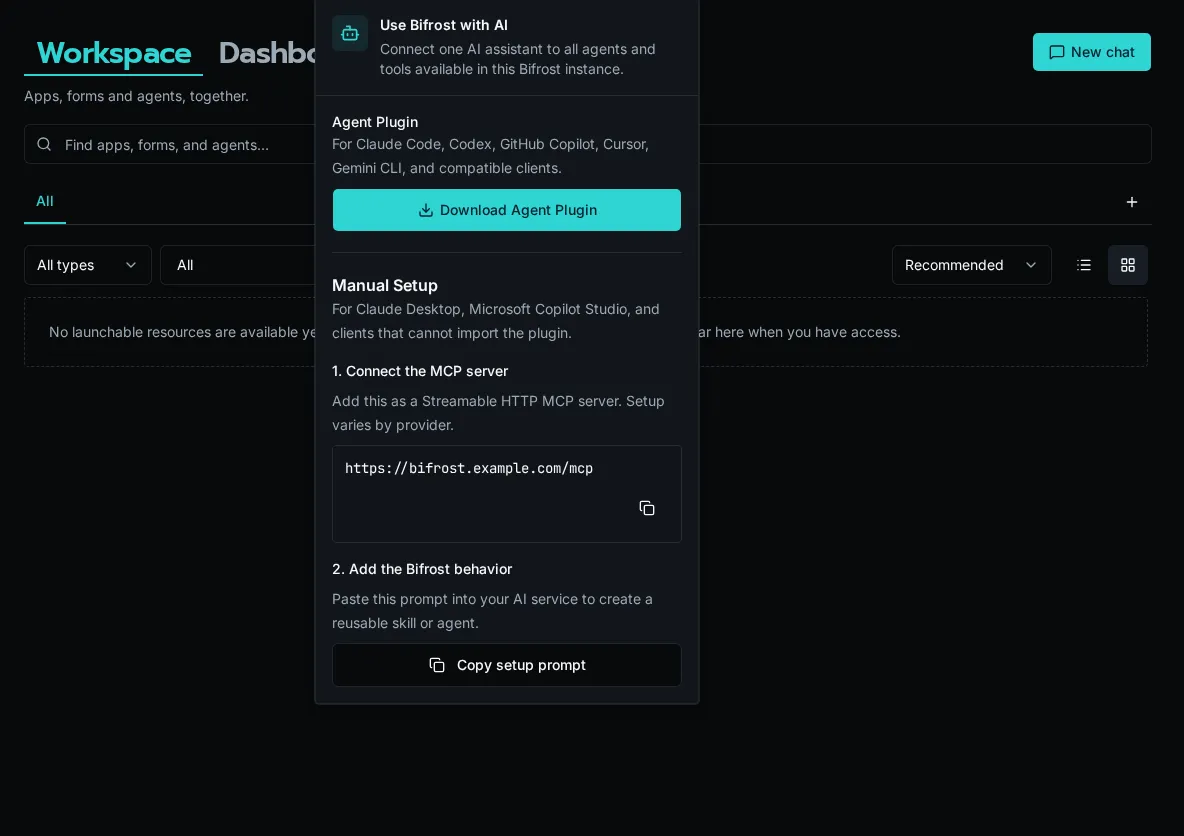
## What tools become available
[Section titled “What tools become available”](#what-tools-become-available)
At the root `/mcp` URL, every client receives the same four tools: `bifrost_find_agents`, `bifrost_get_agent`, `bifrost_get_tool_schema`, and `bifrost_execute_tool`. The gateway uses the following controls when it discovers agents or dispatches a tool:
* The **Allowed / Blocked Tools** lists in **Settings → MCP**.
* Your user’s roles (the `roles` claim on the JWT).
* Which agents have your roles in their access list.
* Each accessible agent’s workflow tools and `system_tools` configuration.
The connected client’s “list tools” command shows the four gateway tools. Use `bifrost_find_agents` and `bifrost_get_agent` to inspect the live, permission-filtered catalog. If you connect directly to `/mcp/{agent_id}`, the client’s tool list instead contains that agent’s native tools.
## Troubleshooting
[Section titled “Troubleshooting”](#troubleshooting)
| Symptom | Likely cause |
| ------------------------------------------ | -------------------------------------------------------------------------------------------- |
| OAuth flow opens but never returns | Client redirect URI doesn’t match. Re-register the client (delete and re-add the server). |
| 401 on every request | Bifrost MCP toggle is off. Re-enable in **Settings → MCP**. |
| Agent search returns no matches | User has no access to a relevant agent. Check the agent’s access level and role assignments. |
| Cross-origin error in browser-based client | Verify the discovery endpoints serve `Access-Control-Allow-Origin: *`. |
## Next steps
[Section titled “Next steps”](#next-steps)
* [Configuring the MCP server](/docs/how-to-guides/mcp/server-setup)
* [Publishing agents as MCP tool providers](/docs/how-to-guides/mcp/agents-as-mcp)
# Connecting external MCP servers
> Register a server template, configure OAuth, create an org connection, and grant tools to agents.
Bifrost can connect to remote MCP servers and surface their tools to your agents and chat. This page walks a platform admin through the full setup: register a server template, create a connection, configure visibility, and grant the connection to specific agents.
For the why and where this fits, see [MCP core concept](/docs/core-concepts/mcp/).
## Prerequisites
[Section titled “Prerequisites”](#prerequisites)
* Platform admin role on your Bifrost instance.
* An MCP-compliant remote server reachable over HTTPS (streamable HTTP transport — SSE and stdio are not supported).
* The remote server’s OAuth metadata endpoints (`/.well-known/oauth-authorization-server` and/or `/.well-known/oauth-protected-resource`), or its authorize/token URLs if discovery isn’t available.
## Step 1: Register a server template
[Section titled “Step 1: Register a server template”](#step-1-register-a-server-template)
A server template captures the URL, OAuth provider, and discovery snapshot. It’s platform-level — defined once, available to every organization.
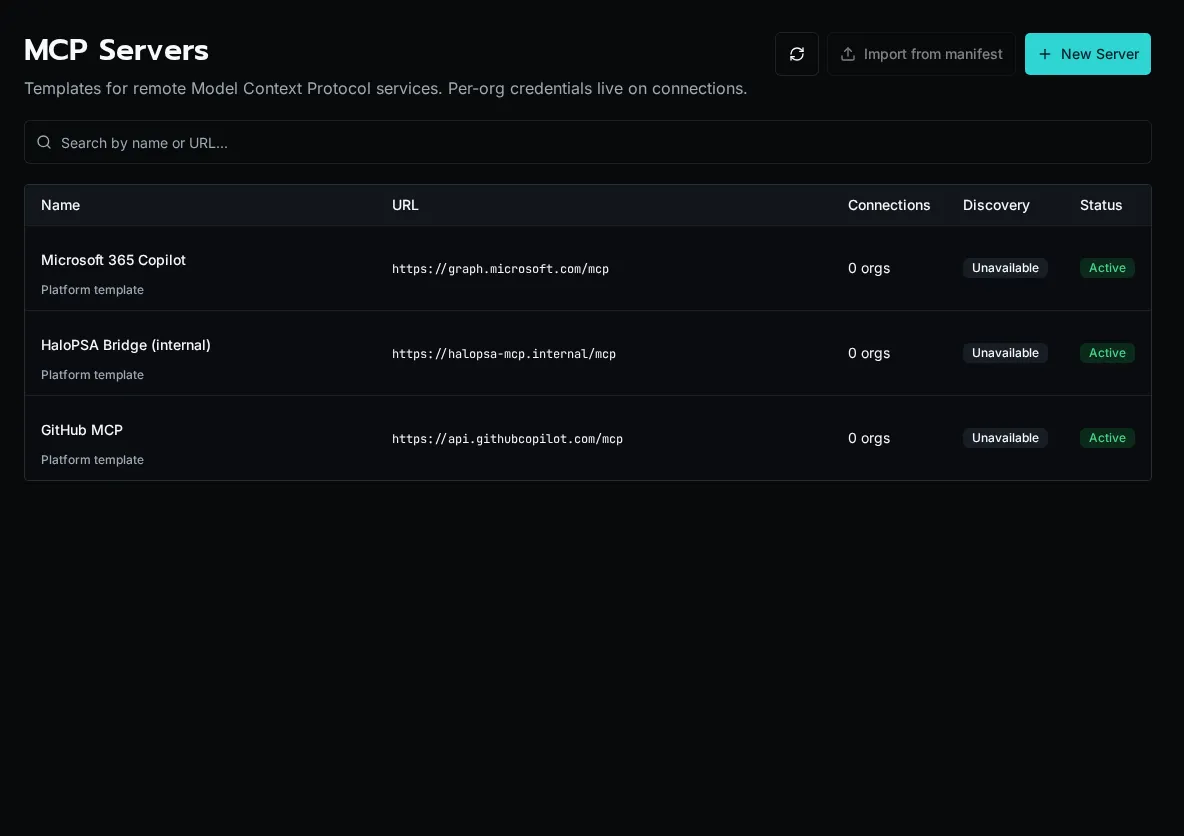
1. Go to **MCP Servers** in the sidebar (platform admins only). Click **New Server**.
2. Enter the server’s display name and base URL. Bifrost fetches the well-known discovery documents and pre-fills the OAuth metadata.
3. If discovery fails (the server doesn’t publish well-known endpoints), switch to **Manual** and enter the authorize URL, token URL, scopes, and token endpoint auth method by hand.
4. Pick the OAuth flow:
* **Authorization Code (PKCE)** — for servers that delegate to a user identity (M365 Graph, GitHub, anything with per-user consent).
* **Client Credentials** — for service-to-service flows where Bifrost authenticates as itself (an internal MCP gateway, a back-office bridge).
5. Save. The template is now visible to every org’s admins.
Note
The redirect URL Bifrost generates is shown on the form. Copy it into your OAuth provider’s allowed-redirect list before continuing.
## Step 2: Create an organization connection
[Section titled “Step 2: Create an organization connection”](#step-2-create-an-organization-connection)
Each org admin then creates a **connection** binding their organization to the template.
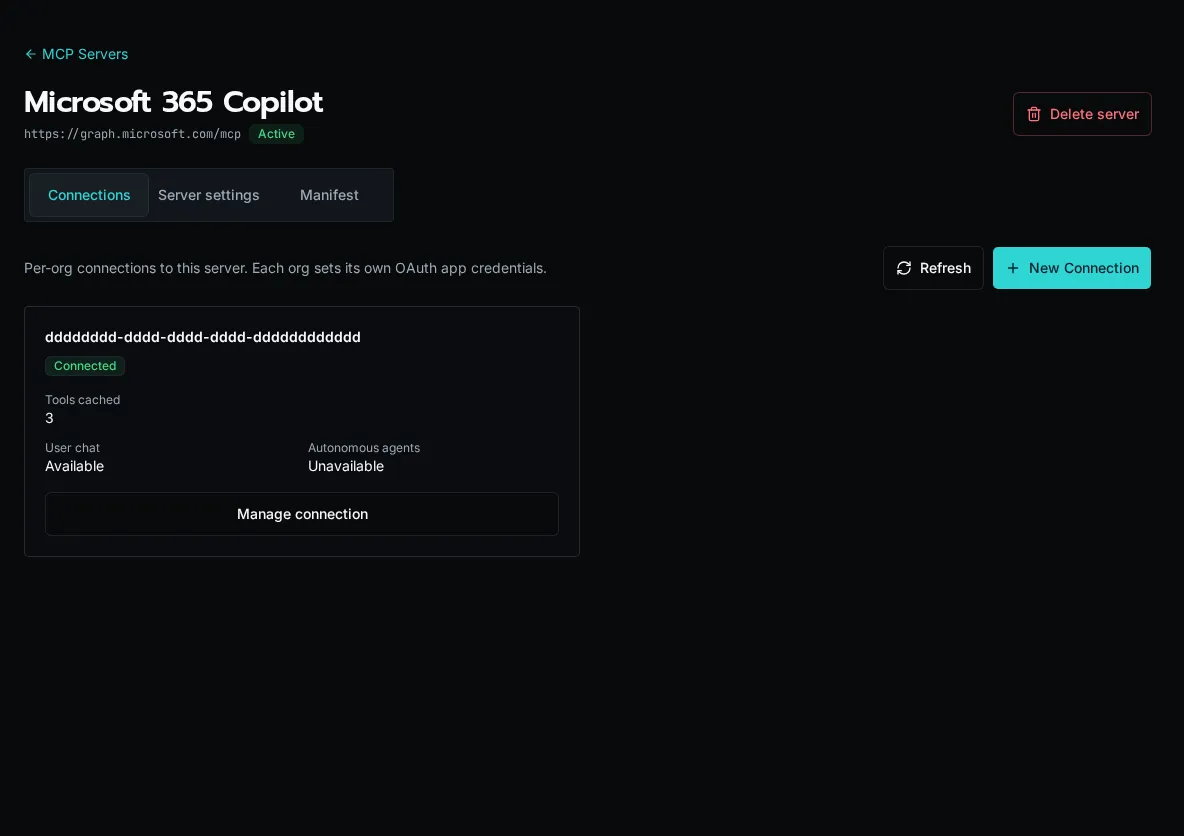
1. From the server template page, click **New Connection**. Pick the organization.
2. Paste the OAuth `client_id` and `client_secret` issued by the remote server. The secret is encrypted at rest.
3. Click **Authorize**. Bifrost opens the remote server’s consent screen, exchanges the code, and stores a service token.
4. Bifrost calls `tools/list` on the remote server and populates the connection’s tool catalog. Each tool is admin-toggleable.
## Step 3: Set visibility flags
[Section titled “Step 3: Set visibility flags”](#step-3-set-visibility-flags)
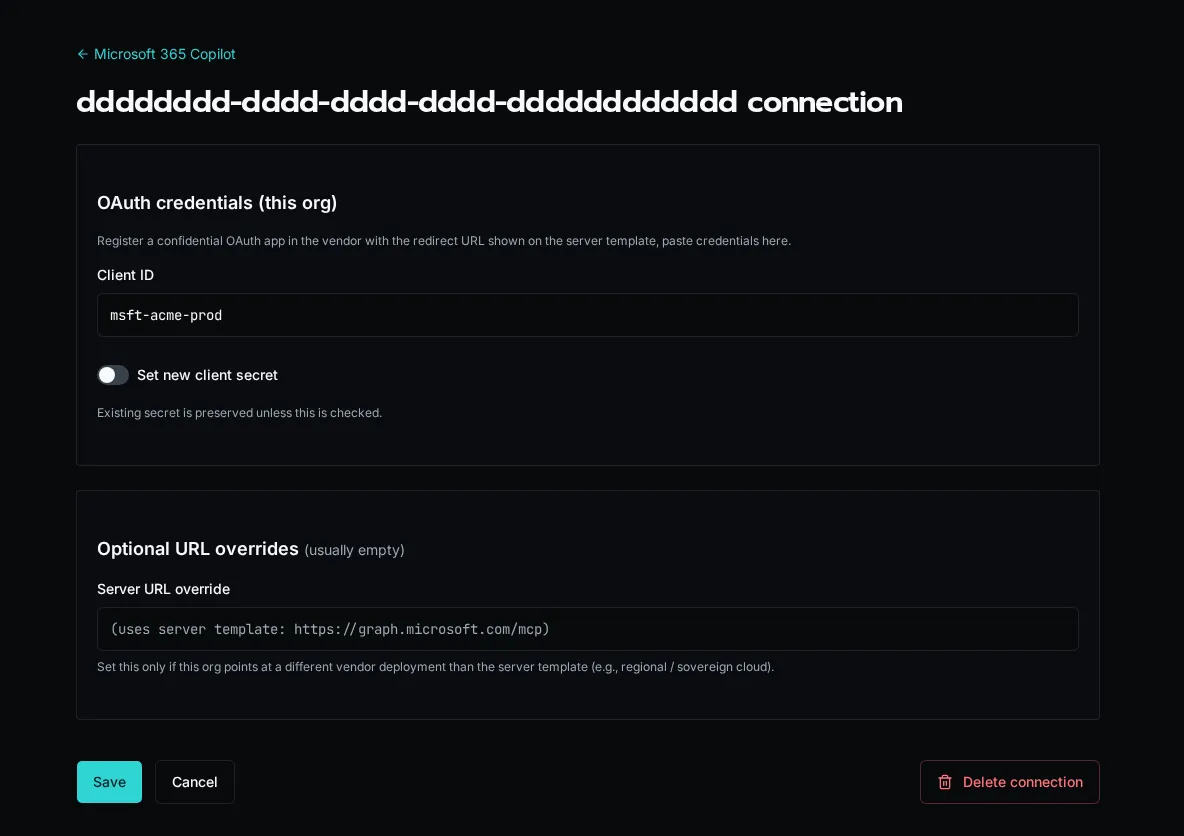
Each connection has two independent flags:
* **Available in user chat** — chat sessions can call these tools. If the calling user has no personal credential, falls back to the connection’s service token (the vendor sees the service identity).
* **Available to autonomous agents** — scheduled or event-triggered agent runs can call these tools using the service token.
Both flags off means the connection exists but no one can use it. This is useful when you’ve registered a connection but haven’t decided which surfaces should expose it yet.
## Step 4: Grant the connection to agents
[Section titled “Step 4: Grant the connection to agents”](#step-4-grant-the-connection-to-agents)
External MCP connections are **default-deny per agent**. A new connection is invisible to every agent in the org until you explicitly grant it.
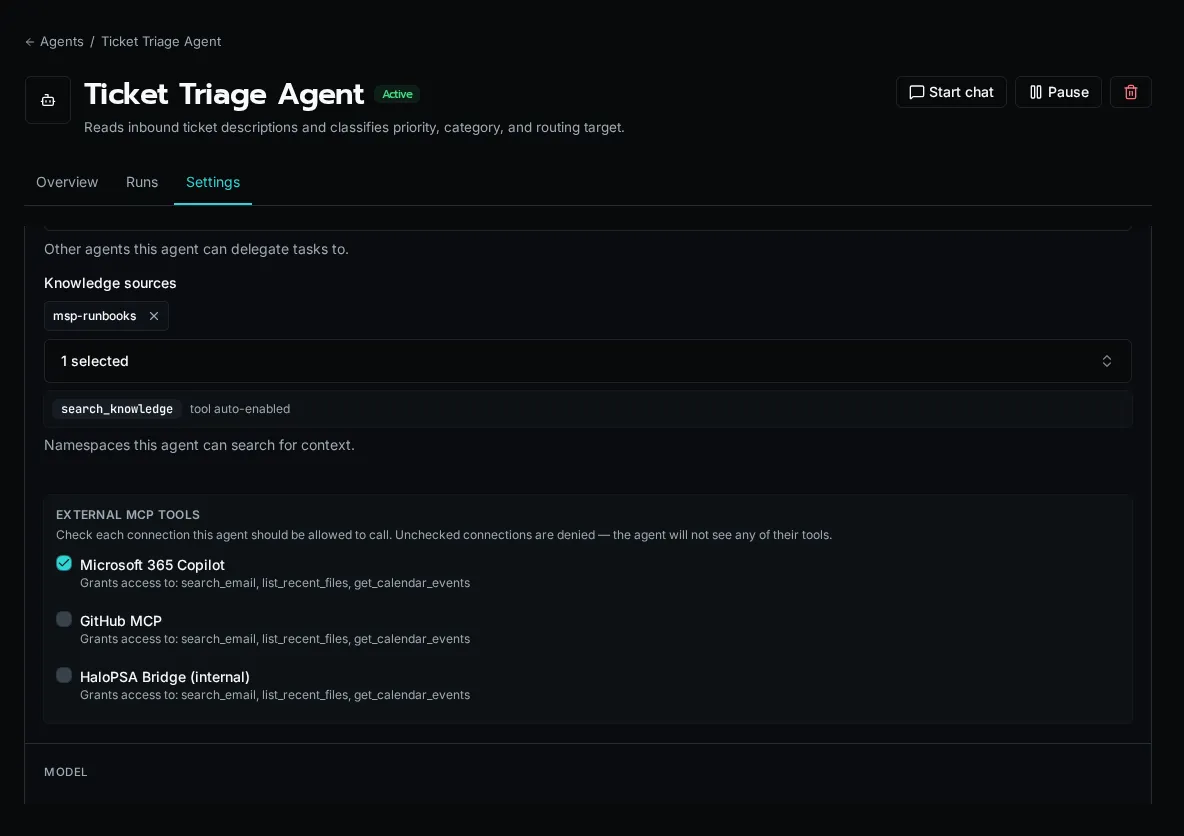
1. Open the agent’s settings page → **MCP Connections** panel.
2. Tick the connections this agent is allowed to use. Untick to revoke.
3. Save. The agent’s tool list updates on its next run.
Caution
The default-deny rule prevents a new connection (especially write-capable ones) from silently widening every agent’s capability surface. If you’re upgrading from a Bifrost version that didn’t have per-agent grants, existing agents are backfilled with grants for existing connections — the upgrade is not a behavior change.
## Step 5 (optional): Personal user credentials
[Section titled “Step 5 (optional): Personal user credentials”](#step-5-optional-personal-user-credentials)
If you want chat users to act as themselves (vendor sees the user, not the service account), users connect their personal credentials separately. See [Connecting your personal MCP identity](/docs/how-to-guides/mcp/per-user-mcp-credentials/).
## Tool result size cap
[Section titled “Tool result size cap”](#tool-result-size-cap)
Bifrost caps each MCP tool response at \~250KB (\~60K tokens) before passing it to the LLM. Oversized responses are replaced with a structured truncation message that nudges the model toward narrower filter parameters on retry. This protects context-window budgets when an external server returns a large dataset.
## Re-syncing the tool catalog
[Section titled “Re-syncing the tool catalog”](#re-syncing-the-tool-catalog)
The connection page has a **Refresh tools** button that re-runs `tools/list` against the remote server. Manually-disabled tools stay disabled across re-syncs (they carry a `disabled_reason` flag) so you don’t have to re-curate after every refresh.
## Removing a connection
[Section titled “Removing a connection”](#removing-a-connection)
Deleting a connection cascades to its tool catalog and to any user credentials scoped to it. Per-agent grants for the deleted connection are removed. Schedule the removal during a quiet window — autonomous agents that depended on its tools will start failing on their next run.
# Connecting your personal MCP identity
> Connect your own credential to an external MCP server so vendors see you, not the shared service account.
When your platform admin has registered an external MCP server and granted it to an agent or chat, you can optionally connect your **personal** identity to it. With a personal connection, vendors (M365, GitHub, etc.) see your user and apply your permissions, not the service account’s.
If you don’t connect, calls fall back to the shared service token (assuming the connection has **Available in chat** turned on). For some servers — `client_credentials` flows like an internal HaloPSA bridge — there is no per-user mode and this page doesn’t apply.
## Connect from settings
[Section titled “Connect from settings”](#connect-from-settings)
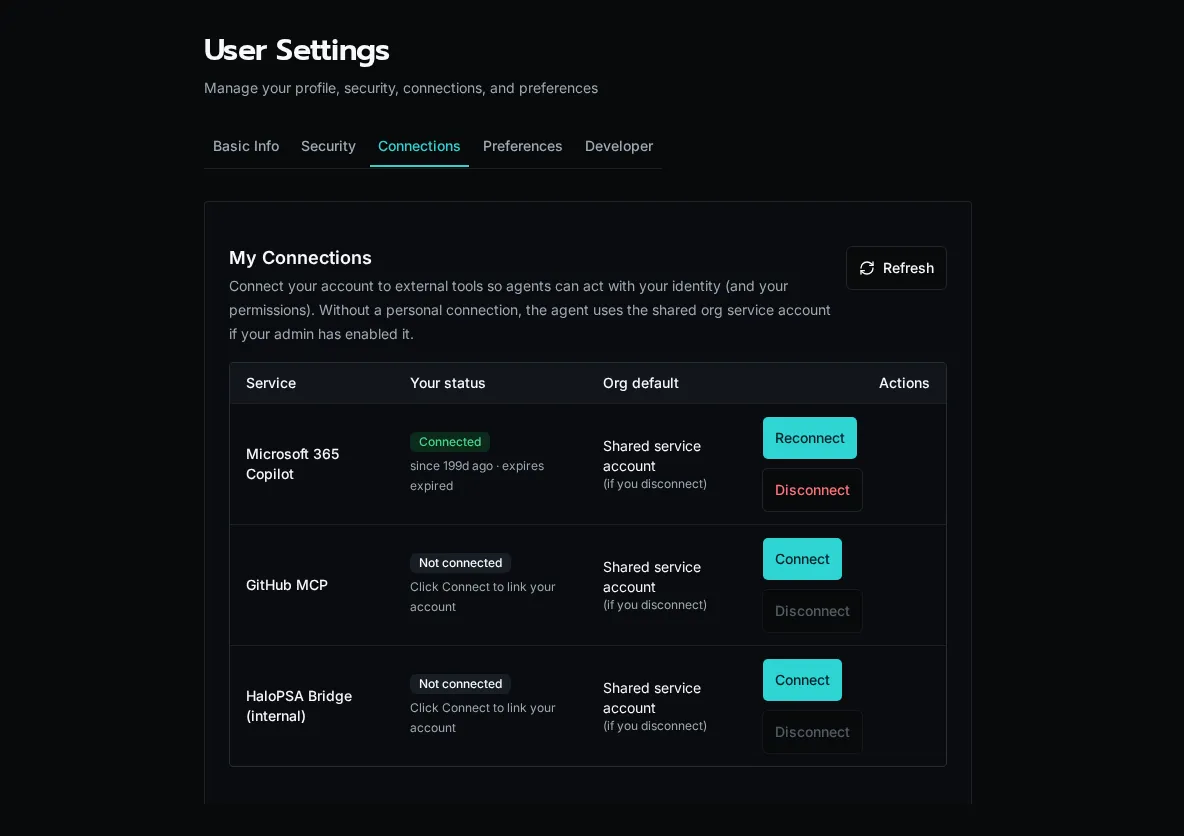
1. Open your **User Settings → MCP Connections**. The page lists every external MCP connection your org has access to.
2. Click **Connect** next to the server you want to authenticate as yourself.
3. Bifrost opens the server’s OAuth consent screen. Sign in with your account and approve the requested scopes.
4. Back in Bifrost, the row switches to **Connected**. Future tool calls in chat use your token.
## Connect inline from chat
[Section titled “Connect inline from chat”](#connect-inline-from-chat)
If an agent tries to call a tool that requires a personal credential and you don’t have one yet, chat shows an inline **Connect** card. Click it to complete the OAuth flow, then re-send your message. The agent retries with your token.
## Disconnect
[Section titled “Disconnect”](#disconnect)
The settings page has a **Disconnect** button on each connected row. Disconnecting deletes your stored token; future calls fall back to the service token (if enabled) or fail with a needs-reauth prompt.
Note
Personal credentials are user-owned. Removing a server connection or template at the platform level does not delete user credentials proactively, but they become unusable.
# Configuring Bifrost's MCP server
> Enable external MCP access, scope tools by role, and connect Bifrost to your AI client
Bifrost ships with a built-in [Model Context Protocol](https://modelcontextprotocol.io) server. Once enabled, any MCP-aware client (Claude Desktop, Copilot, Cursor, Open WebUI) can connect with a Bifrost user account, discover an appropriate agent, and use that agent’s approved tools.
## What MCP exposes
[Section titled “What MCP exposes”](#what-mcp-exposes)
The root endpoint (`/mcp`) exposes four stable gateway tools:
* `bifrost_find_agents` — find agents relevant to the user’s task.
* `bifrost_get_agent` — load the selected agent’s live instructions and tool catalog.
* `bifrost_get_tool_schema` — fetch the current input schema for one tool.
* `bifrost_execute_tool` — run that tool through the selected agent’s access boundary.
This keeps client configuration stable as workflows and system tools change. The connecting user’s roles determine which agents discovery returns, and every schema lookup and execution re-checks access. A client that needs one fixed native tool surface can instead connect to `/mcp/{agent_id}`; that endpoint exposes only the selected agent’s configured workflow and system tools.
## Enable the MCP server
[Section titled “Enable the MCP server”](#enable-the-mcp-server)
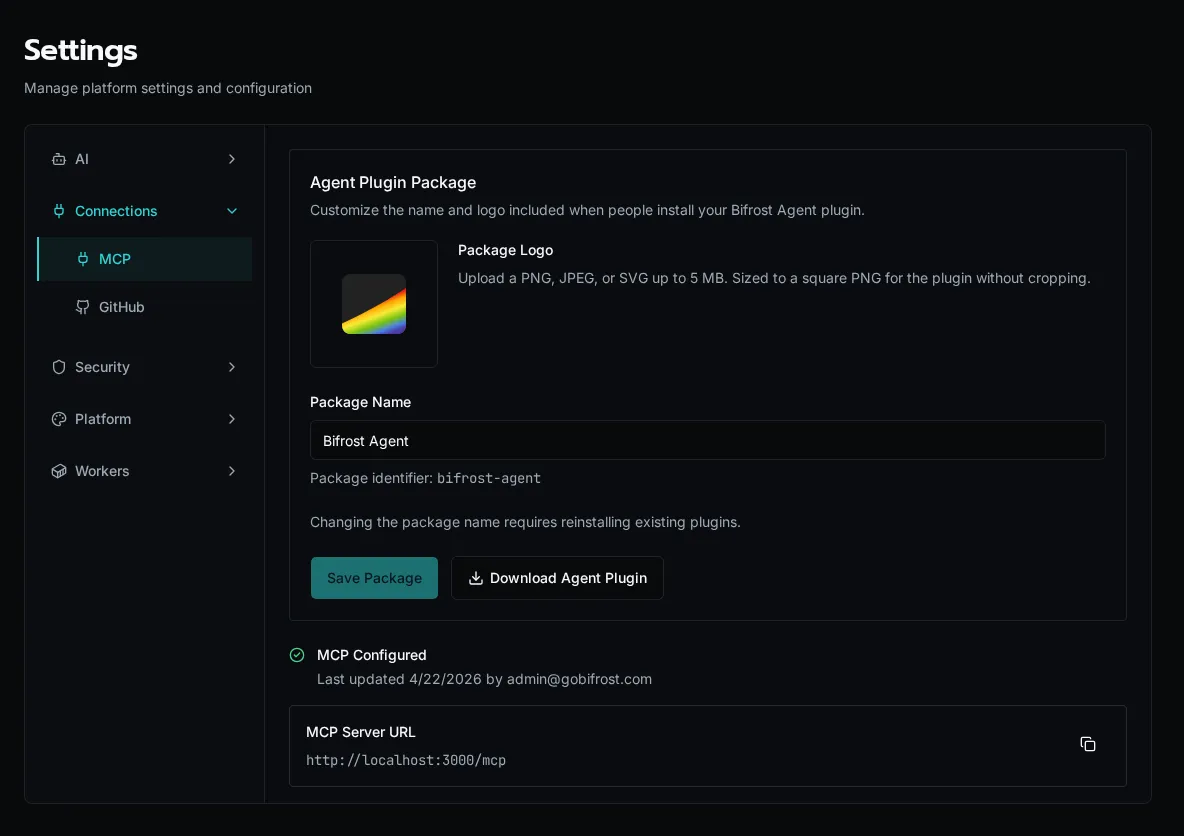
1. Go to **Settings → MCP**. The page shows the public **MCP Server URL** (`https://your-instance/mcp`) and current configuration status.
2. Toggle **Enable MCP Access** on. Per-user visibility is enforced by role; the toggle is a global kill-switch.
3. Click **Save Configuration**. The status banner switches to **MCP Configured**.
Note
MCP no longer requires platform-admin to *connect*. Any authenticated user can receive the four gateway tools; agent discovery and dispatch then expose only the agents and underlying capabilities their roles grant. Admins still configure the global enable switch and tool allow/block lists.
## Restrict the agent tool surface
[Section titled “Restrict the agent tool surface”](#restrict-the-agent-tool-surface)
Use **Allowed Tools** and **Blocked Tools** to control which underlying tools agents can expose through MCP. The four root gateway tools remain available whenever MCP is enabled.
1. On the **Settings → MCP** page, scroll to **Tool Access Control**.
2. Use **Allowed Tools** to whitelist specific underlying tools — leave empty to allow all. Picking even one tool flips the list to allow-only mode.
3. Use **Blocked Tools** to subtract tools regardless of the allow list. Useful for hiding `delete_*` or `replace_*` operations from production.
4. Save. Root clients see the updated catalogs on their next agent lookup; agent-scoped clients see the updated native surface on their next tool-list refresh.
## Confirm the server is reachable
[Section titled “Confirm the server is reachable”](#confirm-the-server-is-reachable)
1. Copy the **MCP Server URL** from the settings page.
2. Hit `GET /.well-known/oauth-authorization-server/mcp` from any HTTP client. You should see a JSON document advertising the OAuth endpoints (issuer, authorization\_endpoint, token\_endpoint).
3. The discovery endpoints serve cross-origin (CORS-enabled) so browser-based clients can connect without a proxy.
## How auth works
[Section titled “How auth works”](#how-auth-works)
Bifrost implements OAuth 2.1 with PKCE (RFC 7636), dynamic client registration (RFC 7591), and discovery (RFC 8414 / 9728). When a client connects:
1. The client hits `/register` with its name + redirect URIs and gets a `client_id`.
2. The client sends the user to `/authorize`. Bifrost redirects to its login page if the user isn’t already signed in.
3. After login Bifrost issues an authorization code, the client exchanges it at `/token` with PKCE, and gets a Bifrost access token.
4. Subsequent MCP requests carry that token; tool visibility is filtered against the user’s roles.
Tokens expire after 30 minutes. Clients refresh transparently with the issued refresh token.
## Roles and tool visibility
[Section titled “Roles and tool visibility”](#roles-and-tool-visibility)
Agent discovery and tool access are computed per request from the connecting user’s roles. To grant a user access to a workflow tool:
1. Tag the workflow `is_tool=True` (or `@tool`) and assign it to an agent.
2. Set the agent’s **Access Level** to **Role-based** and assign the right roles.
3. Add the user to one of those roles. The agent then appears in gateway discovery, and its approved tool appears in the agent catalog.
System tools (file ops, agent CRUD, etc.) follow the same role check via the agent’s `system_tools` allow list.
## Next steps
[Section titled “Next steps”](#next-steps)
* [Connecting Claude Desktop, Copilot, Cursor, and Open WebUI](/docs/how-to-guides/mcp/connecting-clients)
* [Publishing agents as MCP tool providers](/docs/how-to-guides/mcp/agents-as-mcp)
# Audit Log
> Review authentication, user, role, organization, and integration events across the platform.
The **Audit Log** is the structured trail of who did what across the platform — who logged in, who created a role, who connected an integration. It replaced the older free-form `system_logs` stream and is the canonical record for compliance reviews and incident triage.
Caution
The audit log is **platform-admin only**. Org admins do not see other orgs’ actions.
## Open the page
[Section titled “Open the page”](#open-the-page)
Navigate to **Settings → Audit Log**, or go directly to `/audit`.
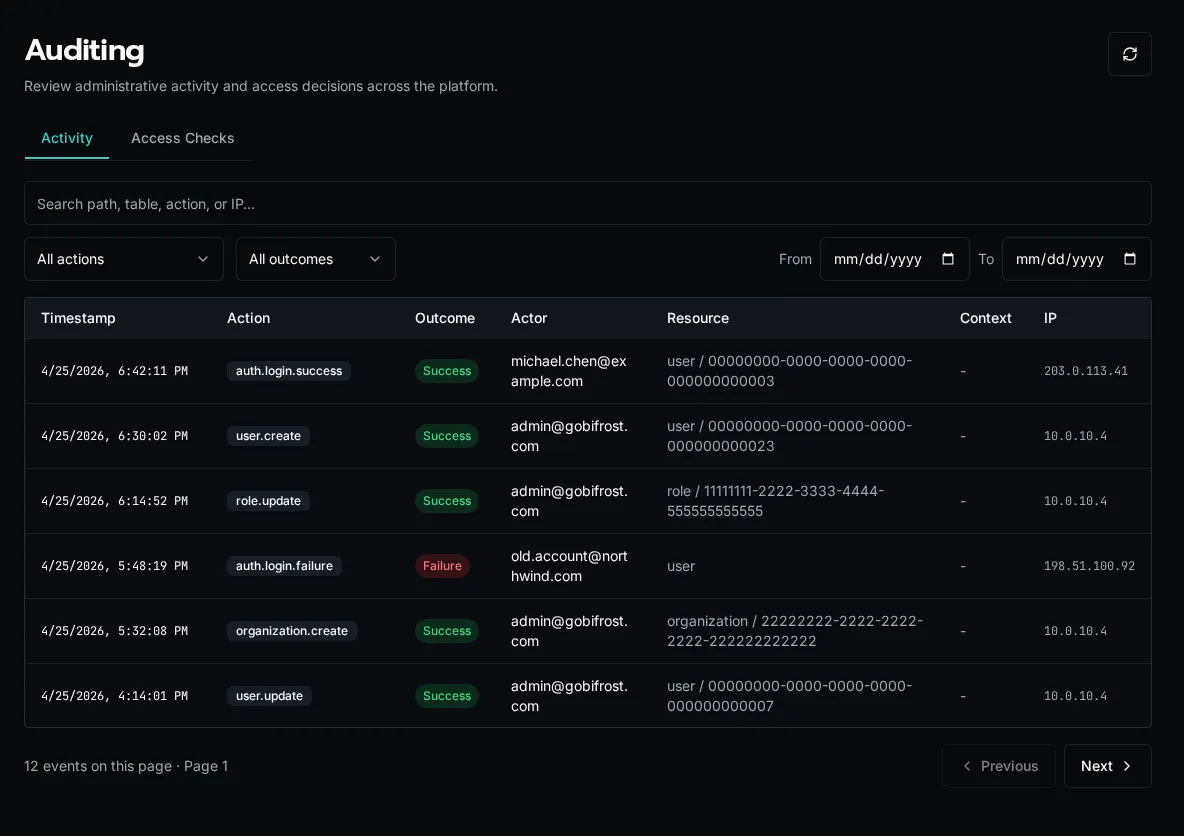
## What’s tracked
[Section titled “What’s tracked”](#whats-tracked)
Every entry is a **dotted action name** plus context. Actions group by the entity they touch:
| Group | Examples |
| ---------------- | ---------------------------------------------------------------------------- |
| `auth.*` | `auth.login.success`, `auth.login.failed`, `auth.logout`, `auth.passkey.add` |
| `user.*` | `user.create`, `user.update`, `user.delete`, `user.role.assign` |
| `role.*` | `role.create`, `role.update`, `role.delete`, `role.permission.update` |
| `organization.*` | `organization.create`, `organization.update`, `organization.delete` |
Each row carries:
* **Timestamp** (UTC, displayed in browser local time)
* **Action** (the dotted name)
* **Outcome** — `success` or `failure`
* **Actor** — user email + display name. For non-HTTP events (SSO sync, scheduler, CLI), the source is shown in parens, e.g. `(sso_sync)`.
* **Resource** — entity type + truncated ID (e.g. `user / 12345678`)
* **IP address** — for HTTP-originated events
* **Details** — event-specific JSON metadata
The list is **append-only**: audit rows are written in the same database transaction as the action they record, so you can’t have a successful state mutation without a corresponding audit row.
Note
Workflow execution and integration sync events are *not* in the audit log — those live in **Execution History** and the per-integration sync log respectively. The audit log is for control-plane mutations (auth, identity, RBAC, org lifecycle).
## Filtering
[Section titled “Filtering”](#filtering)
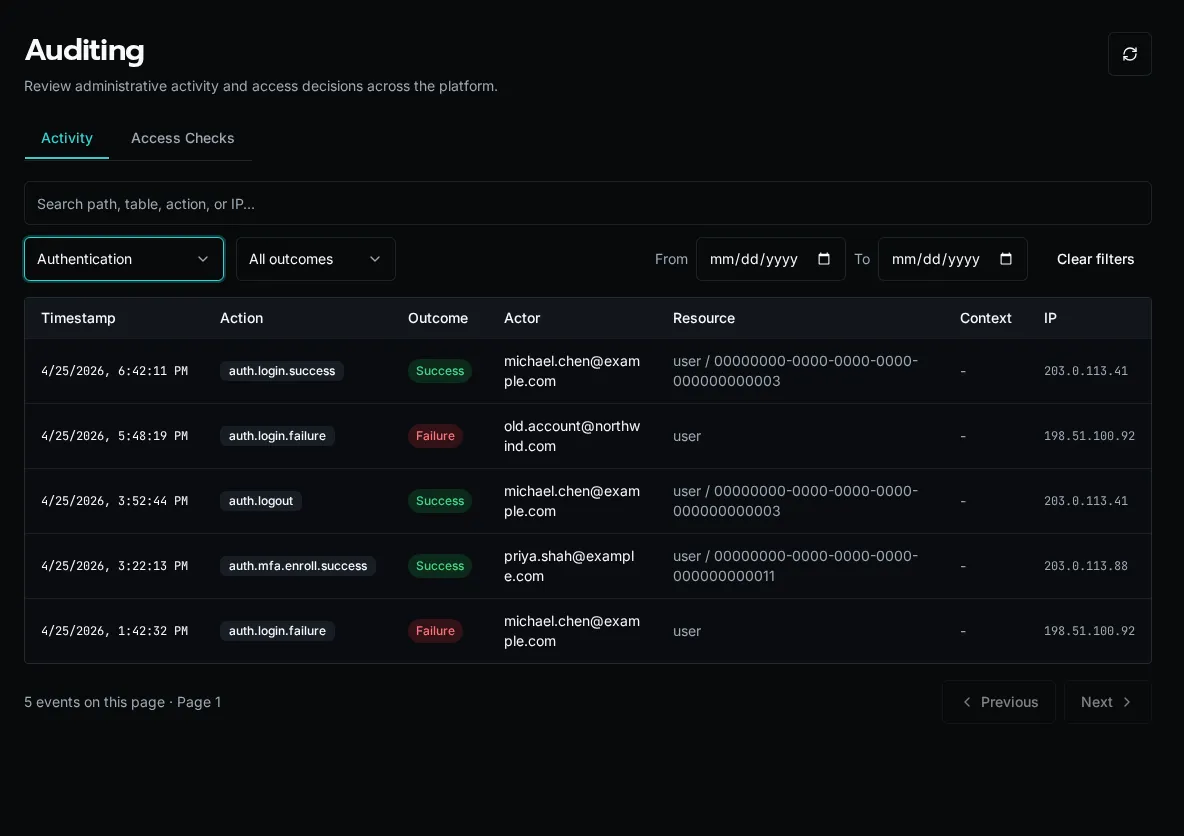
The filter bar above the table:
* **Action group** — dropdown: All, Authentication, Users, Roles, Organizations. Selecting a group filters server-side by the action prefix (`auth.`, `user.`, etc.).
* **Outcome** — All, Success, or Failure. Use **Failure** to spot brute-force login attempts or permission errors that shouldn’t be happening.
* **Search box** — client-side filter over the current page. Matches action name, actor email/name, resource type, and IP. Use this to scope to a specific user or IP within a date range you’ve already loaded.
* **Start / End date** — server-side date-range filter (UTC).
Click the **Refresh** icon at the right to re-fetch with the current filters.
## Pagination
[Section titled “Pagination”](#pagination)
The table loads 50 rows per page, newest first. Use **Previous** / **Next** at the bottom — the implementation uses opaque continuation tokens, so jumping to an arbitrary page isn’t supported (this is intentional for a large append-only log; date-range filtering is the right tool to narrow down).
## Retention
[Section titled “Retention”](#retention)
Audit rows are written to the `audit_logs` table and are **not pruned by the platform**. Retention is whatever your database backup / archival policy enforces — Bifrost itself does not auto-delete old rows, and there is no `AUDIT_LOG_RETENTION` env var.
If you have compliance retention requirements (e.g. “delete after 7 years”), schedule a database-level cleanup job against `audit_logs` matching your policy. The table is keyed on `timestamp` for fast range deletes.
## Export
[Section titled “Export”](#export)
There is no built-in CSV/JSON export button on the page. To export audit data programmatically, hit the API directly:
```bash
curl -H "Authorization: Bearer $TOKEN" \
"$BIFROST_URL/api/audit?start_date=2026-01-01&end_date=2026-01-31&limit=1000"
```
The response is paginated JSON (same shape the UI consumes); follow `continuation_token` for additional pages. Pipe through `jq` to flatten to CSV for spreadsheet ingestion.
## Common queries
[Section titled “Common queries”](#common-queries)
**“Who created this user?”** Filter **Action group: Users**, search the user’s email, look for the `user.create` row. The actor column shows who did it.
**“Are we under password-spray attack?”** Filter **Action group: Authentication, Outcome: Failure** and scan the IP column. Repeated failures from the same IP across many actor emails is the signal.
**“Who changed permissions on this role?”** Filter **Action group: Roles**, search the role’s name in the search box. Look for `role.permission.update` rows; the `details` JSON includes the diff.
## See also
[Section titled “See also”](#see-also)
* [Diagnostics](/docs/how-to-guides/operations/diagnostics/) — process pool / worker health
* [Permissions](/docs/core-concepts/permissions/) — what the actions in the log are gating
* [Configure SSO](/docs/how-to-guides/authentication/sso/) — SSO sync events appear with `source: sso_sync`
# Set the Base Role for New Accounts
> Set a global provisioning default or override it for one organization
## Choose a Provisioning Default
[Section titled “Choose a Provisioning Default”](#choose-a-provisioning-default)
1. Open **Settings → Base Role Defaults**.
2. Choose **Global** or an organization in **Scope**.
3. Choose the **Base Role** new people and custom identities should receive. The page shows the currently effective role and where it comes from.
4. Choose **Save Default**. The new default applies when accounts are provisioned; it does not rewrite existing role assignments.
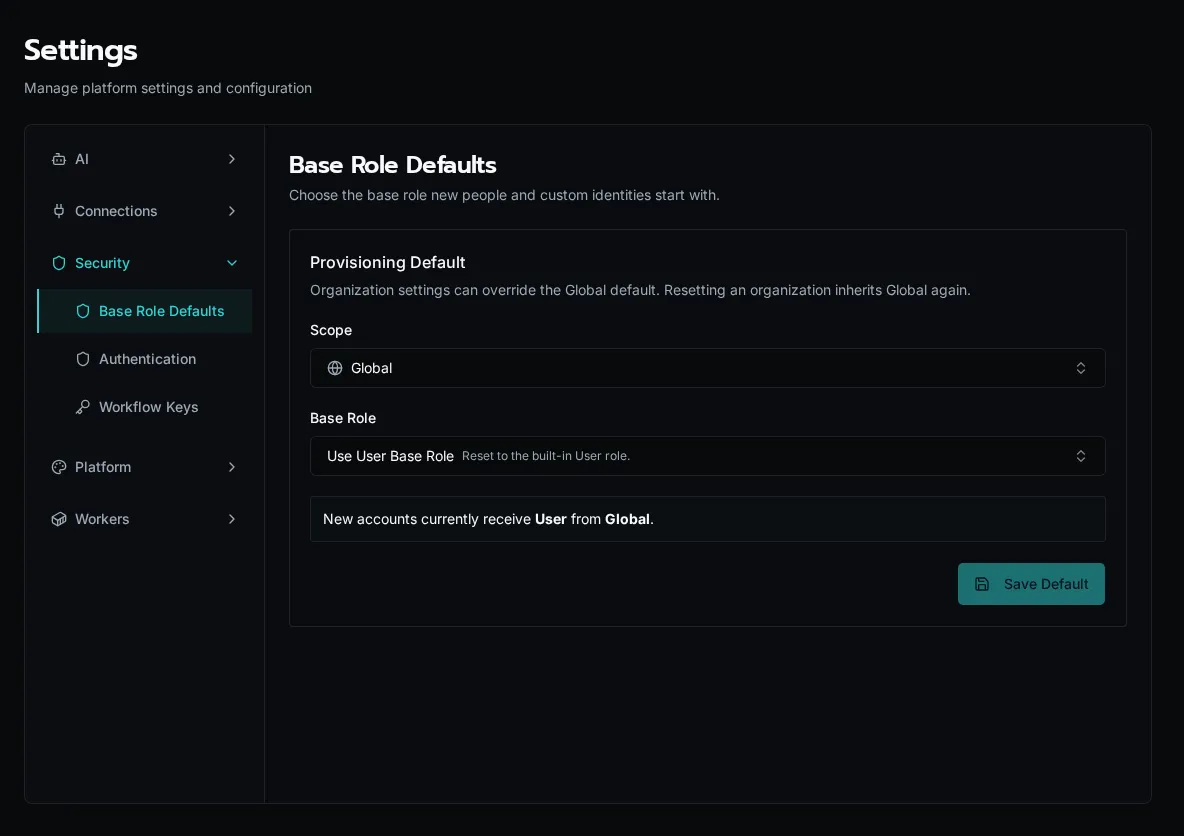
An organization’s override takes precedence over Global. Choose **Inherit Global Default** to remove that override. At Global scope, **Use User Base Role** resets the default to the built-in User role.
Existing people can receive a different base role or additional roles through their role assignments. Organization access and role permissions still determine their reach. Chat also requires its own permission; assigning access to an agent does not by itself grant access to Chat.
# Branding & Terminology
> Set your platform's primary color, upload logos, and rename Apps, Agents, and Forms to match your product.
The **Branding** tab lets you white-label the platform: an application name, a primary brand color, square and rectangle logos, and custom names for the three fixed product nouns (**Apps**, **Agents**, **Forms**). Branding is **global** — it applies to every organization on the instance, not per-org.
Caution
Branding is **platform-admin only**. The public read endpoint serves the same global settings to every user so the login screen and chrome are branded before sign-in.
## Open the page
[Section titled “Open the page”](#open-the-page)
Go to **Settings → Branding**, or directly to `/settings/branding`.
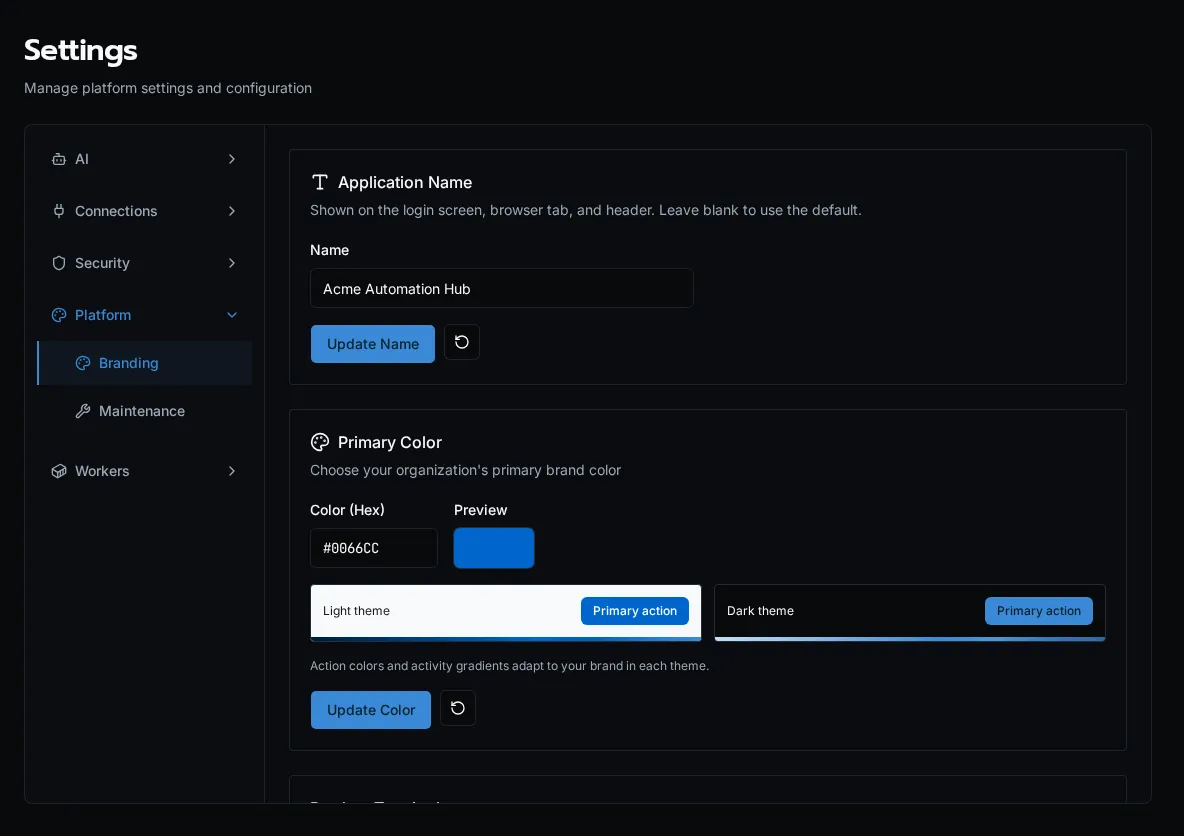
## Application name
[Section titled “Application name”](#application-name)
Set the product name shown across the UI — the browser tab title, the login screen, and the header. Enter a name and click **Update Name**; leave it blank to fall back to the default “Bifrost.” Like the rest of branding, the name is served to unauthenticated users too, so the login page reflects it before sign-in.
## Primary color
[Section titled “Primary color”](#primary-color)
Enter a hex value (e.g. `#0066CC`) and click **Update Color**. The swatch previews the color, and on save it’s converted to OKLCH and applied to every `primary` surface — buttons, links, sidebar accents — instantly, including a lightened dark-mode variant. Click the **reset** (↺) button to return to the platform default.
## Product terminology
[Section titled “Product terminology”](#product-terminology)
Rename the fixed platform nouns before the UI renders. Each noun takes a **singular** and **plural** label:
| Noun | Default | Example override |
| ------------------- | -------------- | ---------------------- |
| Apps / Applications | App / Apps | Game / Games |
| Agents | Agent / Agents | Character / Characters |
| Forms | Form / Forms | Request / Requests |
Edit the cells and click **Update Terminology**. The new labels propagate through navigation, page titles, and buttons. Blank fields fall back to the platform default — you can’t clear a label to empty.
Note
Terminology overrides only relabel these three nouns in the UI. They do not rename API routes, CLI commands, or manifest keys — `bifrost apps`, `/api/agents`, and `forms.yaml` keep their canonical names.
## Logos
[Section titled “Logos”](#logos)
Upload a **square logo** (1:1, used for the sidebar icon and favicon-style spots) and a **rectangle logo** (16:9, used in the header). Drag a file onto the drop zone or click to browse.
* Accepted formats: PNG, JPG, SVG
* Max size: 5 MB
* Click the **reset** (↺) button on an uploaded logo to revert to the default mark
Logos are stored globally and preloaded on app boot so the branded chrome paints without a flash of the default logo.
## See also
[Section titled “See also”](#see-also)
* [Audit Log](/docs/how-to-guides/operations/audit-log/) — branding changes are control-plane mutations
* [Permissions](/docs/core-concepts/permissions/) — what gates the platform-admin-only Settings tabs
# Diagnostics & Process Pools
> Monitor Bifrost worker containers, process pools, queue depth, and memory usage from the Diagnostics dashboard.
The **Diagnostics** dashboard is the operator-facing view into Bifrost’s worker containers, fork-based process pools, scheduler replicas (the API and its workers), platform-job capacity, queue depth, and live memory usage. It’s the first place to look when executions or scheduled platform tasks are slow, queueing up, or crashing.
Caution
Diagnostics is **platform-admin only**. Org users don’t see the page at all.
## Audience
[Section titled “Audience”](#audience)
This guide is for self-hosted operators and on-call engineers who need to:
* Confirm worker containers are connected and healthy
* Spot a hot fork that’s chewing memory before it OOM-kills
* Triage backlog when the queue depth alert fires
* Trace which worker ran a specific execution
If you’re a workflow author looking at a single failed run, use the **Execution History** page instead.
## Open the dashboard
[Section titled “Open the dashboard”](#open-the-dashboard)
Open **Diagnostics** from the sidebar, or go directly to `/diagnostics`.
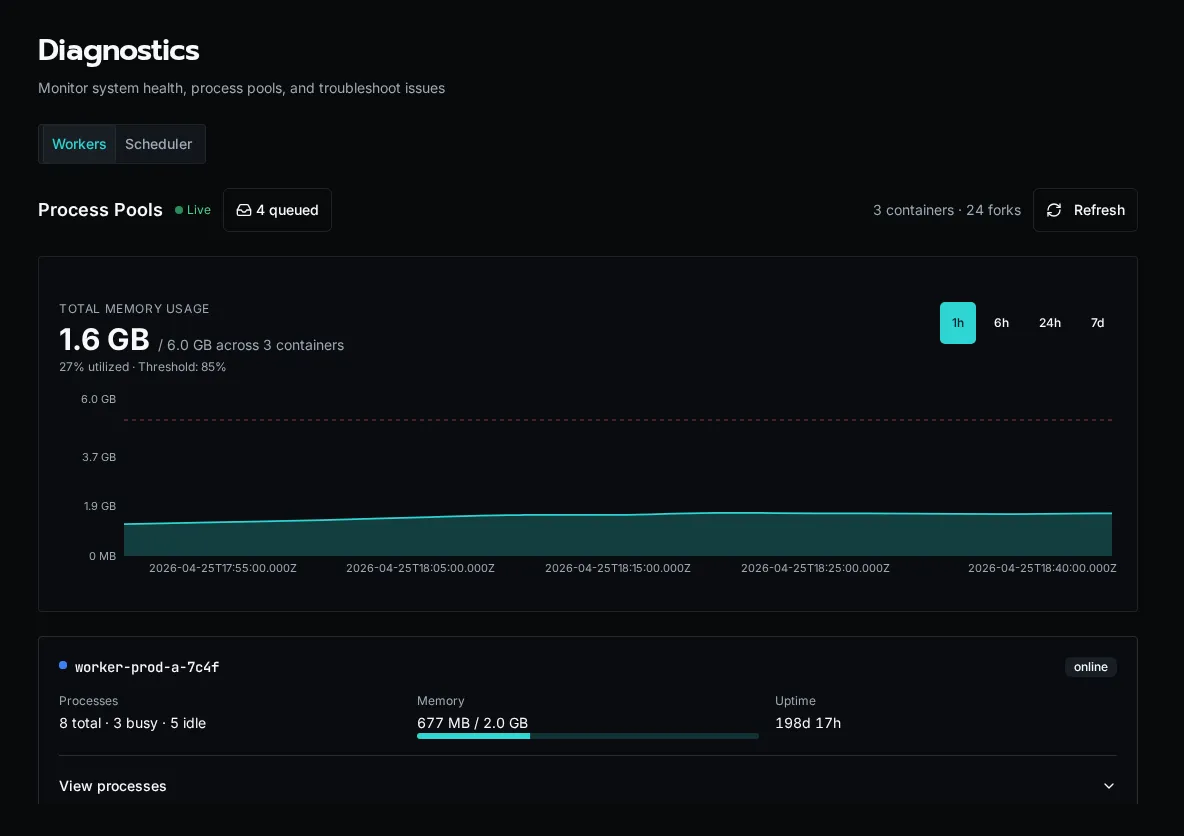
The page has two tabs: **Workers** and **Scheduler**. The Workers header shows a **Live** indicator when the WebSocket worker stream is connected — if it says “Connecting…” instead, REST snapshots will still populate the page but you won’t get sub-second updates.
## What it shows
[Section titled “What it shows”](#what-it-shows)
### Summary header
[Section titled “Summary header”](#summary-header)
The right-hand summary reports `N container(s) · M fork(s)`:
* **Container** — one Bifrost worker pod / container. Each container registers itself on startup over Redis.
* **Fork** — one OS-level process inside a container, started for a single execution and gone when it finishes. The fork count is the number of executions running right now.
Workers take work by memory, not by a fixed number of slots, so the fork count rises and falls with the work that fits. The container count should match the workers you run: on Docker Compose, the `worker` replicas (two by default); on Kubernetes, the worker Jobs the API has started, at least the **Warm Workers** setting. Fewer means a worker has died or hasn’t registered yet — check its logs.
### Queue badge
[Section titled “Queue badge”](#queue-badge)
The badge next to the **Live** indicator shows the executions waiting for a worker with room. A small backlog (single digits) is normal during bursts. Sustained double-digit backlogs mean your workers don’t have enough memory for the incoming rate — add workers, give them more memory, or look for a slow workflow.
### Memory chart
[Section titled “Memory chart”](#memory-chart)
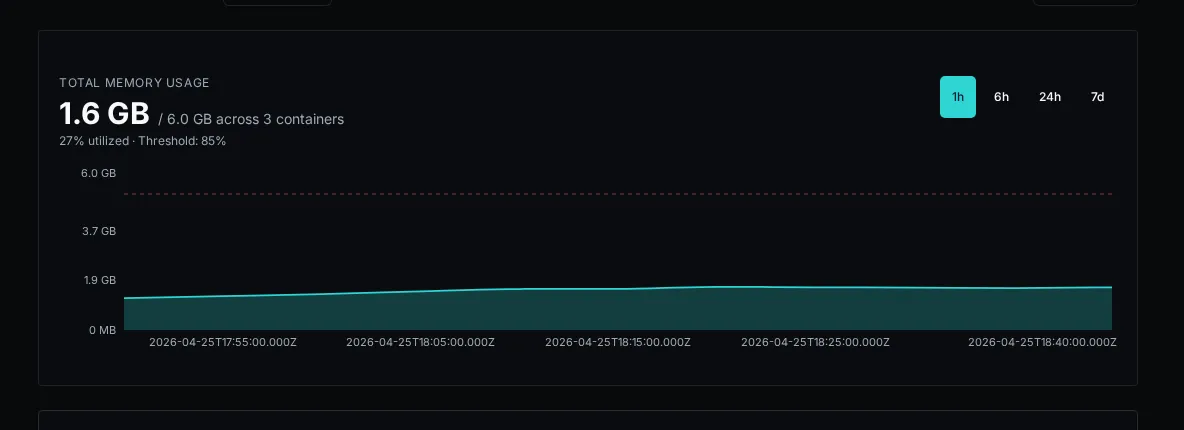
A live time-series of total RSS per container, color-coded per worker. The chart retains the last few minutes of data and updates as WebSocket heartbeats arrive.
**Numbers worth alerting on:**
* **Sustained climb on a single container** while others are flat — usually a workflow leaking memory in a fork. Expand that container’s card to see which fork is holding the bag.
* **All containers near their pod memory limit** — you’re undersized for the workload. Add workers or raise their memory limit (see [Scaling workers](#scaling-workers)).
* **Sawtooth pattern** — each fork exits when its execution finishes and its memory is reclaimed (good). Steep teeth mean a single workflow is grabbing a lot of RSS per run; consider chunking it or tightening its data handling.
### Container cards
[Section titled “Container cards”](#container-cards)
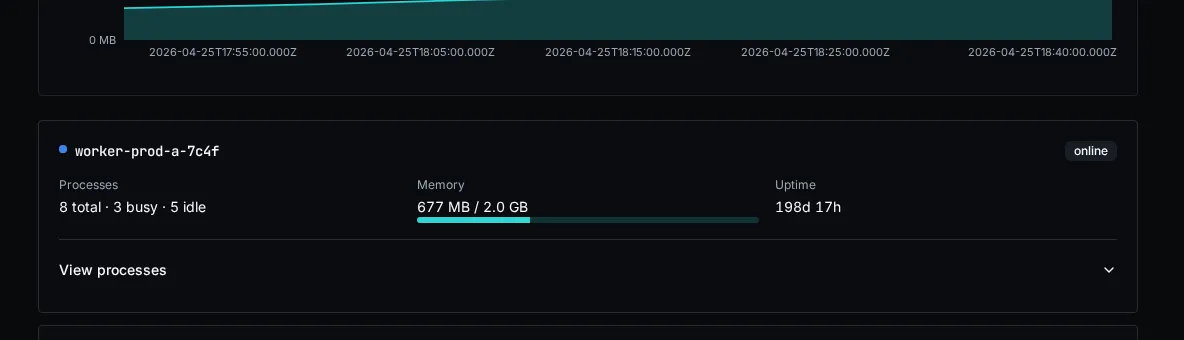
Each container has a card with its process count, aggregate memory, uptime, and health. Select **View processes** to inspect its forks. Per fork you see:
| Column | Meaning |
| --------------------- | ------------------------------------------------------------------------------------------------------------------------------------------- |
| **PID** | OS process ID inside the container. |
| **State** | `busy` while it runs its execution, or `killed` while it is being stopped. A fork stuck in `busy` for a long time is the most common smell. |
| **Memory (RSS)** | Resident set size in MB. Compare to the container’s pod memory limit. |
| **Current execution** | Execution ID being processed, if any. Click through to the execution detail page. |
| **Uptime** | How long this fork has been running its execution. |
A fork that’s been `busy` for longer than your `WORKFLOW_TIMEOUT` is wedged — either the workflow is in a tight loop or `asyncio` is blocked on a sync call. Kill the pod and inspect the worker logs.
## Refreshing the data
[Section titled “Refreshing the data”](#refreshing-the-data)
Two paths:
* **REST snapshot** — the page mounts with a one-shot `/api/platform/workers` call so the cards are populated immediately even if the WebSocket hasn’t connected yet.
* **WebSocket heartbeats** — each container streams its state every few seconds; the cards merge in updates by `worker_id`. The **Live** dot pulses green while connected.
Click the **Refresh** button in the top-right to force a REST snapshot if you suspect the live stream is stale.
## Scheduler diagnostics
[Section titled “Scheduler diagnostics”](#scheduler-diagnostics)
Open the **Scheduler** tab to see the elected leader, online replicas, active platform-job claims, runs and queued work waiting for room, tasks waiting for memory, and the highest replica memory utilization.
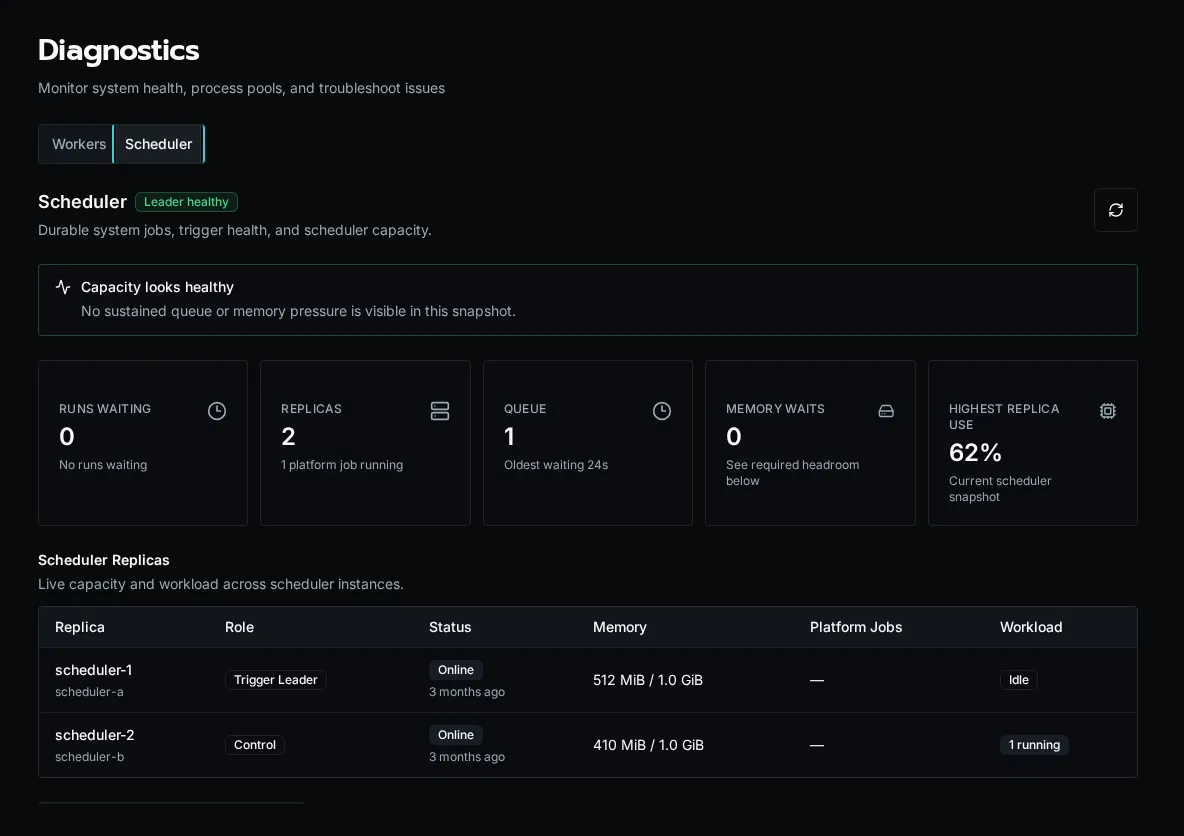
There is no separate scheduler service: the API replicas run schedules and triggers, and the workers run the jobs. The **Scheduler Replicas** table shows each one with its role:
| Role | Meaning |
| ------------------ | ----------------------------------------------------------------------------------------------------------------------- |
| **Trigger Leader** | The API replica holding the trigger lease. It fires recurring schedules; if it is lost, another API replica takes over. |
| **Control** | Another API replica. It reconciles queued work and takes over the trigger lease if the leader is lost. |
| **Job Runner** | A worker. It claims workflow runs, agent runs and platform jobs. |
The **System Schedules** view shows each recurring task’s cadence, execution mode, next run, last result, and memory change. Select a task row to inspect recent runs and diagnostic logs.
Use the recommendations at the top of the tab as scaling signals:
* Add workers or worker memory when runs keep waiting for a worker with room.
* Add memory when jobs keep waiting for memory admission or utilization approaches the configured limit.
* Investigate the trigger leader when tasks stop advancing even though replicas are online.
## Scaling workers
[Section titled “Scaling workers”](#scaling-workers)
* **Docker Compose:** raise the `worker` replicas (`docker compose up -d --scale worker=3`) or the worker’s memory limit in `docker-compose.yml`. The default is two workers with 2 GB each.
* **Kubernetes:** the API starts worker Jobs as work arrives. Change **Max Workers**, **Worker Memory** and the other limits in **Settings → Kubernetes → Scaling & Isolation**; changes apply without a restart.
See [Installation](/docs/getting-started/installation/#scaling-workers) for the recommended sizes.
## Common ops scenarios
[Section titled “Common ops scenarios”](#common-ops-scenarios)
**“Queue depth is climbing and won’t drain.”** Expand the container cards and look for forks stuck `busy`. If containers have few forks and plenty of free memory, your bottleneck isn’t workers — check the **Scheduler** tab and the API logs. If most forks are busy with the same workflow path, that workflow is the choke point.
**“A pod just OOM-killed.”** Pull the memory chart — you’ll see the climbing line right up to the kill. Cross-reference the fork that was busy at that timestamp with the **Current execution** column to identify the workflow. File a ticket against that workflow author with the execution ID.
**“WebSocket says connecting forever.”** The browser tab is talking to the API; the API is talking to Redis to gather worker heartbeats. If the dot never goes green, check `redis-cli ping` from the API pod, then restart the pod.
## What it doesn’t show
[Section titled “What it doesn’t show”](#what-it-doesnt-show)
The diagnostics surface covers execution workers and the platform scheduler. It does **not** show:
* API request rates (use your reverse-proxy / APM)
* Database / Redis / S3 health (those are infrastructure dashboards)
* Per-workflow latency or token spend (use [Usage Reports](/docs/how-to-guides/operations/usage-reports/))
## See also
[Section titled “See also”](#see-also)
* [Audit Log](/docs/how-to-guides/operations/audit-log/) — who did what
* [Usage Reports](/docs/how-to-guides/operations/usage-reports/) — AI cost, CPU, peak memory
* [Versions and Compatibility](/docs/about/versioning/) — pinning workers to a known-good build
# Manage Files and Access Policies
> Browse Bifrost file shares, upload files, configure path policies, and test effective access.
The **Files** page gives platform administrators one place to browse storage locations, manage path-based policies, and verify what a user can do before a workflow or app touches a file.
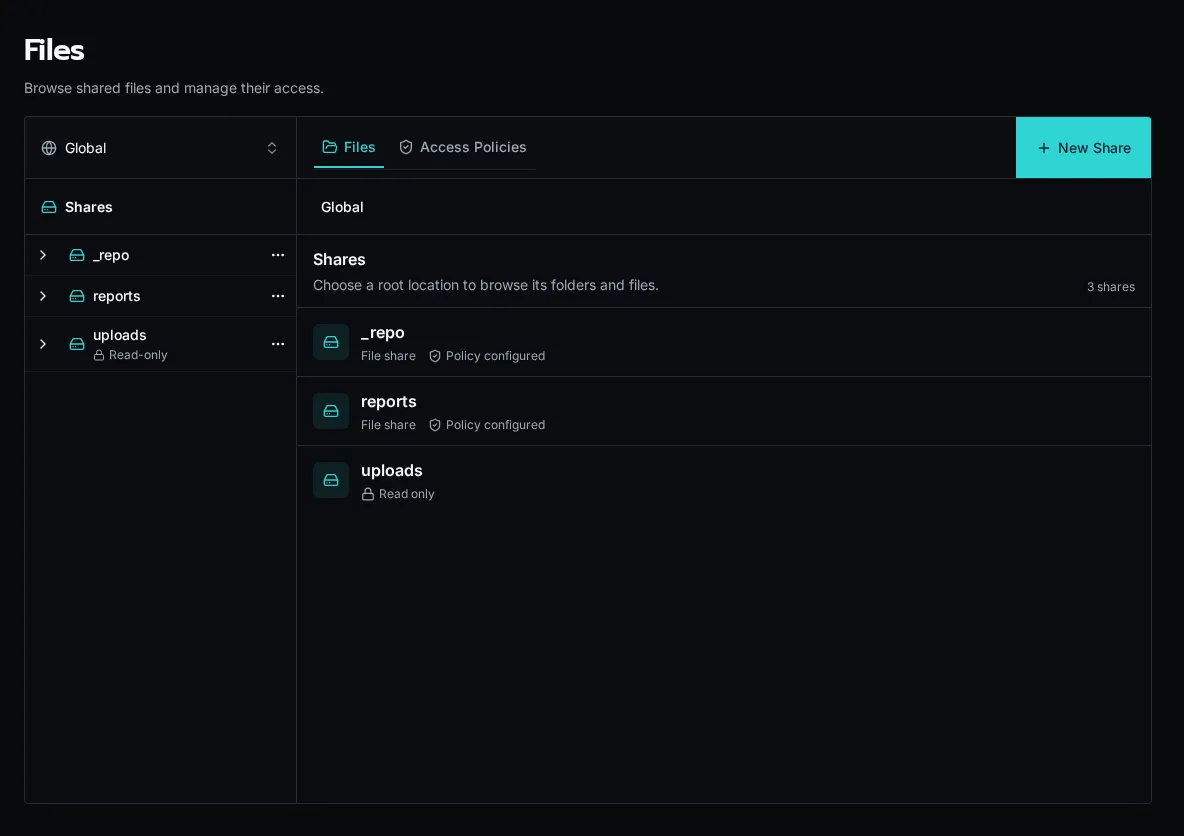
## Browse a file scope
[Section titled “Browse a file scope”](#browse-a-file-scope)
1. Open **Files** from the sidebar.
2. Choose **Global** or an organization from the scope selector.
3. Select a share, then open folders from the center pane.
4. Select a file to preview it and inspect effective access in the right pane.
Use **New Share** to create a writable storage location. The **Upload** action appears after you select a writable share or folder. The built-in `uploads` location is read-only from this surface.
## Manage path policies
[Section titled “Manage path policies”](#manage-path-policies)
Open the **Policies** tab to review every policy in the selected scope. A policy grants one or more actions—`read`, `write`, `delete`, or `list`—when its rules match. Policies can target a whole share, a folder prefix, or one file.
When several policies match a path, Bifrost evaluates the most specific path first. Use the effective-access panel on a selected file or folder to see the resolved cascade before editing it.
### Grant dynamic path scopes with a claim
[Section titled “Grant dynamic path scopes with a claim”](#grant-dynamic-path-scopes-with-a-claim)
When users have many changing folder grants, store one `user_id` and one `path_prefix` per row in a grant table. Define `allowed_resource_paths` as a list claim over the caller’s rows, then use one policy at the location root:
```yaml
policies:
- name: read_granted_resources
actions: [read]
when:
path_within_any:
- { file: path }
- { claims: allowed_resource_paths }
```
`path_within_any` is available only in file policies. It matches the exact scope or a slash-delimited descendant, so `sites/123` does not match `sites/123-annex`. Missing, malformed, and empty/root claim values deny access.
Use immutable UUID path segments, such as `documents/sites//categories//pdf//file.pdf`. Put view and source-download representations under separate segments when those permissions differ. Renaming a display label then leaves grants and stored paths unchanged.
Permission to a descendant does not imply permission to list every ancestor. Use an authorization-filtered table to build navigation, then authorize the selected file when it is opened.
## Test access
[Section titled “Test access”](#test-access)
Choose **Test Access** from a file, folder, or policy action. Select a user and action, then run the test. The result identifies whether access is allowed and which policy or rule decided it.
Note
Files opened from a Solution install are pinned to that install’s scope and are read-only. Change Solution-owned files through the Solution lifecycle instead of bypassing its ownership from the explorer.
# GitHub Sync
> Connect your Bifrost workspace to a GitHub repository for version control, so workflow and app source code can be committed, pushed, and pulled from the Code Editor.
The **GitHub** settings tab connects your Bifrost workspace to a GitHub repository. Once connected, the source code for your workflows and apps lives in version control, and you commit, push, and pull changes from the **Source Control** panel in the Code Editor.
Note
GitHub sync tracks workspace **code** — `workflows/*.py` and `apps/`. Platform entities created through the CLI, MCP, or UI (forms, agents, tables, configs) are managed separately; see [Exporting & Importing](../../portability/exporting-importing/) for moving those between environments.
## Open the settings tab
[Section titled “Open the settings tab”](#open-the-settings-tab)
Navigate to **Settings → GitHub**, or go directly to `/settings/github`.
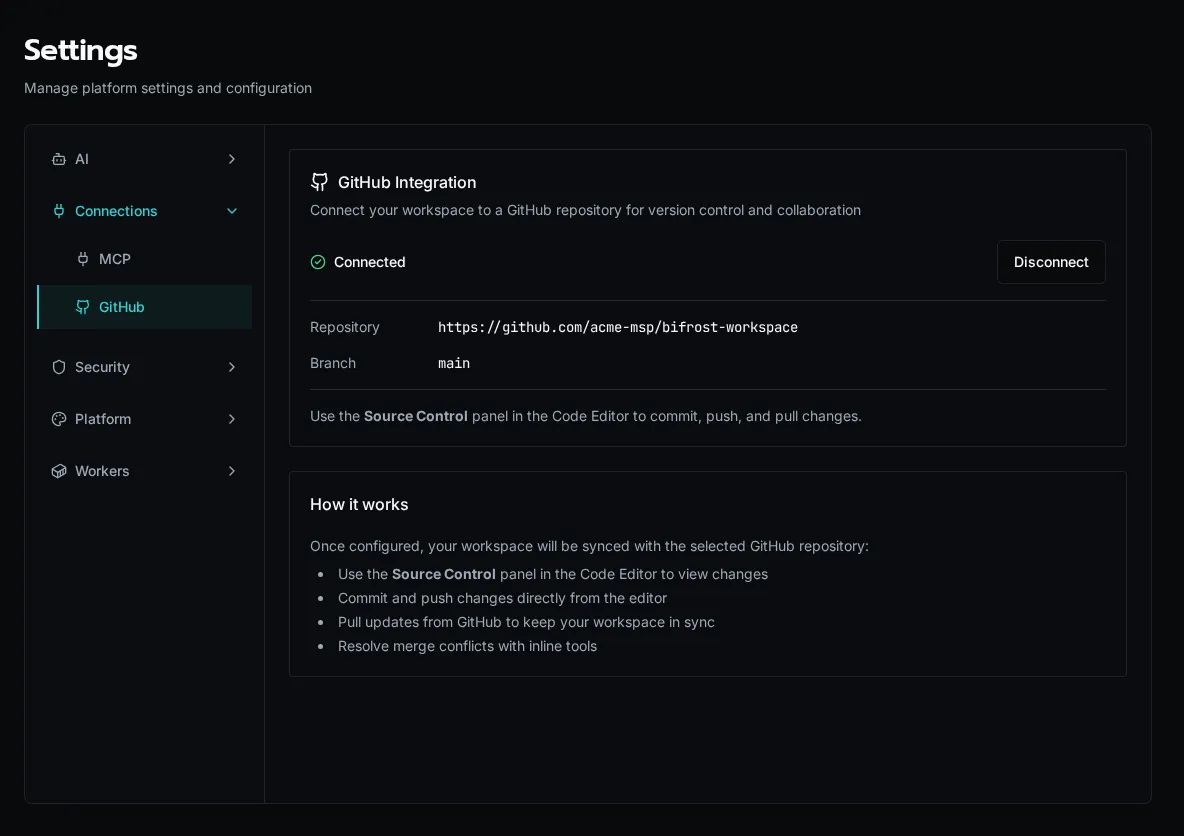
When a workspace is already connected, the tab shows the linked repository and branch. Use the **Source Control** panel in the Code Editor to commit and push from here on — you don’t reconfigure for day-to-day work.
## Connect a repository
[Section titled “Connect a repository”](#connect-a-repository)
1. **Create a token.** On [github.com/settings/tokens](https://github.com/settings/tokens), create a personal access token with the `repo` scope.
2. **Validate the token.** Paste it into **GitHub Personal Access Token** and click **Validate**. Bifrost lists the repositories the token can reach. If the token matches a known repository, that repo is auto-detected.
3. **Pick a repository and branch.** Select an existing repository, or click **Create New** to create one in your account. Then choose the branch to sync with (defaults to `main`).
4. **Configure.** Click **Configure GitHub**. Setup runs as a background job — watch for a notification when it completes.
Caution
Configuring **replaces the workspace with the remote**. If you have uncommitted local code, commit it first or it will be overwritten by the repository contents.
## Day-to-day sync
[Section titled “Day-to-day sync”](#day-to-day-sync)
Once connected, all git operations happen in the Code Editor’s **Source Control** panel:
* **Commit and push** local changes to the remote branch.
* **Pull** updates from GitHub to keep the workspace in sync.
* **Resolve merge conflicts** with the inline conflict tools.
## Disconnect
[Section titled “Disconnect”](#disconnect)
To remove the integration, click **Disconnect** on the connected card and confirm. This deletes the stored token and repository configuration; the workspace files stay in place. You’ll need to validate a token again to reconnect.
# Workspace Maintenance
> Index platform docs, rebuild app dependency graphs, and reimport the workspace from S3 using the Settings → Maintenance tools.
The **Maintenance** tab is the operator toolbox for keeping a workspace’s derived state in sync with its source of truth. It rebuilds things Bifrost normally maintains automatically — the documentation knowledge index, the app dependency graph, and the entity records imported from your repository — for the times when something drifts.
Caution
Maintenance is **platform-admin only** and acts on the whole workspace, not a single org.
## Open the tab
[Section titled “Open the tab”](#open-the-tab)
Navigate to **Settings → Maintenance**, or go directly to `/settings/maintenance`.
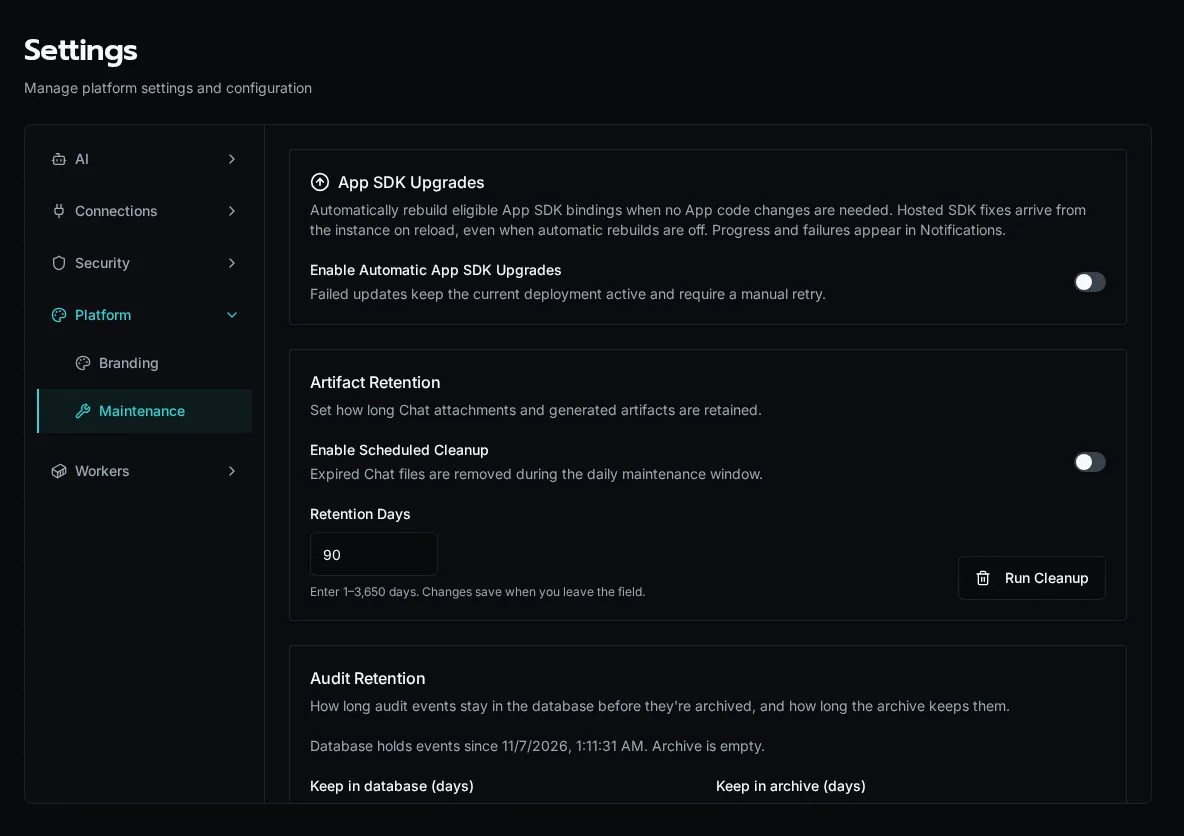
The tab has three sections: **Export / Import** at the top, the **Maintenance Actions** checklist, and a **Scan Results** panel that fills in after a run.
## Run a maintenance action
[Section titled “Run a maintenance action”](#run-a-maintenance-action)
The actions checklist lets you select one or more tasks and run them in sequence. Tick the boxes, then click **Run Selected** — Bifrost runs them in a fixed order (index docs → rebuild dependencies → reimport) and shows a spinner per row, then a green check when each finishes.
### Index Documents
[Section titled “Index Documents”](#index-documents)
Indexes the platform documentation into the knowledge store so the chat assistant and agents can retrieve it. The result panel reports how many files were **indexed** (new or changed), left **unchanged**, **deleted**, and the total **duration**. Indexing is incremental — unchanged files are skipped, so re-running is cheap. If nothing changed since the last run, the action reports *skipped*.
### Rebuild App Dependencies
[Section titled “Rebuild App Dependencies”](#rebuild-app-dependencies)
Re-scans every app’s source for the workflows it calls and rebuilds the dependency graph that powers install-time validation and the “broken reference” warnings. The result panel summarizes apps scanned, files scanned, and dependencies rebuilt.
If an app references a workflow that no longer exists, it shows up under **Missing workflow references**, grouped by app, with the exact file and the missing `workflow:` reference:
* Each broken reference means an app calls a workflow path that isn’t present in the workspace — usually a renamed or deleted workflow.
* Fix it by restoring the workflow, or by updating the app’s call to the new path, then re-run the scan to confirm it’s clean.
A scan that finds issues also raises a workspace notification so the drift is visible outside this page.
### Reimport from Repository
[Section titled “Reimport from Repository”](#reimport-from-repository)
Re-reads the entire workspace from S3 and reimports all entities — workflows, forms, agents, and apps. Use this after a manual repository edit, a restore, or when the in-database state has drifted from the committed source. The reimport runs as a background job; the page polls it and reports completion (or failure) via a toast. Large workspaces can take a minute or two.
Caution
Reimport overwrites database entity records from the repository. Run it when the repository is the authority you want to win — not to preserve unsynced UI edits.
## Export and import everything
[Section titled “Export and import everything”](#export-and-import-everything)
The **Export / Import** card at the top is a workspace-wide escape hatch:
* **Export All** downloads a ZIP archive of all platform data.
* **Import All** opens a dialog to restore from a previous export.
This is the bulk counterpart to the per-entity export/import flows. For the portable, scrubbed solution format (and encrypted backups), use the [solution export/backup](/docs/how-to-guides/solutions/exporting-backup/) flow instead.
## When to reach for each tool
[Section titled “When to reach for each tool”](#when-to-reach-for-each-tool)
| Symptom | Action |
| -------------------------------------------------------------- | ------------------------------- |
| Chat / agents can’t find docs they should know | **Index Documents** |
| App shows a broken-workflow warning, or you renamed a workflow | **Rebuild App Dependencies** |
| DB entities don’t match the committed repository | **Reimport from Repository** |
| Migrating a whole workspace or taking a full snapshot | **Export All** / **Import All** |
## See also
[Section titled “See also”](#see-also)
* [Diagnostics & Process Pools](/docs/how-to-guides/operations/diagnostics/) — worker health and queue depth
* [Knowledge Bases](/docs/how-to-guides/ai/knowledge-bases/) — what the documentation index feeds
* [Export & Backup a Solution](/docs/how-to-guides/solutions/exporting-backup/) — portable, scrubbed exports
# Upgrade From 1.4.1 to 2.0
> Update an existing installation directly and verify its data, workflows and Apps
Update directly from 1.4.1 using the normal image update. No intermediate image or manual database step is required. People may need to sign in again in browsers, the CLI and MCP clients. Passwords, MFA enrollments, passkeys and stored integration credentials are retained.
Existing supported SDK2 Apps keep working without a rebuild. Retiring the scheduler or RabbitMQ and adding workers are separate, optional changes.
## Before Updating
[Section titled “Before Updating”](#before-updating)
* Back up PostgreSQL and object storage together. Record the running image versions and preserve the platform secret that protects encrypted credentials.
* Keep RabbitMQ, its data, Redis and the existing broker URL available while queued work recovers. Do not delete queues or replay poison messages as part of the image update.
* Plan the API replacement. For multiple API replicas or separately exposed MCP endpoints, follow the [Human Authentication Cutover](https://github.com/gobifrost/bifrost/blob/e7c95328aa87bc3a9313ca05c694b5e8c02f0a4a/docs/runbooks/human-auth-cutover.md) procedure. The old and new human validators must not remain reachable together after cutover; a database migration alone does not replace the serving fleet.
## Update the Images
[Section titled “Update the Images”](#update-the-images)
1. Select the release’s API and client images. Use the API image for init, API, worker and scheduler services, preserving their existing data and deployment configuration.
2. Run the normal init service to apply forward migrations, then complete the image update. Verify every serving API and MCP endpoint runs the selected build.
3. Sign in again if prompted. Separately installed CLI clients must meet the API’s minimum version; use `bifrost update` to install the API-matched CLI, then sign in. Reconnect MCP clients and refresh their tool discovery.
4. Verify API readiness, an ordinary workflow using an existing integration, and an existing App with live data. Check recovered executions for failures before considering the update complete.
The API automatically recovers supported work queued by the earlier release. An expired or missing Redis context can leave an old run visibly failed; a broker-drain record does not prove that every run succeeded. Account for all queues and unacknowledged messages before any later broker retirement.
## Optional App SDK Updates
[Section titled “Optional App SDK Updates”](#optional-app-sdk-updates)
A platform update does not require an SDK rebuild for supported SDK2 Apps, even when retained source is unavailable. Their original bundles can renew live subscriptions through the current host session.
To receive newer SDK features, use [Update Deployed App SDKs](/docs/how-to-guides/apps/updating-deployed-sdks/). Automatic updates are opt-in under **Maintenance → App SDK Upgrades** and need eligible retained source. A failed rebuild leaves the existing deployment active.
## Optional Runtime Cleanup
[Section titled “Optional Runtime Cleanup”](#optional-runtime-cleanup)
The unchanged scheduler runs as another executor on the current image. You may retire it, remove RabbitMQ after recovery, or adjust worker replicas and memory as separate operations. These are not prerequisites for the image update.
## Recovery
[Section titled “Recovery”](#recovery)
Keep the new authentication validator when applying a repair build. Rolling back below the human-authentication cutover is unsupported. Preserve the platform secret; rotating it also affects stored encrypted credentials. See [Authority Epoch](https://github.com/gobifrost/bifrost/blob/e7c95328aa87bc3a9313ca05c694b5e8c02f0a4a/docs/runbooks/authz-epoch.md) for trigger-disabling maintenance and backup-restore rules.
# Usage & ROI Reports
> Track AI cost, token usage, CPU/memory consumption, and time-saved ROI across workflows, agents, and chat conversations.
Bifrost ships two complementary reporting surfaces:
* **Usage Reports** (`/usage`) — what the platform actually consumed: AI tokens, AI dollars, CPU seconds, peak RSS, knowledge storage. Useful for **cost** conversations.
* **ROI Reports** (`/reports/roi`) — how much human time and dollar value the platform saved. Useful for **value** conversations.
Both surfaces are visible to platform admins for any org; org admins see only their own org’s slice.
## Usage Reports
[Section titled “Usage Reports”](#usage-reports)
Navigate to **Reports → Usage Reports**, or go directly to `/usage`.
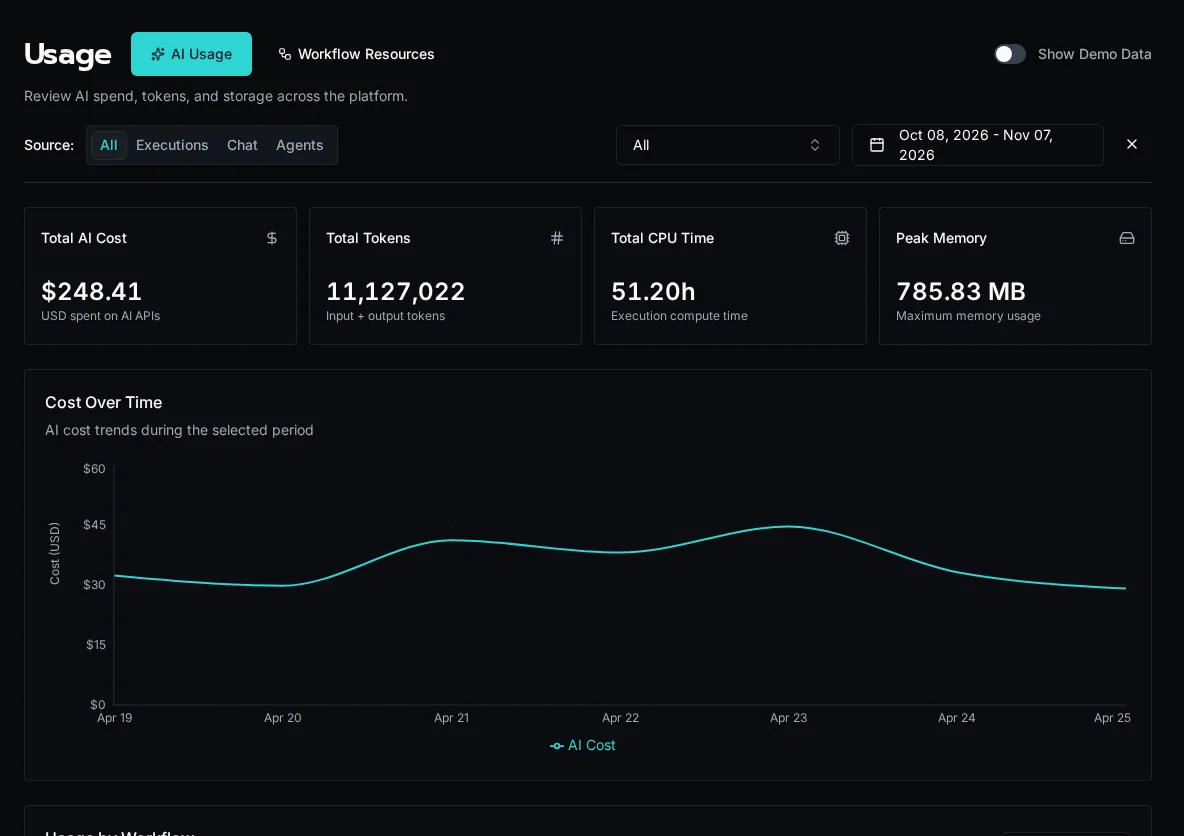
### Filters
[Section titled “Filters”](#filters)
The **Report Period** card at the top controls everything below it:
* **Date range** — defaults to last 30 days. The trends chart respects this range; the workflow / conversation / agent tables sum across it.
* **Source tabs** — `All`, `Executions`, `Chat`, `Agents`. Toggling source hides irrelevant tables (e.g. **Chat** hides the workflow table) so you can focus on one cost driver at a time.
* **Organization** (platform admins) — filter to a single org or look across all orgs at once. Choosing **All organizations** also surfaces a **By Organization** table at the bottom.
### Summary cards
[Section titled “Summary cards”](#summary-cards)
Across the top: **Total AI cost**, **Input tokens**, **Output tokens**, **AI calls**, **Total CPU seconds**, **Peak memory**. The cards reflect the active filters.
### Trends chart
[Section titled “Trends chart”](#trends-chart)
A daily line chart of AI cost and token usage across the date range. Use it to spot:
* A sudden cost spike on a single day (usually a runaway agent or a misconfigured workflow firing on every webhook)
* A weekly weekend dip (normal — the chart is in UTC, so weekend = expected)
* A gradual climb (capacity planning signal)
### By-workflow / By-conversation / By-agent tables
[Section titled “By-workflow / By-conversation / By-agent tables”](#by-workflow--by-conversation--by-agent-tables)
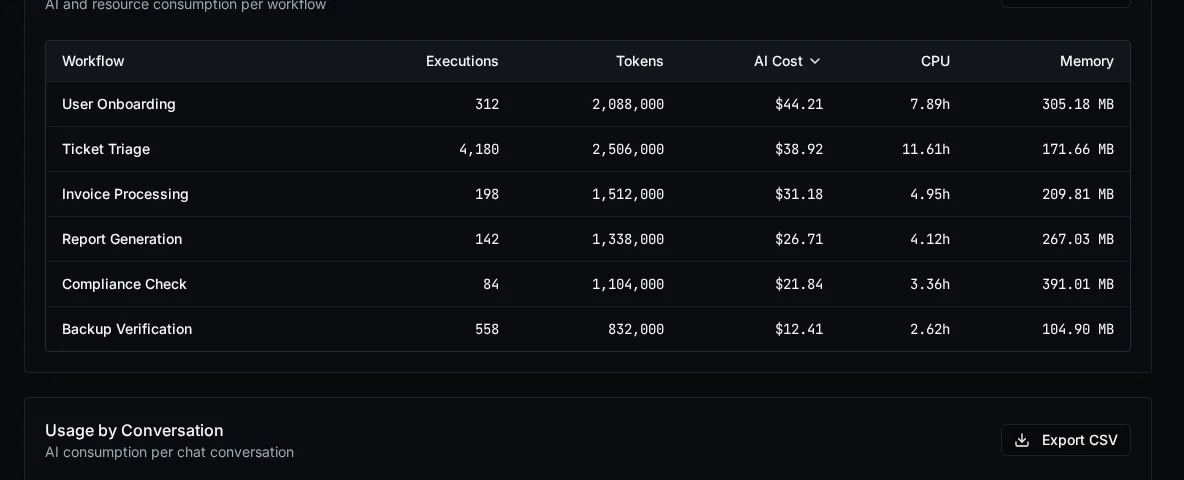
Each table sorts by AI cost descending. The **AI cost** column is broken out **per model** — you’ll see Claude Opus, Sonnet, GPT-4o, etc. listed separately for the same workflow if it called more than one provider during the date range. This makes it obvious when a workflow is paying Opus prices for a Haiku-class job.
Provider pricing is **auto-synced** — Bifrost periodically refreshes its model price table from a central source, so cost numbers reflect current per-token rates without operator intervention. There is no manual step to keep pricing accurate.
### By-organization table
[Section titled “By-organization table”](#by-organization-table)
Visible only when **Organization** is set to *All organizations*. Sorts orgs by their AI spend so you can identify the heavy hitters across a multi-tenant deployment.
### Knowledge storage table
[Section titled “Knowledge storage table”](#knowledge-storage-table)
Shows S3 / vector-DB bytes consumed per knowledge collection. Useful when storage costs become a line item.
### Demo Mode
[Section titled “Demo Mode”](#demo-mode)
Platform admins see a **Show Demo Data** toggle in the header. Flipping it on replaces the real data with deterministic sample data — handy for screenshots or demos when your real data is sparse or sensitive. The amber banner makes it obvious you’re in demo mode.
## ROI Reports
[Section titled “ROI Reports”](#roi-reports)
Navigate to **Reports → ROI**, or go directly to `/reports/roi`.
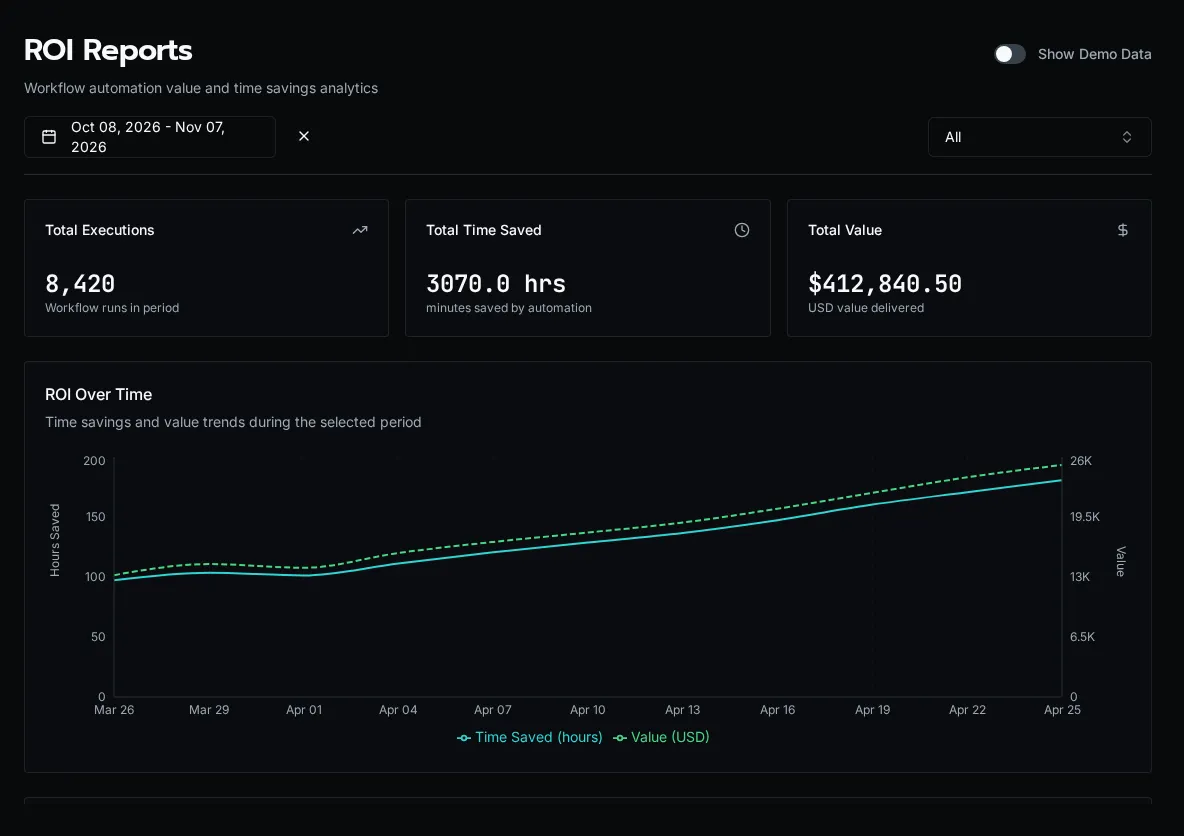
ROI is configured per workflow at authoring time:
```python
@workflow(
roi_minutes_saved=15,
roi_dollar_value=25,
)
async def triage_ticket():
...
```
Each successful execution multiplies its workflow’s `roi_minutes_saved` and `roi_dollar_value` into the totals you see on the report. The page surfaces:
* **Total time saved** (hours)
* **Total dollar value**
* **Trend chart** — daily roll-up
* **By workflow** table — sortable by executions, time, or value
* **By organization** table — when scoped to all orgs
* **Export** — download the current view as CSV
Note
ROI numbers are only as accurate as the per-workflow estimates. Treat them as a **direction-of-travel** signal, not a forensic accounting record. A workflow that runs but produces a no-op result still bumps the counters — you’re responsible for marking it `success` or `failure` correctly inside the workflow body.
## Where agent costs land
[Section titled “Where agent costs land”](#where-agent-costs-land)
Autonomous agent runs generate `AIUsage` rows that roll into both reports:
* **Usage Reports** → the **By Agent** table groups by `agent_id`, with per-model breakdown.
* The **Spend (7d)** card on each agent’s detail page (`/agents/:id`) reads from `AgentStats.total_cost_7d`, which is the same `AIUsage` data summed over the trailing 7 days. Backfilling summaries on N runs (via `POST /api/agent-runs/backfill-summaries`) will move that card by roughly `N × (avg summarizer cost per run)` — the API surfaces a cost estimate before you confirm.
## Common questions
[Section titled “Common questions”](#common-questions)
**“Why is this workflow’s AI cost so high?”** Open Usage Reports → set Source to **Executions** → expand the workflow row to see the per-model breakdown. If 90% of the cost is on Opus calls, the workflow is over-modeling — refactor it to route easy paths to a cheaper model.
**“How much did we spend last month?”** Set the date range to the previous month, leave Source on **All**, organization on **All organizations**. The **Total AI cost** summary card is your number.
**“Is the platform paying for itself?”** Compare **Total AI cost** in Usage Reports against **Total dollar value** in ROI Reports for the same date range. A 10× or better ratio is the typical signal that automation is earning its keep.
## See also
[Section titled “See also”](#see-also)
* [Diagnostics](/docs/how-to-guides/operations/diagnostics/) — CPU and memory at the worker level
* [Audit Log](/docs/how-to-guides/operations/audit-log/) — control-plane events
* [Decorators reference](/docs/sdk-reference/sdk/decorators/) — `roi_minutes_saved`, `roi_dollar_value`, `category`
# Workflow Keys
> Generate and manage API keys that let external systems trigger Bifrost workflows over HTTP.
**Workflow Keys** are API keys that external systems use to trigger Bifrost workflows over HTTP, without a user session. A CI pipeline, a CRM webhook, or a billing job presents the key in a request header and the workflow runs. Each key is either **global** (can execute any endpoint-enabled workflow) or **workflow-specific** (scoped to one workflow).
Caution
The raw key is shown **only once**, at creation. Copy it immediately — Bifrost stores only a hash plus the last four characters for display, so it cannot be retrieved later. If you lose it, revoke and create a new one.
## Open the page
[Section titled “Open the page”](#open-the-page)
Navigate to **Settings → Workflow Keys**, or go directly to `/settings/workflow-keys`.
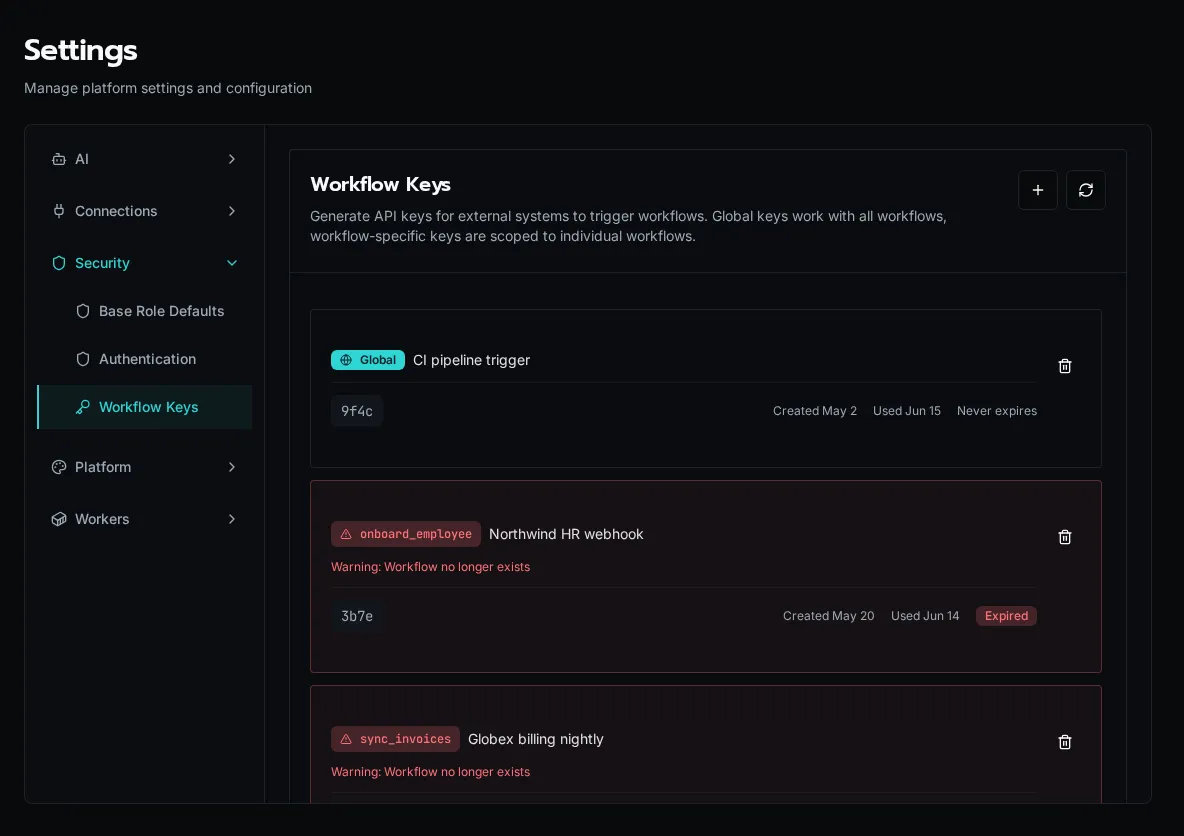
Each card shows the key’s **scope** (a `Global` badge or the workflow name), its description, the masked key (last four characters), when it was created and last used, and its expiration.
## Create a key
[Section titled “Create a key”](#create-a-key)
Click the **+** button in the top right. In the dialog:
* **Description** (required, max 32 chars) — a label so you can tell keys apart later, e.g. `CI pipeline trigger`.
* **Global Key** — check this to let the key execute *any* endpoint-enabled workflow. Leave unchecked to scope it to one workflow.
* **Workflow** (required when not global) — the workflow this key may trigger. Only **endpoint-enabled, non-public** workflows that don’t already have a key appear in the list.
* **Expiration** — `Never`, or 30 / 60 / 90 / 180 / 365 days. Defaults to 90 days.
On submit, the key is shown once with a ready-to-paste `curl` example. Copy it before closing the dialog.
Note
Only workflows with their HTTP endpoint **enabled** can be triggered by a key. Enable the endpoint on the workflow itself (Workflows → the workflow → endpoint settings) before creating a scoped key for it. Workflows marked **public** skip authentication entirely and don’t use keys.
## Trigger a workflow
[Section titled “Trigger a workflow”](#trigger-a-workflow)
Present the key in the `X-Bifrost-Key` header and POST your input to the workflow’s endpoint:
```bash
curl -X POST "$BIFROST_URL/api/endpoints/" \
-H "X-Bifrost-Key: bk_live_xxxxxxxx" \
-H "Content-Type: application/json" \
-d '{"input": "your data"}'
```
A global key works against any endpoint-enabled workflow ID. A workflow-specific key only works against the workflow it was scoped to — any other ID returns `403`.
## Revoke a key
[Section titled “Revoke a key”](#revoke-a-key)
Click the trash icon on a key’s card and confirm. Revocation is **immediate and irreversible**: any system using that key starts getting rejected on the next request. Revoke promptly when a key leaks or a downstream integration is retired.
## Orphaned and expired keys
[Section titled “Orphaned and expired keys”](#orphaned-and-expired-keys)
A key whose target workflow no longer exists is flagged as **orphaned** (red border, warning badge) and sorts to the bottom — its workflow was renamed or deleted out from under it. **Expired** keys carry an `Expired` badge. Both still occupy a slot but can no longer execute; revoke them to clean up.
## Disable global keys for a workflow
[Section titled “Disable global keys for a workflow”](#disable-global-keys-for-a-workflow)
A sensitive workflow can opt out of global keys entirely, so only a workflow-specific key can reach it. This is the `disable_global_key` flag on the workflow itself — set it on the workflow when you want to force per-workflow key issuance for that endpoint.
## See also
[Section titled “See also”](#see-also)
* [Audit Log](/docs/how-to-guides/operations/audit-log/) — key creation and revocation are recorded as control-plane events.
* [Permissions](/docs/core-concepts/permissions/) — what a triggered workflow can do once it runs.
# Exporting and Importing (Moved to Solutions)
> Environment-to-environment portability is now handled by Solutions. The bifrost export and bifrost import commands have been removed.
These commands were removed
`bifrost export --portable` and `bifrost import` no longer exist. Moving forms, agents, workflows, apps, and configuration between environments is now done with **Solutions** — an installable, lifecycle-aware package. Update any scripts that still call the old commands.
A Solution packages a workspace into a single distributable unit and tracks it through install, update, and uninstall. It replaces the loose “scrub a directory of YAML and replay it” flow that the export/import commands provided.
What you used the old flow for maps onto Solutions like this:
* **Promote dev → prod, or share with another environment** — author a Solution and `bifrost solution deploy`, or hand someone a zip from `bifrost solution export` to `bifrost solution install`.
* **Back up a known-good state, including secrets** — `bifrost solution export --mode full --password ` produces a Fernet-encrypted backup; restore it with `bifrost solution install --password `.
* **Keep a target environment from drifting** — a Solution’s entities are read-only in the target; updates arrive only through deploy or auto-pull, so nobody edits them by hand.

[Solutions](/docs/core-concepts/solutions/)What a Solution is, why entities are read-only in the target, and how the install lifecycle works.
[Export or back up a Solution](/docs/how-to-guides/solutions/exporting-backup/)Produce a shareable distribution zip or a password-encrypted full backup with bifrost solution export.
[Install a Solution](/docs/how-to-guides/solutions/installing/)Install a packaged Solution into an org or globally — from a workspace zip or a git repo.
# Solution Descriptor & Manifest Format
> Reference for the bifrost.solution.yaml descriptor and the .bifrost/ manifest files in a Solution workspace.
A Solution workspace is the source form of an installable, deployable package. Its on-disk layout is two layers:
* `bifrost.solution.yaml` — the **descriptor**: the workspace’s identity, version, and git-source pointers. Its presence is also the mode marker that switches the CLI into solution mode.
* `.bifrost/*.yaml` — the **manifest**: per-entity content (forms, agents, tables, configs, workflows, apps, events, claims) keyed by UUID, read by `bifrost solution deploy`.
A complete workspace is `bifrost.solution.yaml` + `.bifrost/*.yaml` + Python source (`functions/`) + app source (`apps//src/`).
Note
This page replaces the older `bifrost export` / `bifrost import` reference. Those commands were removed — Solutions are the install-scoped, lifecycle-aware successor. See the [Solutions](/docs/core-concepts/solutions/) concept and how-to pages for the full workflow.
## `bifrost.solution.yaml` — the descriptor
[Section titled “bifrost.solution.yaml — the descriptor”](#bifrostsolutionyaml--the-descriptor)
The descriptor is pure **definition**. It carries no install id and no install scope — install kind (org vs global) is the installer’s deploy-time `--org` / `--global` choice, derived server-side from `organization_id` (NULL == global). Unknown/legacy keys (such as a pre-standard `scope:`) are ignored.
| Field | Type | Required | Notes |
| -------------------- | ------ | -------- | ------------------------------------------------------------------------------------------------------------------------------------------------------------------- |
| `slug` | string | Yes | Definition identity. The dividing line between an instance (same slug, many installs) and a fork (new slug). Keep it stable. |
| `name` | string | Yes | Display name shown on the `/solutions` catalog. |
| `version` | string | No | Free-form bundle version recorded on the install at deploy time. PEP 440 ordering is only attempted by the server’s downgrade gate; unordered versions never block. |
| `global_repo_access` | bool | No | Whether the Solution’s code may import shared modules from `_repo/`. Defaults to `false`. Unrelated to install scope. |
| `git_connected` | bool | No | Whether this install tracks a git repo. Defaults to `false`. |
| `git_repo_url` | string | No | The connected repo URL. |
| `repo_subpath` | string | No | Subfolder of the connected repo holding this descriptor (omni-repo: one repo, a folder per solution). `null` => repo root. |
| `git_ref` | string | No | Branch or tag the install tracks. `null` => default branch. |
| `logo` | string | No | Path to a solution icon (png/jpeg/svg) relative to the workspace root, e.g. `assets/icon.svg`. Shown on the catalog cards. |
bifrost.solution.yaml
```yaml
slug: hr-portal
name: HR Portal
version: 1.2.0
global_repo_access: false
logo: assets/icon.svg
```
Create and bind one with `bifrost solution create . --slug --name "" --org ""`. `bifrost solution init` is an alias for the same create-and-bind flow. If the remote install already exists, keep the descriptor and run `bifrost solution bind . --solution `.
The workspace binding lives in local `.env` (`BIFROST_SOLUTION_ID`, `BIFROST_SOLUTION_SLUG`, `BIFROST_SOLUTION_ORG_ID`, `BIFROST_SOLUTION_SCOPE`). Keep it out of portable source; it is the developer-machine pointer that tells `start` and `deploy` which install to use.
## `.bifrost/` — the manifest
[Section titled “.bifrost/ — the manifest”](#bifrost--the-manifest)
The descriptor *indexes* the split manifest files; the manifest holds per-entity content. Every file is a top-level key whose value is a map keyed by entity UUID (configs by key).
| File | Top-level key | Holds |
| ------------------ | ------------- | -------------------------------------------------------------------------------- |
| `workflows.yaml` | `workflows` | Workflow rows (`id`, `name`, `path`, `function_name`, endpoint/timeout settings) |
| `tables.yaml` | `tables` | Table schema + policies (structure only — never row data) |
| `configs.yaml` | `configs` | Config declarations (key, type, required, description, default) — no `value` |
| `connections.yaml` | `connections` | Declared integration references (`integration_name`, `template`, `position`) |
| `forms.yaml` | `forms` | Form content inline under each UUID (fields, workflow refs) |
| `agents.yaml` | `agents` | Agent content inline under each UUID (system prompt, tool bindings) |
| `events.yaml` | `events` | Event/schedule triggers + subscriptions |
| `claims.yaml` | `claims` | Custom Claim definitions (name, type, query) |
| `apps.yaml` | `apps` | App entries (`id`, `slug`, `name`, `path`, `app_model`, dependencies, roles) |
Deploy bundles **all** `functions/*.py` source into the install but creates a workflow **row** only for functions listed in `workflows.yaml`. App `path` points at a source directory (e.g. `apps/hr-portal`) holding only TSX/TS/CSS source — no metadata files.
### Portable by omission
[Section titled “Portable by omission”](#portable-by-omission)
Manifest entries intentionally **omit environment-specific fields** — `organization_id`, `access_level`, `roles`, `created_by`, and timestamps. Those live on the DB record, not in the manifest, so the same content deploys into any org (or globally) from the same source. Config declarations carry **no `value`**: config values are instance-owned and supplied at install time (or read from `.env` in local dev). Connection declarations are secret-scrubbed.
This is the same rule applied across the workspace: the repo is the **definition**, and deploy is what stamps `solution_id`, scope, and identity onto the rows it writes.
## The editing rule
[Section titled “The editing rule”](#the-editing-rule)
The manifest is generated by `bifrost solution capture` + `bifrost solution pull` when an entity is first adopted. After that, its **content fields are yours to edit** — this is the intended update surface for solution-managed entities (live entity update verbs 409 because deploy owns those records).
```bash
$EDITOR .bifrost/agents.yaml # edit the system_prompt under that agent's UUID
bifrost solution deploy # redeploys the changed content
```
Caution
**Edit content fields. Never hand-add or hand-remove entity UUID keys.** A UUID key is the entity’s identity; editing the key set by hand changes identity and trips the deploy guard or the reconcile sweep.
* **To introduce an entity:** `bifrost solution capture` then `bifrost solution pull` — pull materializes the new UUID-keyed entry into `.bifrost/`.
* **To delete an entity:** remove a UUID key you previously pulled, then deploy. Because deploy is full-replace, manifest omission is a genuine delete.
The one exception is adding a *new workflow row*: a freshly authored workflow has no capture path, so you add its `workflows.yaml` entry by hand (the same block the scaffold writes for its sample), then deploy. A later `pull` rewrites your provisional UUID with the server’s canonical one.
## How the files round-trip
[Section titled “How the files round-trip”](#how-the-files-round-trip)
`bifrost solution deploy` is **full-replace**: it reads the descriptor + manifest + source, requires the workspace’s `.env` binding, and writes (or overwrites) every entity in that install. Because of that, the deploy guard **409-blocks** when an entity was captured (in the UI or CLI) but is absent from the source manifest — to avoid the reconcile sweep silently deleting it. The fix is always to `bifrost solution pull` first.
```plaintext
capture → stamp ownership server-side (no source written)
pull → materialize captured entities into .bifrost/*.yaml (never touches apps/ or functions/)
deploy → full-replace the install from descriptor + manifest + source
```

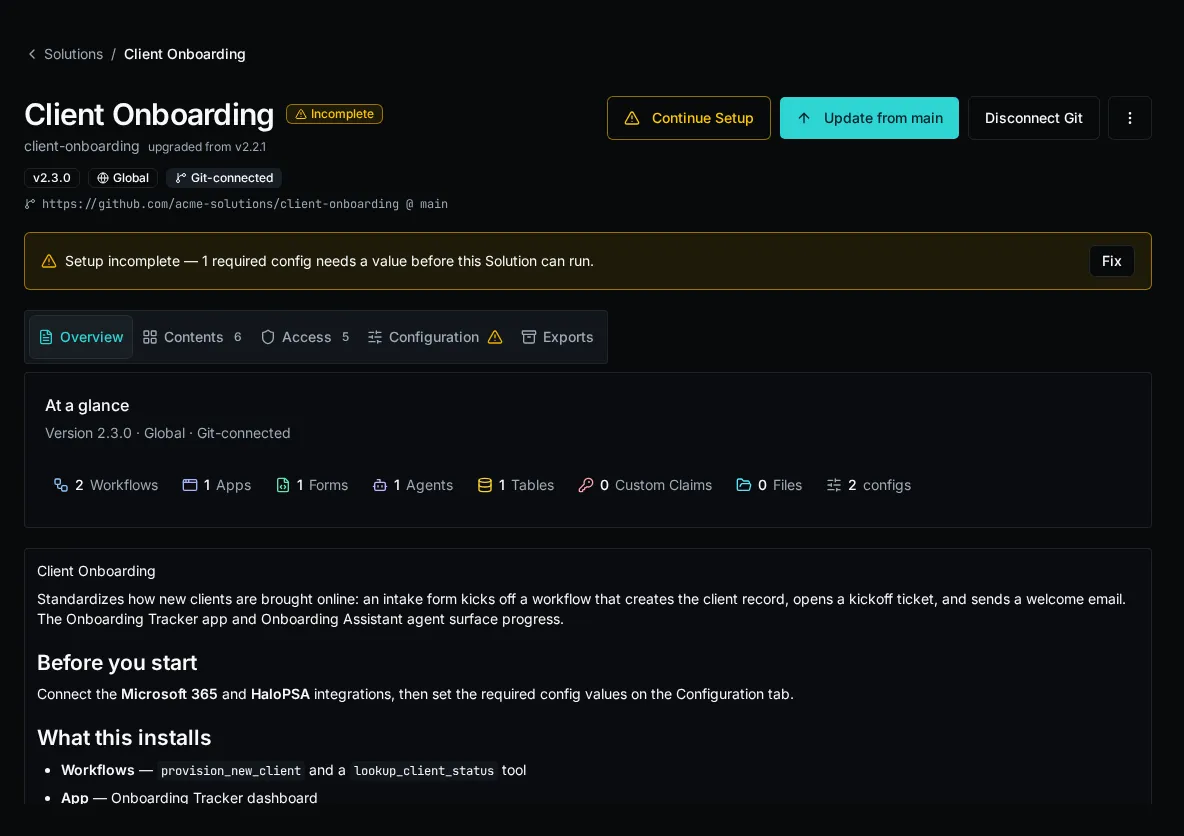
See the [Solutions](/docs/core-concepts/solutions/) concept page for lifecycle and scope, and the Solutions how-to guides for the deploy, install, and local-dev flows.
# Set Up a Solution's Connections
> Satisfy a solution's declared integration and config needs after install using the README, the Setup Required signal, and the Setup wizard.
## Read the solution’s README first
[Section titled “Read the solution’s README first”](#read-the-solutions-readme-first)
The README tab is the install page’s first tab. It carries the solution author’s setup notes — which integrations to connect, what each config value is for, and any one-time steps.
1. Open the install from **Solutions** and stay on the **README** tab.
2. Follow the author’s instructions before opening the Setup wizard.

Note
The README is owned by the source for a git-connected install and is refreshed on every pull. You can only edit it directly on a disconnected install.
## Check the Setup Required signal
[Section titled “Check the Setup Required signal”](#check-the-setup-required-signal)
An install shows a **Setup Required** indicator whenever a required config value is unset, a declared integration does not yet exist, or a protected workflow endpoint does not have a generated key. The install still completes — unmet setup needs are flagged, not blocking.
1. Open the install. A **Setup Required** warning and a **Continue Setup** button appear when anything is unmet.
2. Click **Continue Setup** to launch the Setup wizard.

## Satisfy needs in the Setup wizard
[Section titled “Satisfy needs in the Setup wizard”](#satisfy-needs-in-the-setup-wizard)
The wizard lists every declared requirement paired with whether it is satisfied. Three kinds appear:
* **Config** — a config value the solution reads. Required configs gate completion.
* **Connection** — an integration the solution calls via `integrations.get("...")`. The need is satisfied once an integration with that name exists.
* **Endpoint key** — an API key generated for a non-public workflow endpoint. Public endpoints do not require one.
1. Open the wizard from **Continue Setup**. Each unmet item is shown with its key, type, and the author’s description.
2. For each unset **config** item, enter the value. Required items are marked; setup is not complete until every required config is set.
3. For each **connection** item, create or connect the named integration in **Settings → Integrations**, then return to the wizard — the item flips to satisfied once the integration exists.
4. Generate a key for each protected workflow endpoint. Store the displayed secret immediately; it is shown only once.
5. When every required config is set, every declared integration exists, and every protected endpoint has a key, the wizard reports setup complete and the **Setup Required** signal clears.

Caution
OAuth is **warn-only**. A connection item is satisfied as soon as the named integration exists — even if no OAuth token is connected yet. The wizard flags a missing token, but it never blocks setup completion. Finish the OAuth flow for any integration that needs one, or the solution’s workflows will fail at runtime.
## Updating connections later
[Section titled “Updating connections later”](#updating-connections-later)
Solution-managed entities are read-only in the target environment. Config *values*, integration connections, and generated endpoint keys are install-owned and can be maintained through the Setup wizard and **Settings → Integrations**. Their declarations change only when the author re-deploys or the install auto-pulls a new version.
Tip
For authors: connection and config needs are not declared by hand. `bifrost solution capture` and `bifrost solution deploy` statically scan workflow source for `integrations.get("...")` and config reads, serialize secret-scrubbed declarations into the bundle, and pre-create empty integration shells on deploy. That is what the operator’s Setup wizard reads back.
# Deploy a Solution from a Workspace
> Ship a Solution workspace to an install with bifrost solution deploy — org targeting, downgrades, disambiguation, and the capture → pull → deploy order.
`bifrost solution deploy` reads the `bifrost.solution.yaml` descriptor in the current workspace, bundles its source plus `.bifrost/*.yaml` manifest, and full-replaces the matching install. It is non-interactive: the whole bundle applies in one POST.
## Prerequisites
[Section titled “Prerequisites”](#prerequisites)
* A Solution workspace (a directory with `bifrost.solution.yaml`, created by `bifrost solution init`).
* Authenticated against the target environment (`bifrost login`).
## Deploy into your own org
[Section titled “Deploy into your own org”](#deploy-into-your-own-org)
1. From the solution root, deploy:
```bash
bifrost solution deploy
```
(`bifrost deploy` is the top-level alias.)
2. With no `--org`/`--global` flag, the install resolves to your **own org**. The command creates the install if none exists, then full-replaces it.
3. Read the summary — it reports entities upserted, deleted, and any roles auto-created (empty; assign members to grant access):
```plaintext
Deployed install : 3 workflow(s), 1 app(s) upserted, 0 deleted.
Auto-created 1 new role(s): Approvers (empty — assign members to grant access).
```

## Target a different org or global scope
[Section titled “Target a different org or global scope”](#target-a-different-org-or-global-scope)
1. Deploy into a specific org by id or name:
```bash
bifrost solution deploy --org
```
2. Deploy a global (org-NULL) install:
```bash
bifrost solution deploy --global
```
Note
Each org’s install of a slug is independent. Omitting the flag deploys into your own org — it is never a global deploy. `--org` and `--global` are mutually exclusive.
## Disambiguate when more than one install matches
[Section titled “Disambiguate when more than one install matches”](#disambiguate-when-more-than-one-install-matches)
When more than one install of the slug exists in the resolved scope, deploy refuses to guess and lists the candidates. Re-run with the explicit target:
```bash
bifrost solution deploy --solution
```
## Apply a downgrade
[Section titled “Apply a downgrade”](#apply-a-downgrade)
Deploy 409-blocks when the bundle version is older than the installed version. Override deliberately:
```bash
bifrost solution deploy --force
```
`--force` also bypasses the capture guard below.
## Order captures before deploying
[Section titled “Order captures before deploying”](#order-captures-before-deploying)
Capturing loose `_repo/` entities into an install (`bifrost solution capture`) is **terminal**: it records a `pending_captures` row for each adopted entity. Until that entity is in your source manifest, a deploy’s full-replace would delete it — so deploy 409-blocks with a message naming the entities.
1. Capture into the install (run this **last** among your authoring steps):
```bash
bifrost solution capture --workflow my-flow --table my-table
```
2. Pull the captured entities into the local `.bifrost/` manifest (this never touches `apps/` or source code):
```bash
bifrost solution pull
```
3. Deploy. The pulled entities are now in source, so the guard clears:
```bash
bifrost solution deploy
```
Caution
Always `pull` after any `capture` and before the next `deploy`. Skipping the pull triggers a 409: ` entity(ies) were captured into this solution but are not in your source manifest`. Deploying after a fresh capture without pulling would otherwise delete the captured entities.
# Export or Back Up a Solution
> Produce a shareable distribution zip or a password-encrypted full backup of an installed Solution with bifrost solution export.
`bifrost solution export ` downloads an installed Solution as a workspace zip. Two modes:
* **`shareable`** (default) — code, app source, and schema (workflows, tables, forms, agents, config and connection declarations). No secret values, no table data, no password. Safe to commit or hand to someone else to install.
* **`full`** — everything in `shareable` plus a Fernet-encrypted `.bifrost/secrets.enc` blob carrying the install’s config values (and table data). `--password` is required; the password encrypts the blob.
A `shareable` zip installs with `bifrost solution install `. A `full` backup restores with `bifrost solution install --password `.
## Export a shareable zip
[Section titled “Export a shareable zip”](#export-a-shareable-zip)
1. Authenticate against the environment that holds the install:
```bash
bifrost login --url --email you@example.com
```
2. Export by slug or install UUID:
```bash
bifrost solution export my-solution
```
The zip lands as `-.zip` in the current directory. Pass `--out ./bundle.zip` to choose the path.

## Export a full encrypted backup
[Section titled “Export a full encrypted backup”](#export-a-full-encrypted-backup)
1. Run the export with `--mode full` and a password:
```bash
bifrost solution export my-solution --mode full --password '' --out ./my-solution-backup.zip
```
2. Store the password separately — it is the only way to decrypt the secrets blob. The zip is useless on restore without it.
Caution
The password rides in the request body, not the URL, but it still appears in your shell history when typed inline. Prefer reading it from an environment variable or a secrets manager.
## Restore a full backup
[Section titled “Restore a full backup”](#restore-a-full-backup)
1. Authenticate against the **target** environment, then install the backup zip with its password:
```bash
bifrost solution install ./my-solution-backup.zip --password ''
```
Omit `--org` to install into your own org, or pass `--org ` / `--global` to target a different scope.
2. If the server reports a 409 collision (a config value or table row already exists in the target), re-run with the matching override:
```bash
# overwrite conflicting config values
bifrost solution install ./my-solution-backup.zip --password '' --replace-secrets
# overwrite conflicting table data
bifrost solution install ./my-solution-backup.zip --password '' --replace-data
```

## Flags
[Section titled “Flags”](#flags)
| Flag | Command | What it does |
| ------------------- | --------- | ------------------------------------------------------------------------ |
| `--mode shareable` | `export` | Code + schema only, no secrets, no password (default). |
| `--mode full` | `export` | Adds the Fernet-encrypted secrets/data blob. Requires `--password`. |
| `--password` | `export` | Encrypts the secrets blob. Required for `--mode full`. |
| `--out ` | `export` | Output zip path (default `-.zip`). |
| `--password` | `install` | Decrypts a full-backup zip’s secrets blob. A wrong password returns 422. |
| `--replace-secrets` | `install` | Overwrite conflicting config values on a 409 collision. |
| `--replace-data` | `install` | Overwrite conflicting table data on a 409 collision. |
## Notes
[Section titled “Notes”](#notes)
* **`` is a slug or a UUID.** Slugs resolve through the installs list; pass the UUID directly to skip the lookup.
* **The export reflects current ownership.** It rebuilds from what the install owns right now, so an export always captures the live state, not a snapshot from deploy time.
* **`shareable` carries no secrets.** Config values declared by the Solution are present as declarations only — operators supply values at install time via the Setup wizard or `--set KEY=VALUE`.
* **Table data only travels in a `full` backup.** It is part of the encrypted blob, never in a `shareable` zip.
# Install a Solution
> Install a packaged Bifrost Solution into an org or globally — from a workspace zip or a git repo.
Install a packaged Solution from a workspace zip on the command line, or from a git repository through the Solutions catalog. A Solution installs as a single, lifecycle-aware unit: its entities are read-only in the target environment and update via deploy or auto-pull.
## Install from a zip
[Section titled “Install from a zip”](#install-from-a-zip)
1. Get the Solution zip (an author’s `bifrost solution export` output) onto a machine where you’re authenticated with the CLI (`bifrost login`).
2. Install it into your own org:
```bash
bifrost solution install ./my-solution-1.2.0.zip
```
With no org flag, the install targets the org you’re logged in as.
3. To target a different scope, pass an org flag:
```bash
bifrost solution install ./my-solution-1.2.0.zip --org "Acme Corp"
bifrost solution install ./my-solution-1.2.0.zip --global
```
`--org ` installs into that org; `--global` installs globally.
4. Supply any required config values with `--set KEY=VALUE` (repeatable). They are applied atomically with the install:
```bash
bifrost solution install ./my-solution-1.2.0.zip \
--set api_base_url=https://api.example.com \
--set page_size=50
```
### Full-backup zips
[Section titled “Full-backup zips”](#full-backup-zips)
A zip exported with `--mode full` carries an encrypted secrets blob (Fernet, password-protected). Supply the author’s password to decrypt it:
```bash
bifrost solution install ./my-solution-full.zip --password "$BACKUP_PASSWORD"
```
A wrong password is rejected with a `422`.
### Resolving collisions
[Section titled “Resolving collisions”](#resolving-collisions)
If the zip carries config or table values that conflict with what’s already in the target, the install stops with a `409` naming the conflicting keys. Re-run with the matching override:
| Flag | Effect |
| ------------------- | ---------------------------------------------------------------------------- |
| `--replace-secrets` | Overwrite existing config values that conflict with the zip’s secret values. |
| `--replace-data` | Overwrite existing table rows that conflict with the zip’s data. |
## Install from a git repo
[Section titled “Install from a git repo”](#install-from-a-git-repo)
A git-connected install is created through the Solutions catalog UI. Point it at a repository (optionally a subfolder and ref); Bifrost clones it, previews what it would create, and installs. A git-connected install is read-only and **deploy is disabled** for it — auto-pull from the repo is the only writer.

1. In **Solutions**, choose **Install Solution → Import as a Solution → From a repository**, then enter the repository URL. Optionally set a subfolder (for an omni-repo where the Solution lives under a subpath) and a ref (branch or tag).
2. Review the parse-only preview of what the Solution would create.
3. Confirm to install. Bifrost creates the git-connected install and deploys the repo’s current HEAD.

## After installing
[Section titled “After installing”](#after-installing)
* Missing roles referenced by the Solution are auto-created (empty — assign members to grant access).
* If the Solution declares required integrations, install surfaces the unmet connection needs. Complete them in the Setup wizard before the Solution is fully operational — see [Connections & Setup](/docs/how-to-guides/solutions/connection-references/).
* Solution-managed entities are read-only; editing one live returns a `409`. Changes come from the author via deploy or, for git-connected installs, auto-pull.
Note
Each org’s install of a given Solution slug is independent. Installing the same slug into a second org creates a separate install, not a shared one.
# Run a Solution Locally
> Develop a Solution's app and workflows on one local origin with bifrost solution start — hot reload, no deploy.
`bifrost solution start` runs your Solution’s app dev server and its local workflows behind a single origin, proxying everything else to your dev instance. It deploys nothing — edit, save, refresh. The local data plane comes from the Solution install bound in your workspace `.env`.
## Prerequisites
[Section titled “Prerequisites”](#prerequisites)
* A Solution workspace (a directory containing `bifrost.solution.yaml`) bound to a remote Solution install. Create and bind one with `bifrost solution create`; bind an existing install with `bifrost solution bind --solution `.
* At least one `standalone_v2` app in the workspace. Scaffold one with `bifrost solution scaffold-app `.
* You are logged in (`bifrost login`) and Node.js (`npm`) is on your PATH.
## Create or bind the workspace
[Section titled “Create or bind the workspace”](#create-or-bind-the-workspace)
For a new Solution, create the descriptor and the empty remote install in one step:
```bash
bifrost solution create . --slug client-onboarding --name "Client Onboarding" --org "Contoso"
```
`bifrost solution init` is a compatibility alias for the same create-and-bind flow. Both commands write `bifrost.solution.yaml`, create the install, and bind the workspace in `.env`.
If you cloned a workspace that already has a descriptor, bind it to an existing install instead:
```bash
bifrost solution bind . --solution client-onboarding
```
`bind` accepts an install id or a unique slug. It never creates a new install.
Note
The `.env` binding is local state, not portable source. It records the bound install id, slug, scope, and org id so `start` and `deploy` stamp local data-plane calls to the intended Solution instead of falling back to global `_repo` behavior.
## Start the dev server
[Section titled “Start the dev server”](#start-the-dev-server)
1. From the solution root or any directory beneath it, run:
```bash
bifrost solution start
```
With more than one app in the workspace, name the one to serve:
```bash
bifrost solution start my-app
```
2. On first run, the CLI points the scaffolded `bifrost` SDK dependency at the bound instance, installs the app’s npm dependencies, discovers your local workflow functions, and starts Vite. Watch for:
```plaintext
Discovered 1 local function(s).
Bifrost solution dev server → http://localhost:3000
```
3. Open `http://localhost:3000`. The app loads already authenticated as your CLI user, with its “Run workflow” button wired to your local functions.
`solution start` checks the app’s vendored SDK contract against the connected instance. If it reports that the SDK is stale, refresh and reinstall the SDK in the app:
```bash
bifrost solution sdk update
```
For a Solution with multiple apps, select one with `--app `. Workflow hooks in the refreshed SDK stream progress and results from both local and deployed workflows.
## One origin, two processes
[Section titled “One origin, two processes”](#one-origin-two-processes)
`start` runs a proxy on `--port` (default `3000`) and Vite on `--port + 1` (so `3000` → Vite `3001`). You only ever open the proxy port. Behind it:
* **App requests** are served by Vite (HMR).
* **Workflow calls** using a manifest name, `path::function`, or manifest UUID resolve against your local source first — no deploy needed.
* **Everything else** (auth, tables, configs, integrations) is proxied to your dev instance with the bound Solution id and org context.
Local import errors and ambiguous workflow names are returned to the app and printed in the terminal. They never silently fall through to a deployed copy. An unresolved ref is proxied only when the Solution descriptor enables `global_repo_access`.
Note
Vite binds `--port + 1` with `--strictPort`. If either port is in use, free it or pick a different base port with `--port`.
## Change the port
[Section titled “Change the port”](#change-the-port)
```bash
bifrost solution start my-app --port 4000
```
The dev origin is then `http://localhost:4000` (Vite runs on `4001`).
## Bind beyond localhost
[Section titled “Bind beyond localhost”](#bind-beyond-localhost)
Bind the proxy to another interface while keeping the browser-visible origin aligned with the SDK:
```bash
bifrost solution start my-app --host 0.0.0.0 --public-url http://localhost:4000 --port 4000
```
Use `--host` for the listening interface and `--public-url` for the URL opened by the browser or an external development proxy. A mismatched public URL can cause CORS or authentication failures.
## Hot reload
[Section titled “Hot reload”](#hot-reload)
* **App code** (`.tsx`, `.css`, …) reloads instantly via Vite HMR.
* **Workflow code** (the `.py` functions under your solution root) is re-discovered on save by the file watcher — the next workflow call runs the updated source. No restart.
* **Workflow manifests** (`.bifrost/workflows.yaml`) are watched too, so renamed refs resolve without restarting.
## Recover an expired session
[Section titled “Recover an expired session”](#recover-an-expired-session)
The proxy refreshes expired CLI credentials and coordinates simultaneous refreshes from browser and local workflow requests. If the refresh token has also expired, the app shows **Session expired**. Run `bifrost login` in the workspace, then reload the app.
## Change org or global scope
[Section titled “Change org or global scope”](#change-org-or-global-scope)
`start` uses the install recorded in `.env`; it does not take `--org` or `--global`. To run against another org or a global install, create or bind that install first, then restart the dev server.
## Stop
[Section titled “Stop”](#stop)
Press `Ctrl-C`. The CLI tears down both the proxy and the Vite process group.
# Update an Installed Solution
> Apply a newer version of a Solution to an existing install — via git auto-pull, a workspace redeploy, or a single-entity edit-and-redeploy.
A Solution update is a full replace: applying a newer version overwrites the install’s managed entities with the bundle’s. How you apply it depends on whether the install is git-connected.
## See whether an update is available
[Section titled “See whether an update is available”](#see-whether-an-update-is-available)
For a git-connected install, Bifrost compares the installed version against the `version:` field of `bifrost.solution.yaml` at the connected ref’s HEAD (PEP-440 ordering, **not** git tags). When the remote descriptor version is a clean increment over the installed one, the catalog badges the install and emits a `solution.update_available` event. The sweep runs every 6 hours.

Note
An author signals a new version by bumping `version:` in the descriptor and pushing — no git tag or release ceremony is needed. This is what lets one omni-repo version N Solutions independently by subfolder.
## Update a git-connected install (auto-pull)
[Section titled “Update a git-connected install (auto-pull)”](#update-a-git-connected-install-auto-pull)
A git-connected install is written **only** by auto-pull — `bifrost solution deploy` is refused for it (`409`). Trigger a pull to apply the repo’s current HEAD:
1. From the Solutions catalog, sync the install to pull the latest commit. (This is the same writer a webhook or the scheduled poll uses.)
2. Bifrost clones the repo at the connected ref, full-replaces the install’s managed entities, and clears the update-available badge.

## Update from a workspace (redeploy)
[Section titled “Update from a workspace (redeploy)”](#update-from-a-workspace-redeploy)
For an install that is **not** git-connected, ship a newer version by redeploying the authoring workspace.
1. Bump `version:` in `bifrost.solution.yaml`.
2. From the solution root, deploy. The command resolves the matching install and full-replaces it:
```bash
bifrost solution deploy
```
Use `--org ` or `--global` to target an install in another scope, and `--solution ` if more than one install matches.
If the bundle version is older than the installed version, deploy `409`-blocks. Apply the downgrade deliberately with `--force`:
```bash
bifrost solution deploy --force
```
## Update one managed entity
[Section titled “Update one managed entity”](#update-one-managed-entity)
There is no live edit of a managed entity — saving one in the UI returns a `409`. To change a single form, agent, table, or config, edit it in source and redeploy the whole bundle.
1. Edit the entity’s field in the workspace `.bifrost/*.yaml` manifest (for example, a form’s fields in `.bifrost/forms.yaml`, or an agent’s prompt in `.bifrost/agents.yaml`).
2. Redeploy:
```bash
bifrost solution deploy
```
Because deploy is a full replace, only the entities present in your manifest survive. Editing one entry and redeploying changes that entity and leaves the rest intact — but an entity dropped from the manifest is deleted from the install.
Caution
If you captured loose entities into the install since your last deploy (`bifrost solution capture`), run `bifrost solution pull` before this redeploy. Otherwise the full replace would delete the captured-but-unpulled entities, and deploy `409`-blocks to stop it. See [Deploy a Solution from a Workspace](/docs/how-to-guides/solutions/deploying/).
# Editing Policies in the UI
> Use the in-app policy editor to author and validate row-level access rules without hand-editing YAML.
The Tables UI ships an in-app policy editor that round-trips between JSON and YAML and validates against the server before you save. Use it when authoring policies for a table you can reach in the UI; for headless / CLI / manifest workflows, see [Writing Table Policies](/docs/how-to-guides/tables/writing-policies/).
## Open the editor
[Section titled “Open the editor”](#open-the-editor)
1. Navigate to **Tables**, pick the table, click **Edit**.
2. Scroll to the **Policies** section. Empty tables show `{"policies": []}` pre-seeded — no manual wrapping required.
## Tabs
[Section titled “Tabs”](#tabs)
The editor has two tabs over a single shared document:
* **JSON** — the canonical form, schema-friendly, what the server stores.
* **YAML** — the same document in YAML for readability and easier diffs against `.bifrost/tables.yaml`.
Switch tabs to reformat. If the buffer doesn’t parse, the switch is blocked and the parse error is shown inline below the tabs.
## Insert a template
[Section titled “Insert a template”](#insert-a-template)
Above the tabs, the **Insert template ▾** dropdown appends a starter policy: `admin_bypass`, `own_row`, `own_org`, or `role_gated_read`. The new policy lands at the end of the `policies` array, both tabs reflect the change immediately.
## Reference panel
[Section titled “Reference panel”](#reference-panel)
Click **Reference** (top-right of the editor) for a side panel covering:
* **USER fields** — every value `{ user: ... }` accepts (`user_id`, `email`, `organization_id`, `is_platform_admin`, `role_ids`, `role_names`).
* **ROW fields** — column names plus the `data.` form for JSONB.
* **Operators** — `eq`, `neq`, `lt`/`lte`/`gt`/`gte`, `in`, `is_null`, `and`, `or`, `not`, `call`.
* **Functions** — currently `has_role`.
* **Worked examples** — 16 copy-paste-ready policies covering every operator and the canonical patterns (own-row, own-org, range, set-membership, has-role, manager-reads-reports, cross-org provider). Each example renders with full `{"policies": [...]}` wrapping, so the **Copy** button gives you something you can paste directly into a fresh editor or `.bifrost/tables.yaml`.
* **Footguns** — the small list of gotchas that bites every author once: `null` in `eq`/`neq` rejected, empty `in` lists rejected, the `not + is_null` “is set” idiom, missing-JSONB-path semantics.
## Live validation
[Section titled “Live validation”](#live-validation)
As you type, valid documents are sent to the server’s validator (debounced \~300ms) and any structural or AST errors land below the editor with the exact JSONPath of the offending node:
```plaintext
$.policies[0].when.eq[1]: eq does not accept null literals (NULL semantics differ between evaluator and SQL pushdown); use is_null instead
```
The validation endpoint runs the same Pydantic validator the create / update endpoints use, so a passing preview means the server will also accept the document on save. Invalid drafts can be saved by leaving the buffer in a parse-error state — the **Insert template** action and **Add policy** are disabled while a parse error is unresolved, so you don’t accidentally clobber a half-written draft.
## Saving
[Section titled “Saving”](#saving)
The dialog’s **Update** / **Create** button serializes whatever’s in the active tab. Validation runs again on submit; a server-side rejection surfaces as a form error.
Note
The editor is for authoring. Policies are evaluated at every read and write — see [Tables: row-level policies](/docs/core-concepts/tables/#row-level-policies) for the runtime semantics.
## Where to learn more
[Section titled “Where to learn more”](#where-to-learn-more)
[Writing Table Policies](/docs/how-to-guides/tables/writing-policies/)The recipe collection — own-row, role-gated, org-isolated, state-locked, public-read.
[Tables: row-level policies](/docs/core-concepts/tables/#row-level-policies)Default-deny, additive OR, pre-image gating, audit on deny.
[Reading tables from an app](/docs/how-to-guides/tables/reading-from-apps/)useTable for live-updating UI; the same policies apply over the websocket fan-out.
# Reading Tables from an App
> Use the useTable hook to read and live-subscribe to a table from a custom Bifrost app.
This guide covers reading and writing tables from a **custom app** (the React/TSX surface that runs inside Bifrost). For workflows, see the [Tables Module SDK reference](/docs/sdk-reference/sdk/tables-module/) — the access model is the same; only the surface differs.
## What `useTable` does
[Section titled “What useTable does”](#what-usetable-does)
`useTable` is a React hook that loads a table snapshot via REST and then keeps it in sync via a websocket subscription. Insert, update, and delete events apply to the local state automatically; your component just renders `rows`.
The same row-level policies that gate REST also gate the websocket fan-out. A row the user can’t read is never in the snapshot and is never delivered as an event.
## Basic usage
[Section titled “Basic usage”](#basic-usage)
```tsx
import { useTable } from "bifrost";
export function TicketList() {
const { rows, loading, error } = useTable("tickets");
if (loading) return
Loading…
;
if (error) return
Failed to load: {error.message}
;
return (
{rows.map((r) => (
{String(r.title)} — {String(r.status)}
))}
);
}
```
`rows` is an array of flat objects: JSONB fields from the row’s `data` are spread to the top level alongside column-mapped fields (`id`, `created_by`, `updated_by`, `created_at`, `updated_at`, `table_id`). This matches the shape websocket events deliver, so live updates merge cleanly with the snapshot.
## Filtering with `where`
[Section titled “Filtering with where”](#filtering-with-where)
`useTable` accepts a `where` filter in the same **dict-shorthand DSL** the Python SDK uses — one filter syntax across both surfaces.
```tsx
// Equality
useTable("notes", { where: { client_id: clientId } });
// Comparison operators
useTable("invoices", { where: { amount: { gte: 100, lt: 1000 } } });
// Substring (case-insensitive)
useTable("clients", { where: { name: { contains: "acme" } } });
// IN
useTable("tickets", { where: { status: { in: ["open", "pending"] } } });
// Null check
useTable("tasks", { where: { deleted_at: { is_null: true } } });
// Multiple conditions combine with AND
useTable("notes", {
where: {
client_id: clientId,
pinned: true,
},
});
```
Operators: `eq`, `neq` / `ne`, `gt`, `gte`, `lt`, `lte`, `in`, `is_null`, `has_key`, `contains`, `starts_with`, `ends_with`. The full list with examples is in the [Tables module reference’s Filter Operators section](/docs/sdk-reference/sdk/tables-module/#filter-operators).
The `where` clause runs on top of the policy filter, not in place of it. Users still only see rows their policies grant.
Note
A few operators (`contains`, `starts_with`, `ends_with`, `has_key`) work for one-shot queries but cannot be expressed as a live-subscribe filter — the policy `Expr` AST has no equivalent. Using them in `useTable.where` raises a clear error via `error`. For those cases, use `tables.query()` directly (no live updates) or filter client-side.
## Sorting and pagination
[Section titled “Sorting and pagination”](#sorting-and-pagination)
Pass `order_by` / `order_dir` for sort, `limit` / `offset` for one-shot pagination:
```tsx
const { rows } = useTable("tickets", {
where: { status: "open" },
order_by: "created_at",
order_dir: "desc",
limit: 50,
});
```
The server caps `limit` at 1000. For tables that may grow past that, use `useTablePaged` instead — it loops with `offset` and `skip_count: true` after the first page.
```tsx
import { useTablePaged } from "bifrost";
export function ContactsList() {
const { rows, loadMore, hasMore, loading } = useTablePaged("contacts", {
pageSize: 100,
});
return (
<>
{rows.map((r) =>
{String(r.name)}
)}
{hasMore && }
);
}
```
Live updates apply to whatever’s been loaded.
## Scope: org-scoped apps
[Section titled “Scope: org-scoped apps”](#scope-org-scoped-apps)
When called inside an **org-scoped app** (one whose `app.organization_id` is set), `useTable` and `tables.*` automatically scope to the app’s org — same convention as org-scoped workflows always running as their org regardless of who triggered them. Apps marked **global** fall back to caller’s-org behavior.
You don’t need to thread an org id through every call. To override the default (provider admins targeting another org), pass `scope` explicitly:
```tsx
useTable("notes", { scope: "11111111-2222-3333-4444-555555555555" });
```
## Live updates from reassignment
[Section titled “Live updates from reassignment”](#live-updates-from-reassignment)
When a row that was previously hidden becomes visible — for example, an admin changes `assignee` so the policy now matches — the user receives an `insert` event and the row appears in the UI without a refetch. Conversely, if a row is mutated out of visibility, the user receives a `delete` event and it disappears.
This is “visibility-gain via reassignment,” and it’s why `useTable` doesn’t need a refresh button.
## Subscribe errors surface visibly
[Section titled “Subscribe errors surface visibly”](#subscribe-errors-surface-visibly)
If the server rejects the websocket subscription — table not found in scope, policies missing, access denied — `useTable` surfaces the rejection through `error`. It does **not** silently leave the snapshot showing while live updates never arrive. Render `error.message` and you’ll see the cause.
## Writing from an app
[Section titled “Writing from an app”](#writing-from-an-app)
For mutations, use the imperative `tables` client from the same SDK. Same policies, same scope behavior as the hook.
```tsx
import { tables } from "bifrost";
await tables.insert("tickets", { title: "New ticket", status: "open" });
await tables.update("tickets", rowId, { status: "closed" });
await tables.delete("tickets", rowId);
```
### Error classes
[Section titled “Error classes”](#error-classes)
Operations throw distinct errors so you can react appropriately:
```tsx
import { tables, TableAccessDeniedError, TableNotFoundError } from "bifrost";
try {
await tables.insert("tickets", data);
} catch (e) {
if (e instanceof TableAccessDeniedError) {
// policy denied — user shouldn't see/do this
} else if (e instanceof TableNotFoundError) {
// the table doesn't exist in this scope
} else {
throw e;
}
}
```
For row-level reads/updates (`tables.get`, `tables.update`, `tables.delete` with a single id), a missing target returns `null` / `false` rather than throwing — that case is “row may not exist,” which is normal. Access-denied still throws `TableAccessDeniedError`.
The platform also writes a `policy.deny` row to the audit log automatically when a 403 fires, so you don’t need to duplicate that signal.
## Apps vs. workflows: which surface?
[Section titled “Apps vs. workflows: which surface?”](#apps-vs-workflows-which-surface)
| Use case | Surface |
| ----------------------------------------- | ----------------------------------------------------------- |
| Live-updating UI in a custom app | `useTable` hook |
| Paginated list in a custom app | `useTablePaged` hook |
| One-shot read in an app (no live updates) | `tables.query()` from the imperative SDK |
| Read or write from a workflow | `sdk.tables.get("name")` then `.query()` / `.insert()` etc. |
| Server-to-server batch jobs | Workflow SDK (runs as the workflow’s principal) |
App requests run as the **logged-in user**, so all policies evaluate against that user’s `user_id`, `organization_id`, and roles. Workflow requests run as the **workflow’s execution context** — typically a service principal — so own-row patterns based on `{ user: user_id }` won’t work the way you’d expect from a workflow. Design your policies with both surfaces in mind.
Caution
Don’t bypass the hook with raw `fetch` calls in app code. The SDK applies the CSRF token, credentials cookie, and consistent error handling. Direct fetches will fail CSRF on writes.
## Where to learn more
[Section titled “Where to learn more”](#where-to-learn-more)
[Tables Module (SDK reference)](/docs/sdk-reference/sdk/tables-module/)Full API for reading and writing tables from workflows. Same \`where\` DSL as the browser hook.
[Writing table policies](/docs/how-to-guides/tables/writing-policies/)The rules that determine which rows useTable returns.
[Tables: row-level policies](/docs/core-concepts/tables/#row-level-policies)How the gate composes across REST, the SDK, and the websocket fan-out.
# Writing Table Policies
> Recipes for row-level access rules — own-row, role-gated, org-isolated, state-locked, and public-read.
This guide assumes you know what policies are and the default-deny model. If not, read [Tables: row-level policies](/docs/core-concepts/tables/#row-level-policies) first.
Each policy has a `name`, a list of `actions` it gates, and an optional `when` expression. If `when` is omitted (`null`), the rule grants the listed actions unconditionally to anyone who can reach the table.
## Recipe 1: Own-row read and write
[Section titled “Recipe 1: Own-row read and write”](#recipe-1-own-row-read-and-write)
Users may read, update, and delete only the rows they created.
```yaml
policies:
- name: admin_bypass
actions: [read, create, update, delete]
when: { user: is_platform_admin }
- name: everyone_can_create
actions: [create]
when: null
- name: own_row
actions: [read, update, delete]
when:
eq: [{ row: created_by }, { user: user_id }]
```
Why it works: `created_by` is set by the platform on insert (column-mapped, not user-supplied), so a user can’t lie about ownership.
## Recipe 2: Role-gated read
[Section titled “Recipe 2: Role-gated read”](#recipe-2-role-gated-read)
Only members of the `support` role may read.
```yaml
policies:
- name: admin_bypass
actions: [read, create, update, delete]
when: { user: is_platform_admin }
- name: support_can_read
actions: [read]
when:
call: has_role
args: ["support"]
```
Why it works: `has_role` matches against both role names and role IDs on the requesting user, so passing the role’s name (or its UUID) both work.
## Recipe 3: Org isolation on a global table
[Section titled “Recipe 3: Org isolation on a global table”](#recipe-3-org-isolation-on-a-global-table)
Rows carry an `organization_id` field; users only see rows for their own org.
```yaml
policies:
- name: admin_bypass
actions: [read, create, update, delete]
when: { user: is_platform_admin }
- name: own_org_read
actions: [read]
when:
eq: [{ row: organization_id }, { user: organization_id }]
- name: own_org_write
actions: [create, update, delete]
when:
eq: [{ row: organization_id }, { user: organization_id }]
```
Why it works: the `eq` clause is the entire isolation mechanism — global tables have no implicit org filter on row data. You must denormalize `organization_id` into the row when inserting.
## Recipe 4: State-locked update
[Section titled “Recipe 4: State-locked update”](#recipe-4-state-locked-update)
Owners can update rows while open; once `status = "closed"`, nobody (except admins) can edit.
```yaml
policies:
- name: admin_bypass
actions: [read, create, update, delete]
when: { user: is_platform_admin }
- name: owner_read
actions: [read]
when:
eq: [{ row: created_by }, { user: user_id }]
- name: owner_edit_open
actions: [update]
when:
and:
- eq: [{ row: created_by }, { user: user_id }]
- neq: [{ row: status }, "closed"]
```
Why it works: `update` is gated against the **pre-image**, so once the stored row has `status = "closed"`, no further updates pass.
## Recipe 5: Read for everyone
[Section titled “Recipe 5: Read for everyone”](#recipe-5-read-for-everyone)
Public-read on a small reference table (e.g. a list of regions).
```yaml
policies:
- name: admin_bypass
actions: [read, create, update, delete]
when: { user: is_platform_admin }
- name: anyone_reads
actions: [read]
when: null
```
Why it works: `when: null` matches every authenticated request that reaches the table.
## Recipe 6: Multi-dimensional grants without a cross-product
[Section titled “Recipe 6: Multi-dimensional grants without a cross-product”](#recipe-6-multi-dimensional-grants-without-a-cross-product)
Materialize one grant row per permitted UUID pair:
```yaml
user_id:
site_id:
category_id:
access_key: :
```
Let callers read only their own grant rows, then define a list claim selecting `access_key`. Protect documents with exact membership:
```yaml
policies:
- name: read_granted_documents
actions: [read]
when:
in: [{ row: access_key }, { claims: allowed_document_access_keys }]
```
Use separate `allowed_site_ids` and `allowed_category_ids` claims only to filter navigation/reference tables. Build cascading options from the original grant rows so the site/category pairings remain intact. UUID-based keys survive display-name changes.
## Expression vocabulary
[Section titled “Expression vocabulary”](#expression-vocabulary)
A `when` clause is a small AST built from these nodes.
### References
[Section titled “References”](#references)
| Node | Resolves to |
| ---------------------------- | ----------------------------------------------------------------------------------------------------------------------------- |
| `{ row: }` | A field on the row’s data, or a column-mapped field: `id`, `created_by`, `updated_by`, `created_at`, `updated_at`, `table_id` |
| `{ user: }` | A field on the requester. Allowed: `user_id`, `email`, `organization_id`, `is_platform_admin`, `role_ids`, `role_names` |
| `{ claims: }` | A server-resolved custom claim; accepted on the right side of `in` |
| `{ call: , args: [..] }` | A function call. Currently only `has_role` is registered |
Literal values are scalars (string, number, boolean) or `null`-via-`is_null`.
### Operators
[Section titled “Operators”](#operators)
| Operator | Shape | Notes |
| ---------------------------- | ------------------------------ | ------------------------------------------------------------------------------- |
| `eq`, `neq` | `[a, b]` | Compare two operands. **Reject literal `null`** — use `is_null` for null checks |
| `lt`, `lte`, `gt`, `gte` | `[a, b]` | Numeric / string comparison; missing fields evaluate as false |
| `and`, `or` | `[expr, expr, ...]` (2+ items) | Logical composition |
| `not` | `` (single, not a list) | Negation |
| `in` | `[operand, [v1, v2, ...]]` | Membership in a literal scalar list |
| `is_null` | `` (single) | True when the operand resolves to `null` |
| `{ call: , args: [..] }` | n/a | Currently `has_role` (single string arg) |
Note
There’s no shorthand for function calls. `{ has_role: "support" }` is **not** valid — it must be `{ call: has_role, args: ["support"] }`.
## Common pitfalls
[Section titled “Common pitfalls”](#common-pitfalls)
* **`update` checks the OLD row.** A user can’t lock themselves out of a row by mutating it — the policy resolves against the pre-image. To prevent edits past a certain state, gate `update` on the pre-image (Recipe 4).
* **Global tables have no implicit org filter.** If you want cross-org isolation, you MUST add the `eq` clause on `organization_id` (Recipe 3). A missing rule means every user on the platform sees every row.
* **`eq` and `neq` reject literal `null`.** SQL and the Python evaluator disagree on `NULL = NULL`, so the validator forces you to use `is_null` instead. The validator will reject the policy at create time if you try.
* **Removing a rule cannot revoke an existing grant.** Rules compose with OR. If a row is currently visible because of rule A, deleting rule A removes that grant, but if rule B also matches, the row stays visible. There’s no “deny” rule type.
* **Don’t rely on the seed.** The `admin_bypass` rule is editable. If you remove it (e.g. to enforce strict audit on a sensitive table), platform admins lose access too — make sure another rule covers the operations they need.
## Where to learn more
[Section titled “Where to learn more”](#where-to-learn-more)
[Tables: row-level policies](/docs/core-concepts/tables/#row-level-policies)The model — default-deny, additive OR, pre-image gating, audit on deny.
[Editing Policies in the UI](/docs/how-to-guides/tables/editing-policies/)Author policies through the in-app editor with live server-side validation and a copy-paste reference panel.
[Reading tables from an app](/docs/how-to-guides/tables/reading-from-apps/)Use useTable for live-updating UI; the same policies apply over the websocket fan-out.
[Audit Log](/docs/how-to-guides/operations/audit-log/)Policy denials write \`policy.deny\` rows so you can trace gating decisions.
# Keyboard Shortcuts
> Speed up your workflow with keyboard shortcuts in the Bifrost interface
Bifrost provides keyboard shortcuts to help you navigate and work more efficiently. All shortcuts work across Windows, Linux, and macOS (using Ctrl on Windows/Linux and Cmd on macOS).
## Quick Access (Cmd+K)
[Section titled “Quick Access (Cmd+K)”](#quick-access-cmdk)
The Quick Access command palette provides fast search and navigation to forms, workflows, and scripts.
**Shortcut**: `Cmd+K` (Mac) or `Ctrl+K` (Windows/Linux)

### Features
[Section titled “Features”](#features)
* **Search forms**: Find and execute forms by name or description
* **Search workflows**: Navigate to workflow execution pages
* **Search scripts**: Find Python files and open them in the Code Editor
* **Fuzzy search**: Matches partial text in names and descriptions
* **Content search**: Searches inside Python files for code snippets
### How to Use
[Section titled “How to Use”](#how-to-use)
1. Press `Cmd+K` (or `Ctrl+K`) from anywhere in Bifrost
2. Type to search across forms, workflows, and scripts
3. Use arrow keys (`↑` `↓`) to navigate results
4. Press `Enter` to select and navigate
5. Press `Esc` to close
### Search Results
[Section titled “Search Results”](#search-results)
The Quick Access palette shows results grouped by type:
* **Forms** - Navigate to form execution page
* **Workflows** - Navigate to workflow execution page
* **Scripts** - Open Python file in Code Editor with Run panel

Each result displays:
* Name of the form/workflow/script
* Type badge (form, workflow, or script)
* Description or matched code snippet (for scripts)
### Examples
[Section titled “Examples”](#examples)
**Find a form**:
```plaintext
Cmd+K → type "create user" → Enter
```
Opens the “Create User” form execution page.
**Find a workflow**:
```plaintext
Cmd+K → type "sync" → Enter
```
Navigates to the sync workflow execution page.
**Find and edit a script**:
```plaintext
Cmd+K → type "helpers.py" → Enter
```
Opens `helpers.py` in the Code Editor.
**Search code content**:
```plaintext
Cmd+K → type "get_oauth_connection" → Enter
```
Finds scripts containing `get_oauth_connection` and shows matching lines.
## Code Editor Shortcuts
[Section titled “Code Editor Shortcuts”](#code-editor-shortcuts)
### Save File (Cmd+S)
[Section titled “Save File (Cmd+S)”](#save-file-cmds)
Save the currently open file in the Code Editor.
**Shortcut**: `Cmd+S` (Mac) or `Ctrl+S` (Windows/Linux)
The save shortcut:
* Saves the active file in the editor
* Works with all file types (Python, JSON, YAML, etc.)
* Shows a success notification on save
* Clears the “unsaved changes” indicator
* Updates the file on the server immediately
**Usage**:
1. Make changes to a file in the Code Editor
2. Press `Cmd+S` (or `Ctrl+S`) to save
3. File is saved and changes are persisted
### Auto-save
[Section titled “Auto-save”](#auto-save)
The Code Editor also includes auto-save functionality:
* Automatically saves after 2 seconds of inactivity
* Saves when switching tabs or closing the editor
* Can be triggered manually with `Cmd+S`
## Navigation Shortcuts
[Section titled “Navigation Shortcuts”](#navigation-shortcuts)
### Quick Access Navigation
[Section titled “Quick Access Navigation”](#quick-access-navigation)
When the Quick Access palette is open:
| Key | Action |
| --------- | ------------------------------- |
| `↑` / `↓` | Navigate through search results |
| `Enter` | Select highlighted result |
| `Esc` | Close Quick Access palette |
Results automatically scroll into view as you navigate.
## Tips
[Section titled “Tips”](#tips)
**Quick form execution**: Press `Cmd+K`, type the form name, press `Enter` - you can execute a form in seconds.
**Fast code navigation**: Use `Cmd+K` to search for code across all your Python files without manually browsing directories.
**Keyboard-only workflow**: You can search, navigate, and execute workflows entirely with the keyboard using Quick Access.
**Search by description**: Can’t remember the exact name? Search by description text - Quick Access searches both names and descriptions.
**Script content search**: Quick Access searches inside `.py` files, showing you the matching line of code and line number.
## Browser Conflicts
[Section titled “Browser Conflicts”](#browser-conflicts)
Some keyboard shortcuts may conflict with browser shortcuts:
* **Cmd+K in Chrome/Edge**: Opens browser search bar
* Bifrost’s Quick Access overrides this within the app
* **Cmd+S in browsers**: Opens save dialog
* Bifrost’s save shortcut overrides this in the Code Editor
If shortcuts don’t work, ensure you’re clicking inside the Bifrost app first to give it focus.
## See Also
[Section titled “See Also”](#see-also)
* [Local Development Setup](/docs/how-to-guides/local-dev/setup/) - Full local development setup and debugging
* [Forms Guide](/docs/how-to-guides/forms/creating-forms/) - Creating and executing forms
* [Workflows Guide](/docs/how-to-guides/workflows/writing-workflows/) - Writing and running workflows
# AI Tools
> Make workflows callable by AI agents
Mark workflows as tools so AI agents can call them during conversations. The decorator still only carries identity metadata; the tool-specific prompt text lives in the workflow record or UI.
## Creating an AI Tool
[Section titled “Creating an AI Tool”](#creating-an-ai-tool)
Add `is_tool=True` and use the workflow `description` for the agent-facing summary:
```python
from bifrost import workflow
@workflow(
is_tool=True,
description="Look up a customer by email and return their account details"
)
async def lookup_customer(email: str):
"""Look up customer information."""
customer = await get_customer(email)
return {
"name": customer.name,
"account_id": customer.id,
"status": customer.status
}
```
## Tool Parameters
[Section titled “Tool Parameters”](#tool-parameters)
| Parameter | Type | Description |
| ------------- | ---- | ------------------------------------------------------------ |
| `is_tool` | bool | Make callable by AI agents |
| `description` | str | Description the AI uses to understand when to call this tool |
## How It Works
[Section titled “How It Works”](#how-it-works)
1. Assign the workflow as a tool to an AI agent
2. When chatting, the agent decides when to call the tool
3. Agent passes parameters extracted from conversation
4. Tool result is included in agent’s response
## Writing Good Tool Descriptions
[Section titled “Writing Good Tool Descriptions”](#writing-good-tool-descriptions)
The workflow description helps the AI know when to use the tool:
```python
# Good - specific about what it does and when to use it
@workflow(
is_tool=True,
description="Search for support tickets by keyword. Use when the user asks about existing tickets or wants to find tickets matching a description."
)
async def search_tickets(query: str, limit: int = 10):
...
# Bad - too vague
@workflow(
is_tool=True,
description="Search tickets"
)
async def search_tickets(query: str):
...
```
## Parameter Design
[Section titled “Parameter Design”](#parameter-design)
Keep parameters simple for AI extraction:
```python
# Good - clear, typed parameters
@workflow(
is_tool=True,
description="Create a new support ticket for a customer"
)
async def create_ticket(
customer_email: str,
subject: str,
description: str,
priority: str = "normal" # low, normal, high
):
...
# Avoid - complex nested structures
@workflow(is_tool=True, ...)
async def create_ticket(ticket_data: dict): # AI can't know the structure
...
```
## Return Values
[Section titled “Return Values”](#return-values)
Return structured data the agent can use:
```python
@workflow(
is_tool=True,
description="Get account balance for a customer"
)
async def get_balance(customer_id: str):
account = await fetch_account(customer_id)
return {
"customer_id": customer_id,
"balance": account.balance,
"currency": "USD",
"last_payment": account.last_payment_date
}
```
Tip
Return relevant data the agent can summarize for the user. Include context like IDs for follow-up actions.
## Assigning Tools to Agents
[Section titled “Assigning Tools to Agents”](#assigning-tools-to-agents)
1. Go to **Agents** in the sidebar
2. Edit or create an agent
3. In **Tools**, add your workflow
4. Save
The agent can now call this tool during conversations.
## Example: Customer Service Tools
[Section titled “Example: Customer Service Tools”](#example-customer-service-tools)
```python
from bifrost import workflow
@workflow(
is_tool=True,
description="Look up customer by email to get their account details and history"
)
async def lookup_customer(email: str):
customer = await get_customer(email)
return {
"id": customer.id,
"name": customer.name,
"email": customer.email,
"tier": customer.tier,
"total_orders": len(customer.orders)
}
@workflow(
is_tool=True,
description="Get recent orders for a customer. Use after looking up the customer."
)
async def get_orders(customer_id: str, limit: int = 5):
orders = await fetch_orders(customer_id, limit)
return [
{"id": o.id, "date": o.date, "total": o.total, "status": o.status}
for o in orders
]
@workflow(
is_tool=True,
description="Issue a refund for an order. Requires order ID and reason."
)
async def issue_refund(order_id: str, reason: str):
result = await process_refund(order_id, reason)
return {"success": True, "refund_id": result.id}
```
## Conversation Flow
[Section titled “Conversation Flow”](#conversation-flow)
```plaintext
User: "I need help with my order"
Agent: "I'd be happy to help. What's your email?"
User: "john@example.com"
Agent: [calls lookup_customer("john@example.com")]
Agent: "Hi John! I found your account. What order do you need help with?"
User: "My last order hasn't arrived"
Agent: [calls get_orders("cust_123", limit=5)]
Agent: "I see order #456 from Dec 20th is marked as shipped..."
```
## See Also
[Section titled “See Also”](#see-also)
* [Agents and Chat](/docs/how-to-guides/ai/agents-and-chat) - Setting up agents
* [Decorators Reference](/docs/sdk-reference/sdk/decorators) - All decorator options
# Convert Workflow Permissions
> Review suggested permissions before moving workflows to Declared Permissions
## Review and Apply a Conversion
[Section titled “Review and Apply a Conversion”](#review-and-apply-a-conversion)
1. Open **Workflows**, select the workflows to review, and choose the conversion action. The conversion page at `/workflows/convert` can also analyze all workflows you can review.
2. Choose **Analyze**. Analysis considers Python source, imported modules, and access recorded over the last 30 days. It does not run your workflows or change access.
3. Open each workflow’s review. Check suggested permissions, uncertainties, and any Solution declarations. Suggestions can miss dynamic behavior or grant more than necessary.
4. Select the reviewed workflows and choose **Review Selected**, then **Apply Reviewed Changes**. Their current run identities and organization reach are preserved.
5. Test important workflows, including their normal integrations and organization scopes. Resolve missing or excessive permissions before converting the remaining workflows.
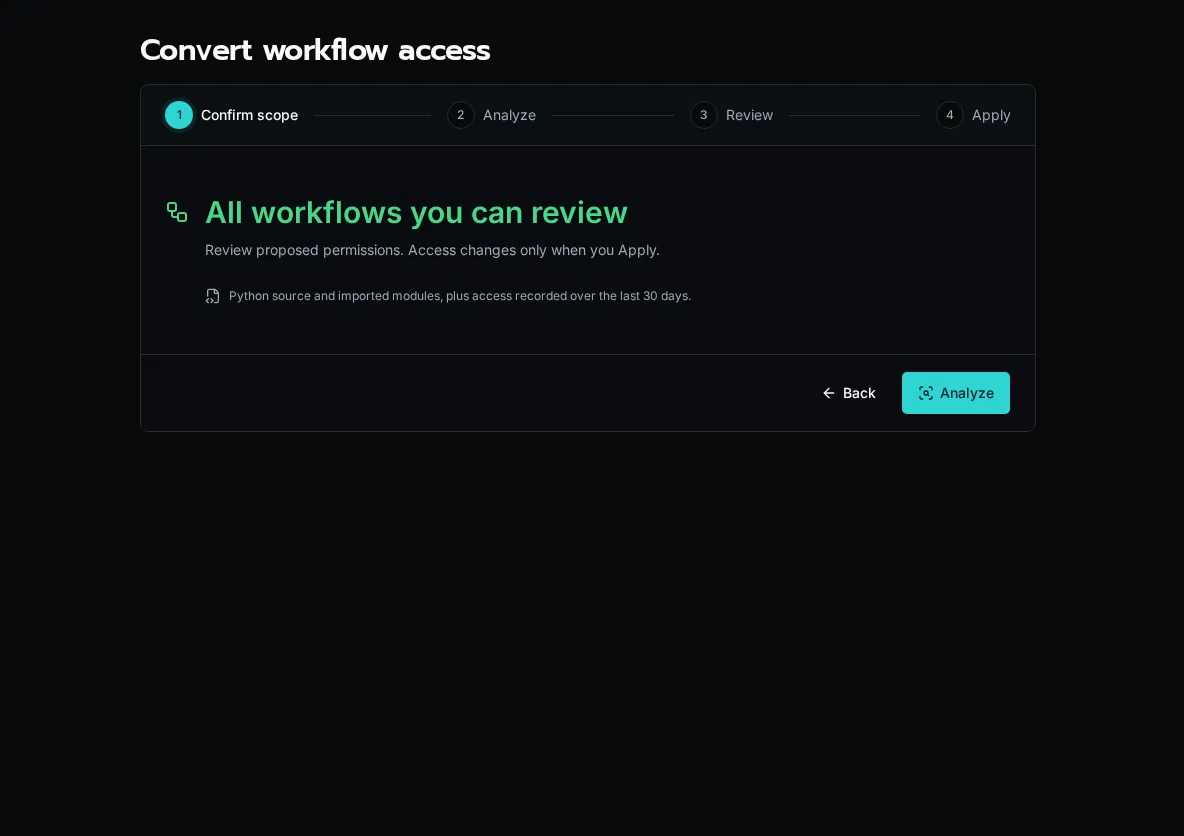
Changing the platform default to **Declared Permissions** is a separate cutover. Review the remaining Full Access workflows and the readiness checks before confirming it. A conversion report alone does not prove a workflow’s business behavior.
# Error Handling
> Graceful error handling patterns for Bifrost workflows
## Philosophy
[Section titled “Philosophy”](#philosophy)
The execution engine automatically catches and handles exceptions. You have two patterns:
1. **Raise exceptions** for failures → execution status: `FAILED`
2. **Return `{"success": False}`** for partial failures → execution status: `COMPLETED_WITH_ERRORS`
Tip
Most workflows should let exceptions bubble naturally. Only return `{"success": False}` when you need to indicate partial success.
## Basic Patterns
[Section titled “Basic Patterns”](#basic-patterns)
* Let Exceptions Bubble
```python
from bifrost import workflow, ExecutionContext
import logging
logger = logging.getLogger(__name__)
@workflow(name="create_user", description="Create user")
async def create_user(context: ExecutionContext, email: str):
# Exception automatically caught and logged
user = await api.create_user(email)
logger.info(f"Created user: {user.id}")
return {"user_id": user.id}
```
* Partial Success
```python
@workflow(name="bulk_create", description="Create multiple users")
async def bulk_create(context: ExecutionContext, emails: list):
results = {"created": [], "failed": []}
for email in emails:
try:
user = await api.create_user(email)
results["created"].append(user.id)
except Exception as e:
results["failed"].append({"email": email, "error": str(e)})
# Indicate partial failure
return {
"success": len(results["failed"]) == 0,
"created": results["created"],
"failed": results["failed"]
}
```
## Validate Early
[Section titled “Validate Early”](#validate-early)
Fail fast with input validation before processing:
```python
@workflow(name="send_email")
@param("email", type="email", required=True)
async def send_email(context, email: str, subject: str):
# Validate inputs
if not subject:
raise ValueError("Subject is required")
# Proceed with valid inputs
await send(email, subject)
return {"sent": True}
```
Note
**Validation in @param**: Use `@param` validation rules when possible to fail before workflow execution starts.
## Handle Specific Exceptions
[Section titled “Handle Specific Exceptions”](#handle-specific-exceptions)
Provide context-specific error handling:
```python
import aiohttp
from aiohttp import ClientError, ClientResponseError
@workflow(name="fetch_data")
async def fetch_data(context, url: str):
try:
async with aiohttp.ClientSession() as session:
async with session.get(url) as resp:
resp.raise_for_status()
return {"data": await resp.json()}
except ClientResponseError as e:
if e.status == 404:
raise ValueError(f"Resource not found: {url}")
elif e.status >= 500:
raise RuntimeError(f"Server error: {e.status}")
raise
except ClientError:
raise ConnectionError("Network error occurred")
```
## Partial Success Tracking
[Section titled “Partial Success Tracking”](#partial-success-tracking)
Track progress in bulk operations:
```python
@workflow(name="bulk_process")
async def bulk_process(context, items: list):
results = {"processed": [], "failed": []}
# Process each item and track results
for item in items:
try:
result = await api.process(item)
results["processed"].append(result)
logger.info(f"Processed item {item.id}")
except Exception as e:
logger.error(f"Failed item {item.id}: {e}")
results["failed"].append({
"item_id": item.id,
"error": str(e)
})
# Return comprehensive results
return {
"success": len(results["failed"]) == 0,
"total": len(items),
"processed": len(results["processed"]),
"failed": len(results["failed"]),
"details": results
}
```
## Retry with Backoff
[Section titled “Retry with Backoff”](#retry-with-backoff)
For transient errors, configure retry policy in the workflow settings or implement custom logic in the workflow body:
* Custom Retry
```python
import asyncio
@workflow(name="custom_retry")
async def custom_retry(context, endpoint: str):
max_retries = 3
backoff = 1
for attempt in range(max_retries):
try:
result = await api.call(endpoint)
return {"success": True, "data": result}
except TransientError as e:
if attempt < max_retries - 1:
logger.warning(f"Attempt {attempt + 1} failed, retrying...")
await asyncio.sleep(backoff)
backoff *= 2
else:
raise RuntimeError(f"Max retries exceeded: {e}")
except PermanentError:
raise # Don't retry permanent errors
```
## Resource Cleanup
[Section titled “Resource Cleanup”](#resource-cleanup)
Always clean up resources with try/finally:
```python
@workflow(name="process_with_lock")
async def process_with_lock(context, resource_id: str):
lock = None
try:
lock = await acquire_lock(resource_id)
result = await process(resource_id)
return {"result": result}
finally:
if lock:
await release_lock(lock)
```
## OAuth Token Handling
[Section titled “OAuth Token Handling”](#oauth-token-handling)
OAuth tokens are automatically refreshed by the engine:
```python
from bifrost import oauth
@workflow(name="graph_call")
async def graph_call(context, user_id: str):
# Get OAuth connection (automatically refreshes if expired)
conn = await oauth.get("microsoft")
if not conn:
raise ValueError("Microsoft OAuth not configured")
headers = {"Authorization": f"Bearer {conn['access_token']}"}
user = await graph_api.get_user(user_id, headers=headers)
return {"user": user}
```
Caution
Always check if `oauth.get()` returns `None` before using the token.
## Logging Best Practices
[Section titled “Logging Best Practices”](#logging-best-practices)
Log at appropriate levels for visibility:
```python
logger = logging.getLogger(__name__)
@workflow(name="example")
async def example(context, param: str):
# Debug: Hidden from users, for developers only
logger.debug(f"Processing param: {param}")
# Info: Visible to users, progress updates
logger.info(f"Started processing for org {context.org_id}")
try:
result = await do_work(param)
logger.info(f"Completed successfully")
return {"result": result}
except Exception as e:
# Error: Visible to users, includes details
logger.error(f"Failed to process: {e}", exc_info=True)
raise
```
Tip
**Log Visibility**: `logger.debug()` is hidden from users. All other levels (`info`, `warning`, `error`) are visible in the UI.
## Error Response Format
[Section titled “Error Response Format”](#error-response-format)
Use consistent structure for partial failures:
* Success
```python
{
"success": True,
"user_id": "123",
"email": "user@example.com"
}
```
* Partial Failure
```python
{
"success": False,
"message": "8 of 10 users created",
"created": [{"id": "1"}, {"id": "2"}],
"failed": [
{"email": "invalid", "error": "Invalid format"}
]
}
```
## Common Patterns
[Section titled “Common Patterns”](#common-patterns)
### Validation Errors
[Section titled “Validation Errors”](#validation-errors)
```python
# ✅ Raise for invalid input
if not user_id or not isinstance(user_id, str):
raise ValueError("user_id must be a non-empty string")
# ✅ Or use @param validation
@param("user_id", type="string", required=True, validation={"min_length": 1})
```
### External API Calls
[Section titled “External API Calls”](#external-api-calls)
```python
# ✅ Let exceptions bubble for API errors
try:
result = await external_api.call()
except ApiError as e:
# Log context and re-raise
logger.error(f"API call failed: {e}", extra={"endpoint": endpoint})
raise
```
### Resource Not Found
[Section titled “Resource Not Found”](#resource-not-found)
```python
# ✅ Raise for missing resources
user = await get_user(user_id)
if not user:
raise ValueError(f"User not found: {user_id}")
```
### Platform Bugs
[Section titled “Platform Bugs”](#platform-bugs)
```python
# ✅ Raise for unexpected conditions
if context is None:
raise RuntimeError("ExecutionContext is None - platform bug!")
```
## Testing Error Paths
[Section titled “Testing Error Paths”](#testing-error-paths)
Test both success and failure scenarios:
```python
import pytest
async def test_create_user_success():
result = await create_user(context, "test@example.com")
assert result["user_id"]
async def test_create_user_invalid_email():
with pytest.raises(ValueError, match="Invalid email"):
await create_user(context, "invalid")
async def test_bulk_create_partial_failure():
result = await bulk_create(context, ["valid@test.com", "invalid"])
assert result["success"] is False
assert len(result["created"]) == 1
assert len(result["failed"]) == 1
```
## When to Use Each Pattern
[Section titled “When to Use Each Pattern”](#when-to-use-each-pattern)
* **Raise exceptions**: Total failure, invalid input, external API errors
* **Return `{"success": False}`**: Partial success in bulk operations
* **Both**: Log errors, re-raise for critical issues
Note
**Default to Exceptions**: Let the engine handle error capture and logging. Only use `success: False` when tracking partial progress matters.
## Next Steps
[Section titled “Next Steps”](#next-steps)
* [Writing Workflows](/docs/how-to-guides/workflows/writing-workflows) - Complete workflow guide
* [Using Decorators](/docs/how-to-guides/workflows/using-decorators) - Advanced patterns
* [Logging Guide](/docs/how-to-guides/workflows/writing-workflows#logging) - Log visibility
# HTTP Endpoints
> Expose workflows as HTTP endpoints for webhooks and APIs
Expose workflows as HTTP endpoints for webhooks, integrations, and external API access. Endpoint exposure and methods live on the workflow record, while authentication uses workflow keys; none of these are decorator arguments.
## Basic Endpoint
[Section titled “Basic Endpoint”](#basic-endpoint)
```python
from bifrost import workflow
@workflow
async def handle_webhook(payload: dict):
"""Handle incoming webhook."""
return {"status": "processed"}
```
## Endpoint Settings
[Section titled “Endpoint Settings”](#endpoint-settings)
Configure these on the workflow record after registration:
* Enable HTTP endpoint exposure
* Choose the allowed methods
* Create a workflow-specific or global workflow key
## URL Pattern
[Section titled “URL Pattern”](#url-pattern)
Endpoints are available at:
```plaintext
POST/GET/etc. /api/endpoints/{workflow_id}
```
## Authentication
[Section titled “Authentication”](#authentication)
Every workflow endpoint requires a workflow key in the `X-Bifrost-Key` header:
```python
@workflow
async def secure_endpoint(data: dict):
"""Requires authentication."""
return {"processed": True}
```
Call with API key:
```bash
curl -X POST https://your-instance.com/api/endpoints/WORKFLOW_UUID \
-H "X-Bifrost-Key: ${BIFROST_WORKFLOW_KEY}" \
-H "Content-Type: application/json" \
-d '{"data": "value"}'
```
## HTTP Methods
[Section titled “HTTP Methods”](#http-methods)
Accept specific HTTP methods:
```python
@workflow
async def flexible_endpoint(query: str = None, payload: dict = None):
"""Accept GET or POST."""
return {"query": query, "payload": payload}
```
## Request Data
[Section titled “Request Data”](#request-data)
JSON object fields and query-string values are merged and passed as workflow arguments:
```python
@workflow
async def process_request(
customer_id: str,
action: str = "preview",
):
"""Access request data."""
return {"customer_id": customer_id, "action": action}
```
For example, `?action=run` combined with `{"customer_id": "123"}` calls the workflow with both arguments. JSON fields override query-string values with the same name.
## Response Formats
[Section titled “Response Formats”](#response-formats)
Return JSON responses:
```python
@workflow
async def json_response():
return {
"status": "success",
"data": {"id": 123}
}
```
The endpoint returns an execution response containing the workflow result. Workflow return values do not directly set the endpoint’s HTTP status code.
## Execution Mode
[Section titled “Execution Mode”](#execution-mode)
Endpoint invocations use the runtime configured on the workflow record. For user-facing APIs and webhooks, keep the endpoint responsive and move longer work behind a separate workflow or event source when needed.
## Example: Slack Webhook
[Section titled “Example: Slack Webhook”](#example-slack-webhook)
```python
from bifrost import workflow
import logging
logger = logging.getLogger(__name__)
@workflow
async def slack_command(payload: dict):
"""Handle Slack slash command."""
command = payload.get("command")
text = payload.get("text")
user = payload.get("user_name")
logger.info(f"Slack command: {command} from {user}")
# Slack expects immediate response
return {
"response_type": "in_channel",
"text": f"Processing: {text}"
}
```
## See Also
[Section titled “See Also”](#see-also)
* [Decorators Reference](/docs/sdk-reference/sdk/decorators) - All decorator options
* [Writing Workflows](/docs/how-to-guides/workflows/writing-workflows) - Workflow basics
# Reserve Workers for Priority Workflows
> Dedicate workers to selected workflows and optionally prioritize authorized App calls.
## Reserve Capacity
[Section titled “Reserve Capacity”](#reserve-capacity)
Sign in as a platform administrator. Open **Settings → Workers → Scaling & Isolation**.
For Kubernetes-managed workers:
1. Set **Reserved Fast Path Workers** to the number of workers to dedicate to priority workflows.
2. Keep **Max Workers** large enough for the reservation plus **Warm Workers**, with at least one slot available for Normal work. For example, use one warm Normal worker, one reserved Fast Path worker, and a maximum of two workers.
3. Select **Save Scaling**. Check the ready-worker count above the Scaling card; requested capacity may still be starting or being replaced. Reload the page to refresh that snapshot.
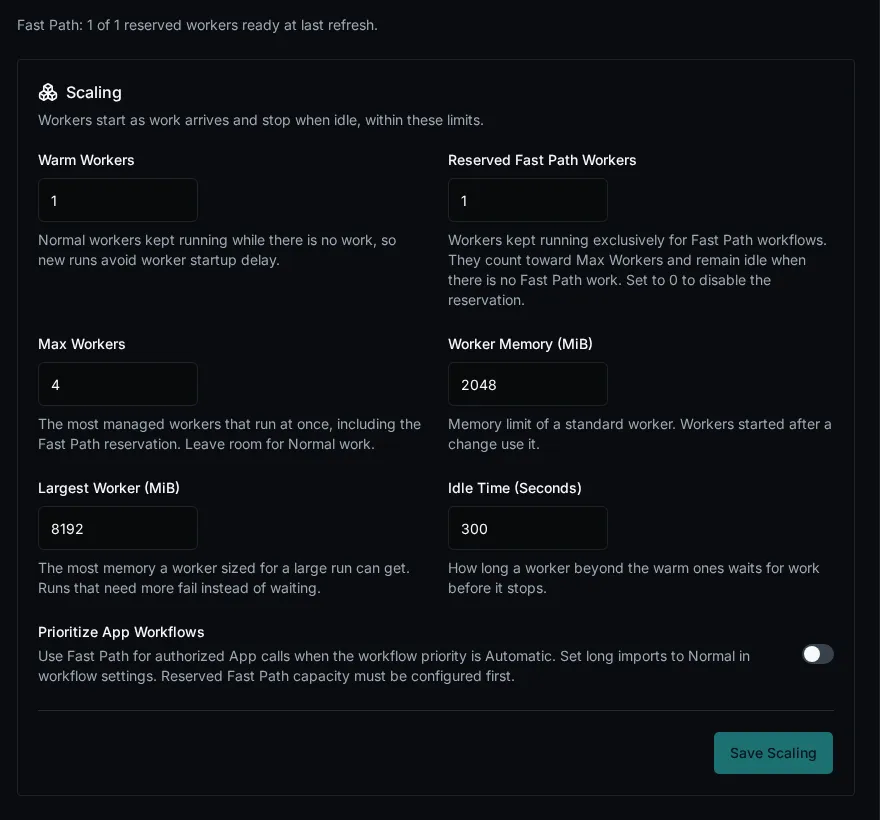
For a fixed worker, set this variable on the worker container and recreate that container:
```yaml
environment:
BIFROST_POOL_WORKER_EXECUTION_LANE: fast_path
```
Keep separate Normal workers for background workflows, agents, services, summaries, and platform jobs. The Kubernetes reservation count controls managed workers; fixed workers are budgeted separately. External capacity providers do not support Fast Path in this version.
## Select Workflow Priority
[Section titled “Select Workflow Priority”](#select-workflow-priority)
1. Open **Workflows**, open the workflow’s action menu, and select **Edit**.
2. Select **Execution → Priority** and choose **Fast Path**.
3. Save the workflow settings. New runs use the dedicated workers; already accepted runs keep their original lane, including scheduled runs.
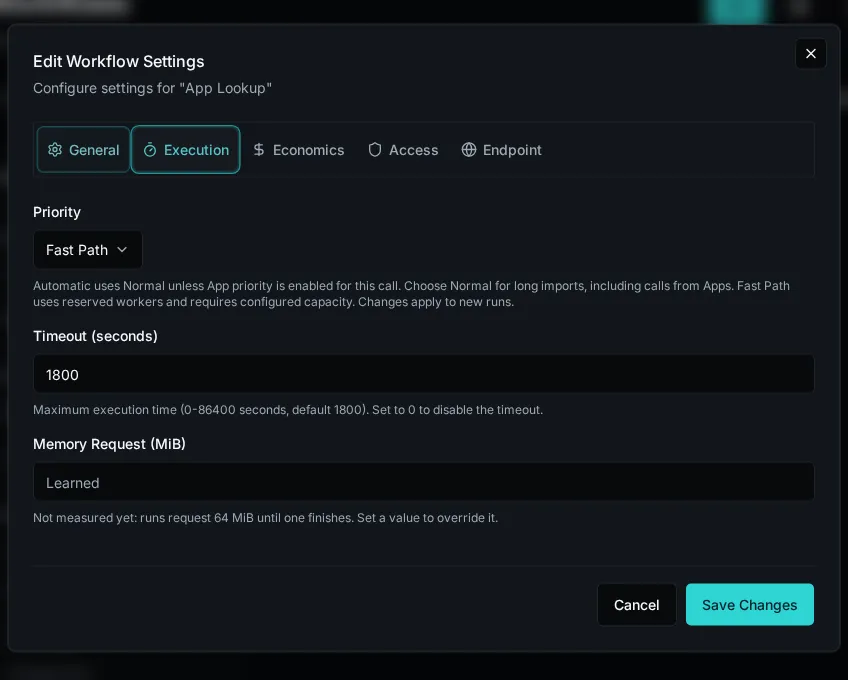
Configure dedicated capacity before submitting Fast Path work. A new Fast Path run is refused when neither a reservation nor a fixed Fast Path worker is configured. A run too large for a standard Fast Path worker is refused rather than sent to Normal capacity.
## Optionally Prioritize App Calls
[Section titled “Optionally Prioritize App Calls”](#optionally-prioritize-app-calls)
On **Settings → Workers → Scaling & Isolation**, enable **Prioritize App Workflows**. The switch is off by default.
| Workflow Priority | Behavior |
| ----------------- | ---------------------------------------------------------------------------------------------- |
| **Automatic** | Normal unless App promotion is enabled and the server authorizes the App context for the call. |
| **Normal** | Always Normal, including calls from Apps. Use this for lengthy imports. |
| **Fast Path** | Always uses dedicated Fast Path capacity. |
An App can start lengthy work, so App promotion does not establish that a run is short or that a human clicked a button. Select **Normal** explicitly for those workflows.
## Capacity and Limits
[Section titled “Capacity and Limits”](#capacity-and-limits)
Normal work cannot borrow Fast Path workers, even while they are idle. Reserving workers therefore reduces the capacity available to Normal work or requires a larger total budget. Runtime package updates still reach both lanes.
A reservation protects worker availability from Normal backlog; it does not guarantee response time. Fast Path can fill with its own work, and shared CPU, database, or API bottlenecks can still cause delays. Set appropriate CPU and memory requests on the workers.
Reducing a Kubernetes reservation is allowed. Removing its last worker is refused while Fast Path runs are queued or scheduled unless a fixed Fast Path worker remains. Move workflows back to **Normal** for new runs before retiring their dedicated capacity.
# Scheduled (Deferred) Executions
> Schedule a one-time future execution of a workflow or form, then cancel it before it runs.
A **scheduled execution** is a one-time run of a workflow or form that you defer to a future moment. It’s distinct from a [cron-scheduled workflow](/docs/how-to-guides/workflows/scheduled-workflows/) — cron schedules fire repeatedly forever; deferred executions fire once, then they’re done.
Use deferred executions for things like:
* “Disable this user account on Friday at 5 PM”
* “Send the customer their renewal email in 30 days”
* “Run this clean-up workflow tomorrow morning before the team comes in”
## Schedule from the UI
[Section titled “Schedule from the UI”](#schedule-from-the-ui)
The **Schedule for later** checkbox appears wherever you’d normally hit **Run Now** — the **Execute Workflow** dialog and the **Form Run** view both surface it.
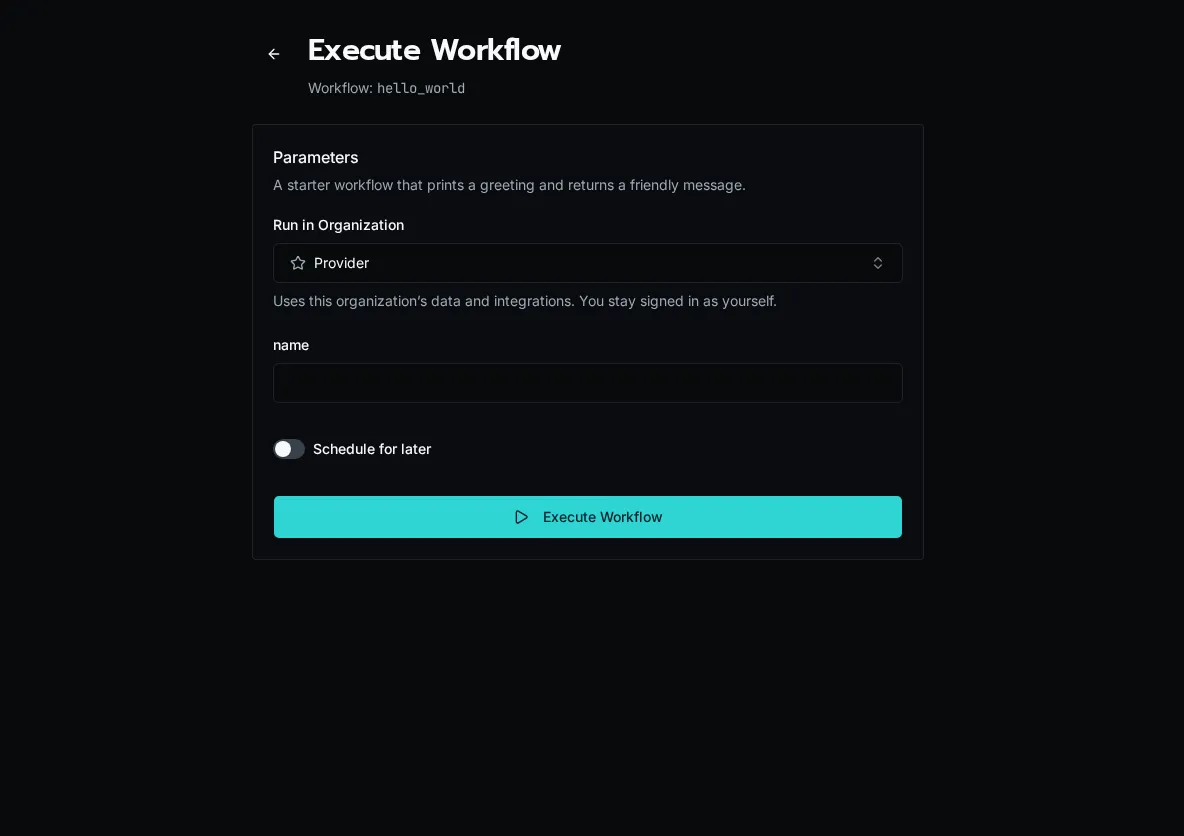
Tick the box and you get two ways to pick the time:
1. **Quick picks** — `In 15 min`, `In 1 hour`, `In 4 hours`, `Tomorrow 9 AM` (uses the browser’s local clock for the 9 AM target, sent as an absolute UTC instant).
2. **Specific time picker** — date + time picker for anything else. Minimum is 1 minute in the future; maximum is 1 year out.
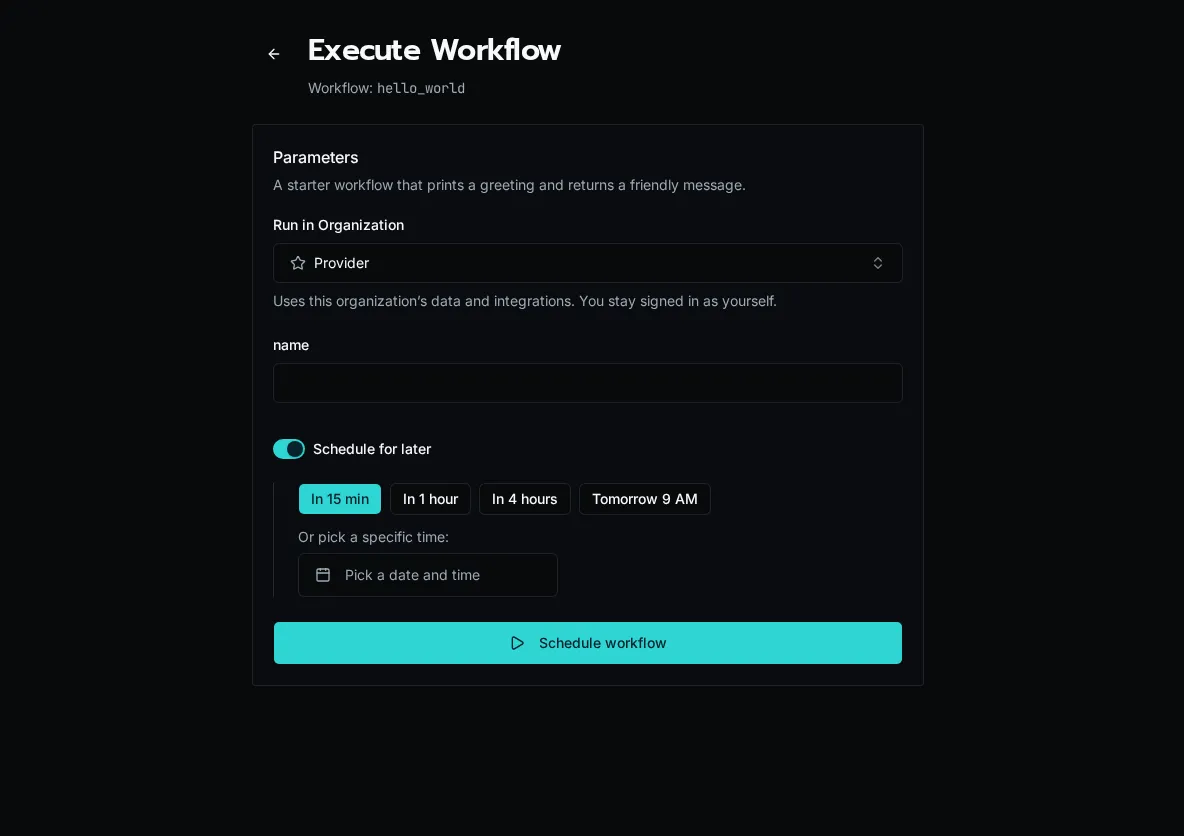
If you pick a time in the past (say you fiddle with the picker), the form shows a **Time is in the past** error and the submit button is disabled.
Click **Schedule** and the row is created in `SCHEDULED` status — it appears in **Execution History** with a **Scheduled** badge and the future timestamp.
## How it works
[Section titled “How it works”](#how-it-works)
Two pieces cooperate:
1. **Submit** → API creates a `SCHEDULED` row in the `executions` table with `scheduled_at` set; nothing is enqueued yet.
2. **Promoter** → the API runs a deferred-execution promoter every 60 seconds (on the replica holding the trigger lease). It scans for `SCHEDULED` rows whose `scheduled_at` has passed, flips them to `PENDING` in a status-guarded UPDATE, and queues them for the workers in PostgreSQL. Workers pick them up like any other execution.
The 60-second tick means a job scheduled for `12:00:00` may actually start anywhere from `12:00:00` to `12:00:59`. Plan accordingly — this is not a real-time scheduler.
## Cancel a scheduled execution
[Section titled “Cancel a scheduled execution”](#cancel-a-scheduled-execution)
While a row is still in `SCHEDULED` status (i.e. before the promoter has flipped it), you can cancel it. From **Execution History**, click the row and use the **Cancel** action — or hit the API directly:
```bash
curl -X POST -H "Authorization: Bearer $TOKEN" \
"$BIFROST_URL/api/executions/{execution_id}/cancel"
```
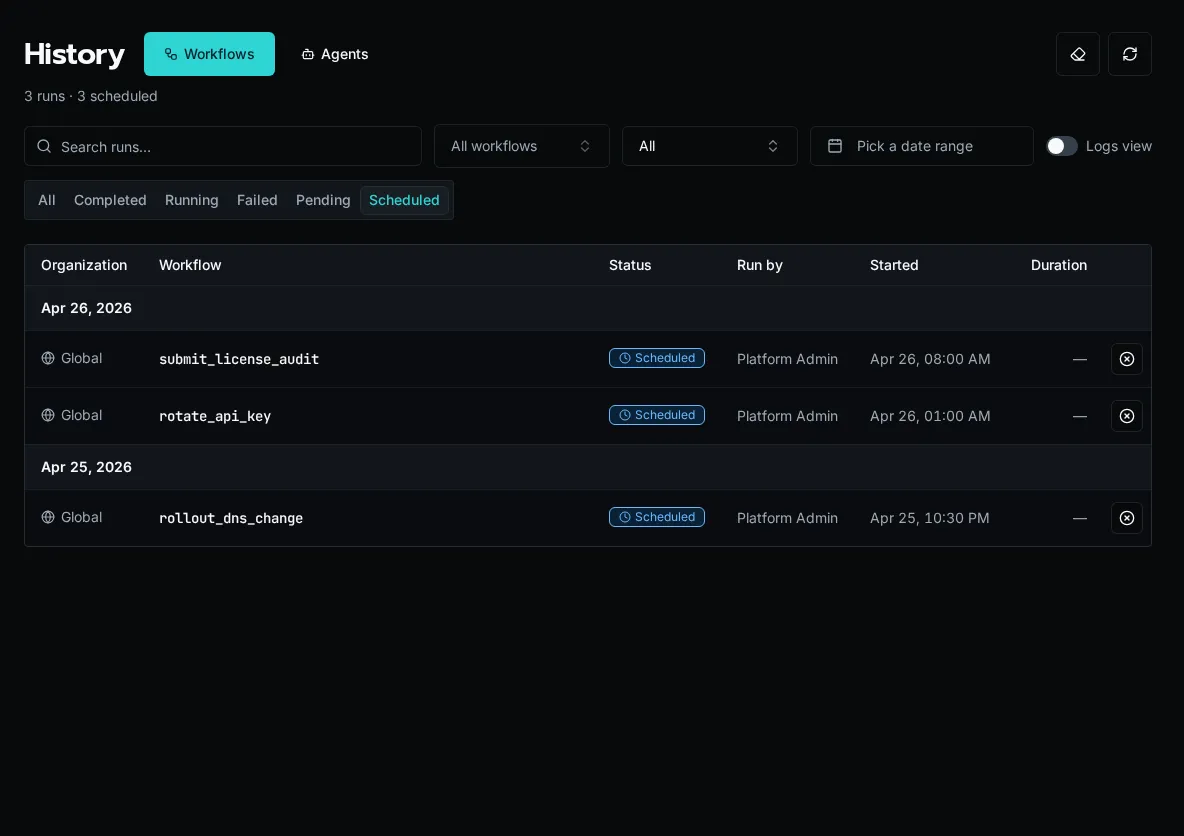
The cancel endpoint uses a status-guarded UPDATE: it only succeeds if the row is still `SCHEDULED`. If the promoter beat you to it (the row is already `PENDING` or `RUNNING`), you get **409 Conflict** back with the current status. Cancelling a `RUNNING` execution is a separate feature and is **not** what this endpoint does.
**Authorization:** the original submitter or a platform admin can cancel. Org-scoped rows must match the caller’s org.
## Schedule from the API
[Section titled “Schedule from the API”](#schedule-from-the-api)
The same `/api/workflows/{id}/execute` endpoint that runs a workflow now also accepts a `schedule` payload:
```json
{
"input": { "ticket_id": "T-123" },
"schedule": {
"delay_seconds": 3600
}
}
```
Or with an absolute time:
```json
{
"input": { "ticket_id": "T-123" },
"schedule": {
"scheduled_at": "2026-12-31T17:00:00Z"
}
}
```
Pick exactly one of `delay_seconds` (positive int, capped at 1 year) or `scheduled_at` (ISO-8601 UTC). The response is the created execution row in `SCHEDULED` status.
## Differences from cron schedules
[Section titled “Differences from cron schedules”](#differences-from-cron-schedules)
| | Scheduled execution | Cron schedule |
| -------------------------------- | ------------------------------------------------- | --------------------------------------------------- |
| **Fires** | Once | Repeatedly |
| **Defined where** | Per submission (UI / API) | On the schedule event source in the UI / API |
| **Cancellable per occurrence** | Yes — `/api/executions/{id}/cancel` | No (disable the schedule entirely) |
| **Status** | `SCHEDULED` → `PENDING` → … | `PENDING` → … (no `SCHEDULED` step) |
| **Visible in Execution History** | Yes, with the **Scheduled** badge before it fires | Each run appears as a normal execution at fire time |
If you want a cron-style recurring run, see [Scheduled Workflows](/docs/how-to-guides/workflows/scheduled-workflows/) instead.
## Caveats
[Section titled “Caveats”](#caveats)
* **Restarts are fine.** `SCHEDULED` rows live in Postgres, not in memory. Restarting the API or worker pods doesn’t lose them.
* **Time zone:** the API stores `scheduled_at` as UTC. The UI’s `Tomorrow 9 AM` quick-pick computes 9 AM in your browser’s local clock and converts to UTC at submit time.
* **Granularity:** the promoter polls every 60 seconds. Don’t rely on second-level precision.
* **No retroactive runs.** If `scheduled_at` is already in the past at submit time, the API rejects with 400. (The UI prevents this with the **Time is in the past** error.)
## See also
[Section titled “See also”](#see-also)
* [Scheduled Workflows](/docs/how-to-guides/workflows/scheduled-workflows/) — recurring cron schedules
* [Diagnostics](/docs/how-to-guides/operations/diagnostics/) — confirm a trigger leader is running the promoter
# Scheduled Workflows
> Run workflows on a schedule using cron expressions
Create a schedule event source to run workflows automatically using cron expressions.
## Basic Scheduling
[Section titled “Basic Scheduling”](#basic-scheduling)
Configure the schedule on the event source, then subscribe the workflow to it:
```python
from bifrost import workflow
# The workflow stays decorator-light; the schedule lives on the event source.
@workflow(category="Reports")
async def daily_report():
"""Generate a daily report when the subscribed schedule fires."""
return {"status": "report_sent"}
```
## Cron Syntax
[Section titled “Cron Syntax”](#cron-syntax)
Standard 5-field cron format: `minute hour day month weekday`
| Field | Values | Description |
| ------- | ------ | --------------------------------------------------- |
| Minute | 0-59 | Minute of the hour |
| Hour | 0-23 | Hour of the day in the source’s configured timezone |
| Day | 1-31 | Day of the month |
| Month | 1-12 | Month of the year |
| Weekday | 0-6 | Day of week (0=Sunday) |
## Common Patterns
[Section titled “Common Patterns”](#common-patterns)
| Schedule | Cron expression |
| ------------------------------------ | --------------- |
| Every hour at minute 0 | `0 * * * *` |
| Every day at 9 AM | `0 9 * * *` |
| Every Monday at 8 AM | `0 8 * * 1` |
| First day of every month at midnight | `0 0 1 * *` |
| Every 15 minutes | `*/15 * * * *` |
| Weekdays at 6 PM | `0 18 * * 1-5` |
## Scheduled Workflow Example
[Section titled “Scheduled Workflow Example”](#scheduled-workflow-example)
```python
from bifrost import workflow, config
import httpx
import logging
logger = logging.getLogger(__name__)
@workflow(category="Reports")
async def send_daily_summary():
"""Send daily summary email to team."""
logger.info("Starting daily summary")
# Gather metrics
metrics = await gather_metrics()
# Send notification
webhook_url = await config.get("slack_webhook")
async with httpx.AsyncClient() as client:
await client.post(webhook_url, json={
"text": f"Daily Summary: {metrics['total_tasks']} tasks completed"
})
return {"sent": True, "metrics": metrics}
```
## How Scheduling Works
[Section titled “How Scheduling Works”](#how-scheduling-works)
1. **Source**: A schedule event source stores the cron expression, timezone, organization scope, and overlap policy.
2. **Subscription**: A subscription binds the source to the workflow you want to run.
3. **Execution**: At the scheduled time, the source emits an event and the subscription queues the workflow in the source’s organization scope.
4. **Logging**: Results are stored in execution history.
Note
An organization-scoped schedule runs its subscriptions in that organization. A schedule source explicitly created with no organization is global.
## Execution Context
[Section titled “Execution Context”](#execution-context)
Scheduled workflows have limited context:
```python
from bifrost import workflow, context
@workflow
async def scheduled_task():
# context.org_id follows the schedule source's organization scope.
# It is None only for an explicitly global source.
return {"organization_id": context.org_id}
```
## Monitoring Scheduled Jobs
[Section titled “Monitoring Scheduled Jobs”](#monitoring-scheduled-jobs)
* View scheduled jobs in **Workflows** → filter by scheduled
* Execution history shows scheduled runs
* Failed runs appear in execution logs
## Disabling a Schedule
[Section titled “Disabling a Schedule”](#disabling-a-schedule)
Disable the schedule event source or remove the subscription:
Pause the event source or delete the subscription in the UI/API.
## Tips
[Section titled “Tips”](#tips)
* **Choose a timezone**: The source defaults to UTC and accepts IANA names such as `America/New_York`
* **Avoid overlaps**: Don’t schedule faster than execution time
* **Set timeouts**: Configure workflow timeouts in the workflow settings
* **Log progress**: Track execution for debugging
## See Also
[Section titled “See Also”](#see-also)
* [Decorators Reference](/docs/sdk-reference/sdk/decorators) - All decorator options
* [Writing Workflows](/docs/how-to-guides/workflows/writing-workflows) - Workflow basics
# Sending Email
> Send transactional email from a workflow using your own provider and an event-driven handoff
Current Bifrost has no built-in email SDK and no **Settings → Email** page. The `bifrost.email` module, platform email configuration, and `POST /api/email/send` were removed in [Bifrost PR #273](https://github.com/gobifrost/bifrost/pull/273), before the **v1.0.0** release. They are absent from both **v1.0.0** and **v1.0.5**. Email delivery is now an ordinary workflow responsibility: call your provider from a workflow, and trigger that workflow with an event.
Note
This page uses SMTP2Go’s HTTP API as the example provider. The same pattern works with any transactional email API, Microsoft Graph, or SMTP relay.
## Store the provider credentials
[Section titled “Store the provider credentials”](#store-the-provider-credentials)
Keep the sender and API key in configuration rather than in source. A global secret is the usual choice for a shared notification workflow; use an organization-scoped value when a single customer has its own sender.
```sh
bifrost configs set smtp2go_api_key --value "" --type secret --global
bifrost configs set smtp2go_from_address --value "notifications@example.com" --type string --global
```
Read them inside the workflow with `config.get()`. The value resolves through the organization → global cascade. See [Configuration](/docs/core-concepts/config/) and [Storing Sensitive Config Values](/docs/how-to-guides/integrations/secrets-management/).
## Create the topic source
[Section titled “Create the topic source”](#create-the-topic-source)
Create a **Topic** event source named `email.send_requested`. The topic string must contain a dot. See [Create an Event Source](/docs/how-to-guides/events/event-sources/) and [Events](/docs/core-concepts/events/).
Then subscribe your workflow to that source. The workflow below reads the full event body from `_event`, so no input mapping is required. If you prefer mapped parameters, map `{{ payload.to }}` and the other fields instead.
## Write the sending workflow
[Section titled “Write the sending workflow”](#write-the-sending-workflow)
```python
from bifrost import config, context, workflow
import httpx
@workflow(category="Notifications", tags=["email", "notifications"])
async def send_email_requested():
"""Send one email from an email.send_requested topic event."""
event = context.parameters.get("_event", {})
data = event.get("body") or {}
recipients = data.get("to") or []
subject = data.get("subject")
body = data.get("body")
if not recipients or not subject or not body:
raise ValueError("Email event requires to, subject, and body")
api_key = await config.get("smtp2go_api_key")
sender = await config.get("smtp2go_from_address")
if not api_key or not sender:
raise RuntimeError("Email provider is not configured")
async with httpx.AsyncClient(timeout=30) as client:
response = await client.post(
"https://api.smtp2go.com/v3/email/send",
headers={"X-Smtp2go-Api-Key": str(api_key)},
json={
"sender": str(sender),
"to": recipients,
"subject": subject,
"text_body": body,
"fastaccept": True,
},
)
response.raise_for_status()
result = response.json().get("data", {})
if result.get("error") or result.get("error_code") or result.get("failed") or result.get("failures"):
raise RuntimeError("Email provider rejected all or part of the request")
if not result.get("email_id"):
raise RuntimeError("Email provider did not confirm acceptance")
return {"accepted": True, "email_id": result["email_id"]}
```
SMTP2GO can return HTTP 200 with processing failures, so the example also checks its response body. With `fastaccept`, success means the provider accepted the message for background processing. Use provider delivery webhooks or logs to confirm arrival; Bifrost execution success alone does not prove delivery. See the [SMTP2GO send API](https://developers.smtp2go.com/reference/send-standard-email).
## Emit the event
[Section titled “Emit the event”](#emit-the-event)
Any workflow, form, app server route, or agent tool can request an email without knowing which provider is configured:
```python
from bifrost import events, workflow
@workflow
async def request_invoice_email(recipient: str, invoice_url: str):
"""Queue an invoice-ready email through the topic workflow."""
await events.emit("email.send_requested", {
"to": [recipient],
"subject": "Your invoice is ready",
"body": f"Download your invoice here: {invoice_url}",
})
return {"queued": True}
```
`events.emit()` returns after publishing and queuing the event, without waiting for the sending workflow to finish. The sending workflow runs in its own organization scope, not the event source’s scope. An organization-scoped workflow therefore reads that organization’s configuration; a global workflow reads global configuration. To use a customer’s sender, scope the sending workflow to that customer’s organization. Check the source’s delivery log and workflow execution history for processing status, and the provider’s delivery records for arrival.
## Why an event instead of a direct call
[Section titled “Why an event instead of a direct call”](#why-an-event-instead-of-a-direct-call)
The event boundary keeps the sender deployable and replaceable: one workflow owns the provider credentials and retry behavior, while callers only publish a message. It also matches the platform’s current direction for built-in notifications such as `user.invited`.
Caution
The event body is not an email approval or an authenticated identity. Validate the recipient and content in the sending workflow, and do not put credentials in the event payload.
## Related
[Section titled “Related”](#related)
* [Events](/docs/core-concepts/events/) — source types and built-in topics
* [Subscribe a Workflow or Agent](/docs/how-to-guides/events/subscriptions/) — routing and filters
* [Webhook & Event Variables](/docs/how-to-guides/events/webhook-variables/) — the `_event` payload
* [Writing Workflows](/docs/how-to-guides/workflows/writing-workflows/) — workflow structure
# Use Decorators
> Advanced decorator patterns and best practices
## Overview
[Section titled “Overview”](#overview)
Bifrost uses decorators to define workflows:
* **@workflow** - Registers an executable workflow with identity metadata only
* **@param** - Adds advanced parameter features (only when needed)
* **@data\_provider** - Provides dynamic options for dropdowns
## Minimal Workflow
[Section titled “Minimal Workflow”](#minimal-workflow)
The simplest workflow needs just a decorator and docstring:
```python
from bifrost import workflow
@workflow
async def send_email(recipient: str, subject: str, body: str = ""):
"""Send an email message."""
await email_service.send(recipient, subject, body)
return {"sent": True}
```
This automatically:
* Sets name to `"send_email"` (from function name)
* Sets description to `"Send an email message."` (from docstring)
* Extracts parameters with types and defaults from signature
## @workflow Runtime Settings
[Section titled “@workflow Runtime Settings”](#workflow-runtime-settings)
Schedules, HTTP endpoints, retry policies, cache TTL, and access levels are configured via the Bifrost UI or API after you register your workflow — not in the decorator. See:
* [Scheduled Workflows](/docs/how-to-guides/workflows/scheduled-workflows) for recurring schedule sources
* [HTTP Endpoints](/docs/how-to-guides/workflows/http-endpoints) for exposing workflows as REST endpoints
* [Events](/docs/core-concepts/events) for event-source routing
## Parameter Inference
[Section titled “Parameter Inference”](#parameter-inference)
Parameters are automatically extracted from your function signature:
```python
@workflow
async def create_user(
email: str, # Required string
name: str, # Required string
department: str = "IT", # Optional with default
active: bool = True, # Optional boolean
tags: list | None = None # Optional list
):
"""Create a new user."""
pass
```
**Type mapping:**
* `str` → string input
* `int` → integer input
* `float` → decimal input
* `bool` → checkbox
* `dict` → JSON editor
* `list` → array input
**Labels** are auto-generated from parameter names:
* `first_name` → “First Name”
* `userEmail` → “User Email”
## @param for Advanced Features
[Section titled “@param for Advanced Features”](#param-for-advanced-features)
Use `@param` only when you need features beyond type inference:
### Data Provider Dropdowns
[Section titled “Data Provider Dropdowns”](#data-provider-dropdowns)
```python
@data_provider(name="get_departments", description="List departments")
async def get_departments():
return [
{"label": "Engineering", "value": "eng"},
{"label": "Sales", "value": "sales"}
]
@workflow
@param("department", data_provider="get_departments")
async def assign_user(email: str, department: str):
"""Assign user to department."""
pass
```
### Cascading Dropdowns
[Section titled “Cascading Dropdowns”](#cascading-dropdowns)
```python
@data_provider(name="get_users_by_dept", description="Users by department")
async def get_users_by_dept(department: str):
users = await fetch_users(department)
return [{"label": u.name, "value": u.id} for u in users]
@workflow
@param("department", data_provider="get_departments")
@param("user", data_provider="get_users_by_dept")
async def assign_task(department: str, user: str, task: str):
"""Assign task to user. User dropdown updates based on department."""
pass
```
### Validation Rules
[Section titled “Validation Rules”](#validation-rules)
```python
@workflow
@param("password", validation={
"min_length": 12,
"max_length": 128,
"pattern": r"^(?=.*[a-z])(?=.*[A-Z])(?=.*\d)(?=.*[@$!%*?&])[A-Za-z\d@$!%*?&]+$"
}, help_text="Min 12 chars with uppercase, lowercase, number, and special char")
async def set_password(user_id: str, password: str):
"""Set user password with validation."""
pass
```
### Custom Field Types
[Section titled “Custom Field Types”](#custom-field-types)
```python
@workflow
@param("message", type="textarea")
@param("contact", type="email")
async def send_message(contact: str, message: str):
"""Send a message."""
pass
```
## @data\_provider Patterns
[Section titled “@data\_provider Patterns”](#data_provider-patterns)
### Caching
[Section titled “Caching”](#caching)
Data provider results are cached automatically by the platform. Cache TTL is configured via the Bifrost UI or API, not in the decorator.
```python
@data_provider(
name="get_departments",
description="List departments"
)
async def get_departments():
# Results are cached automatically by the platform
return await fetch_departments()
```
### Options with Metadata
[Section titled “Options with Metadata”](#options-with-metadata)
```python
@data_provider(name="get_licenses", description="Available licenses")
async def get_licenses():
return [
{
"label": "Microsoft 365 E3",
"value": "SPE_E3",
"metadata": {
"group": "Microsoft",
"available": 50
}
},
{
"label": "Microsoft 365 E5",
"value": "SPE_E5",
"metadata": {
"group": "Microsoft",
"available": 10
}
}
]
```
## Best Practices
[Section titled “Best Practices”](#best-practices)
* **Use Descriptive Function Names**: `create_user_in_m365` not `proc1`
* **Write Clear Docstrings**: They become the workflow description
* **Use Type Hints**: Required for parameter extraction
* **Set Appropriate Timeouts**: Match expected execution time in the workflow settings
* **Cache Wisely**: Balance freshness vs. performance
* **Use @param Sparingly**: Only for data providers, validation, or help text
## Common Pitfalls
[Section titled “Common Pitfalls”](#common-pitfalls)
### Missing Docstring
[Section titled “Missing Docstring”](#missing-docstring)
❌ **Wrong**
```python
@workflow
async def example():
pass # No description in UI!
```
✅ **Correct**
```python
@workflow
async def example():
"""Process example data."""
pass
```
### Missing Type Hints
[Section titled “Missing Type Hints”](#missing-type-hints)
❌ **Wrong**
```python
@workflow
async def example(name, count): # Parameters won't be extracted!
"""Example workflow."""
pass
```
✅ **Correct**
```python
@workflow
async def example(name: str, count: int = 1):
"""Example workflow."""
pass
```
## Next Steps
[Section titled “Next Steps”](#next-steps)
* [Error Handling](/docs/how-to-guides/workflows/error-handling) - Handle errors gracefully
* [Writing Workflows](/docs/how-to-guides/workflows/writing-workflows) - Complete workflow guide
* [SDK Reference](/docs/sdk-reference/sdk/decorators) - Full decorator documentation
# Write Workflows
> Complete guide to writing Bifrost workflows with decorators, parameters, and best practices
## Basic Structure
[Section titled “Basic Structure”](#basic-structure)
Every workflow follows this pattern:
```python
from bifrost import workflow
import logging
logger = logging.getLogger(__name__)
@workflow(category="Category Name")
async def my_workflow(param1: str, param2: int = 10):
"""Docstring explaining workflow purpose - this becomes the description."""
logger.info(f"Processing {param1}")
return {"result": "success"}
```
The decorator automatically infers:
* **name**: from the function name (`my_workflow`)
* **description**: from the docstring
* **parameters**: from the function signature with type hints
Note
Writing the file is only step one. You must also **register** the function before it appears in the platform. See [Workflow Registration](/docs/core-concepts/discovery-system) for details.
## Decorator Reference
[Section titled “Decorator Reference”](#decorator-reference)
### @workflow Options
[Section titled “@workflow Options”](#workflow-options)
The decorator only accepts identity metadata. Anything that changes runtime behavior belongs on the workflow record in the UI or API.
| Option | Purpose |
| ------------- | --------------------------------- |
| `name` | Override the function name |
| `description` | Override the first docstring line |
| `category` | Group workflows in the UI |
| `tags` | Filter and search hints |
| `is_tool` | Mark the workflow as AI-callable |
Unknown keyword arguments are still accepted for backwards compatibility, but Bifrost warns and ignores them.
Workflow timeout, endpoint exposure, allowed methods, public access, cache TTL, retry policy, and access level are configured after discovery through the UI or API.
### Parameter Inference
[Section titled “Parameter Inference”](#parameter-inference)
Parameters are automatically extracted from your function signature:
```python
@workflow
async def create_user(
email: str, # Required string, label: "Email"
name: str, # Required string, label: "Name"
department: str = "IT", # Optional with default
active: bool = True # Optional boolean
):
"""Create a new user."""
pass
```
### @param for Advanced Features
[Section titled “@param for Advanced Features”](#param-for-advanced-features)
Use `@param` only when you need data providers, validation, or help text:
```python
@workflow
@param("department", data_provider="get_departments")
@param("email", validation={"pattern": r".*@company\.com$"}, help_text="Must be company email")
async def create_user(email: str, department: str):
"""Create a new user."""
pass
```
### Validation Rules
[Section titled “Validation Rules”](#validation-rules)
```python
# String validation
@param("username", validation={
"min_length": 3,
"max_length": 50,
"pattern": r"^[a-zA-Z0-9_]+$"
})
# Number validation
@param("quantity", validation={
"min": 1,
"max": 1000
})
# Enum options
@param("status", validation={
"enum": ["active", "inactive", "pending"]
})
```
## Execution Context
[Section titled “Execution Context”](#execution-context)
Access organization, user, and execution metadata via the `context` proxy:
```python
from bifrost import context
@workflow
async def my_workflow(name: str):
# Organization
org_id = context.org_id
org_name = context.org_name
# User
user_id = context.user_id
email = context.email
user_name = context.name
# Execution
execution_id = context.execution_id
is_admin = context.is_platform_admin
is_global = context.is_global_scope
```
## SDK Modules
[Section titled “SDK Modules”](#sdk-modules)
Access config, OAuth, and files via SDK:
```python
from bifrost import config, oauth, files
async def my_workflow():
"""Example workflow using SDK modules."""
# Configuration (async)
api_url = await config.get("api_url", default="https://api.example.com")
await config.set("api_url", "https://api.example.com")
# Secrets (stored encrypted in database)
api_key = await config.get("api_key")
await config.set("api_key", "secret_value", is_secret=True)
# OAuth connection (async)
conn = await oauth.get("microsoft")
if conn:
access_token = conn["access_token"]
# Use access_token for API calls
# File operations (synchronous)
files.write("data/output.txt", "content", location="workspace")
content = files.read("data/output.txt", location="workspace")
```
Tip
**SDK Methods**: `config` and `oauth` are async and require `await`. File operations are synchronous. Use `is_secret=True` for encrypted storage.
## Invocation and scheduling
[Section titled “Invocation and scheduling”](#invocation-and-scheduling)
How a workflow runs is determined by the place you invoke it from, not by decorator flags:
* Forms and API calls execute the registered workflow directly.
* HTTP exposure is turned on in the workflow settings, where you also choose methods and auth behavior.
* Recurring runs are modeled as schedule event sources, which attach subscriptions to a workflow.
See [HTTP Endpoints](/docs/how-to-guides/workflows/http-endpoints), [Scheduled Workflows](/docs/how-to-guides/workflows/scheduled-workflows), and [Events](/docs/core-concepts/events) for the current control surfaces.
## Data Providers
[Section titled “Data Providers”](#data-providers)
Provide dynamic options for dropdowns:
1. Create a data provider:
```python
from bifrost import data_provider
@data_provider(
name="get_departments",
description="List departments"
)
async def get_departments():
return [
{"label": "Engineering", "value": "eng"},
{"label": "Sales", "value": "sales"}
]
```
2. Use in workflow with `@param`:
```python
@workflow
@param("department", data_provider="get_departments")
async def assign_user(department: str, user_email: str):
"""Assign user to department."""
# department contains selected value ("eng" or "sales")
return {"assigned_to": department}
```
## Return Values
[Section titled “Return Values”](#return-values)
Always return a dictionary:
* Success
```python
return {"success": True, "result": data}
```
* Error
```python
# Workflow still succeeds, but indicates failure
return {"success": False, "error": "User not found"}
```
* Nested Data
```python
return {
"user": {"id": "123", "email": "user@example.com"},
"items": [1, 2, 3]
}
```
## Error Handling
[Section titled “Error Handling”](#error-handling)
Exceptions are automatically caught and handled by the execution engine. You can optionally return `{"success": False}` to indicate partial failures:
```python
import logging
from bifrost import workflow
logger = logging.getLogger(__name__)
@workflow
async def create_user(email: str, name: str):
"""Create a new user in the system."""
# Raised exceptions are automatically caught and logged
user = await create_user_in_system(email, name)
logger.info(f"Created user: {user.id}")
return {"user_id": user.id}
# Or indicate partial failure (execution status: COMPLETED_WITH_ERRORS)
# return {"success": False, "error": "User created but email failed"}
```
Note
**Exception Handling**: Raised exceptions automatically mark the execution as FAILED. Returning `{"success": False}` marks it as COMPLETED\_WITH\_ERRORS.
## Logging
[Section titled “Logging”](#logging)
Use Python’s logging module for visibility into execution:
```python
import logging
from bifrost import workflow
logger = logging.getLogger(__name__)
@workflow
async def process_data(items: list):
"""Process a list of data items."""
logger.debug("Starting detailed processing...") # Hidden from users
logger.info(f"Processing {len(items)} items...") # Visible to users
logger.warning("Item 5 failed, continuing...") # Visible to users
logger.error("Critical failure detected") # Visible to users
```
Tip
**Log Visibility**: `logger.debug()` is only visible to developers. All other levels (`info`, `warning`, `error`) are visible to users who execute workflows from forms.
## Best Practices
[Section titled “Best Practices”](#best-practices)
* **Single Responsibility**: One workflow, one task. Keep workflows focused and composable.
* **Validate Early**: Check inputs before processing to fail fast and provide clear feedback.
* **Log for Users**: Use `logger.info()` for user-facing progress updates. Use `logger.debug()` for developer debugging.
* **Let Exceptions Bubble**: Raised exceptions are automatically handled - no need to catch and return error dicts.
* **Use Type Hints**: Enable IDE autocomplete and error detection with proper typing.
* **Avoid Secrets in Returns**: Never return credentials or PII in workflow results.
## Common Patterns
[Section titled “Common Patterns”](#common-patterns)
### List Processing
[Section titled “List Processing”](#list-processing)
```python
async def process_items(context: ExecutionContext, items: list):
results = []
errors = []
for item in items:
try:
result = await process_item(item)
results.append(result)
except Exception as e:
errors.append({"item": item, "error": str(e)})
return {
"processed": len(results),
"failed": len(errors),
"results": results,
"errors": errors
}
```
### Chained Operations
[Section titled “Chained Operations”](#chained-operations)
```python
async def create_user_with_license(context: ExecutionContext, email: str, sku: str):
# Step 1
logger.info("Creating user...")
user = await create_user(email)
# Step 2
logger.info("Assigning license...")
await assign_license(user.id, sku)
return {"user_id": user.id, "license": sku}
```
## Next Steps
[Section titled “Next Steps”](#next-steps)
* [Using Decorators](/docs/how-to-guides/workflows/using-decorators) - Advanced decorator features
* [Error Handling](/docs/how-to-guides/workflows/error-handling) - Comprehensive error patterns
* [SDK Reference](/docs/sdk-reference/sdk/bifrost-module) - Full API documentation
# Code-Based Apps
> Build applications with TypeScript/TSX files
## Overview
[Section titled “Overview”](#overview)
Bifrost applications are React + Tailwind applications that run inside the Bifrost platform. Apps are built with TypeScript/TSX files organized into pages, layouts, and components.
Everything your app needs is available via a single import:
```tsx
import { Button, Card, useState, useWorkflowQuery } from "bifrost";
```
External npm packages (declared in `app.yaml`) use standard imports:
```tsx
import dayjs from "dayjs";
import { LineChart, Line } from "recharts";
```
Critical Rules
1. **USE WORKFLOW IDs** - Always use UUIDs from the Workflows page or `bifrost workflows list`, not names
2. **USE ``** - Layouts must use `` for routing, not `{children}`
## File Structure
[Section titled “File Structure”](#file-structure)
```plaintext
app.yaml # Metadata (name, description, dependencies)
_layout.tsx # Root layout wrapper (required)
_providers.tsx # Optional context providers
styles.css # Custom CSS (dark mode via .dark selector)
pages/
index.tsx # Home page (/)
about.tsx # About page (/about)
clients/
index.tsx # Clients list (/clients)
[id].tsx # Client detail (/clients/:id)
components/
MyComponent.tsx # Shared components
modules/
utils.ts # Utility modules
```
### File Path Conventions
[Section titled “File Path Conventions”](#file-path-conventions)
* **Root files**: `_layout.tsx` (required), `_providers.tsx` (optional), `styles.css` (optional), `app.yaml`
* **Pages**: `pages/*.tsx` - automatically become routes
* **Components**: `components/*.tsx` - reusable UI
* **Modules**: `modules/*.ts` - utilities and helpers
* **Dynamic routes**: `[param].tsx` syntax (e.g., `[id].tsx`)
***
## Imports
[Section titled “Imports”](#imports)
Everything comes from a single `"bifrost"` import – React hooks, UI components, Bifrost hooks, icons, and utilities:
```tsx
import {
useState, useEffect, useMemo, useCallback, useRef, useContext,
Button, Card, CardHeader, CardTitle, CardContent,
useWorkflowQuery, useUser, RequireRole, useNavigate,
Settings, ChevronRight,
cn, toast, format
} from "bifrost";
```
***
## Workflow Hooks
[Section titled “Workflow Hooks”](#workflow-hooks)
The primary way to interact with backend workflows.
Use Workflow IDs, Not Names
Always use the workflow UUID from the Workflows page or `bifrost workflows list`. Names do not work.
### useWorkflowQuery(workflowId, params?, options?)
[Section titled “useWorkflowQuery(workflowId, params?, options?)”](#useworkflowqueryworkflowid-params-options)
Auto-executes on mount. Use for loading data.
```tsx
// Load data on mount
const { data, isLoading } = useWorkflowQuery("workflow-uuid", { limit: 10 });
// Conditional loading -- only runs when id is truthy
const { data } = useWorkflowQuery("workflow-uuid", { id }, { enabled: !!id });
```
| Property | Type | Description |
| ----------- | ------------------ | -------------------- |
| `data` | `T \| null` | Result data |
| `isLoading` | `boolean` | True while executing |
| `isError` | `boolean` | True if failed |
| `error` | `string \| null` | Error message |
| `refetch` | `() => Promise` | Re-execute |
| `logs` | `StreamingLog[]` | Real-time logs |
Options: `{ enabled?: boolean }` – set `false` to defer execution.
### useWorkflowMutation(workflowId)
[Section titled “useWorkflowMutation(workflowId)”](#useworkflowmutationworkflowid)
Manual execution via `execute()`. Use for user-triggered actions.
```tsx
const { execute, isLoading } = useWorkflowMutation("workflow-uuid");
const result = await execute({ name: "New Item" });
```
| Property | Type | Description |
| ----------- | ------------------------- | -------------------- |
| `execute` | `(params?) => Promise` | Run workflow |
| `isLoading` | `boolean` | True while executing |
| `data` | `T \| null` | Last result |
| `error` | `string \| null` | Error message |
| `reset` | `() => void` | Reset state |
***
## Other Hooks
[Section titled “Other Hooks”](#other-hooks)
| Hook | Description |
| -------------------------------- | -------------------------------------------- |
| `useUser()` | Current authenticated user (see below) |
| `useAppState(key, initialValue)` | Persistent cross-page state |
| `useParams()` | URL path parameters |
| `useSearchParams()` | Query string parameters |
| `useNavigate()` | Programmatic navigation: `navigate("/path")` |
| `useLocation()` | Current location object |
### useUser()
[Section titled “useUser()”](#useuser)
Returns the current authenticated user. Use the user’s roles to gate UI by role.
```ts
type User = {
id: string;
email: string;
name: string;
roles: string[]; // All roles assigned to the user
hasRole: (role: string) => boolean; // Convenience role check
organizationId: string; // "" for platform users
};
```
```tsx
import { useUser, Button } from "bifrost";
export default function Header() {
const user = useUser();
return (
Welcome, {user.name}
{user.hasRole("Admin") && }
);
}
```
### RequireRole
[Section titled “RequireRole”](#requirerole)
Declarative wrapper that conditionally renders children based on the user’s roles. Falls back to `null` (or a custom `fallback`) when the user lacks the role.
```tsx
import { RequireRole, Button } from "bifrost";
Admins only.}>
```
`RequireRole` is built on top of `useUser().hasRole(role)` – use it when you want a clean declarative gate around a subtree, and use `useUser()` directly when you need the role check inline with other logic.
### React Hooks
[Section titled “React Hooks”](#react-hooks)
Standard React hooks are available from the `"bifrost"` import:
`useState`, `useEffect`, `useMemo`, `useCallback`, `useRef`, `useContext`
### Routing
[Section titled “Routing”](#routing)
* `Outlet` - Renders child routes in layouts
* `Link` - Navigation links
***
## Pre-included Components
[Section titled “Pre-included Components”](#pre-included-components)
These are available from `"bifrost"` without installation. They are standard shadcn/ui components – use them exactly as documented in the shadcn/ui docs.
**Layout:** Card, CardHeader, CardFooter, CardTitle, CardAction, CardDescription, CardContent
**Forms:** Button, Input, Label, Textarea, Checkbox, Switch, Select (+ SelectTrigger, SelectContent, SelectItem, SelectGroup, SelectLabel, SelectValue, SelectSeparator), RadioGroup, RadioGroupItem, Combobox, MultiCombobox, TagsInput
**Display:** Badge, Avatar (+ AvatarImage, AvatarFallback), Alert (+ AlertTitle, AlertDescription), Skeleton, Progress
**Navigation:** Tabs (+ TabsList, TabsTrigger, TabsContent), Pagination (+ PaginationContent, PaginationEllipsis, PaginationItem, PaginationLink, PaginationNext, PaginationPrevious)
**Feedback:** Dialog (+ DialogClose, DialogContent, DialogDescription, DialogFooter, DialogHeader, DialogTitle, DialogTrigger), AlertDialog (+ sub-components), Tooltip (+ TooltipContent, TooltipProvider, TooltipTrigger), Popover (+ PopoverContent, PopoverTrigger, PopoverAnchor)
**Data:** Table (+ TableHeader, TableBody, TableFooter, TableHead, TableRow, TableCell, TableCaption)
**Date:** CalendarPicker, DateRangePicker
**Icons:** All lucide-react icons (e.g., `Settings`, `ChevronRight`, `Search`, `Plus`, `Trash2`, `Users`, `Mail`)
**Utilities:** `cn(...)` (Tailwind class merging), `toast(message)` (Sonner notifications), `format(date, pattern)` (date-fns)
### Custom Components
[Section titled “Custom Components”](#custom-components)
Need a component not listed above? Build it in `components/`. shadcn/ui components are just TSX files – recreate any shadcn component, customize it, or build entirely new ones from scratch with React and Tailwind.
For example, to add a Sheet component, create `components/Sheet.tsx` using Radix primitives and Tailwind – the same pattern shadcn/ui uses. Or build a rich text editor, a kanban board, a color picker – anything you can build in React.
## Runtime updates
[Section titled “Runtime updates”](#runtime-updates)
Published apps listen for deployment updates while they are open. When a newer build becomes available, Bifrost replaces the app with an **Application updated** screen and reloads the latest assets. A per-tab loop guard prevents repeated reloads if a deployment is incomplete; users do not need to refresh manually.
***
## Custom CSS
[Section titled “Custom CSS”](#custom-css)
Add a `styles.css` file to your app root for custom styles:
```css
/* CSS variables for theming */
:root {
--app-primary: oklch(0.5 0.18 260);
--app-surface: #fffef9;
}
/* Dark mode -- inherits from platform toggle */
.dark {
--app-primary: oklch(0.7 0.15 260);
--app-surface: #1e1e22;
}
/* Custom classes */
.paper-bg {
background-color: var(--app-surface);
background-image: repeating-linear-gradient(
transparent, transparent 1.7rem,
rgba(0,0,0,0.06) 1.7rem, rgba(0,0,0,0.06) 1.75rem
);
}
```
Use in components: `
`. Tailwind classes and custom CSS classes can be mixed freely.
***
## External Dependencies
[Section titled “External Dependencies”](#external-dependencies)
Declare npm packages in `app.yaml`:
```yaml
name: My Dashboard
description: Analytics dashboard
dependencies:
recharts: "2.12"
dayjs: "1.11"
```
Max 20 packages. Loaded at runtime from esm.sh CDN.
***
## Runtime Environment
[Section titled “Runtime Environment”](#runtime-environment)
Apps run inside the Bifrost shell (not in an iframe). Browser globals (`window`, `document`, `fetch`, `ResizeObserver`, `MutationObserver`, etc.) are accessible – use them directly when needed. External npm packages that depend on DOM APIs (rich text editors, drag-and-drop libraries, charting with DOM measurement) work normally.
**Cannot use:**
* ES dynamic `import()` – all dependencies must be declared in `app.yaml`
* Node.js APIs (`fs`, `path`, `process`, etc.)
Use `useWorkflowQuery`/`useWorkflowMutation` for calling backend workflows. Use `fetch` directly for external HTTP calls that don’t need backend logic.
***
## Layout Pattern
[Section titled “Layout Pattern”](#layout-pattern)
The root `_layout.tsx` is required and must use `` for routing.
Do NOT Use Children Props
The `{children}` pattern doesn’t work with Bifrost routing. Always use ``.
Your app renders in a fixed-height container. The platform does not scroll the page for you – if a page needs scrolling, add `overflow-auto` to the element that should scroll.
```tsx
import { Outlet } from "bifrost";
// _layout.tsx - CORRECT
export default function RootLayout() {
return (