
Solution Descriptor & Manifest Format
Reference for the bifrost.solution.yaml descriptor and the .bifrost/ manifest files in a Solution workspace.
A Solution workspace is the source form of an installable, deployable package. Its on-disk layout is two layers:
bifrost.solution.yaml— the descriptor: the workspace’s identity, version, and git-source pointers. Its presence is also the mode marker that switches the CLI into solution mode..bifrost/*.yaml— the manifest: per-entity content (forms, agents, tables, configs, workflows, apps, events, claims) keyed by UUID, read bybifrost solution deploy.
A complete workspace is bifrost.solution.yaml + .bifrost/*.yaml + Python source (functions/) + app source (apps/<slug>/src/).
bifrost.solution.yaml — the descriptor
Section titled “bifrost.solution.yaml — the descriptor”The descriptor is pure definition. It carries no install id and no install scope — install kind (org vs global) is the installer’s deploy-time --org / --global choice, derived server-side from organization_id (NULL == global). Unknown/legacy keys (such as a pre-standard scope:) are ignored.
| Field | Type | Required | Notes |
|---|---|---|---|
slug |
string | Yes | Definition identity. The dividing line between an instance (same slug, many installs) and a fork (new slug). Keep it stable. |
name |
string | Yes | Display name shown on the /solutions catalog. |
version |
string | No | Free-form bundle version recorded on the install at deploy time. PEP 440 ordering is only attempted by the server’s downgrade gate; unordered versions never block. |
global_repo_access |
bool | No | Whether the Solution’s code may import shared modules from _repo/. Defaults to false. Unrelated to install scope. |
git_connected |
bool | No | Whether this install tracks a git repo. Defaults to false. |
git_repo_url |
string | No | The connected repo URL. |
repo_subpath |
string | No | Subfolder of the connected repo holding this descriptor (omni-repo: one repo, a folder per solution). null => repo root. |
git_ref |
string | No | Branch or tag the install tracks. null => default branch. |
logo |
string | No | Path to a solution icon (png/jpeg/svg) relative to the workspace root, e.g. assets/icon.svg. Shown on the catalog cards. |
slug: hr-portalname: HR Portalversion: 1.2.0global_repo_access: falselogo: assets/icon.svgCreate and bind one with bifrost solution create . --slug <slug> --name "<name>" --org "<org>". bifrost solution init is an alias for the same create-and-bind flow. If the remote install already exists, keep the descriptor and run bifrost solution bind . --solution <id-or-unique-slug>.
The workspace binding lives in local .env (BIFROST_SOLUTION_ID, BIFROST_SOLUTION_SLUG, BIFROST_SOLUTION_ORG_ID, BIFROST_SOLUTION_SCOPE). Keep it out of portable source; it is the developer-machine pointer that tells start and deploy which install to use.
.bifrost/ — the manifest
Section titled “.bifrost/ — the manifest”The descriptor indexes the split manifest files; the manifest holds per-entity content. Every file is a top-level key whose value is a map keyed by entity UUID (configs by key).
| File | Top-level key | Holds |
|---|---|---|
workflows.yaml |
workflows |
Workflow rows (id, name, path, function_name, endpoint/timeout settings) |
tables.yaml |
tables |
Table schema + policies (structure only — never row data) |
configs.yaml |
configs |
Config declarations (key, type, required, description, default) — no value |
connections.yaml |
connections |
Declared integration references (integration_name, template, position) |
forms.yaml |
forms |
Form content inline under each UUID (fields, workflow refs) |
agents.yaml |
agents |
Agent content inline under each UUID (system prompt, tool bindings) |
events.yaml |
events |
Event/schedule triggers + subscriptions |
claims.yaml |
claims |
Custom Claim definitions (name, type, query) |
apps.yaml |
apps |
App entries (id, slug, name, path, app_model, dependencies, roles) |
Deploy bundles all functions/*.py source into the install but creates a workflow row only for functions listed in workflows.yaml. App path points at a source directory (e.g. apps/hr-portal) holding only TSX/TS/CSS source — no metadata files.
Portable by omission
Section titled “Portable by omission”Manifest entries intentionally omit environment-specific fields — organization_id, access_level, roles, created_by, and timestamps. Those live on the DB record, not in the manifest, so the same content deploys into any org (or globally) from the same source. Config declarations carry no value: config values are instance-owned and supplied at install time (or read from .env in local dev). Connection declarations are secret-scrubbed.
This is the same rule applied across the workspace: the repo is the definition, and deploy is what stamps solution_id, scope, and identity onto the rows it writes.
The editing rule
Section titled “The editing rule”The manifest is generated by bifrost solution capture + bifrost solution pull when an entity is first adopted. After that, its content fields are yours to edit — this is the intended update surface for solution-managed entities (live entity update verbs 409 because deploy owns those records).
$EDITOR .bifrost/agents.yaml # edit the system_prompt under that agent's UUIDbifrost solution deploy # redeploys the changed contentHow the files round-trip
Section titled “How the files round-trip”bifrost solution deploy is full-replace: it reads the descriptor + manifest + source, requires the workspace’s .env binding, and writes (or overwrites) every entity in that install. Because of that, the deploy guard 409-blocks when an entity was captured (in the UI or CLI) but is absent from the source manifest — to avoid the reconcile sweep silently deleting it. The fix is always to bifrost solution pull first.
capture → stamp ownership server-side (no source written)pull → materialize captured entities into .bifrost/*.yaml (never touches apps/ or functions/)deploy → full-replace the install from descriptor + manifest + source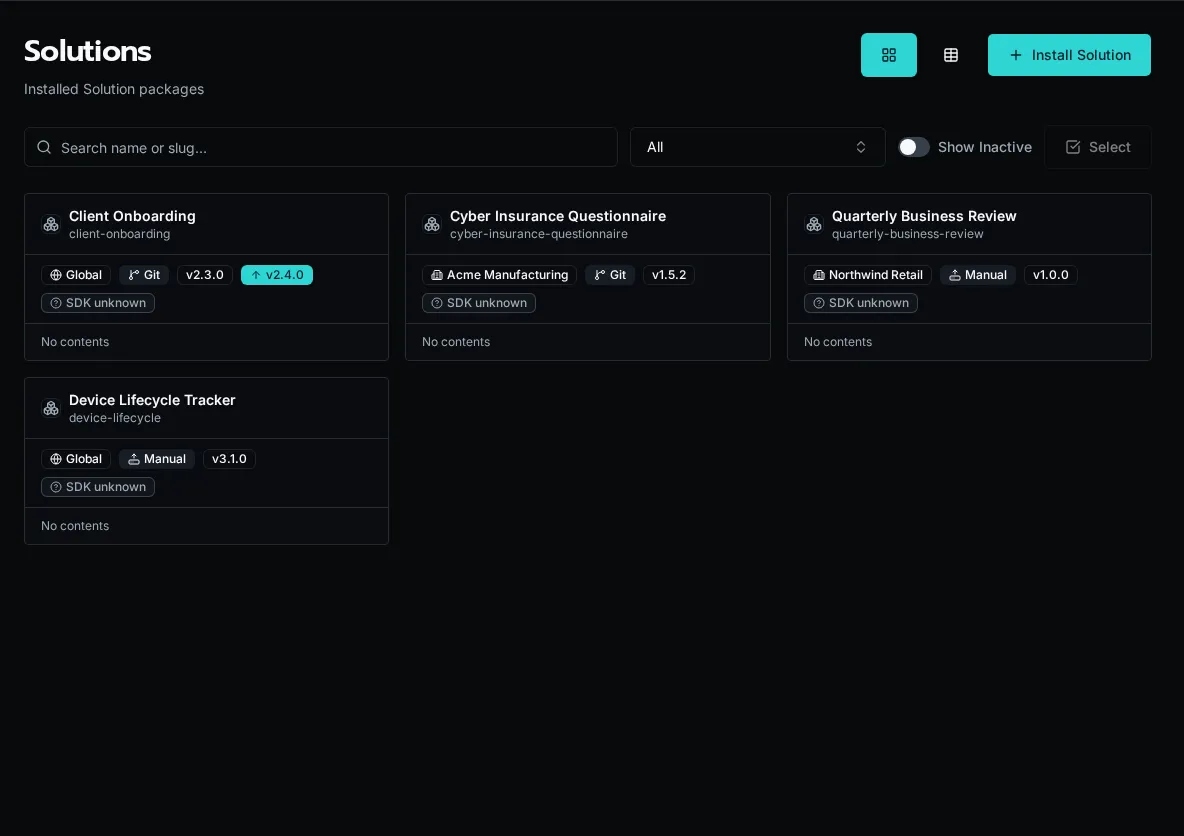
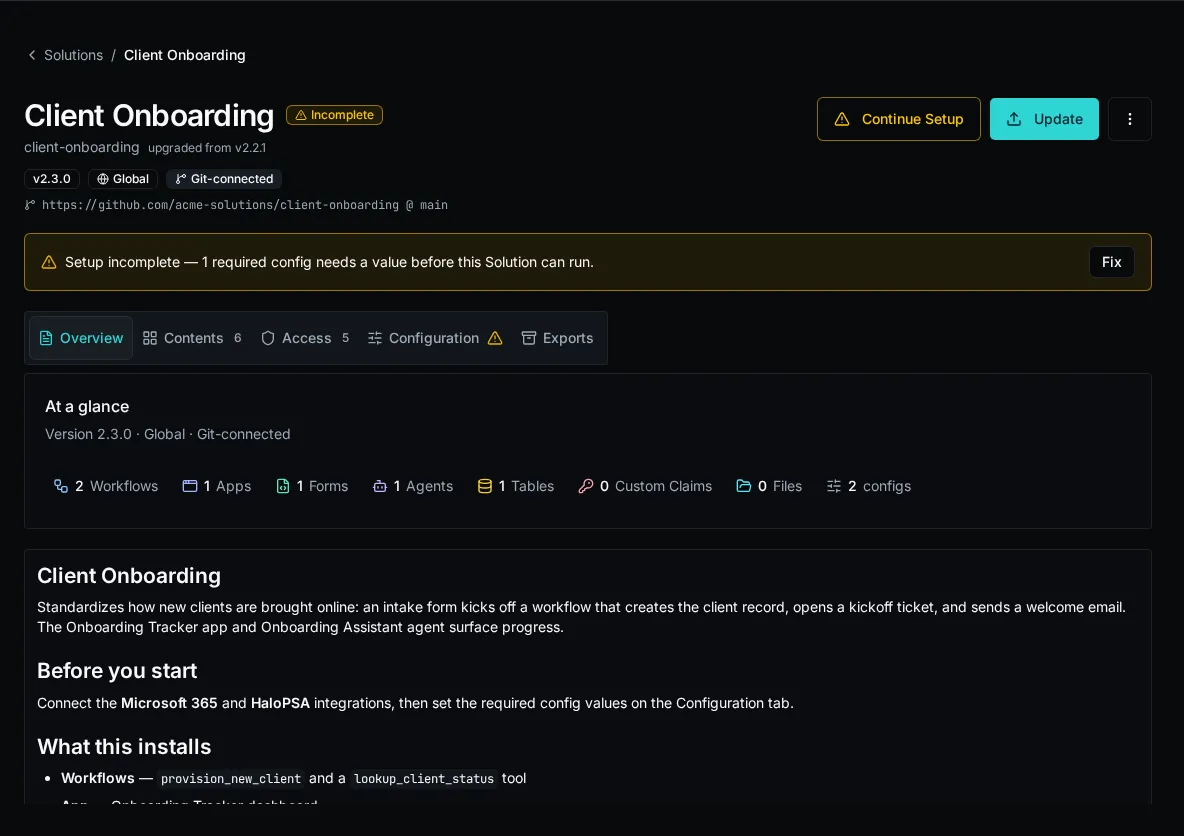
See the Solutions concept page for lifecycle and scope, and the Solutions how-to guides for the deploy, install, and local-dev flows.