
Exporting and Importing (Moved to Solutions)
Environment-to-environment portability is now handled by Solutions. The bifrost export and bifrost import commands have been removed.
A Solution packages a workspace into a single distributable unit and tracks it through install, update, and uninstall. It replaces the loose “scrub a directory of YAML and replay it” flow that the export/import commands provided.
What you used the old flow for maps onto Solutions like this:
- Promote dev → prod, or share with another environment — author a Solution and
bifrost solution deploy, or hand someone a zip frombifrost solution exporttobifrost solution install. - Back up a known-good state, including secrets —
bifrost solution export --mode full --password <password>produces a Fernet-encrypted backup; restore it withbifrost solution install <zip> --password <password>. - Keep a target environment from drifting — a Solution’s entities are read-only in the target; updates arrive only through deploy or auto-pull, so nobody edits them by hand.
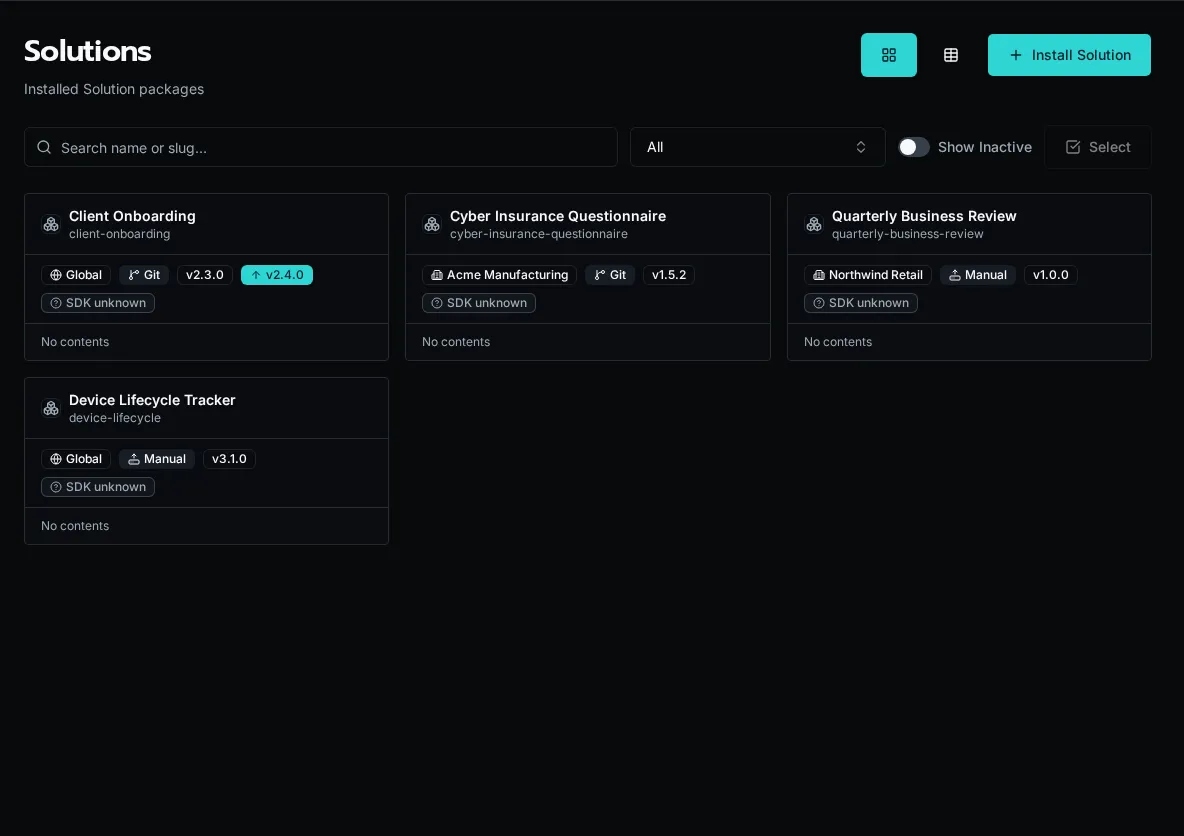
SolutionsWhat a Solution is, why entities are read-only in the target, and how the install lifecycle works.
Export or back up a SolutionProduce a shareable distribution zip or a password-encrypted full backup with bifrost solution export.
Install a SolutionInstall a packaged Solution into an org or globally — from a workspace zip or a git repo.