
Apps
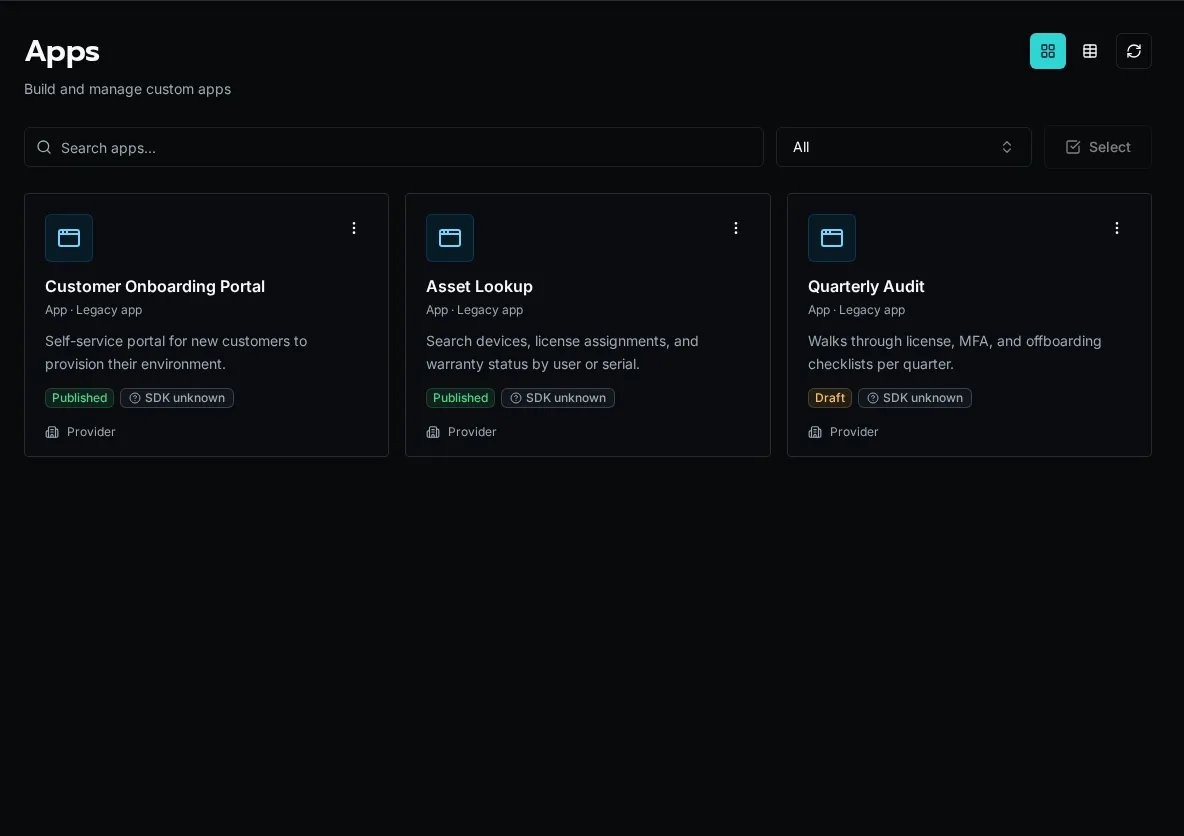
Build V2 React Apps independently or as part of a Solution, with the legacy inline runtime retained for existing Apps.
What is App Builder?
Section titled “What is App Builder?”App Builder lets you ship custom web applications backed by Bifrost workflows, tables, and auth. An app is a React + TypeScript project that mounts at /apps/{slug} and talks to the platform through the bifrost SDK.
There are two App runtimes. New Apps use V2. V2 has two ownership models: an independent App repository or a Solution-owned App.
| V2 (current default) | V1 (legacy) | |
|---|---|---|
| What it is | A real, self-contained React project | An inline bundle rendered by the platform |
| Rendering | Owns its own createRoot + <BrowserRouter> |
Platform renders your pages inline |
| SDK access | import … from "bifrost" (a real npm package) |
Everything injected via globalThis.__bifrost_platform |
| Where deps come from | Normal package.json (Vite, React, shadcn, lucide) |
A single "bifrost" import + up to 20 esm.sh packages |
| How it ships | Independently with bifrost app deploy, or with a Solution |
_repo source with draft and publish |
V2 React Apps
Section titled “V2 React Apps”A V2 App is an ordinary React project. It owns its root and router and imports the Bifrost SDK as a package served by the selected Bifrost instance.
Choose ownership
Section titled “Choose ownership”| Independent App | Solution App | |
|---|---|---|
| Choose it when | One frontend should have its own repository and deployment lifecycle | The App and its workflows, tables, configs, or other definitions must install and reconcile together |
| Source | Normal repository; no YAML and no _repo App source |
apps/<slug> plus Solution descriptor and manifests |
| Local development | bifrost app start against live registered workflows and data |
bifrost solution start with local Solution workflows and the install’s live data |
| Deploy | bifrost app deploy changes only the compiled App artifact |
bifrost solution deploy full-replaces the install’s managed definitions |
| Binding | Gitignored .env with BIFROST_API_URL and BIFROST_APP_ID |
Gitignored .env selects the Solution install |
Independent App source is never stored in _repo or a platform manifest. Deploy uploads source only for a durable server-side build, atomically activates the immutable compiled artifact, and discards the upload. A failed build leaves the previous deployment active.
Independent lifecycle
Section titled “Independent lifecycle”bifrost app create operations --name "Operations"cd operationsnpm installbifrost app startbifrost app deployapp start uses the current viewer’s selected organization by default. An authorized provider/admin can troubleshoot another organization with bifrost app start --org <ref>. App identity and runtime organization scope stay separate; the override does not bypass roles or resource policies.
Clone the repository anywhere and restore only its local binding:
bifrost app bind <app-id-or-slug> . --url https://bifrost.example.comSolution lifecycle
Section titled “Solution lifecycle”bifrost solution scaffold-app operationsbifrost solution start operationsbifrost solution deployUse this path when the App and its backing definitions are one portable product.
Project structure
Section titled “Project structure”my-app/ # repository root, or apps/my-app in a Solution package.json # Vite + React + your dependencies vite.config.ts index.html src/ main.tsx # createRoot + BifrostProvider — keep as scaffolded App.tsx # BrowserRouter + Routes components/ pages/Imports — where things come from
Section titled “Imports — where things come from”In a v2 app, only the SDK hooks and providers come from "bifrost". Everything else has its real home:
import { BifrostProvider, BifrostHeader, useWorkflowQuery, useWorkflowMutation, useTable, tables } from "bifrost";import { Button } from "@/components/ui/button"; // shadcn — NOT from "bifrost"import { useState } from "react"; // React — NOT from "bifrost"import { Link, useNavigate } from "react-router-dom"; // router — NOT from "bifrost"import { Phone } from "lucide-react"; // iconsWorkflow hooks
Section titled “Workflow hooks”Run workflows by portable path::function ref (or UUID — bare names aren’t unique):
import { useWorkflowQuery, useWorkflowMutation } from "bifrost";
const { data, isLoading, refetch } = useWorkflowQuery("functions/list_clients.py::main");
const { execute, isLoading: saving } = useWorkflowMutation("functions/save.py::main");await execute({ customer_id: "123" });
V1 legacy inline Apps
Section titled “V1 legacy inline Apps”The V1 model predates V2. The platform renders pages inline and injects React, shadcn components, react-router, and workflow hooks through globalThis.__bifrost_platform, so a V1 App imports everything from one "bifrost" specifier.
A v1 app is a set of files edited in place:
app.yaml # metadata (name, description, esm.sh dependencies)_layout.tsx # root layout — must use <Outlet />, not {children}pages/ index.tsx # / clients/[id].tsx # /clients/:idcomponents/Everything imports from "bifrost":
import { Button, Card, useState, useWorkflowQuery, Outlet, cn, toast } from "bifrost";Two rules that bite v1 authors: use workflow UUIDs (not names), and layouts must use <Outlet /> (not {children}).
Permissions
Section titled “Permissions”Control who can open an app with access_level:
everyone— any signed-in user, including external/portal usersauthenticated— signed-in users except external usersrole_based— specific roles only (setrole_ids)
Inside an app, gate UI on the current user’s roles with useUser() / hasRole() (and RequireRole in v1). See the SDK reference for the exact shapes.
Next Steps
Section titled “Next Steps”- Develop and deploy an independent App
- Solutions — how v2 apps are packaged, deployed, and updated
- Run a Solution Locally —
bifrost solution startfor app + workflow dev