
Set the Base Role for New Accounts
Set a global provisioning default or override it for one organization
Choose a Provisioning Default
Section titled “Choose a Provisioning Default”- Open Settings → Base Role Defaults.
- Choose Global or an organization in Scope.
- Choose the Base Role new people and custom identities should receive. The page shows the currently effective role and where it comes from.
- Choose Save Default. The new default applies when accounts are provisioned; it does not rewrite existing role assignments.
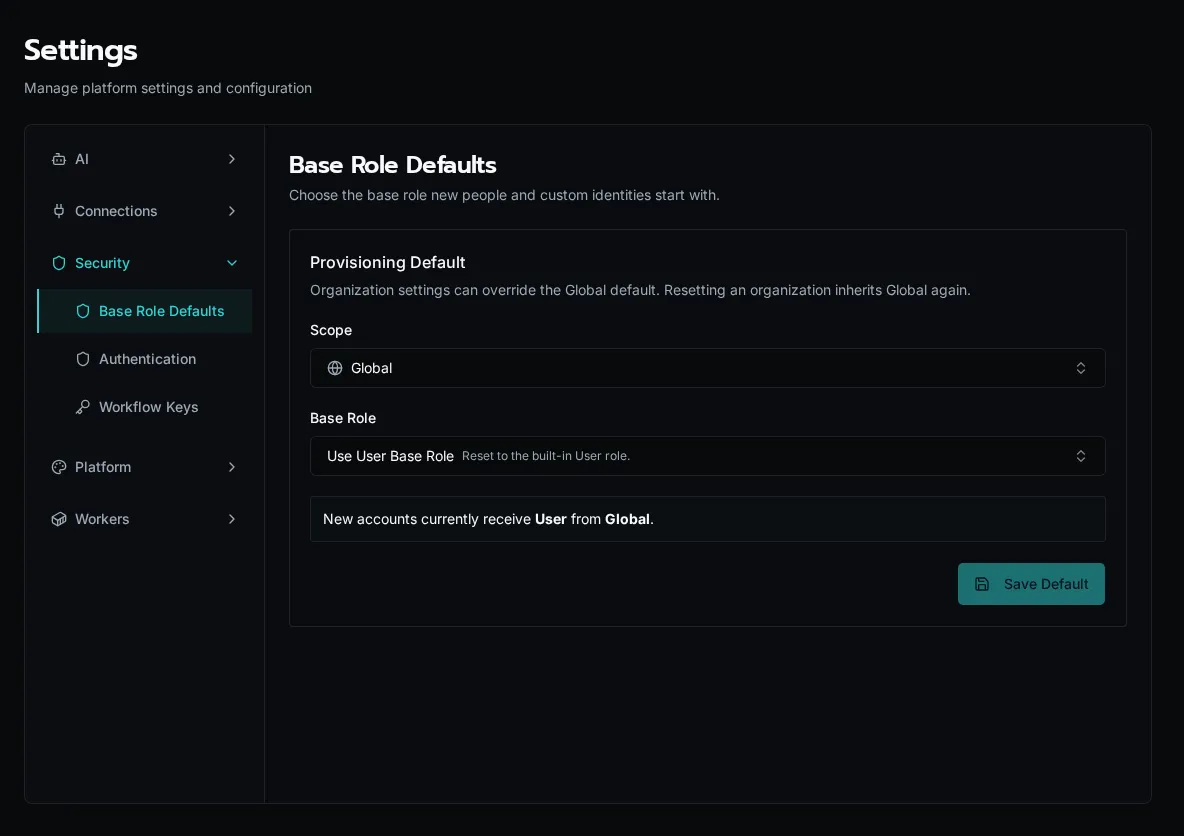
An organization’s override takes precedence over Global. Choose Inherit Global Default to remove that override. At Global scope, Use User Base Role resets the default to the built-in User role.
Existing people can receive a different base role or additional roles through their role assignments. Organization access and role permissions still determine their reach. Chat also requires its own permission; assigning access to an agent does not by itself grant access to Chat.