
Convert Workflow Permissions
Review suggested permissions before moving workflows to Declared Permissions
Review and Apply a Conversion
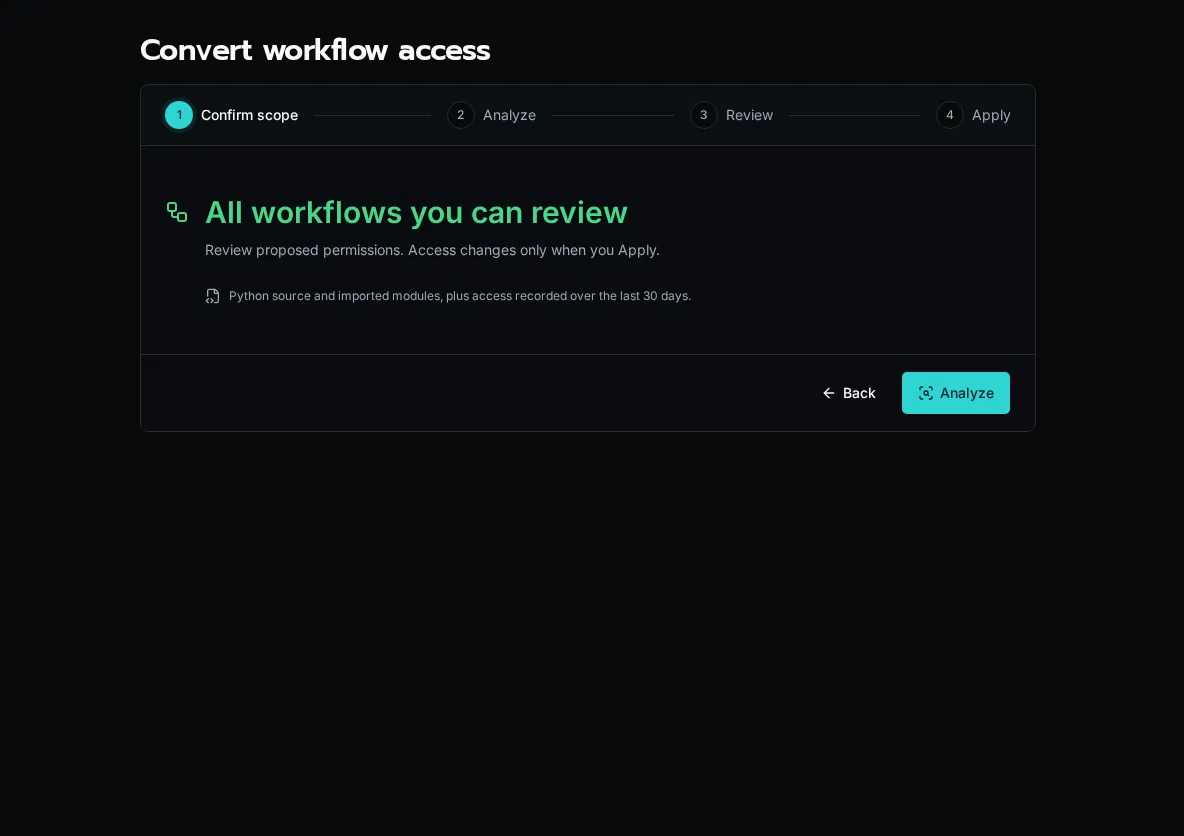
Section titled “Review and Apply a Conversion”- Open Workflows, select the workflows to review, and choose the conversion action. The conversion page at
/workflows/convertcan also analyze all workflows you can review. - Choose Analyze. Analysis considers Python source, imported modules, and access recorded over the last 30 days. It does not run your workflows or change access.
- Open each workflow’s review. Check suggested permissions, uncertainties, and any Solution declarations. Suggestions can miss dynamic behavior or grant more than necessary.
- Select the reviewed workflows and choose Review Selected, then Apply Reviewed Changes. Their current run identities and organization reach are preserved.
- Test important workflows, including their normal integrations and organization scopes. Resolve missing or excessive permissions before converting the remaining workflows.
Changing the platform default to Declared Permissions is a separate cutover. Review the remaining Full Access workflows and the readiness checks before confirming it. A conversion report alone does not prove a workflow’s business behavior.